
Visual learners rarely struggle with effort. They struggle with friction.
You sit down for IB revision, open a document, and the words start blurring into one long, grey wall. But give you a diagram, a clean timeline, or a single page that shows how ideas connect, and suddenly the subject feels… graspable. Like you can hold it in your head.
That’s the point of visual aids in IB prep: not to make studying prettier, but to make memory easier to access under exam pressure.
In this guide, you’ll learn how to use visual tools (mind maps, infographics, visual flashcards, and sketch-notes) in a way that actually improves IB performance. We’ll also show how to plug these methods into RevisionDojo so your visuals lead to marks, not just nice pages.
The visual learner’s IB checklist (steal this)
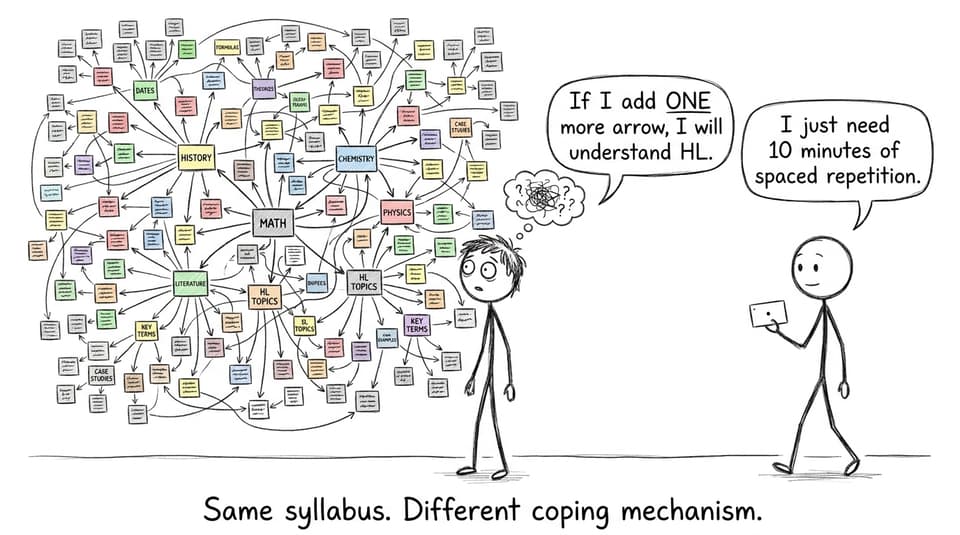
If you want a quick system before we go deeper, use this loop for IB revision:
-
Pick one micro-topic (small enough to finish today)
-
Build one visual summary (mind map, diagram, or one-page sheet)
-
Convert it into active recall (flashcards or questions)
-
Do exam-style practice under light time pressure
-
Review mistakes and redraw the confusing part from memory
This pairs well with RevisionDojo’s workflow: Study Notes for clarity, Flashcards for recall, the Questionbank for exam-style practice, and AI Chat when you hit a concept that refuses to click.
To plan your overall routine, keep this nearby: The Ultimate Checklist for IB Revision.
IB mind maps: the fastest way to see connections
Mind maps work for IB because the syllabus rewards connected thinking. Even in content-heavy subjects, marks often come from linking ideas, not listing them.
How to build an IB mind map that actually helps
-
Put a question, not a topic, in the center. Example: “How do enzymes affect rate?” beats “Enzymes.”
-
Keep branches to keywords and tiny diagrams (not paragraphs).
-
Add “exam triggers” on each branch: command terms, common traps, or quick examples.
-
End by covering the map and redrawing it from memory in 3 minutes.
If you want a broader strategy framework around how memory works in IB revision, pair this with: The Science Behind Effective IB Revision.
IB infographics: compress the syllabus into one page
Infographics are powerful for visual learners because they force you to compress. And compression is understanding.
The best IB infographics do one of three jobs:
-
Summarise a process (cycles, methods, steps)
-
Compare concepts (similarities vs differences)
-
Organise data (definitions, case studies, key graphs)
A simple template you can reuse
-
Title = the exam skill (e.g., “Explain + evaluate”)
-
Left side = the concept (definitions, key terms)
-
Right side = the application (mini example, common question types)
-
Bottom = 3 flashcard prompts (so it becomes active recall)
For more ideas on visual-first resources, explore: Visual IB Study Materials: Diagrams, Charts, and Graphics.
IB flashcards for visual learners: make recall visible
Flashcards aren’t just for language vocab. In IB, they’re one of the cleanest ways to turn visuals into retrieval practice.
Visual learners should design flashcards around:
-
A diagram you must label from memory
-
A graph shape you must sketch
-
A process you must reorder
-
A command term prompt (e.g., “Evaluate: give 2 pros, 2 cons, judgement”)
On RevisionDojo, you can keep this consistent with built-in spaced repetition: IB Flashcards with Spaced Repetition (SRS).
The rule that stops flashcards becoming “pretty notes”
If you can answer the card by recognising the picture instead of recalling it, it’s not training you for IB exams.
Fix: blur it.
Cover labels. Crop the diagram. Use a blank graph. Force yourself to rebuild it from memory.
IB diagrams, charts, and “draw it from memory” drills
Here’s a quiet truth: many IB students only realise they don’t understand something when they try to draw it.
Try this drill once per topic:
-
Look at the diagram for 60 seconds.
-
Close it.
-
Redraw it in 2 minutes.
-
Compare and circle what you missed.
-
Turn the missed parts into 3 flashcards.
This is where RevisionDojo becomes a full loop: review Study Notes, then practice with the Questionbank, then patch gaps with AI Chat, and finally lock it in with Flashcards.
If you want a full routine, use: How to Study for IB Exams: Step-by-Step Guide.
Visual note-taking for IB: sketchnotes without the art pressure
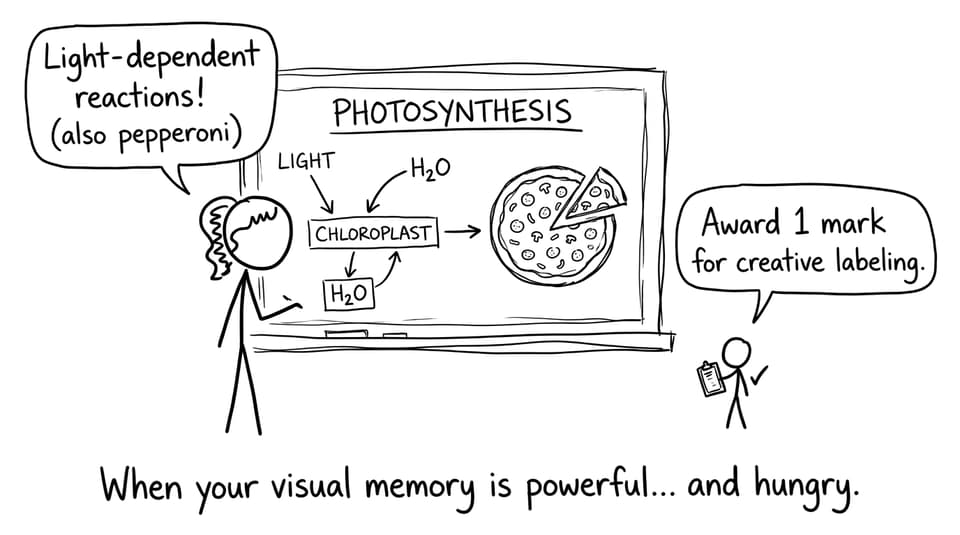
Visual note-taking (sketchnoting) sounds like it’s for artistic people. It isn’t.
It’s for people who remember structure.
A good IB sketchnote is basically:
-
simple icons
-
arrows for cause/effect
-
boxes for definitions
-
tiny examples
-
command term reminders
If you want subject-specific ideas, this is worth bookmarking: Visual Note-Taking for IB Subjects.
The “two-pen” method
-
Pen 1 (dark): facts, definitions, steps
-
Pen 2 (color): links, contrasts, warnings, command terms
This keeps your IB notes readable under stress, which is what matters.
Turn visual study into IB exam performance (the missing step)
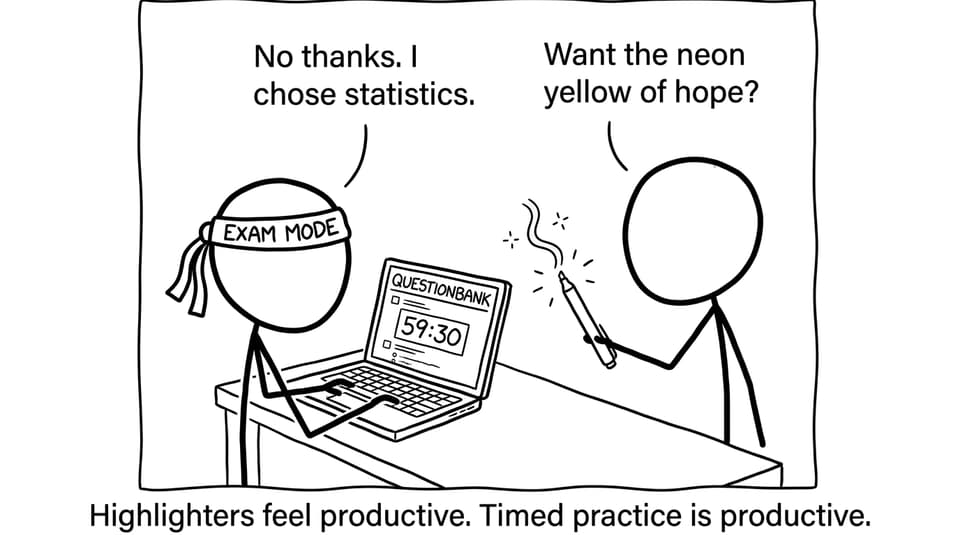
Visual aids feel satisfying. But IB grades come from performance: answering what the markscheme rewards.
So after every visual tool, do one of these:
-
10 minutes of topic-filtered questions
-
1 timed mini-section
-
1 written response graded with a rubric
RevisionDojo is built for that transition. You can go from concept to marks using the Questionbank, timed Mock Exams, and realistic Predicted Papers. If coursework is draining your time, the Coursework Library and Grading tools help you fix quality fast, and Tutors can guide you when you’re stuck in the same feedback loop.
For a practical guide to timed practice, see: How to Study for IB Mocks (Without Burning Out).
FAQ: IB revision for visual learners
How do I know which visual aid to use for each IB subject?
Start by matching the visual to the thinking task the IB paper demands. If the subject rewards processes and sequences (many sciences, methods, and multi-step math skills), use flowcharts and labelled diagrams. If it rewards comparisons and evaluation (humanities, economics, psychology), use two-column comparisons, concept maps, and “argument trees.” If you’re dealing with lots of factual content, use visual flashcards that force you to label, sketch, or recall shapes and relationships. The biggest clue is your mistakes: if you forget steps, build a sequence visual; if you mix concepts, build a comparison visual. Then test it immediately with practice questions so the visual becomes performance.
Can visual learning replace practice questions in IB revision?
Not if your goal is marks. Visual learning helps you build a mental model, but IB exams require you to retrieve, apply, and respond to command terms under time pressure. That’s why visuals should be a launchpad into active recall: flashcards, short quizzes, and exam-style questions. If you only make mind maps and infographics, you may feel fluent but still freeze when asked to “evaluate,” “analyse,” or “determine.” A better approach is: build one visual summary, then do a Questionbank set on that exact micro-topic, then revisit the visual to patch what broke. Over time, your visuals become leaner and your answers become faster.
What if my visuals take too long to make?
That’s a real problem, especially during peak IB season. Put a timer on visuals: 10 minutes for a mind map, 15 minutes for a one-page sheet, 5 minutes for a sketch diagram. The goal is clarity, not decoration. If you find yourself choosing fonts and aligning boxes, you’ve drifted into productivity theatre. Make the visual messy, then test yourself on it. If it helps you answer questions faster, it was worth it; if it doesn’t, simplify it next time.
How can RevisionDojo help visual learners specifically?
RevisionDojo helps because it connects visual understanding to exam results in one place. You can start with Study Notes to get a clean explanation and quick diagrams, then build recall with Flashcards that you review through spaced repetition. Next, you use the Questionbank to practise the exact skill the IB will test, and AI Chat to clarify confusion before it becomes a repeated mistake. When you’re ready, timed Mock Exams and Predicted Papers make the pressure feel familiar rather than scary. And if coursework is stealing revision time, the Coursework Library plus Grading tools help you improve efficiently, while Tutors provide targeted support when self-study stalls.
A calmer way to finish IB revision as a visual learner
The goal isn’t to become the kind of student who loves reading dense notes. The goal is to build a memory you can access on demand.
For IB visual learners, the winning formula is simple: build the picture, then prove it with practice. Make the mind map, then answer questions. Sketch the diagram, then label it from memory. Create the one-page sheet, then do a timed set.
If you want a clean place to run that loop daily, RevisionDojo gives you the full toolkit: Questionbank, Study Notes, Flashcards, AI Chat, Grading tools, Predicted Papers, Mock Exams, Coursework Library, and Tutors.
Pick one topic today, build one visual, and turn it into marks.