


Screens are where IB happens. They’re also where focus quietly goes to die.
One minute you’re opening a document for an IB essay. The next, you’re watching a “quick” clip that turns into twenty. That drift feels small, but it compounds into late nights, rushed revision, and the nagging sense that you worked all day without moving.
The goal isn’t to “quit screens.” IB students need them for research, writing, collaboration, and practice. The goal is to turn screen time into a deliberate tool instead of a default habit.
Quick checklist: a calmer screen-time plan for IB
Use this as your simple reset for IB exam prep:
-
Define one IB task per study block (not ten).
-
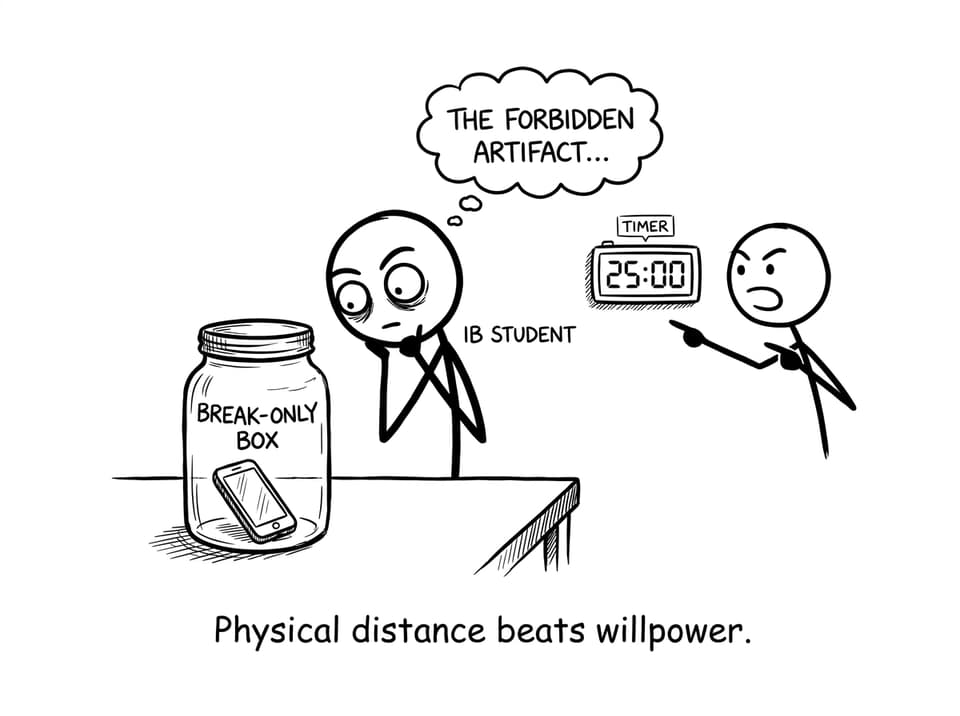
Put the phone out of reach during focus blocks.
-
Use a timer (25-45 minutes) plus intentional breaks.
-
Separate “study screens” from “scroll screens.”
-
Protect sleep with a screens-down window at night.
-
Replace drifting with structured practice and feedback.
If you want a structured workflow that keeps screen time productive, start with RevisionDojo and build a repeatable loop.
Why screen time is uniquely hard during IB
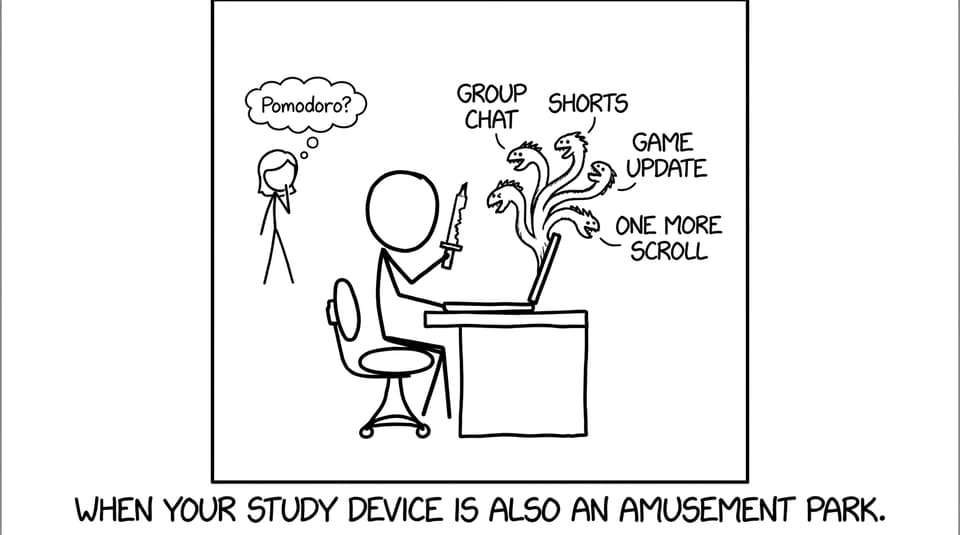
In IB, the same rectangle does everything: learning, drafting, messaging, entertainment, procrastination. That creates three problems.
First, context-switching is cheap. Your brain can jump from an IB question to a group chat in one thumb movement. Second, notifications train you to expect interruption, so deep work starts to feel “wrong” or boring. Third, exhaustion makes entertainment feel like relief, even when it steals tomorrow’s confidence.
That’s why the best screen-time boundaries for IB are physical and automatic, not moral and motivational.
Turn screens into “study devices,” not “everything devices”
A practical rule for IB students: one device is for study; the other is for breaks.
-
Laptop/tablet = IB work (notes, practice, writing).
-
Phone = break-only (messages in set windows, music if needed).
When you need a single place to stay focused, RevisionDojo helps because it keeps the IB loop tight: Study Notes for clarity, Flashcards for recall, Questionbank for practice, and AI Chat when you’re stuck.
Try these two internal reads to make the boundary stick:
Use timed blocks: the screen-time “container” that works
Most IB screen battles are really “no finish line” problems. If a session is vague, distraction wins.
Use a timer to create a container:
-
25-45 minutes: one IB outcome (example: 15 Questionbank questions on one topic).
-
5-10 minutes: break (ideally off-screen).
-
After 3 rounds: longer break.
This style pairs well with targeted practice, like RevisionDojo’s Questionbank, because your teen can start a block with a clear target and finish with feedback.
Swap doomscrolling for feedback loops
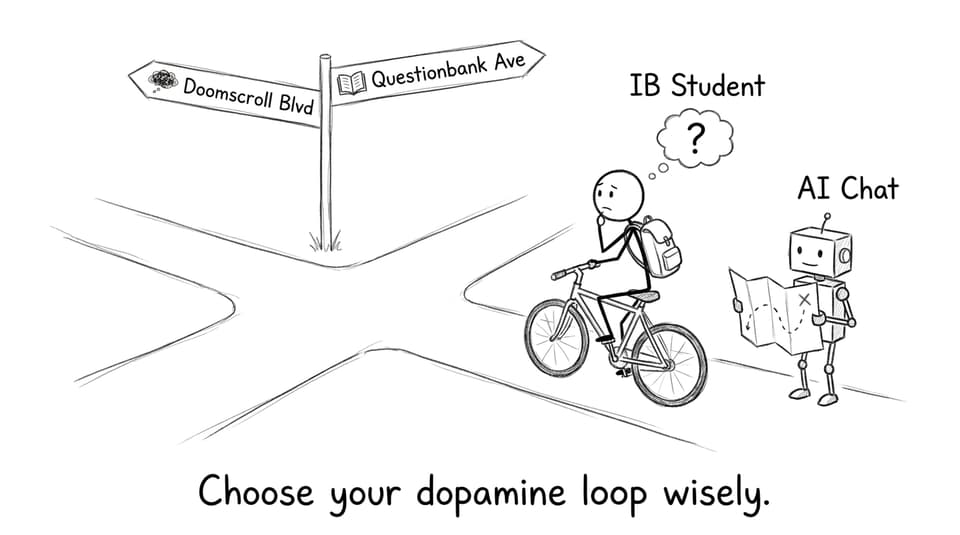
The secret isn’t “less dopamine.” It’s better dopamine.
Doomscrolling gives a quick hit with no closure. A feedback loop gives closure: you attempt, you get results, you adjust. That’s why exam practice feels satisfying when it’s structured.
A simple IB loop that keeps screen time clean:
-
Read one subtopic in Study Notes
-
Do a short set in the Questionbank
-
Review mistakes (write one-line fixes)
-
Lock in weak spots with Flashcards
-
Use AI Chat for one targeted confusion
If your teen needs a full routine, these guides help:
Protect sleep: the most under-rated IB screen-time boundary
If screens push bedtime later, everything in IB becomes harder: memory, mood, patience, and focus.
A workable rule is “screens down 30-60 minutes before sleep,” plus charging the phone outside the bedroom if possible. If that’s too intense, reduce brightness, use night mode, and set one alarm only.
For a realistic routine, see: Best Sleep Routine for IB Students (That Actually Works)
Conclusion: make IB screens work for you
During IB, screens are inevitable. Losing your focus to them isn’t.
Build boundaries that reduce decisions: phone out of reach, timed blocks, intentional breaks, and a study loop that produces feedback. When screen time leads to outcomes, it stops feeling like a fight.
If you want one calm place to keep IB screen time productive, use RevisionDojo as your control panel: Questionbank, Study Notes, Flashcards, AI Chat, Grading tools, Predicted Papers, Mock Exams, Coursework Library, and Tutors. Your teen still uses screens, but now they’re using them to win.