


You can feel it in DT classrooms around the world: someone builds something impressive… and still doesn’t break into the top band.
That’s the first quiet lesson of IB Design Technology. A 7 isn’t a reward for complexity. It’s a reward for thinking that is easy to see.
If you want a 7, your job is not to look like an engineer. Your job is to make an examiner think, “This student understands the criteria, and every decision has a reason.” This guide shows how to do that for both the IA and the exams in IB Design Technology.
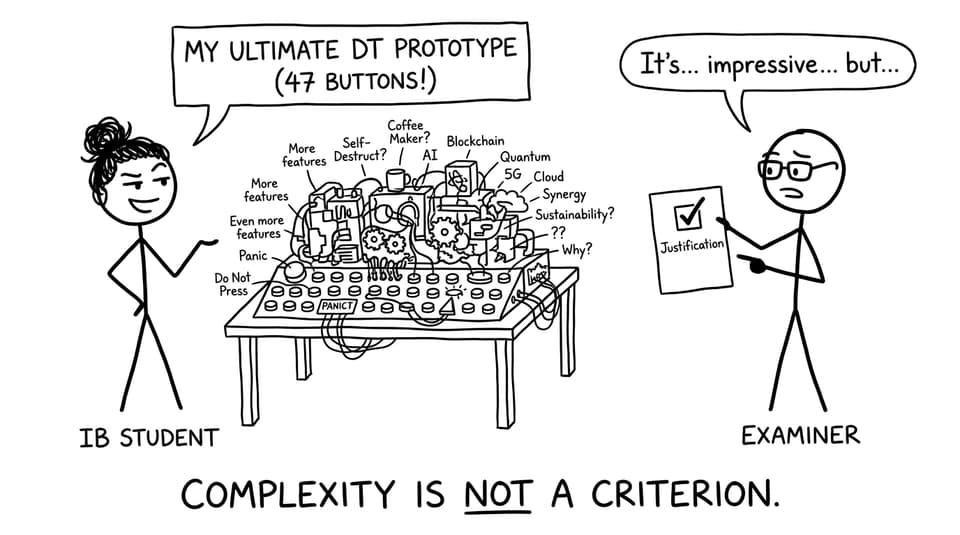
The Grade 7 checklist (print this mentally)
Before you add more work, check if you are doing these consistently:
-
Problem and user are specific, real, and evidence-based
-
Design requirements are testable (not vibes)
-
Iteration is documented as learning: test, then change, then justify
-
Evaluation uses data, feedback, and trade-offs
-
Exam answers follow command terms and apply theory to the scenario
When you need a single home base for the course, start with the IB Design Technology hub and the IB Design Technology posts tag.
What separates a 6 from a 7 in IB Design Technology
Most students who hover at 6 are working hard. The gap is usually structural:
Grade 7 work is easy to mark
A 7 makes the chain of reasoning obvious: research leads to requirements, requirements lead to tests, tests lead to iteration, iteration leads to evaluation.
Grade 7 work is honest
A 6 sometimes tries to hide weaknesses. A 7 uses weaknesses as evidence of insight: “Here’s what failed, here’s why, here’s what I changed.”
If you want the assessment logic made explicit, use How Is the IB Design Technology IA Graded? as your reference point.
How to build a 7-level IA in IB Design Technology
Start with the user, not the product
The simplest way to lose marks in IB Design Technology is starting with “I want to make X.” Examiners want “A specific user struggles with Y, and evidence shows Z causes it.”
If you’re choosing a direction, follow How Do You Choose a Good IB Design Technology IA Topic? and What Is the Best Way to Start the IB Design Technology IA?.
Write requirements that can actually be tested
Top-band requirements read like they were designed to be measured:
-
“Must be usable with one hand for 30 seconds without discomfort (self-reported user rating 4/5+)”
-
“Must withstand a 1 m drop test with no functional failure”
This matters because your testing and evaluation will reuse these exact statements.
Show iteration as a loop, not a timeline
A lot of students write “I iterated” as if the word itself earns marks. In IB Design Technology, iteration is a visible loop:
-
Test something early
-
Find a specific limitation
-
Change one variable
-
Explain why that change is better
-
Test again
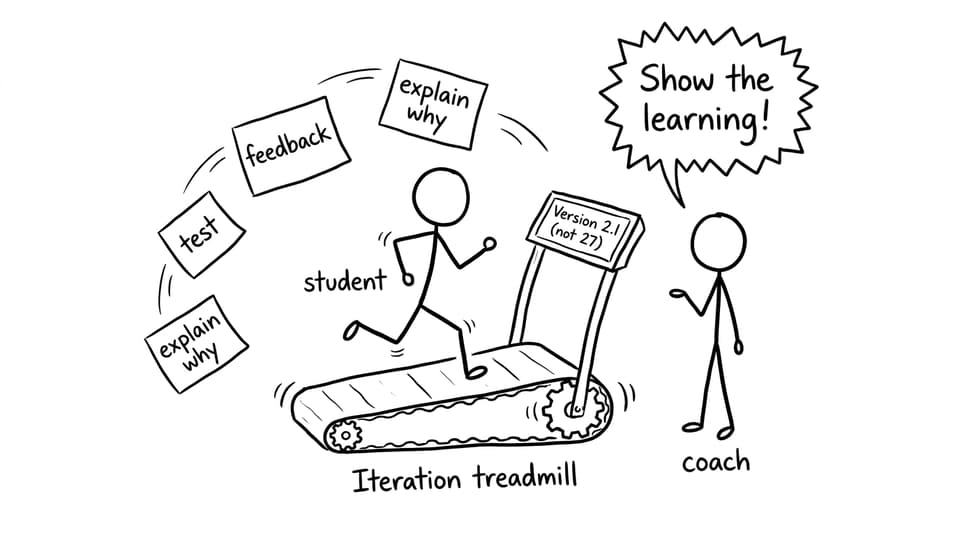
To make iteration unmistakable, use How Do You Show Iteration in the IB Design Technology IA?.
Evaluate with evidence, not adjectives
“Successful,” “aesthetic,” “ergonomic” are not evaluation. Evidence is evaluation.
Your evaluation should be structured around requirements, then supported by:
-
Test results (tables, measurements, before/after)
-
User feedback (quotes tied to specific requirements)
-
Trade-offs (what improved, what got worse, and why you accepted it)
If your research section is bloated, read How Much Research Do You Need in the IB Design Technology IA? and cut until every paragraph informs a decision.
How to score a 7 on IB Design Technology exams
The exam side of IB Design Technology rewards the same mindset: apply, justify, evaluate.
Treat command terms like instructions
“Analyse” is not “describe with extra words.” “Evaluate” is not “say it’s good.” Your structure should match the command term, then stay loyal to it.
Apply theory to the scenario (that’s where marks live)
Memorising definitions helps, but definitions alone rarely finish the job. Aim to:
-
Use DT concepts in the context given
-
Compare options (materials, processes, sustainability impacts)
-
Justify decisions with constraints

Practise under realistic conditions, then review like an examiner
RevisionDojo makes this practical: use Study Notes to patch understanding, Flashcards to keep concepts active, then the Questionbank to build exam patterns. When you want realism, add Predicted Papers and timed runs, then use AI Chat and Grading tools to see why marks were won or lost.
Start targeted practice from the DT Questionbank view and add exam rehearsal with Design Technology Predicted Papers.
A simple weekly routine for a 7
-
3x per week: 25 minutes IB Design Technology Questionbank + error log
-
Daily: 10 minutes Flashcards (materials, processes, sustainability, design cycle)
-
1x per week: one timed section from Predicted Papers, then review with AI Chat
-
1 IA block: one improvement loop (test, then change, then justify)
If you’re juggling IA and exams, follow How Do You Balance the IA and Exams in IB Design Technology?.
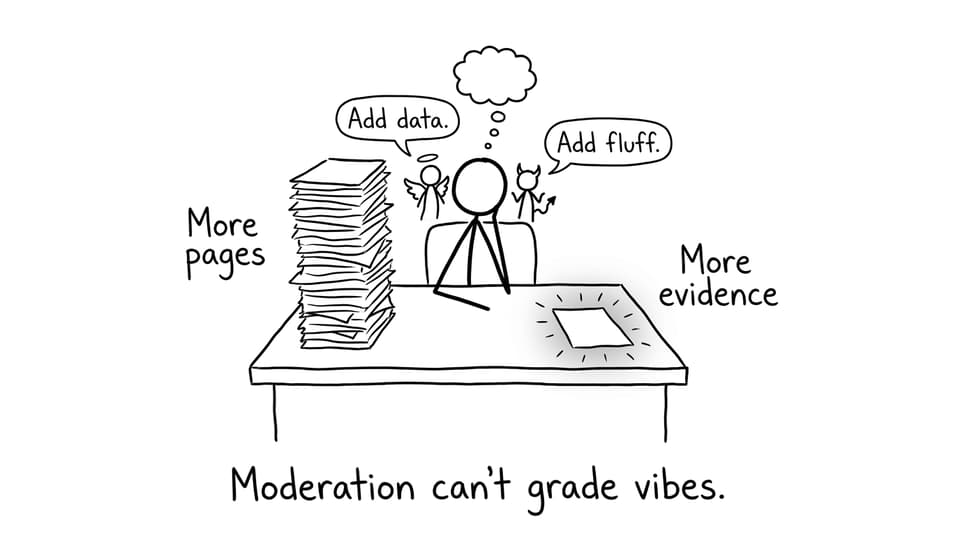
Conclusion: a 7 is a system, not a personality
A 7 in IB Design Technology is built from small decisions that compound: choosing a focused user, writing requirements you can test, iterating honestly, and answering exam questions with applied judgement.
If you want one place to run that whole system, RevisionDojo is designed for it: Questionbank, Study Notes, Flashcards, AI Chat, Grading tools, Predicted Papers, Mock Exams, Coursework Library, and Tutors. Start at the IB Design Technology hub, pick one weak area today, and make your thinking easier to mark tomorrow.