
The first page of an IA rarely looks like “the first page.” It looks like a blank document you reopen five times, a half-formed product idea you keep defending, and a quiet panic that you’re already behind.
If you’re doing IB Design Technology, the best way to start the IA is also the least tempting: slow down and earn clarity before you earn momentum. Because a strong start doesn’t just reduce stress. It protects marks later, when you’re writing evaluation and trying to prove your design decisions weren’t random.
In IB Design Technology, examiners don’t reward big ideas. They reward visible design thinking: a real user, a specific need, research that changes your decisions, and requirements you can actually test.
A quick checklist for starting your IB Design Technology IA
Use this as your “first week” filter:
-
Find a real user you can access for feedback
-
Write a problem statement that doesn’t hint at a solution
-
Collect focused research that will shape design choices
-
Turn research into testable design requirements
-
Plan your first iteration loop (feedback == change)
If you want examples of what this looks like in actual projects, browse IB Design Technology IA Examples: What Top Projects Look Like and compare how strong projects frame the problem.
Why the start matters in IB Design Technology
Most IA stress comes from a simple mismatch: students treat the start like brainstorming, but IB Design Technology assesses the start like an argument.
Your early sections quietly control everything that follows:
-
Your research quality (relevance beats volume)
-
Your specification (testable beats inspirational)
-
Your development (iteration needs evidence)
-
Your evaluation (requirements give you something measurable)
If you want to see how marks are actually awarded, keep How Is the IB Design Technology IA Graded? open while you plan. It changes the way you write from day one.
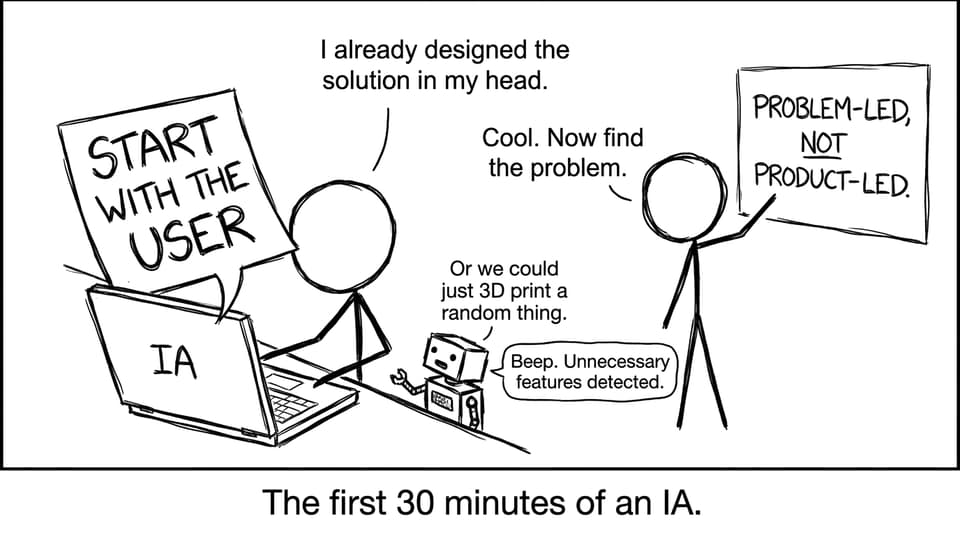
The biggest early mistake: starting with a solution
The most common trap in IB Design Technology is falling in love with a product before you’ve earned the problem.
It usually sounds like:
-
“I want to design a better water bottle.”
-
“I’m going to build a phone stand.”
-
“I’ll make an app for students.”
Then you reverse-engineer a “need” to match the idea. That creates vague justification, forced iteration, and evaluation that turns into opinion.
A safer path is to start with a person, not a product. If you want a list of traps to avoid, skim What Are the Most Common IB Design Technology IA Mistakes? before you commit.
Step 1: choose a real user you can actually reach
A strong IA in IB Design Technology begins with a user who:
-
is specific (one person or a defined group)
-
has a recurring, real constraint
-
can give feedback multiple times
Think “my aunt who has limited grip strength” or “the lab technician who carries glassware daily,” not “people who want convenience.” The user is your access point to authentic testing, and authentic testing makes iteration believable.
RevisionDojo’s IB Design Technology Resources hub is useful here because it keeps your design cycle language aligned with what the course expects, so you don’t drift into generic product design writing.
Step 2: write a problem statement that refuses to suggest a solution
A high-scoring IB Design Technology problem statement does four things:
-
names the user and context
-
describes what currently fails (with evidence)
-
explains why it matters (impact)
-
avoids hinting at what you will build
This is harder than it sounds. Your brain wants to jump to “therefore, I will design…” But you earn marks by staying in the problem long enough that your later decisions look inevitable.
When you’re ready, sanity-check your wording against how markers think using How Do Teachers Mark IB Design Technology Internal Assessments?. It’s a shortcut to writing what can be rewarded.
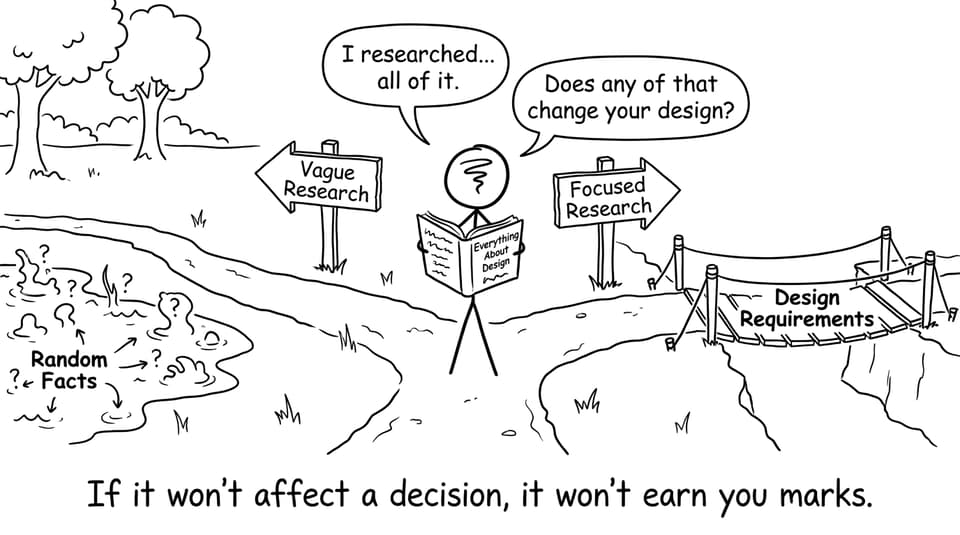
Step 3: do focused research that changes decisions
In IB Design Technology, research is not a museum of interesting facts. It’s a tool for narrowing options.
Early research should answer:
-
Why does the user struggle?
-
What constraints exist (materials, safety, ergonomics, cost, sustainability)?
-
What do current solutions fail to do?
If a source won’t change a decision, it probably won’t strengthen your IA.
For quick technical grounding while you research, RevisionDojo Study Notes are designed for fast clarity. For example, materials choices get easier when you can reference Properties of Materials Notes instead of guessing.
Step 4: convert research into testable design requirements
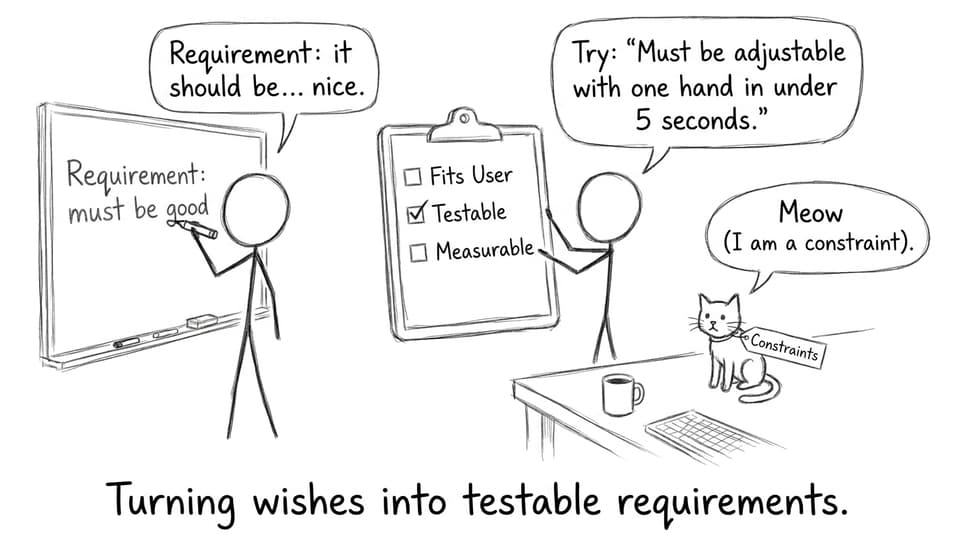
This is where many IB Design Technology projects quietly lose marks: requirements that can’t be tested can’t be evaluated.
Weak: “The product should be ergonomic.”
Better: “The product must be usable with one hand for 2 minutes without discomfort, based on user testing.”
Strong requirements are:
-
specific
-
measurable
-
linked to evidence (user or research)
A helpful habit is doing a quick rubric check early using the IB Design Technology HL IA Grader. Even one early “grading pass” makes your writing more criterion-aware.
Step 5: plan for iteration by assuming your first idea will change
A calm truth: your first concept is supposed to be wrong in at least one important way.
In IB Design Technology, iteration is not “I changed it a bit.” Iteration is: feedback produced a problem, the problem forced a change, and the change improved performance against requirements.
To make that easier, build a simple loop:
-
show concept to user
-
collect targeted feedback (linked to requirements)
-
adjust design
-
test again
When you’re close to the finish line later, use Finalise and Submit Your IB Design Technology IA so your last edits increase alignment, not just word count.
How RevisionDojo helps you start (and keep exams under control)
Students often fear the IA will swallow exam prep. RevisionDojo is built to prevent that.
-
Use Study Notes to make research fast and syllabus-aligned
-
Use Flashcards to keep key terminology active while you write
-
Use the Questionbank to keep exam practice alive alongside coursework
-
Use AI Chat when you’re stuck between two design directions
-
Use Grading tools to check rubric alignment before you overwrite
-
Use the Coursework Library to study structure and evidence patterns
-
Use Mock Exams and Predicted Papers to stay sharp for timed responses
-
If you need accountability, book Tutors to keep your IA scope realistic
You don’t need more hours. You need less wasted motion.
Closing: start slower so you finish faster
The best way to start the IA in IB Design Technology is to delay the satisfying part (solutions) until you’ve earned the right problem. Find a real user. Write a problem statement that stays clean. Research only what will change decisions. Convert evidence into testable requirements. Then iterate without ego.
If you want everything in one place, begin with RevisionDojo’s IB Design Technology hub, use the Coursework Library to calibrate quality, and check your direction early with the Grading tools. The earlier you make your thinking visible, the easier the marks become.