
You can spot the difference between a stressful IB Design Technology IA and a high-scoring one in a single moment: the first time you test something and it disappoints you.
Most students treat that moment like bad news. Examiners treat it like proof you’re doing design.
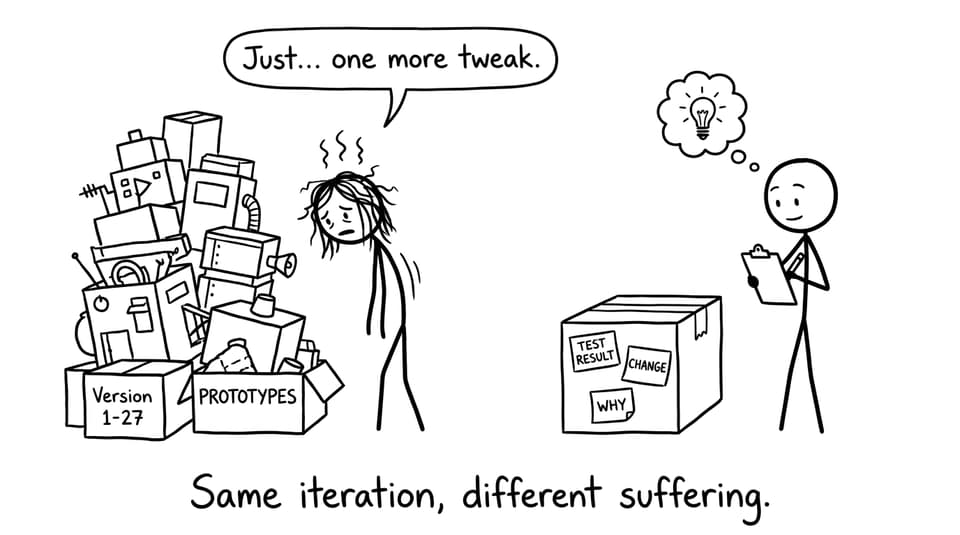
Iteration in IB Design Technology is not about building version 1, version 2, version 3 until you run out of glue. It’s about showing that your design decisions are earned--through testing, user feedback, data, and reflection. If the design never changes, it reads like a story where nothing was learned.
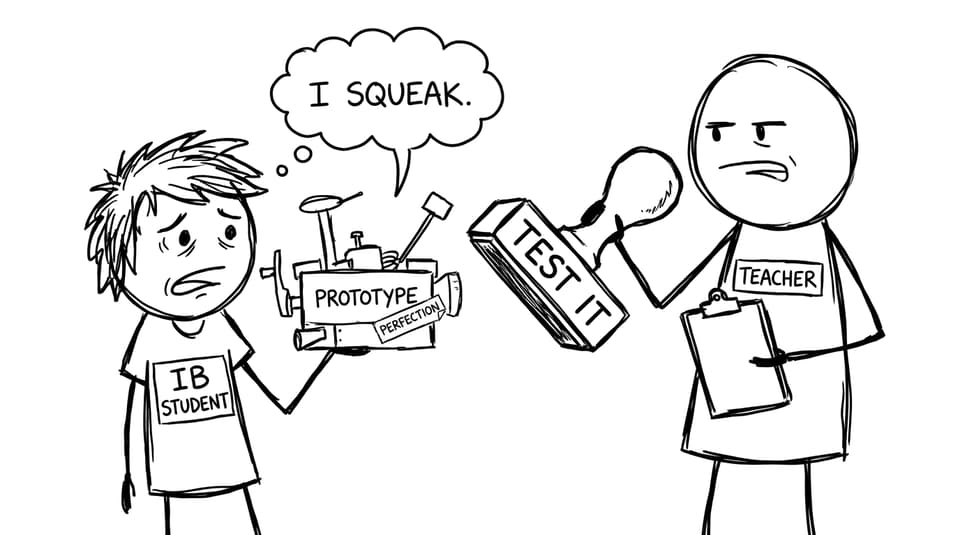
What “iteration” means in IB Design Technology
Iteration in IB Design Technology means making informed improvements to a concept, model, prototype, or system after you evaluate how it performs. The key word is informed. Your changes must be linked to evidence: measurements, observations, user trials, or analysis.
In practice, iteration usually looks like a loop:
-
Build or model something (even rough)
-
Test it against requirements
-
Identify what fails or underperforms
-
Change one or two variables
-
Explain why the change should improve performance
If you want a clean theory definition to anchor your write-up, RevisionDojo’s notes on Iterative modelling, testing and refinement match what strong IAs actually do.
A fast checklist for showing iteration (without overbuilding)
Use this when you’re drafting your development section in IB Design Technology:
-
Do I have test evidence (data, photos, annotated observations)?
-
Do I state the specific issue (not “it didn’t work”)?
-
Do I show the change clearly (before vs after)?
-
Do I justify the change using design reasoning (ergonomics, materials, mechanics, sustainability)?
-
Do I re-test after changes and comment on the outcome?
For a full IA structure that supports this loop, keep a tab open to Step-by-Step Guide to Writing a Winning IB Design Technology IA.
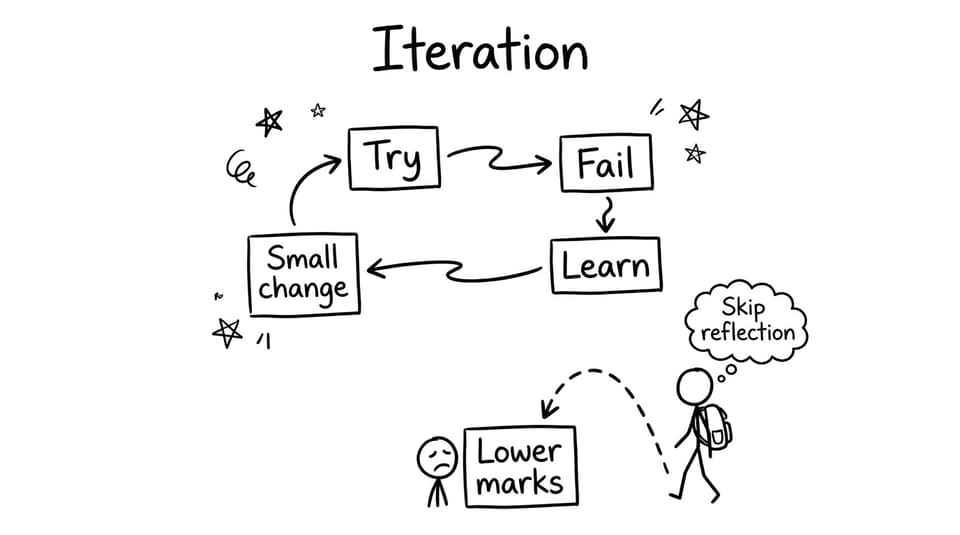
What counts as meaningful iteration (the examiners’ version)
Changes driven by testing and user feedback
The highest-value iteration in IB Design Technology starts with a test you can defend.
Examples of strong triggers:
-
A user says a handle causes wrist strain after 3 minutes
-
A hinge fails after 20 cycles
-
A tolerance stack causes wobble beyond an acceptable range
-
A material absorbs moisture and changes dimensions
Then you iterate directly from that finding: you adjust geometry, material choice, joint design, or component placement. You don’t need ten changes. You need one change that makes sense.
If your project is still early, start with the foundations first: What Is the Best Way to Start the IB Design Technology IA? helps you build a problem-led project where iteration happens naturally.
Iteration can be small (and still score well)
A quiet truth of IB Design Technology: small improvements, clearly justified, often beat dramatic redesigns with vague reasoning.
High-scoring “small” iteration examples:
-
Reducing a sharp edge radius after comfort testing
-
Moving a component 15 mm to reduce interference
-
Changing wall thickness to improve strength-to-weight
-
Switching fasteners to improve disassembly and repair
This is why clarity matters. Your evidence must make the change visible.
Digital iteration counts too
CAD edits, simulation adjustments, layout tweaks, and tolerance revisions all count as iteration in IB Design Technology if they influence your final decisions.
The trap is writing: “I changed the CAD to improve it.” Instead, record what changed and what metric improved. Screenshot before/after. Add one sentence connecting it to a requirement.
Where iteration should appear in your IB Design Technology IA
Iteration should be distributed across your story, not dumped at the end like a rushed apology.
Strong IB Design Technology IAs tend to show iteration in:
-
Early concept selection (why one concept was refined over another)
-
Development (prototype tests and design modifications)
-
Refinement (final adjustments based on performance)
-
Evaluation (what still isn’t perfect, and what you’d improve next)
If you’re unsure how marks connect to this, read How Is the IB Design Technology IA Graded? and treat each criterion like a prompt to show evidence-based change.
A simple “iteration paragraph” template you can reuse
When you write iteration in IB Design Technology, use a consistent mini-structure:
Test: What did I test, and how?
Result: What happened (data, observation, user quote)?
Issue: What specific weakness does that reveal?
Change: What exactly did I modify?
Why it helps: What principle supports the change?
Re-test: What improved, and what didn’t?
This makes iteration easy to spot for your teacher and any moderator reading quickly.
Common iteration mistakes (and quick fixes)
-
Claiming iteration without proof: Add before/after visuals or a test table.
-
Changing too many variables at once: Iterate one key factor so the cause is clear.
-
Hiding imperfections: In IB Design Technology, honest limitations are scoring opportunities.
-
Leaving iteration to the final page: Show the loop earlier so your process feels real.
For a broader list of avoidable errors, see Common IB Design Technology IA Mistakes and How to Fix Them.
Closing: make iteration visible, not heroic
The highest-scoring IB Design Technology IAs don’t feel perfect. They feel honest. They show a designer meeting reality, listening carefully, and adjusting with discipline.
If you want a single place to keep that process organized, use RevisionDojo as your DT home base: the IB Design Technology hub for Study Notes and Flashcards, Questionbank for exam-style practice, AI Chat when you’re stuck, Grading tools to rubric-check your draft, plus Predicted Papers and Mock Exams when timing starts to matter. And if you need examples of what “good” looks like early, the Coursework Library and Tutors can shorten your learning curve.
Iteration is not extra work. In IB Design Technology, iteration is the proof that your work meant something.