
A teacher once told my class: “Your math can be brilliant and still lose marks if the reader has to work to understand it.”
That is the quiet truth of the IB Math IA. A graph is not decoration. It is a claim you are making in visual form. If your axes are vague, your caption is missing, or your colors collapse into gray the moment someone prints the PDF, your argument starts to wobble.
This guide shows you how to format and label graphs professionally in the IB Math IA, with a checklist you can apply in minutes.
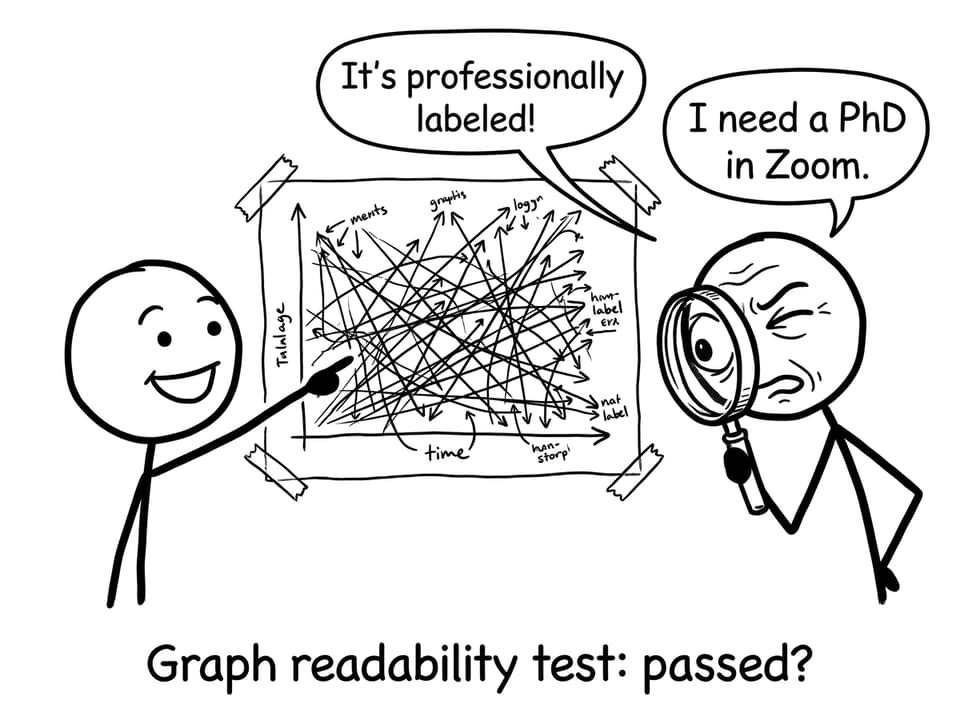
The IB graph checklist you should run every time
Before you paste a figure into your draft, pause and confirm:
-
Graph type matches purpose (relationship, distribution, model fit)
-
Axes are labeled with variable name + unit
-
Scale is sensible (not distorted, not zoomed so far it hides variation)
-
Title and caption are meaningful (not “Graph 1”)
-
Figure is numbered and referenced in your writing
-
Key features are annotated (turning points, intersections, anomalies)
-
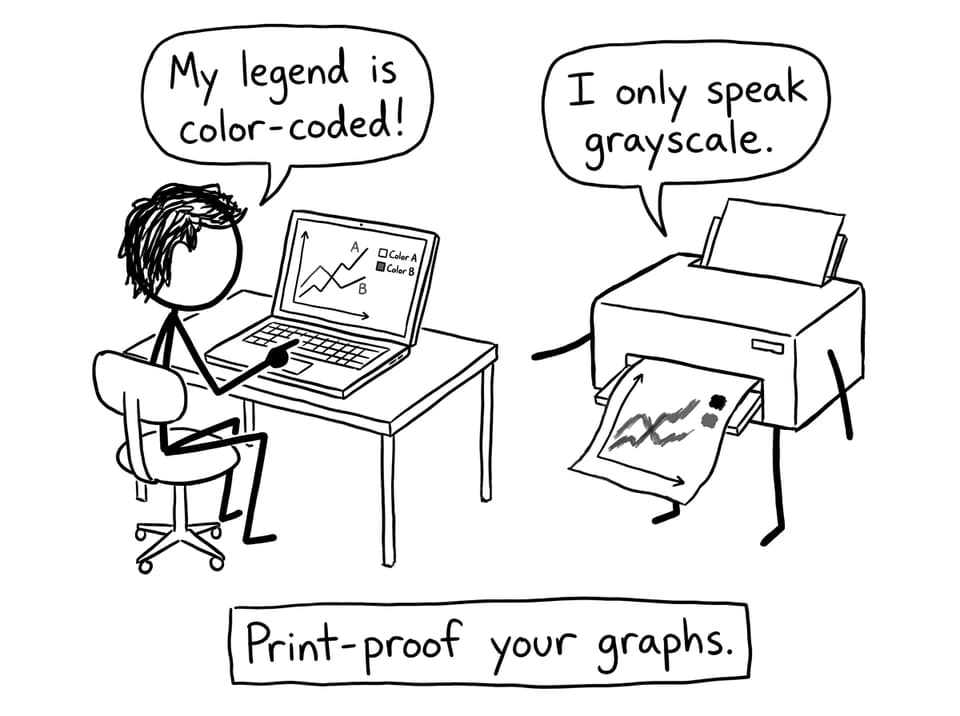
Legend is readable and still works in black and white
-
Formatting is consistent across the whole IB IA
If you want a wider formatting pass for the entire write-up (not just figures), pair this with How to Format and Present Your IB Math IA Professionally.
Choose a graph type that earns its place
In the IB Math IA, the best graph is the one that answers a question quickly.
-
Scatter plot: correlation, regression, residual thinking
-
Line graph: continuous change, functions over an interval
-
Histogram: frequency distributions and shape
-
Parametric plot: motion paths, relationships defined indirectly
If you are unsure whether a figure belongs in the main body, use the “15-second test”: cover your text and look only at the graph. If you cannot say what conclusion it supports within 15 seconds, it probably needs a better caption, clearer labels, or it belongs in an appendix.
For a deeper strategy on using visuals as evidence (not filler), see How to Use Graphs Effectively in Your IB Math IA.
Label axes like an IB examiner is scanning for errors
Axis labeling is where professionalism becomes obvious.
What “good” looks like
-
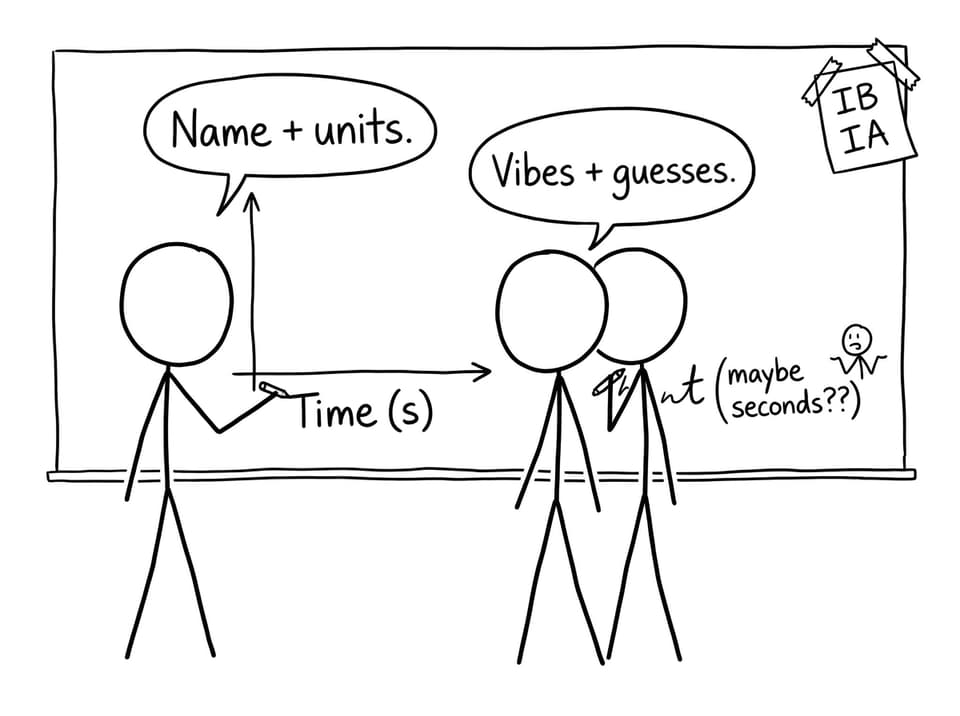
Variable name written clearly
-
Unit in parentheses
-
Consistent symbols with your algebra in the text
Example:
-
Time (s)
-
Temperature (°C)
What quietly loses clarity
-
Just “x” and “y” with no meaning
-
Units sprinkled in the caption instead of on axes
-
Switching between “t” and “time” depending on mood
When your IA gets longer, consistency becomes harder to maintain. RevisionDojo helps by keeping your learning loop tight: use AI Chat to sanity-check notation, then lock definitions into your Study Notes and Flashcards so you stop re-deciding labels each time you revise.
Titles, figure numbers, and captions that sound like you know what you’re doing
In the IB IA, a title should describe the relationship, not just the object.
-
Weak: “Graph 2”
-
Strong: “Figure 2. Exponential decay model of temperature vs time with best-fit curve.”
A simple template that works:
Figure X. [What the reader is seeing] + [context] + [model/feature].
Then, in your body text, reference it with purpose:
“As shown in Figure 2, the data follows an exponential pattern, supporting the model (T(t)=T_0e^{-kt}).”
If your overall mathematical writing still feels choppy, use How to Communicate Mathematical Ideas Clearly in the IB Math IA.
Formatting consistency: the invisible signal of a strong IB IA
Examiners read fast. Consistent visuals reduce friction.
Aim for:
-
One font family across all graphs
-
Similar font sizes for labels and legends
-
Uniform line thickness and marker sizes
-
A consistent color palette (or line style palette)
This is also where RevisionDojo’s ecosystem matters. If you are practicing graph interpretation for exams, run topic drills in the Questionbank for functions, modeling, and statistics, then use Grading tools to see how explanations are rewarded. For targeted practice workflows, try How to Use the Questionbank for Targeted Math Revision.
Scale, gridlines, and the “print-to-PDF” reality check
Bad scaling doesn’t look like a mistake. It looks like a vague conclusion.
-
Use uniform increments
-
Avoid dramatic zoom that exaggerates small differences
-
Use gridlines only if they improve readability
Most importantly: export to PDF and zoom out to 80% view. If your labels vanish, they were never really there.
And do a black-and-white check. Many IB submissions are viewed or printed without perfect color fidelity.
Annotate what matters (and delete what doesn’t)
Annotations are not a decoration layer. They are your reflection made visible.
Use short, precise callouts for:
-
Turning points and maxima/minima
-
Intersections (especially if they are used later in algebra)
-
Outliers and anomalies (with a sentence on why they might exist)
-
Model fit information (parameters, (R^2), residual patterns if relevant)
If you have many graphs, don’t let them pile up like receipts. Use a tighter selection and write better around them. This guide helps: How Many Graphs Should an IA Include?.
Quick RevisionDojo workflow for cleaner graphs and better exam prep
Professional graphs help your IA. The same habits also help you prepare for IB exams.
-
Use Study Notes to refresh the math behind the model you are graphing
-
Drill interpretation and modeling with the Questionbank
-
Use AI Chat to test whether your caption actually explains meaning
-
Run Mock Exams and Predicted Papers to practice reading graphs under time pressure
-
Check your draft with Grading tools for communication and presentation marks
-
Compare style against the Coursework Library and, if you want human feedback, book Tutors
If you are building toward more realistic timed prep, browse IB Predicted Papers and read Best IB Mock Exam Platform: Why Students Choose RevisionDojo.
Conclusion: make your graphs feel inevitable
In the IB Math IA, a professional graph is one that makes your conclusion feel unavoidable. The labels are calm. The scales are honest. The caption tells the reader what to notice. And your writing points to the figure as evidence, not as decoration.
If you want one place to tighten all of this, build your feedback loop in RevisionDojo: practice graph-heavy topics in the Questionbank, refine explanations with AI Chat, check presentation with Grading tools, and benchmark against the Coursework Library. Your graphs will look better, and your exam prep will get sharper at the same time.