


Your IB coursework is more than an assignment. It’s your thinking, your learning gaps, your half-finished arguments, and sometimes your personal story hiding inside a reflection.
So when you upload an IA draft, a TOK essay, or an EE section, the question isn’t just “Will this get graded?” It’s also: who can see it, where does it live, and how much control do I have?
This is where IB coursework privacy settings stop being a boring checkbox and start becoming something practical: a way to protect your work, your identity, and your peace of mind while you prepare for exams.
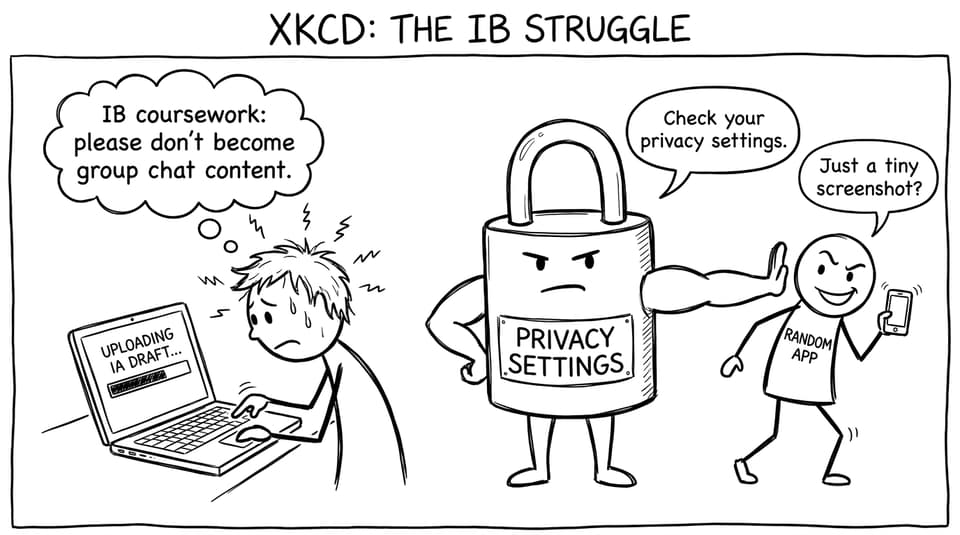
IB coursework privacy settings: a quick checklist
If you only have 90 seconds, use this mini-audit before you upload anything:
-
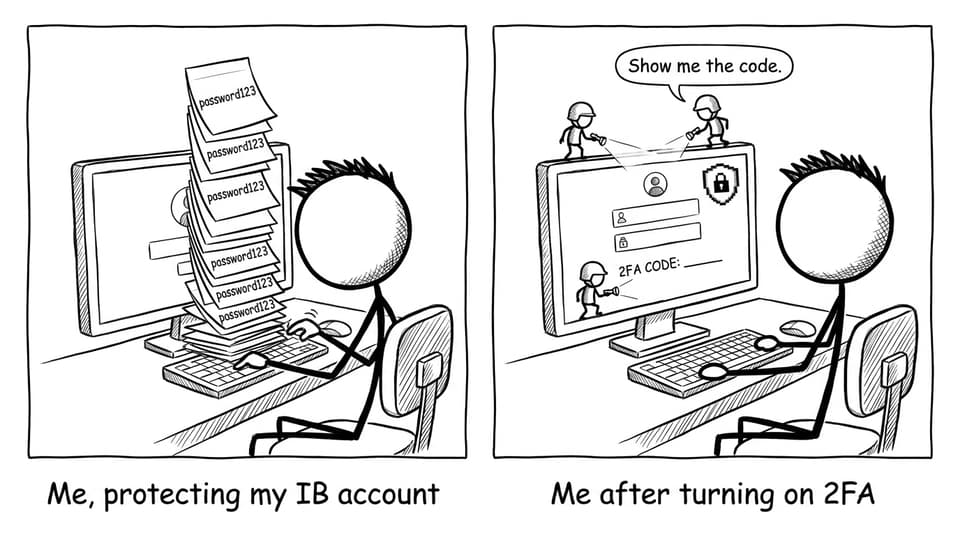
Use a strong password and turn on two-factor authentication (2FA)
-
Check who can access your drafts (private, tutor-only, teacher-only)
-
Know how to request access, correction, or deletion of personal data
-
Avoid uploading unnecessary personal details in early drafts
-
Keep a local backup of every major version
You can use this checklist with RevisionDojo’s tools as you revise: practice in the Questionbank, keep memory tight with Flashcards, and then upload drafts when you’re ready for rubric-aligned feedback in the IB Coursework Grader.
Why privacy matters for IB coursework (even if you trust everyone)
Most IB students assume privacy problems only happen when someone is actively “trying” to cause harm. But the most common risks are quieter:
-
A draft is shared too widely by accident
-
A link is forwarded without context
-
An old version resurfaces when you’ve already improved it
-
A platform keeps data longer than you expect
And the emotional cost is real. When you don’t feel in control, you start holding back. You write safer, less honestly. You delay feedback. You procrastinate. Your coursework becomes heavier than it needs to be.
Good IB coursework privacy settings are really about one outcome: you can focus on learning without feeling exposed.
How RevisionDojo protects IB students (and what you can control)
RevisionDojo is built as an IB-first platform, which means privacy has to work at the same standard as everything else: clear, practical, and student-friendly.
Transparent privacy practices you can actually understand
Privacy works best when it’s not mysterious. RevisionDojo publishes clear documentation and gives students rights over their personal information, including the ability to access, correct, or request deletion.
If you want to read the official details, start with the Privacy Policy. For a security overview designed to be readable (not legalese), the Trust Center is the best map.
Account security: small steps that prevent big problems
The most common “data breach” for students isn’t a hacker movie. It’s a reused password.
RevisionDojo supports layered protections like 2FA, role-based access controls, and audit logging (especially for school deployments). That matters because it reduces the odds of unauthorized access to your IB drafts, grades, or study history.
If you’re using coursework tools, read Secure IB Coursework Grading: Privacy-First Assessment Platform to understand how secure uploads and private feedback loops should work.
Control: the part most IB students forget to use
“Privacy” sounds passive. Like something a company gives you.
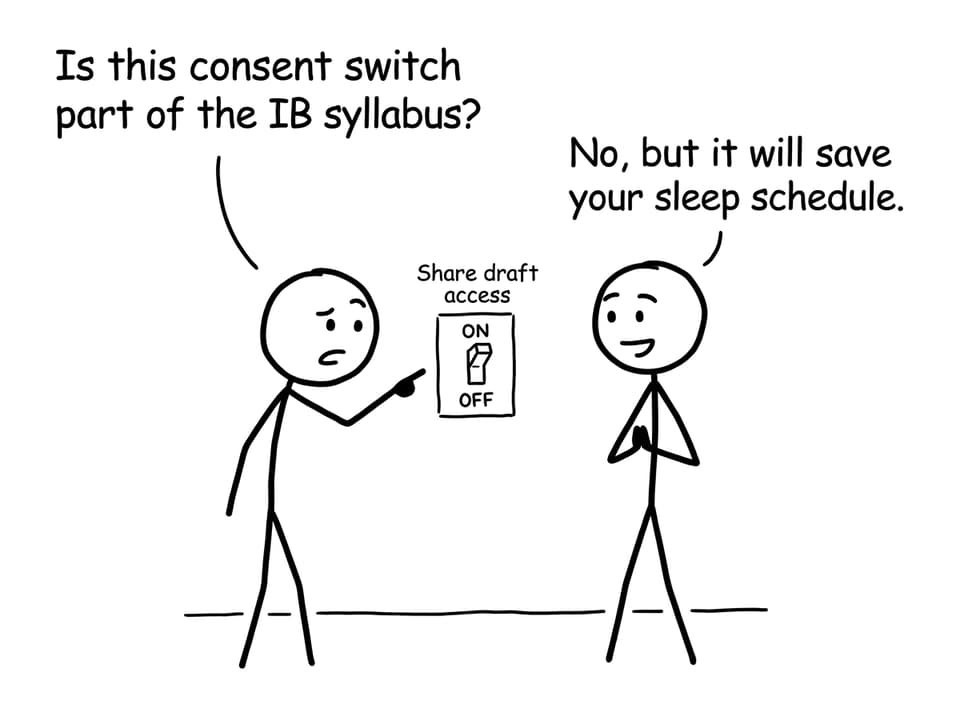
But strong IB coursework privacy settings are interactive. You choose how visible a draft is, when it’s shared, and with whom.
Managing personal data (your rights, in plain language)
On a modern student platform, you should be able to do four things without friction:
-
Share only the minimum info needed to study
-
Correct inaccurate personal details
-
Request deletion when you no longer want data stored
-
Withdraw consent where applicable
For many IB students, this becomes relevant at stressful moments: after exams, after a school transfer, or when you’re cleaning up accounts before university.
Draft visibility: keep early work private by default
Early drafts are supposed to be messy. That’s the point. Your best thinking usually arrives late, after feedback.
RevisionDojo’s coursework ecosystem supports privacy-conscious workflows, so you can keep drafts restricted until you choose to share them more widely.
If you want models without exposing your own writing, explore the Coursework Library feature or browse IB Coursework Examples: IA, EE and TOK Exemplars. You can also use IB Coursework Guides to check structure and criteria without needing to share personal drafts early.
Practical habits for IB students preparing for exams
Privacy gets easier when it becomes routine. Here are five habits that don’t add time to your day:
-
Create a “submission version”: remove your phone number, home address, and any irrelevant identifiers.
-
Separate feedback from sharing: get rubric-aligned guidance in the IB Coursework Grader before you send a polished version to your teacher.
-
Use one trusted home base: when everything lives in one place (notes, practice, drafts), you leak less information across random apps. The RevisionDojo for IB hub explains that workflow.
-
Practice exam skills without oversharing: run timed practice using IB Predicted Papers instead of uploading sensitive drafts to multiple tools.
-
Ask one question when unsure: use Jojo AI guidance to clarify what to redact or how to anonymize a reflection.
FAQ
Is my IB coursework used for advertising?
For IB students, this is the fear behind the fear: “Will my stress become someone else’s marketing profile?” On RevisionDojo, student data is described as being used for educational and platform-related purposes, not advertising. That matters because coursework often includes personal reflections and early drafts that you would never want targeted or repurposed. You should still read the platform’s documentation and confirm what cookies and analytics are used. The most important habit is to choose tools that can explain their data use without hiding behind vague language. If you want the primary source, review the Privacy Policy and the Trust Center so you know what’s promised and how it’s enforced.
Can I delete my data if I’m done with IB?
You should be able to, and you shouldn’t need to argue for it. Most students only think about deletion after exams, but the best time to understand deletion rights is before you upload your first major draft. RevisionDojo describes student rights to request access, correction, or deletion of personal data, aligning with modern privacy expectations. The practical benefit is simple: your work doesn’t have to live forever in places you’ve forgotten. If you’re under time pressure, bookmark the policy page now and come back after your mock exam week. It’s also wise to keep local backups so deletion never equals loss. That combination, control plus backups, is what “secure” really feels like.
Who can see my coursework drafts when I’m studying?
In a healthy IB workflow, your early drafts should be private by default and shared intentionally. The goal is to prevent accidental exposure while still getting the feedback you need to improve. RevisionDojo supports privacy-conscious study by pairing a Coursework Library (so you can learn from exemplars) with grading tools (so you can get rubric-aligned feedback) without turning your draft into public material. This helps because you can separate “learning from examples” from “sharing your own writing.” If you’re working with a tutor, restrict access to exactly that person and revisit permissions periodically, especially near deadlines. And if you’re ever unsure, choose the conservative option first: keep it private, then widen access later. Strong IB coursework privacy settings are about reversibility.
Closing: keep your work private so your progress can be public
IB students don’t need more anxiety disguised as productivity. You need a system that lets you practice hard, get feedback fast, and stay in control of your own work.
That’s the real purpose of IB coursework privacy settings: protecting your drafts so you can keep improving them.
If you want one platform where privacy, learning, and exam performance fit together, use RevisionDojo as your home base: drill with the Questionbank, lock in recall with Flashcards, ask questions in AI Chat, and refine drafts using the IB Coursework Grader and the Coursework Exemplars. Your IB prep gets simpler when your tools are built to protect you while you grow.