
The moment your calculator becomes a liability
There’s a special kind of exam-day panic that has nothing to do with calculus. It’s the moment you realize your calculator might be the problem.
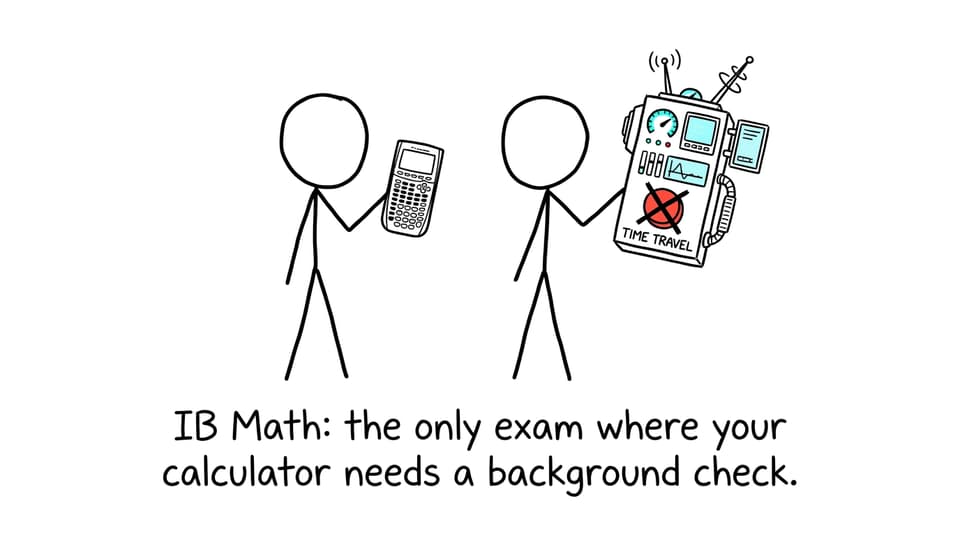
In IB Math, a calculator is either a quiet ally or an instant risk. The IB is strict: bring a forbidden model (or the right model with the wrong features enabled) and you can lose your chance to show what you actually know. This guide is here to keep you calm, compliant, and focused.
Quick checklist: how to avoid a calculator disaster in IB Math
-
Confirm your calculator is non-CAS (no symbolic algebra).
-
Use Exam Mode / Press-to-Test when your school requires it.
-
Clear memory and reset documents/apps as instructed.
-
Practice IB Math questions with the same settings you’ll use in the exam (degree/radian, stats diagnostics, etc.).
-
If unsure, ask your IB coordinator long before exam week.
For calculator-heavy strategy (without the stress), see How to Prepare for IB Math Paper 2 (Calculator Allowed).
What makes a calculator “forbidden” in an IB Math exam?
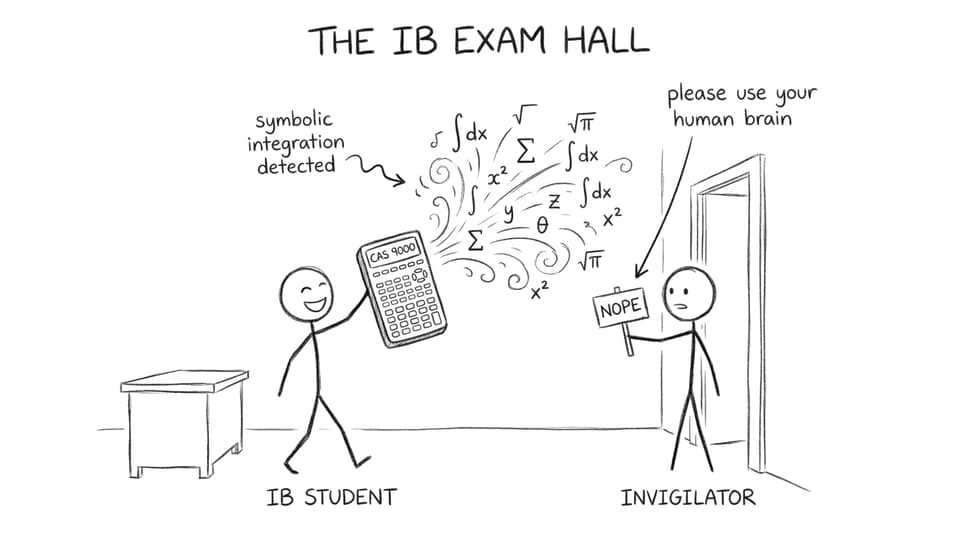
In IB Math, the line is simple: calculators that can do algebra for you are not allowed. The biggest red flag is CAS (Computer Algebra System), which can manipulate expressions symbolically (like factoring, expanding, or doing exact integration).
A good mental test: if your calculator can give exact symbolic steps that replace mathematical reasoning, it’s probably not exam-compliant.
RevisionDojo’s broader IB Math resources help you build skill so you rely on technology for speed, not for thinking: IB Mathematics Analysis and Approaches.
Common forbidden calculators (and the safe alternatives)
CAS versions of otherwise “normal” calculators
Some models come in both CAS and non-CAS versions. In IB Math, the CAS version is the one that gets you into trouble.
Allowed (non-CAS versions):
-
TI-Nspire CX II (non-CAS)
-
HP Prime (non-CAS)
Forbidden:
-
Any TI-Nspire CX CAS variant
-
Any HP Prime CAS variant
“Allowed model” but with risky setup
Even an approved calculator can become a problem if it contains stored material, custom programs, or settings your school flags. Many schools require memory clearing and an enforced exam setting.
If you use a TI model, this guide helps you build confidence with the tool while staying exam-ready: How to Use the TI-84 Calculator for IB Math AA.
Approved calculators students actually use for IB Math
Most IB Math students stick with well-known, IB-compliant graphing calculators:
-
TI-84 Plus series (including CE)
-
Casio FX-9860GII
-
Casio FX-CG50
-
TI-Nspire CX II (non-CAS)
-
HP Prime (non-CAS)
To learn exam-efficient calculator habits (graphing, regression, numerical solving), use How to Use Graphing Calculators During IB Math Exams.
Build exam confidence (not calculator dependence)
A calculator can’t rescue weak foundations. The real unlock is pairing strong methods with smart practice.
That’s where RevisionDojo becomes the most reliable IB Math training partner:
-
Use the Questionbank to drill calculator-active topics until they feel automatic.
-
Use Study Notes and Flashcards to keep methods sharp for no-calculator moments.
-
Use AI Chat when you’re stuck and need the next hint (not the final answer).
-
Use Grading tools to learn how marks are actually awarded.
-
Use Mock Exams and Predicted Papers to rehearse performance under pressure.
-
Use the Tutors option when you need fast, targeted help.
If you want a tight practice loop, start with How to Use the Questionbank for Targeted Math Revision and then simulate timing with How to Use the Exam Builder for Efficient Math Revision.
Final thought: make IB Math exam day boring
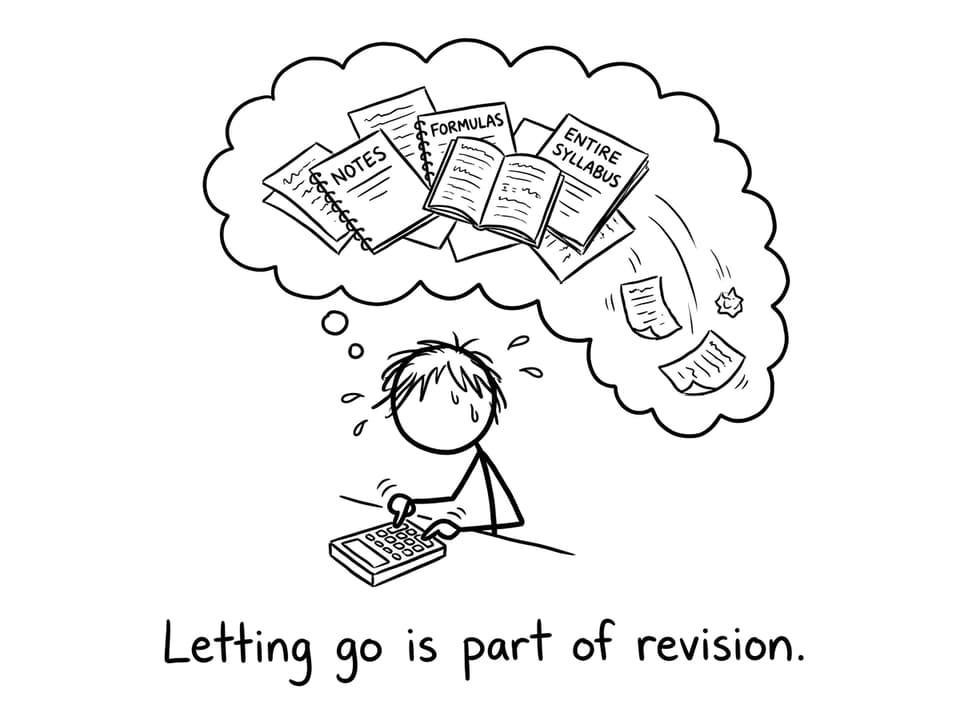
The best IB Math exam is the one where your calculator feels boring: approved, reset, familiar, and predictable. Get the compliance piece done early, then spend your energy where marks are actually earned: methods, reasoning, and clean communication.
When you’re ready, build that calm momentum with RevisionDojo: start at the RevisionDojo home hub and train with Notes, Flashcards, AI Chat, Questionbank, Predicted Papers, and Mock Exams until exam day feels like just another practice session.