

If you have ever tried to print an assignment five minutes before class and the printer “mysteriously” vanishes, you have already met the real reason networks exist: shared things, shared time, shared panic.
In IB Computer Science, computer networks are not just background tech. They are a mark-scheme topic. Examiners want precise language: devices, connections, data, resources, communication. And they want you to classify networks by range and purpose -- especially LAN, WAN, and PAN.
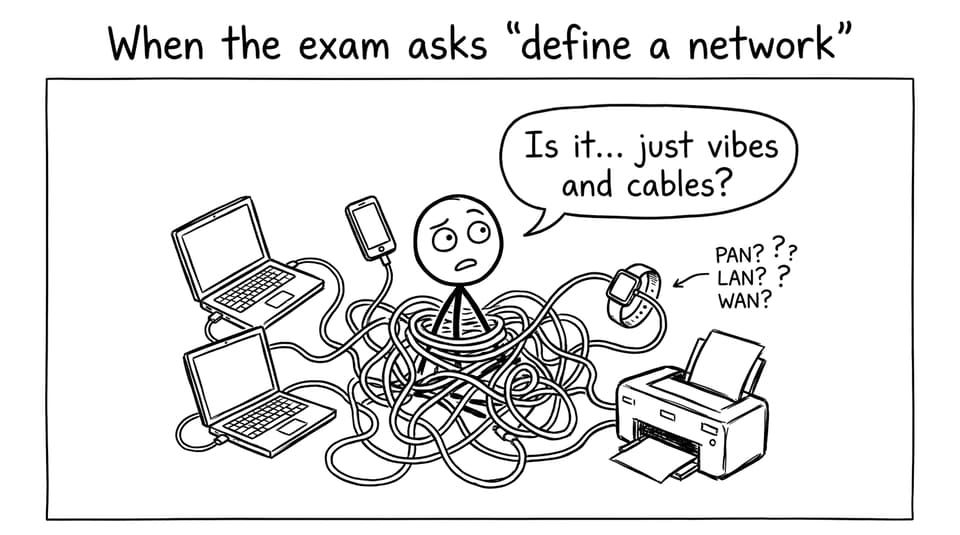
What is a computer network? (IB Computer Science definition)
A computer network is a group of interconnected devices that can communicate and share data/resources.
Keep your exam explanation tight:
-
Devices: computers, servers, printers, phones, IoT
-
Links: wired (Ethernet) or wireless (Wi‑Fi/Bluetooth)
-
Purpose: communication + sharing
If you want a syllabus-aligned refresher, use the IB Computer Science 3.1 Networks hub and the 3.1 Networks Notes.
Quick checklist: how to tell LAN vs WAN vs PAN
When a question asks for network type, scan for:
-
Geographical range (meters? building? countries?)
-
Who owns/manages it (you? school? telecom providers?)
-
Typical tech (Bluetooth, Wi‑Fi, leased links)
-
Speed/latency expectations
This “compare by criteria” style is exactly how IB Computer Science tends to award marks.
LAN in IB Computer Science: the “same site” network
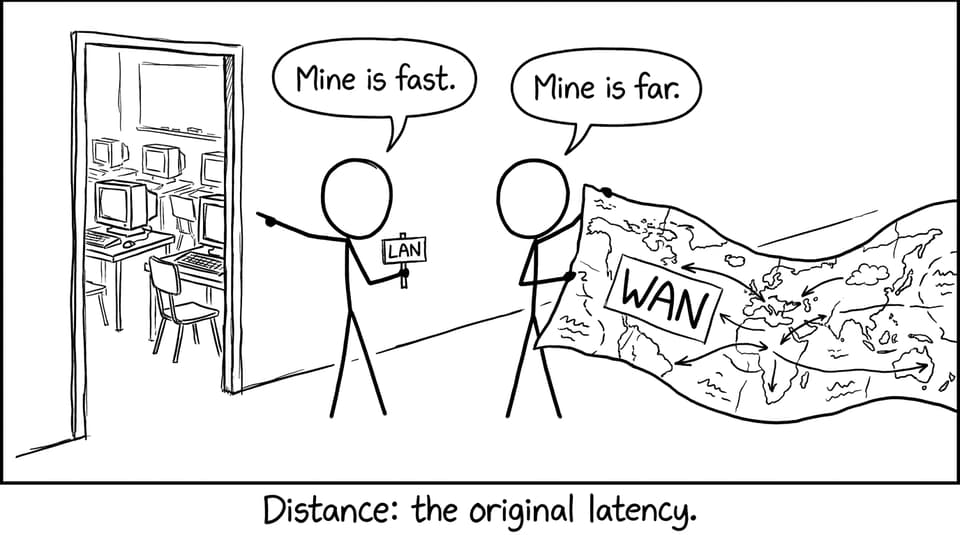
A Local Area Network (LAN) covers a small area like a home, school, office, or single building.
LAN characteristics you can write in an exam:
-
High speed, low latency
-
Typically privately owned/managed (one organisation)
-
Uses Ethernet and/or Wi‑Fi
Good examples: a computer lab network, a home router connecting devices, a school’s internal printer system.
Practice exam-style LAN questions in the Networks Questionbank and tighten definitions using the IB Computer Science Key Definitions.
WAN in IB Computer Science: networks that connect networks
A Wide Area Network (WAN) spans a large geographical area and typically connects multiple LANs.
WAN characteristics to remember:
-
Larger range (cities, countries, continents)
-
Often relies on public/leased communication links
-
Usually higher latency and lower speed than a LAN
The classic example is the Internet, but you can also describe a company linking branch offices.
If you want to extend this topic (and pick up extra marks in related questions), pair WAN knowledge with VPNs Explained for IB Computer Science and the TCP/IP Model Explained for IB Computer Science.
PAN in IB Computer Science: the “around one person” network
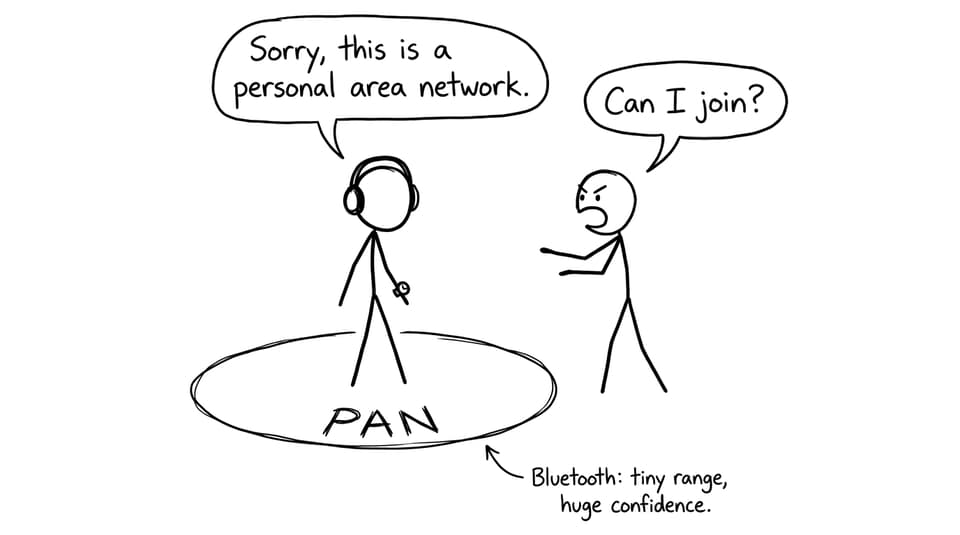
A Personal Area Network (PAN) is very short-range, built for one user’s personal devices.
PAN characteristics:
-
Short range (often within ~10 meters)
-
Low power, convenience-focused
-
Commonly uses Bluetooth
Examples: phone + smartwatch, wireless earbuds, keyboard to tablet.
Common exam mistakes (and how to avoid them)
-
Mixing up LAN and WAN: If it connects multiple sites or cities, it is a WAN.
-
Forgetting PAN exists: Bluetooth accessories are your quickest PAN example.
-
Being too vague: In IB Computer Science, “computers connected together” is rarely enough. Add purpose and range.
For a broader revision workflow, anchor your study in the IB Computer Science Resources hub and build consistency using RevisionDojo’s Study Notes, Flashcards, and Questionbank.
Conclusion: turn network types into easy marks
LAN, WAN, and PAN are simple ideas with strict exam expectations. In IB Computer Science, the difference is not memorising three acronyms -- it is explaining range, ownership, typical technology, and purpose with confident examples.
If you want to lock this down quickly, use RevisionDojo’s Study Notes for clean definitions, the Flashcards for fast recall, and the Questionbank (with AI Chat feedback and grading tools) to practise writing mark-scheme-ready answers under time pressure. That combination is where understanding turns into points.