

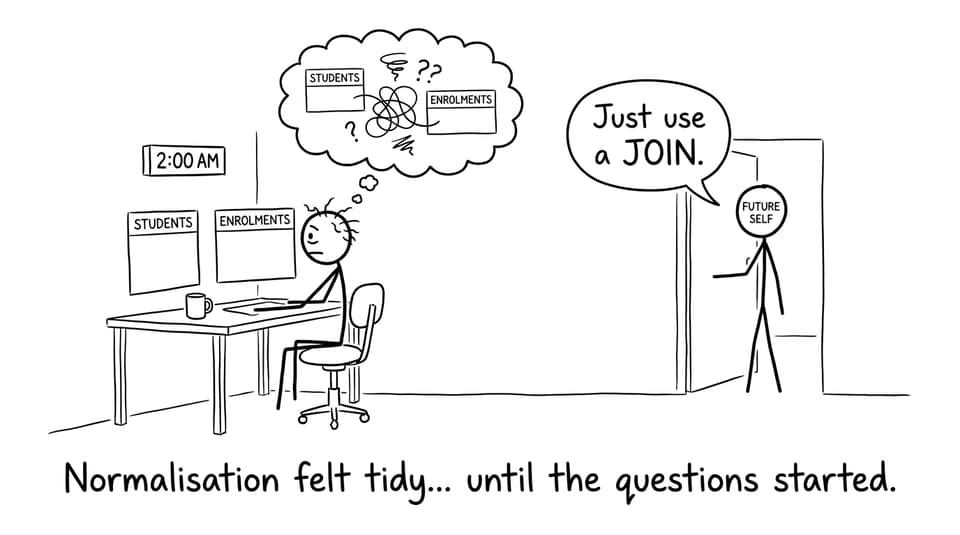
If you’ve ever tried to answer a simple question like “Which students are enrolled in Chemistry?” and your database answered back with two separate tables and a cold silence, you’ve met the real reason IB Computer Science teaches joins.
Relational databases are neat on purpose. They split information into multiple tables so you don’t repeat the same facts again and again. But exams don’t reward neat storage. They reward meaningful retrieval. That’s where SQL joins step in: they let you combine scattered pieces of truth into one result you can actually explain.
Quick join checklist for IB Computer Science
Before you panic about syntax, check these five things (this is what examiners really care about in IB Computer Science):
-
Are the tables related (one-to-many, many-to-many)?
-
Which field is the primary key?
-
Which field is the foreign key?
-
Do you want only matching records, or all records from one side?
-
Can you describe what rows will be included or excluded?
If you want a wider databases map first, use A. Databases (Topic Hub) and the A3 Databases (New Syllabus Hub).
What a join actually does (concept first)
A join is an SQL operation that combines rows from two (or more) tables using a related field, typically keys. Think of it as a temporary “view” created by matching IDs, not a permanent merge.
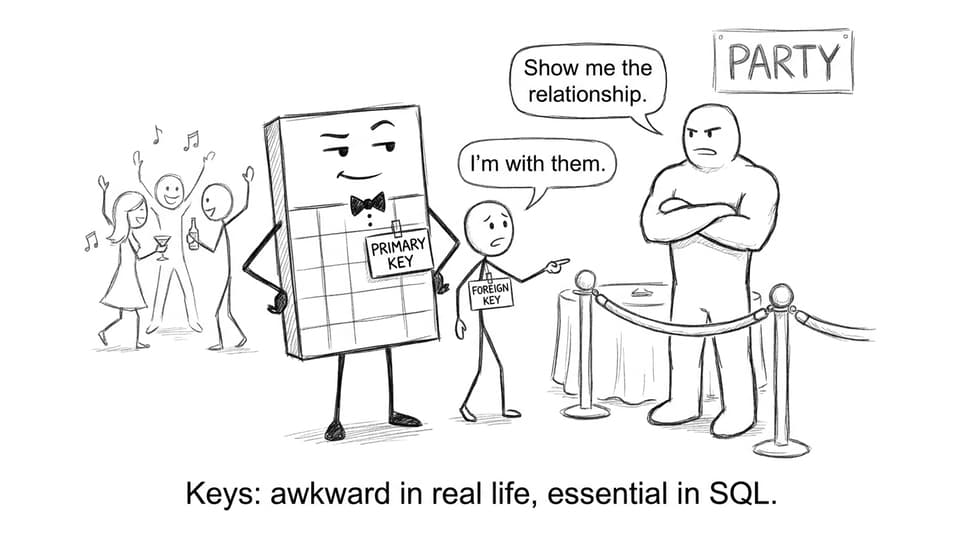
In IB Computer Science, you get marks for explaining the relationship: which field links the tables and why the output contains certain rows. If you want a clean key refresher, read Primary Keys and Foreign Keys Explained Clearly.
The classic exam scenario: Students + Enrolments
-
Students(StudentID, Name, Year) -
Enrolments(StudentID, Course)
A join uses StudentID to link them so you can see Name + Course together. Without joins, you’d run separate queries and manually stitch results (which is basically the opposite of what databases are for).
For a syllabus-aligned example of querying across two tables, see Constructing Queries Between Two Tables in SQL (A3.3.2 Notes).
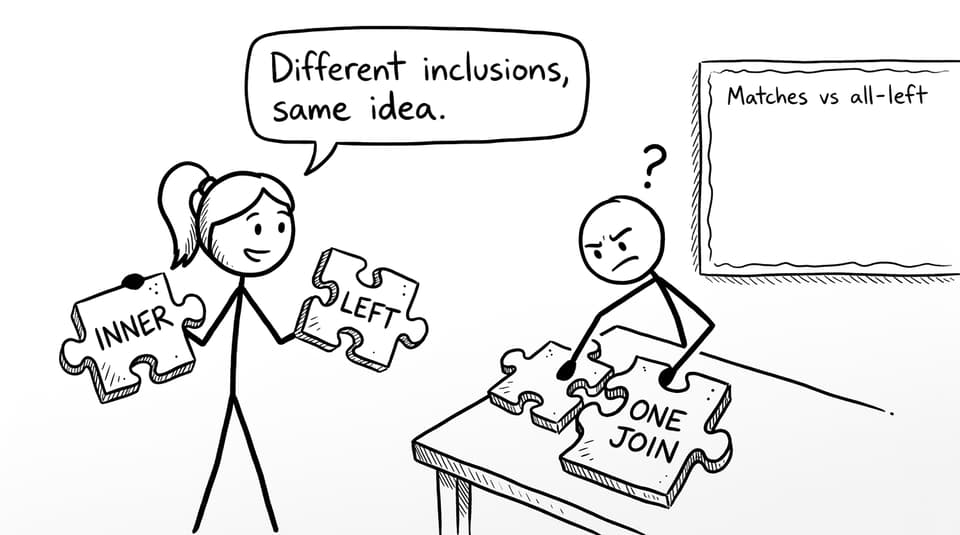
INNER JOIN vs LEFT JOIN (the inclusion story)
Most IB Computer Science questions are really asking: Who gets included in the final output?
INNER JOIN: only the matches
An INNER JOIN returns rows where there is a matching key value in both tables.
-
If a student has no enrolment record, they won’t appear.
-
If an enrolment references a missing student record, it also won’t appear.
This join fits questions like “Show students who are enrolled in at least one course.”
LEFT JOIN: all from the left, matches from the right
A LEFT JOIN returns all rows from the left table, plus any matching rows from the right table.
-
Every student appears.
-
Students with no enrolment show blank/NULL values on the enrolment side.
This fits questions like “List all students and any courses they are enrolled in (if any).”
Common mistakes examiners punish
In IB Computer Science, joins are a concept question disguised as SQL. Watch for these traps:
-
Saying joins “combine tables permanently” (they don’t).
-
Forgetting that joins depend on primary/foreign keys.
-
Mixing up INNER vs LEFT when describing inclusion.
-
Describing results vaguely (examiners want specific row inclusion logic).
To practice exam-style phrasing, use the A3 Databases Questionbank or the older-syllabus IB Databases Questionbank.
Conclusion: joins are how neat tables become useful answers
Joins are the bridge between tidy, normalized storage and the real questions databases exist to answer. For IB Computer Science, the winning strategy is simple: explain relationships with keys, describe inclusion rules clearly, and practise the same join ideas in different contexts.
When you’re ready to sharpen this into exam performance, RevisionDojo is built for it: revise with Study Notes, lock in definitions with Flashcards, practise with the Questionbank, and use AI Chat plus Grading tools to improve your explanations. Add Predicted Papers and Mock Exams when you want timed pressure, and lean on the Coursework Library and Tutors if databases are feeding into your IA. In IB Computer Science, joins aren’t about fancy SQL--they’re about clear thinking under exam conditions.