

The moment SQL stops being a list and becomes a story
There is a point in IB Computer Science where SQL stops feeling like “commands you memorize” and starts feeling like “questions you can ask.” It usually happens the first time you want an answer that sounds human: How many students per year group? Average score per subject? Orders per customer?
If you only know COUNT, SUM, and AVG, SQL will give you one big number for the whole table. Useful, but blunt. GROUP BY is what turns that blunt number into something you can actually explain in an exam for IB Computer Science.
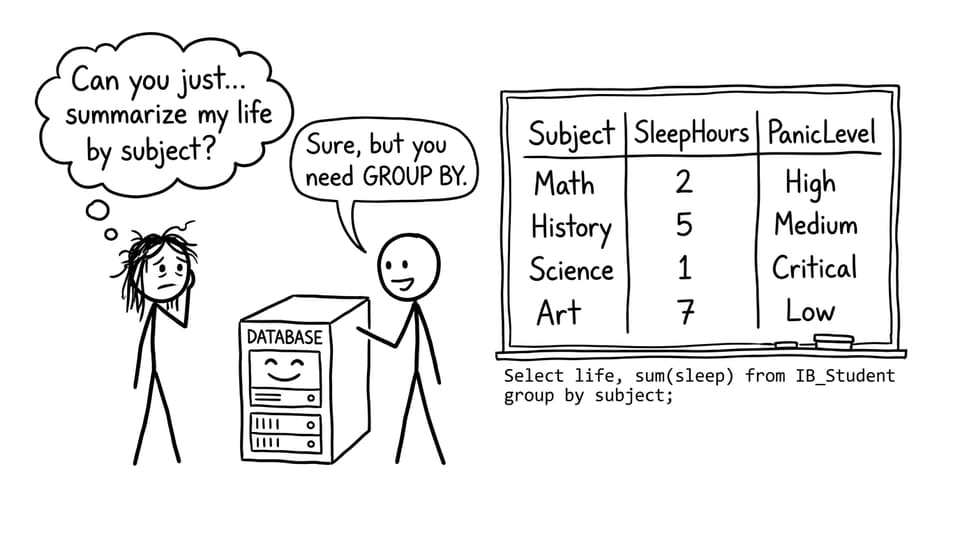
Quick checklist: what GROUP BY does (exam-friendly)
In IB Computer Science, you can describe GROUP BY as a clause that:
-
Splits records into categories (groups) based on one or more fields
-
Applies aggregate functions to each group separately
-
Returns one result row per group (not one row for the whole table)
If you want a broader SQL refresh first, pair this with Introduction to SQL for IB Computer Science and then practice retrieval patterns in SELECT Queries Explained Step by Step.
GROUP BY explained the way examiners want it
A reliable way to write your explanation in IB Computer Science is the logical sequence:
-
The DBMS looks at the rows that remain (after filtering)
-
It collects rows into groups that share the same value in the grouping field
-
It calculates aggregates inside each group
-
It outputs one summary row per group
You do not need internal DBMS mechanics. You need the logic. That is what earns marks.
Why GROUP BY matters (the “per category” idea)
Without GROUP BY, aggregates answer questions like:
- “How many records are in this entire table?”
With GROUP BY, aggregates answer questions like:
- “How many records per category?”
That “per category” phrase is gold in IB Computer Science explanations.
GROUP BY + aggregate functions (COUNT, SUM, AVG)
In IB Computer Science, GROUP BY nearly always appears with an aggregate function:
-
COUNT()counts rows in each group -
SUM()totals values in each group -
AVG()averages values in each group
Example idea (not tied to any specific schema):
SELECT Subject, AVG(Score)
FROM Results
GROUP BY Subject;
One key rule to remember for IB Computer Science:
Any selected field that is not inside an aggregate function must appear in the
GROUP BYclause.
This is also why students get confusing error messages when they try to “mix” grouped and ungrouped fields.
Want targeted practice aligned to the syllabus? Use RevisionDojo’s A3 Databases - IB Questionbank and the lesson page for SQL aggregate functions (A3.3.4).

GROUP BY with WHERE (the order that gets marks)
A classic exam trap in IB Computer Science is mixing up what happens first.
The logical order is:
-
WHEREfilters rows first -
GROUP BYgroups what is left -
Aggregates compute results per group
So if your filter removes half the table, those removed rows do not contribute to the grouped totals or averages.
For database revision strategy beyond just one skill, read The Best Way to Revise Databases for IB Computer Science.
GROUP BY vs ORDER BY (not the same thing)
Students confuse these because both “change what you see,” but in IB Computer Science they do different jobs:
-
GROUP BYchanges how data is summarized (it creates categories for aggregation) -
ORDER BYchanges how results are displayed (it sorts the output rows)
A great one-sentence exam contrast: GROUP BY is for calculation, ORDER BY is for presentation.
Common GROUP BY mistakes to avoid
In IB Computer Science, these are the big ones:
-
Using
GROUP BYwith no aggregate function (often pointless in exam contexts) -
Selecting a non-aggregated field that is not in
GROUP BY -
Expecting
GROUP BYto filter rows (that isWHERE) -
Confusing grouping with sorting (
ORDER BY)
If you also need SQL command clarity (especially the “don’t accidentally change everything” mindset), see INSERT, UPDATE, and DELETE Explained.

Closing: turn “one big number” into a mark-winning explanation
GROUP BY is the difference between a database that can only mumble totals and one that can answer real questions. For IB Computer Science, remember the story: filter with WHERE, group by category, aggregate inside each group, and output one row per group.
If you want this to stick, use RevisionDojo’s Study Notes, Flashcards, Questionbank, Mock Exams, Predicted Papers, Grading tools, AI Chat, Coursework Library, and Tutors to practice the same concept from multiple angles until it becomes automatic in exam conditions.