

Typing a URL looks like a single action. But in that quiet moment between Enter and “page loaded,” your device performs a small relay race of lookups, handshakes, and messages.
In IB Computer Science, this is the kind of process that earns marks when you explain it in order. Not with buzzwords. With a clean chain of cause and effect: because this happens, the next step becomes possible. If you can tell the story clearly, you can answer almost any exam question on web requests.
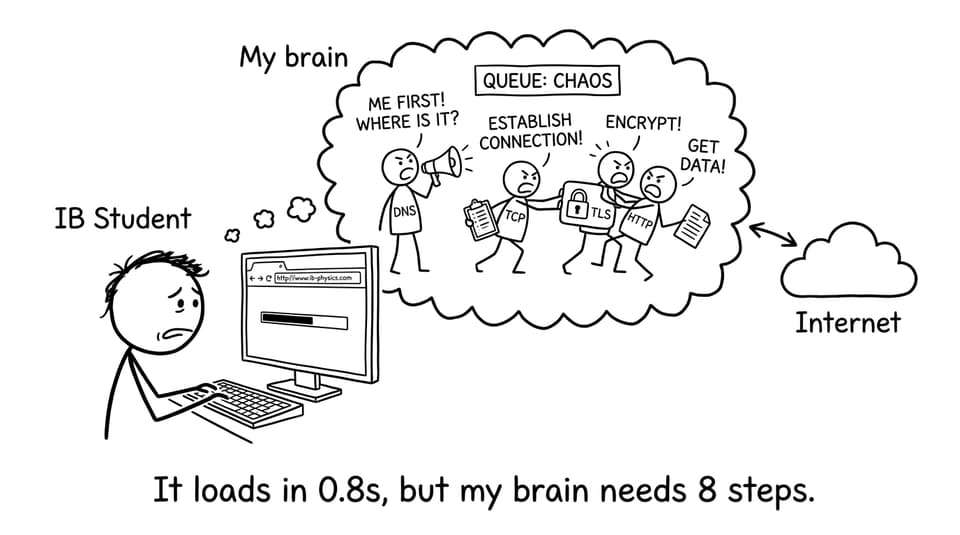
The seven-step checklist (exam-ready)
Use this as your IB Computer Science “spine.” You can expand each bullet into full marks.
-
Browser parses the URL (protocol, domain, path)
-
DNS resolves domain name to an IP address
-
Connection is established (TCP)
-
Security is negotiated if needed (TLS for HTTPS)
-
HTTP request is sent (often a GET)
-
Server processes and returns an HTTP response
-
Browser renders HTML/CSS/JS and fetches extra assets
For deeper Networks revision, the RevisionDojo IB Computer Science Networks hub is a good “zoom out,” and the detailed Networks notes help you phrase steps the way examiners like.
Step 1: The browser interprets the URL
When you type a URL, the browser first decides what you’re asking for.
-
Protocol: HTTP or HTTPS (how to communicate)
-
Domain: the human-readable site name
-
Path/resource: what specific page/file to request
No data has traveled yet. This is planning: the browser is basically writing an envelope before it sends anything.
Step 2: DNS lookup (names become numbers)
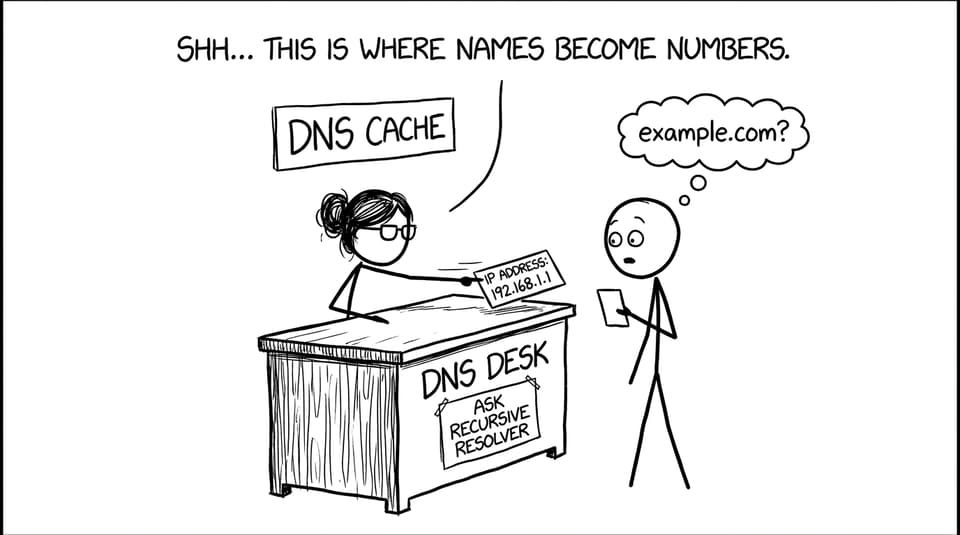
Servers don’t route traffic to “example.com.” They route traffic to an IP address.
So the browser (or operating system) tries to resolve the domain using DNS:
-
Check local caches (browser cache, OS cache)
-
If not found, query DNS servers (via a resolver) until an answer returns
In IB Computer Science, you get extra credit for mentioning caching because it explains why the same site loads faster the second time.
To practise how to phrase DNS and routing under pressure, use RevisionDojo’s Networks Questionbank and aim to write answers that read like a sequence, not a list.
Step 3: Establishing a connection (TCP)
Once the browser has an IP address, it needs a reliable way to talk to that server.
Typically, the browser establishes a TCP connection. In IB Computer Science language: TCP helps ensure the data arrives reliably and in order, with retransmission if something is missing.
If you’re revising the “layers” idea, it helps to connect this moment to the big picture in the TCP/IP model explanation.
Step 4: If it’s HTTPS, TLS sets up security
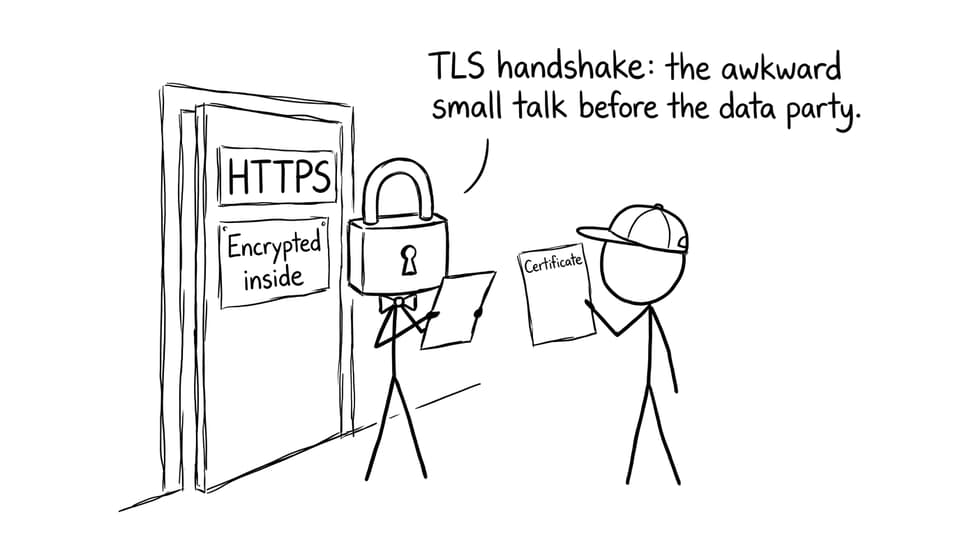
For HTTPS sites, there’s an extra piece: encryption setup.
TLS involves:
-
Certificate verification (is this server who it claims to be?)
-
Key agreement (so data can be encrypted)
IB Computer Science examiners like when you explain why this exists: to protect confidentiality and reduce tampering risks while data travels across networks. You can also connect this to secure tunneling ideas from VPNs explained for IB Computer Science.
Step 5: The browser sends an HTTP request
Now the browser can finally ask for the thing you wanted.
An HTTP request typically includes:
-
A method like GET
-
The path/resource
-
Headers (information about the browser, accepted formats, etc.)
That request travels across routers toward the server. At an exam level, it’s enough to say routers forward packets towards the destination.
If packet switching wording is a weak spot, review Packet Switching (IB CS 3.1.8) and drill it with targeted packet switching flashcards.
Step 6: The server processes the request and replies
The server receives the request and generates an HTTP response.
This might mean:
-
Returning a static file (like HTML)
-
Running server-side code
-
Querying a database
The response includes a status code (like 200 for OK or 404 for not found) and the data the browser needs.
Step 7: The browser renders the page (and keeps fetching)
Only now do you see something.
The browser:
-
Parses HTML to build the structure
-
Applies CSS for styling
-
Runs scripts where needed
-
Downloads extra assets (images, fonts, additional files)
This is a useful IB Computer Science reminder: “loading a page” is not one transfer. It’s often many requests.
Common IB Computer Science mistakes (and how to fix them)
A lot of lost marks come from tiny gaps in sequencing.
-
Skipping DNS: always mention name-to-IP resolution.
-
Mixing up client vs server: the browser requests; the server responds.
-
Random protocol soup: say when TCP/TLS/HTTP appears and why.
-
No narrative: examiners reward “first... then... therefore...”
If you want this to stick, combine short notes with retrieval. Many students do it by reading the key points, then using RevisionDojo’s Flashcards feature to lock in definitions, and the IB Computer Science MCQ strategies guide to improve decision-making under time.
Conclusion: turn one click into a full-mark explanation
A URL isn’t magic. It’s a disciplined sequence: interpret the address, resolve DNS, connect with TCP, secure with TLS (for HTTPS), request with HTTP, respond from the server, then render in the browser.
That’s exactly why this topic matters in IB Computer Science: it’s one of the cleanest ways to show logical sequencing, correct terminology, and real-world understanding. If you want to practise it like an examiner, build a mini routine on RevisionDojo: learn the chain in the Networks notes, drill it in the Questionbank, then tighten your phrasing with Flashcards and AI Chat until the story comes out clearly every time.