

If you have ever walked out of an IB Design Technology exam thinking, “I knew that topic,” but your marks disagreed, it usually is not a content problem. It is a translation problem.
IB questions are written in a language of instructions. One verb can quietly change the depth, structure, and even the number of sides you need to show. In IB Design Technology, command terms are that language. Learn them well and you stop losing marks you never meant to give away.
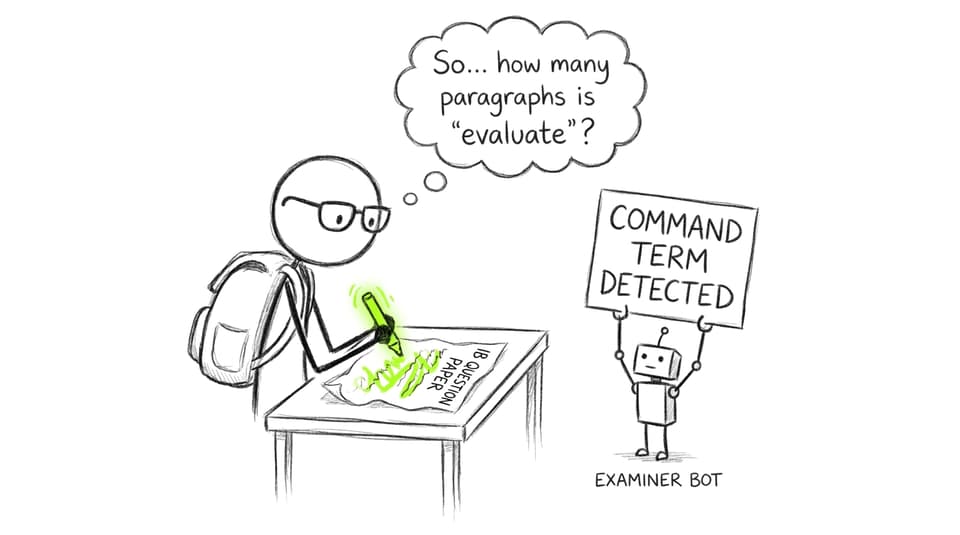
Quick checklist: how to read command terms in IB Design Technology
Before you write a word, do this:
-
Circle the command term (and any second one).
-
Translate it into a structure: bullets, paragraph reasoning, or balanced judgement.
-
Match your depth to the mark value (higher marks usually mean explain/analyse/evaluate).
-
Anchor everything to the scenario or product context.
If you want one place to practise this consistently, start from the IB Design Technology resources hub and build drills around command terms using RevisionDojo’s Questionbank and Exam Builder.
The command terms that appear most often
Different papers lean different ways, but in IB Design Technology the same cluster repeats because DT rewards applied thinking: describing features, explaining mechanisms, analysing trade-offs, and evaluating choices.
Explain (common and deceptively strict)
In IB Design Technology, explain means: give reasons and show how/why. Examiners are looking for a chain of logic, not a list.
A high-scoring “explain” answer usually does three things:
-
Names the concept (e.g., life cycle analysis, anthropometrics, levers).
-
Applies it to the product or context in the question.
-
States the effect (performance, user experience, sustainability, cost, safety).
A good way to practise is to pick one topic note (say, materials) and write five “explain” answers in timed conditions. RevisionDojo’s Study Notes feature makes it easy to turn a paragraph into a reusable explanation template.
Describe (short, accurate, no extra judgement)
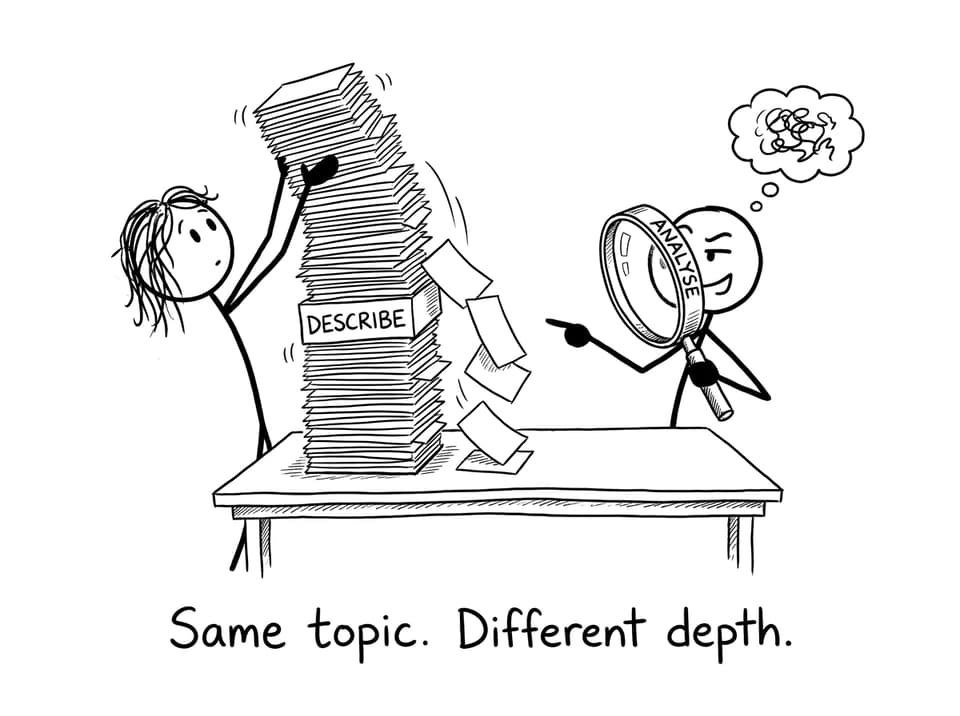
Describe is lower depth than explain. In IB Design Technology, it means you should outline characteristics or a process in a clear sequence.
Common mistake: students “describe” for too long, adding evaluation words (“better,” “more effective”) that were never asked for. Description is about what it is like or what happens, not whether it is good.
If your wording feels fuzzy, tighten your language using the IB Design Technology key definitions glossary so your descriptions are precise under time pressure.
Analyse (relationships, not repetition)
Analyse is one of the biggest grade separators in IB Design Technology. It asks you to break something into parts and show the relationships between them.
In DT, analysis often looks like:
-
Feature performance link (e.g., material choice affects stiffness, mass, and durability).
-
Cause effect (e.g., JIT reduces inventory cost but increases supply risk).
-
Trade-off mapping (improving ergonomics may increase manufacturing complexity).
Try analysing a real DT content area like material properties using a targeted note such as 4.1 Properties of Materials, then practising with Questionbank prompts that force comparison and trade-offs.
Evaluate (balanced judgement with evidence)
Evaluate shows up frequently because IB Design Technology is fundamentally about decisions: what to choose, what to prioritise, what to sacrifice.
To evaluate well:
-
Set criteria (user needs, sustainability, cost, manufacturability, safety).
-
Give strengths and limitations.
-
Use evidence (data, testing, stakeholder feedback, realistic assumptions).
-
Finish with a justified conclusion.
If you keep writing one-sided evaluations, you are not alone. It is one of the most common patterns highlighted in Top mistakes to avoid in IB Design Technology exams.
Suggest (practical, context-specific ideas)
Suggest is not “be creative at random.” In IB Design Technology, it means propose realistic options that fit the scenario.
High-mark suggestions tend to:
-
Link clearly to a problem or constraint in the question.
-
Include one short justification (why it works).
-
Stay feasible (materials, process, user group, cost, timeline).
A fast way to improve is to practise short “suggest + justify” responses in RevisionDojo’s Design Technology Questionbank view, then use AI Chat to critique whether your ideas are actually scenario-bound.
Justify (prove your choice)
Justify asks for valid reasons and evidence. In IB Design Technology, it often appears when you select materials, processes, design features, or testing methods.
A strong justification usually references:
-
A requirement (what the product must do).
-
A constraint (what the product must not exceed).
-
Evidence (properties, user data, sustainability impact, manufacturing realities).
For students building consistency, RevisionDojo’s Flashcards and Grading tools help turn “I think” into “I can prove.”
Combined command terms: where marks quietly disappear
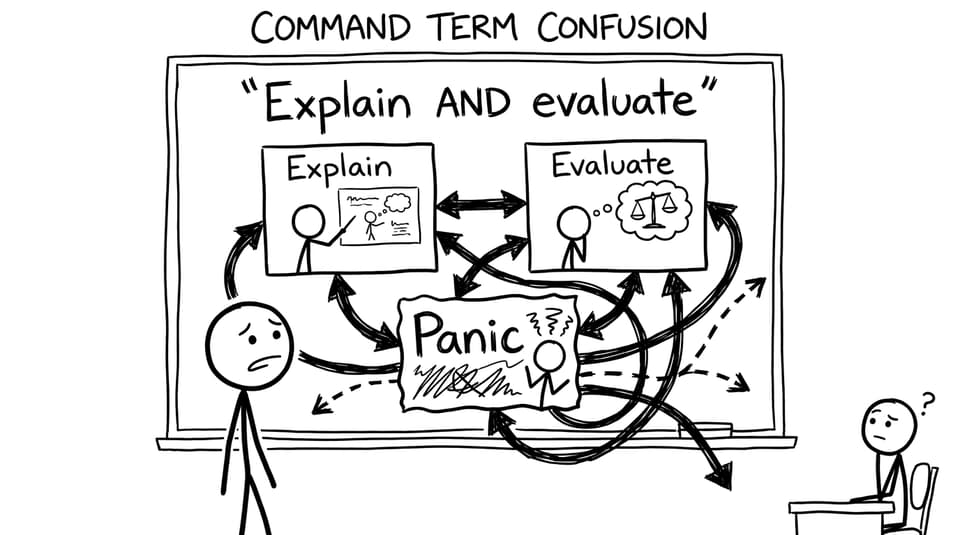
The IB often combines terms: “explain and evaluate,” “analyse and justify.” In IB Design Technology, this is a clue that the markscheme has two different sets of points.
Your best habit: create two mini-sections in your answer. Do not blend them and hope it counts.
For a bigger strategy refresh, pair this with How do you revise effectively for IB Design Technology exams? and build weekly drills around one command term at a time.
Closing: treat command terms like design briefs
In IB Design Technology, command terms are not exam tricks. They are the brief. If you follow the brief, you get rewarded; if you answer a different question, you are marked for a different product.
If you want this to become automatic, use RevisionDojo as your training ground: drill command-term sets in the Questionbank, refine wording with Study Notes and Flashcards, get feedback via AI Chat and Grading tools, and pressure-test everything in Mock Exams and Predicted Papers. Master the command terms, and your IB Design Technology knowledge finally shows up where it counts: on the page.