


Technology can make your IB Math IA feel either effortless or strangely empty.
Most IB students have a moment like this: you build a gorgeous graph in Desmos or GeoGebra, it looks perfectly “math-y,” and for ten seconds you feel safe. Then you try to write the explanation and realize the graph isn’t an argument. It’s a picture. The IB examiner is grading the thinking that led to the picture.
Used wisely, technology helps you see structure, test assumptions, and communicate mathematics with precision. Used carelessly, it becomes a mask: lots of outputs, not much ownership. This guide shows you how to use technology wisely in the IB Math IA so your work stays clear, ethical, and high-scoring.
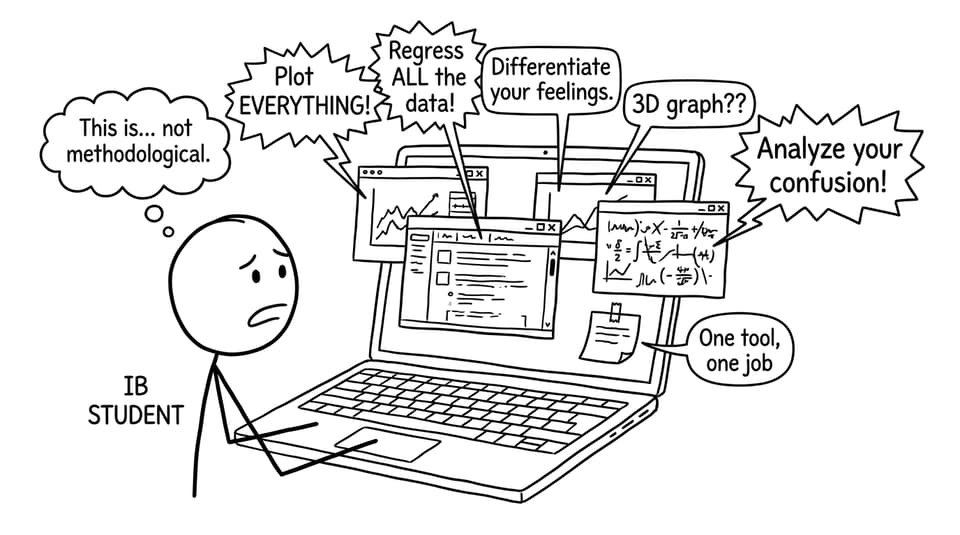
Quick checklist: technology that earns marks (not suspicion)
Before you open any app, run this IB checklist:
-
State your aim in one sentence (what you’re investigating and what “success” looks like).
-
Choose one primary tool (and at most one backup) that matches the aim.
-
Decide what you will do by hand vs what technology will do.
-
Record your steps (settings, commands, tables, screenshots) as you work.
-
Explain every output with interpretation, not just captions.
-
Acknowledge limitations of the tool and of your model.
-
Cite software and data sources early so academic honesty stays clean.
If you’re still shaping your exploration, start with the structure guidance in How to Structure Your IB Math IA Logically and then compare introductions with How to Structure an IB Math IA Introduction That Captures Examiner Interest.
What the IB actually rewards when you use technology
In the IB, technology is not a “bonus.” It’s part of the expected toolkit. But the marks don’t go to the software; they go to you.
Technology supports two big scoring areas:
-
Use of mathematics: selecting appropriate methods, applying them correctly, and showing depth.
-
Communication: making the maths readable, consistent, and logically explained.
Here’s the quiet truth: an examiner is happy to see a regression curve or a CAS output only when your writing makes it obvious you could defend it under pressure. “The calculator says so” is never a mathematical justification in IB terms.
A good IB Math IA reads like a guided tour: “I used this tool for this job, here’s what it did, here’s what the result means, and here’s why I trust it (or why I don’t).” If you want a rubric-aligned anchor, browse IB IA Guides and the dedicated IB Mathematics Applications & Interpretation (AI) IA Guide.
Choosing the right technology wisely in the IB Math IA
Choosing tools is less about what looks impressive and more about what reduces uncertainty.
Think of each tool as having one primary “mathematical job.” In an IB Math IA, your job is to assign roles and then narrate them.
Graphing tools: GeoGebra and Desmos (visual truth-tellers)
Use graphing tools when your exploration needs:
-
function behavior (turning points, intersections, asymptotes)
-
parameter changes (sliders and dynamic graphs)
-
clean visuals for communication
Your IB writing should explain what you varied, what stayed constant, and what pattern you observed. If you want to sharpen this skill, pair your IA work with How to Visualize Functions Using Technology so your graphs become explanations, not decorations.
Spreadsheets: Excel / Google Sheets (data discipline)
Spreadsheets are ideal for:
-
organizing raw data
-
calculating summary statistics
-
running regressions (and comparing models)
-
creating residual plots or error checks
But in an IB Math IA, a spreadsheet output is never the conclusion. The conclusion is your interpretation of parameters, limitations, and fit quality.
CAS and GDC tools: verification, not substitution
CAS calculators and symbolic tools can:
-
verify algebra
-
differentiate/integrate efficiently
-
solve equations you’ve set up
Used wisely, CAS reduces arithmetic friction and lets your IA focus on reasoning. Used poorly, CAS becomes a black box that hides method marks.
A simple IB rule: if the tool gives you a result in one line, you owe the examiner multiple lines of explanation.
Coding (Python/MATLAB): only if it clarifies your thinking
Programming can be excellent for simulations, numerical methods, and iterative models. But the IB does not reward complexity for its own sake.
If you code, keep it readable:
-
explain the algorithm in words
-
define variables clearly
-
include one small code excerpt that proves you understand the logic
-
connect the code output to mathematical reasoning
If your topic isn’t stable yet, choose one first from The Best IB Math IA Topics for 2025 or skim possibilities in IB Math IA Ideas (Analysis and Approaches & Applications and Interpretation).
How to integrate technology into your IB Math IA (section by section)
Using technology wisely in the IB Math IA is mostly about placement. Don’t dump outputs in one clump. Spread them where they do the most explanatory work.
Introduction: preview the tool, justify the choice
In your first page, mention technology only to the extent that it supports the aim.
Good: “I will use Desmos to compare models visually before selecting a regression method.”
Better: “I will use Desmos to compare linear vs exponential models and then use residual analysis in Sheets to justify which model better represents the data.”
Notice the difference: you’re explaining the decision-making, not the software.
Methodology: describe your process like a recipe
Your methodology should be specific enough that another IB student could replicate it. That means:
-
naming the tool and what you used it for
-
stating settings that matter (window, regression type, sampling method)
-
showing one representative output
-
explaining how you moved from output to next step
A helpful standard: every figure needs a purpose sentence (“This graph is used to…”) and a meaning sentence (“This suggests that…”).
Analysis: technology produces results, you produce reasoning
This is where technology earns marks, but only when you interpret.
Examples of strong IB analysis with tech:
-
compare two models and justify your choice with residuals
-
test sensitivity by changing a parameter and explaining the impact
-
validate a result by checking it two ways (hand method vs tool)
If you want an IA workflow centered on data decisions, use How to Use RevisionDojo to Prepare for IB Math IA Data Analysis.
Reflection: show maturity through limitations
Reflection is where many IB IAs become surprisingly shallow. Students say “human error” and move on.
Instead, reflect on the technology:
-
What does your tool assume (linearity, independence, normality, rounding)?
-
What can’t it show (context, causality, data bias)?
-
How might different settings change your conclusion?
This is also where academic honesty lives: you demonstrate that you own the model, not the other way around.
Conclusion: restate the maths, not the screenshots
Summarize:
-
what you found
-
how technology supported the finding
-
what you would improve if you had more time/data
Your conclusion should still make sense if the graphs were removed. That’s a useful IB test.
Common mistakes IB students make with technology (and how to fix them)
Mistake: letting the tool choose the model
If you pick the regression that “fits best” without justification, you lose marks you didn’t even realize were available.
Fix: compare at least two plausible models and explain why your final choice matches the context and the mathematics.
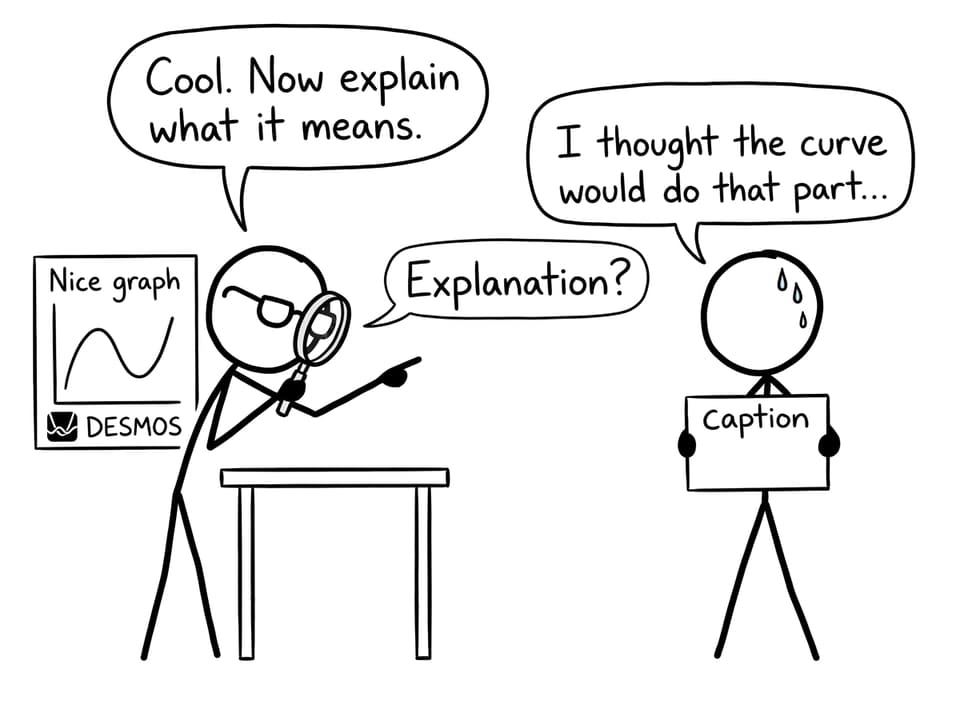
Mistake: dropping in outputs with no narration
An unlabeled screenshot is not communication; it’s a file attachment.
Fix: label graphs clearly, keep notation consistent with your equations, and write interpretation directly underneath.
Mistake: using five tools to look advanced
A tool-soup IA often reads like panic.
Fix: choose one main tool for one main job. If you add a second tool, justify it as a limitation workaround.
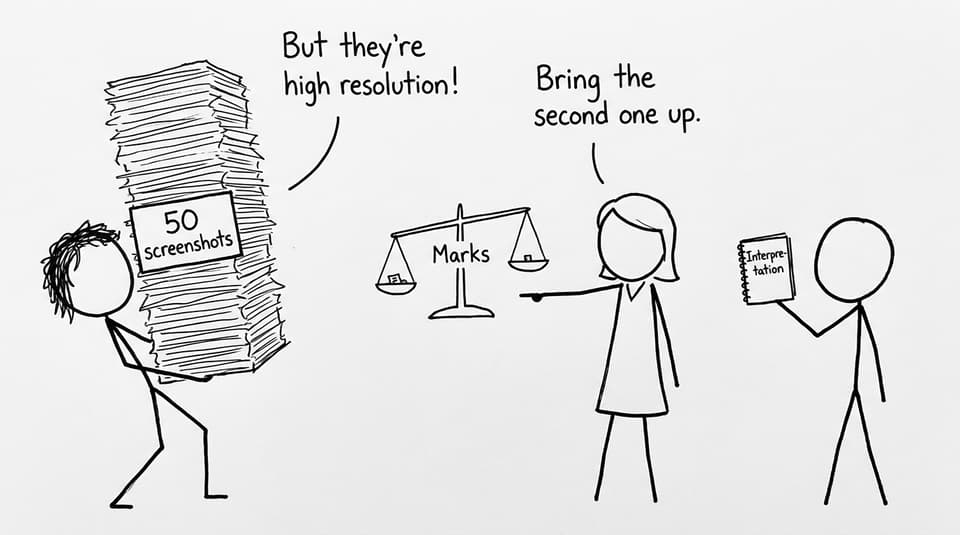
Mistake: unclear, unreadable screenshots
IB examiners are reading quickly. If a label is blurry, it might as well not exist.
Fix: export graphs properly, crop tightly, and ensure every axis has units and variable names.
Mistake: academic honesty shortcuts
Copying models or importing uncredited work is risky and unnecessary.
Fix: cite tools, cite data, and keep your own reasoning central. If you use AI support, use it for clarification, then immediately test yourself with questions to confirm you understand.
A practical RevisionDojo workflow for technology and exam prep
The IB Math IA sits alongside exam pressure, which is why your tech choices should reduce cognitive load, not add to it.
RevisionDojo is built for that balance. You can move from understanding to application without bouncing between tabs:
-
Study Notes to refresh the exact method you’re about to use
-
Flashcards to keep key formulas and interpretations active
-
Questionbank to practice the underlying skills your IA depends on (regression, calculus, functions)
-
AI Chat to unblock a concept fast, then verify by solving a similar problem
-
Grading tools to refine communication and rubric alignment
-
Mock Exams and Predicted Papers to keep exam readiness moving while your coursework progresses
-
Coursework Library for exemplars and structure patterns that work
-
Tutors when you need a human to stress-test your reasoning
For targeted math skill-building that directly supports a technology-heavy IA, use How to Use the Questionbank for Targeted Math Revision. If you’re in AA, the IB Mathematics Analysis and Approaches Resources hub is a clean starting point.
Closing: the calm version of technology in the IB Math IA
Using technology wisely in the IB Math IA is not about looking advanced. It’s about staying honest and specific: one tool, one job, clear interpretation, and clear reflection.
If you want that calm workflow while you prepare for IB exams, build your loop inside RevisionDojo: use Study Notes to understand, Flashcards to retain, Questionbank to apply, AI Chat to unblock confusion, and Grading tools plus the Coursework Library to keep your IA aligned with what examiners reward. Then keep exam readiness moving with Mock Exams and Predicted Papers, and bring in Tutors when you need real-time feedback.
Technology can speed you up. But in IB, clarity is what moves your marks.