

Technology in an IB Math IA is a bit like salt in cooking. Too little, and everything tastes flat. Too much, and you ruin the dish and can’t explain what you’ve done.
In the IB, examiners don’t want to see you hiding behind Desmos screenshots or spreadsheet regressions. They want to see you thinking, with technology making that thinking clearer, faster, and more persuasive. Used well, tech turns messy numbers into a story, a model, and then an evaluation. Used badly, it turns your IA into a scrapbook.
RevisionDojo exists for this exact balance: it helps IB students use technology with purpose, communicate it with clarity, and keep ownership of the mathematics through tools like AI Chat, Study Notes, Flashcards, Grading tools, and a Coursework Library built for real assessment criteria.
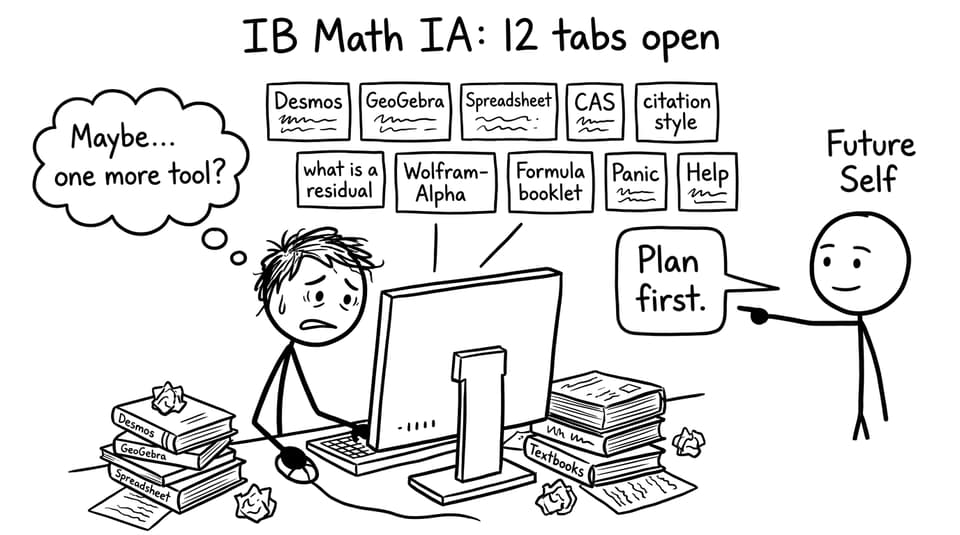
A quick IB checklist before you open any tool
Before you touch a graphing app, run this short checklist. It keeps your IB Math IA focused and prevents the classic “cool graph, unclear purpose” problem.
-
Define the mathematical job: modelling, solving, visualising, validating, or analysing data.
-
Pick one primary tool (and one backup) that matches that job.
-
Decide what you will do by hand vs what you will do with technology.
-
Plan how you will explain every output in your own words.
-
Record steps as you go (commands, settings, tables, screenshots).
-
Track citations early so your IB academic integrity stays clean.
If you’re still choosing an IA direction, start with The Best IB Math IA Topics for 2025 so your tech choices match the math, not the other way around.
Choose the right technology for the right mathematics
The biggest mistake IB students make is choosing technology because it looks impressive. The better approach is quieter: choose a tool because it does one mathematical job extremely well.
Here’s a practical match-up:
-
Desmos / GeoGebra: function behaviour, intersections, transformations, dynamic parameter changes.
-
Spreadsheets (Excel/Sheets): cleaning data, residuals, regression, summary statistics, clear tables.
-
CAS calculators (TI-Nspire/ClassPad): symbolic differentiation/integration, solving equations, checking algebra.
-
Coding (Python/R): automation, simulations, custom models, repeated calculations.
In an IB Math IA, you can use multiple tools, but you should avoid “tool-hopping” without a reason. One strong chain beats five weak ones.
If you need a rubric-first view of what actually earns marks, anchor your plan with How to Write a Top-Scoring Math IA (2025 Guide). It’s much easier to justify your technology when you know which criterion you’re serving.
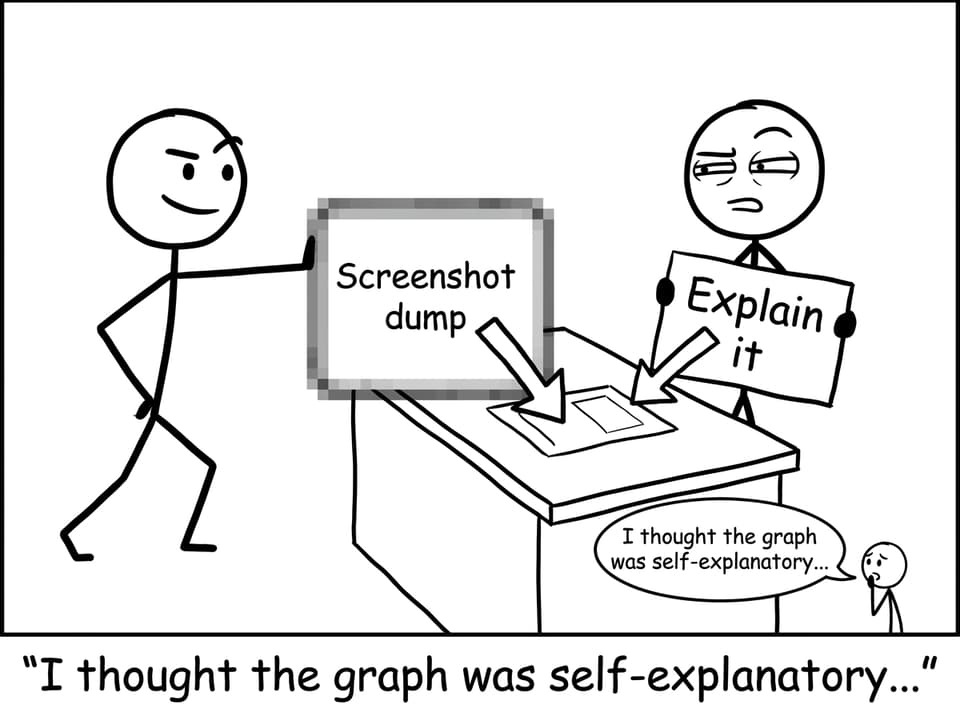
Don’t paste outputs: translate them
A technology output is not evidence until you interpret it.
That means every graph, regression, or CAS result needs three things around it:
-
What you did (tool + action)
-
What you got (output + key values)
-
What it means (interpretation tied to your aim)
A strong IB sentence often sounds like:
“Using GeoGebra, I fitted an exponential model to the data. The parameter (k) controls the decay rate, and the residual plot suggests the model is reasonable for smaller (x) values but weakens as (x) increases.”
Notice what’s missing: there’s no “here is a screenshot, anyway moving on.”
RevisionDojo helps you practice this translation skill through AI Chat (to rehearse explanations) and Grading tools (to test whether your communication reads like IB mathematical writing). To polish structure at the same time, pair it with How to Structure Your IB Math IA Logically.
Show you understand the math behind the button
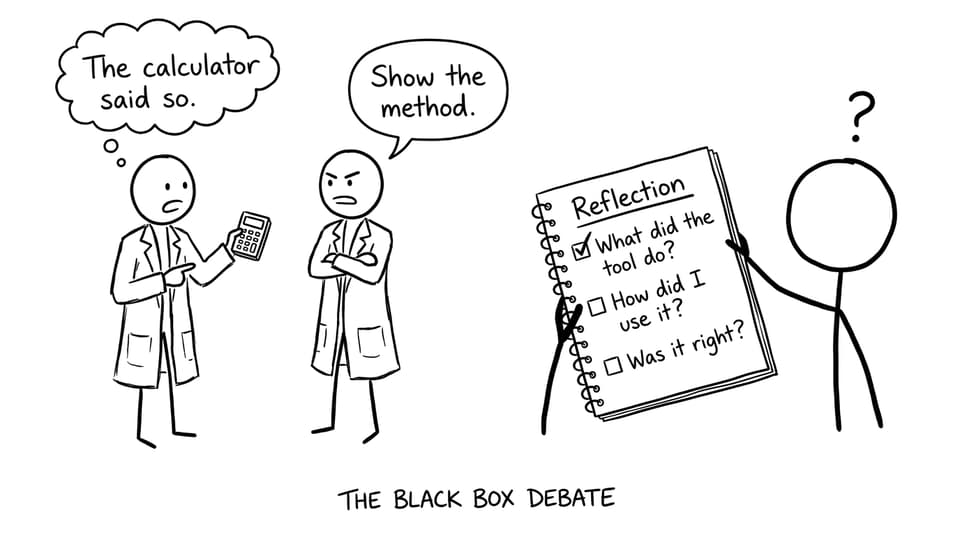
In the IB, “the software did it” is never the final explanation.
If you run a regression, you should briefly explain the idea behind it (for example, least squares minimising squared residuals). If you use CAS differentiation, explain what derivative means in your context (rate of change, gradient, optimisation condition). If you use a numerical solver, explain what it approximates and why an approximation is acceptable.
A simple rule for your IB Math IA:
-
If a tool produces a number, explain what the number represents.
-
If a tool produces a model, explain why that model form fits your situation.
-
If a tool produces a graph, explain what feature of the graph answers your aim.
When you need to refresh the core maths quickly, RevisionDojo’s Study Notes are a shortcut that feels ethical: you still do the thinking, you just don’t waste time hunting for clean explanations. For example, you can revise modelling and functions through resources like Notes for Functions - IB.
Use technology to validate, not to replace
High-scoring IB students treat technology like a second opinion.
A good pattern looks like this:
-
Do a small sample by hand to prove you understand the method.
-
Use technology to scale it up, reduce error, or explore variations.
-
Cross-check: compare your hand result with the tool result.
-
Reflect: explain any differences and what that says about assumptions.
This is also where RevisionDojo’s Questionbank becomes surprisingly useful for an IA: if your exploration uses regression, calculus, or statistics, you can drill the underlying skill with targeted practice so your IA doesn’t become your only exposure to that method. Try focused practice like IB Mathematics Analysis and Approaches Topic Functions Questionbank or IB Mathematics Analysis and Approaches Topic Calculus Questionbank.
Make dynamic modelling earn its space
Dynamic tools like GeoGebra are tempting because sliders look “advanced.” But in an IB Math IA, dynamic modelling only earns marks if it changes your analysis.
Use it when you can say something like:
-
“As parameter (a) increases, the turning point shifts linearly, which suggests…”
-
“The model becomes unstable beyond this range, showing a limitation…”
-
“This sensitivity analysis supports my evaluation because…”
In other words, don’t show motion. Show insight.
To see how strong IAs integrate exploration and reflection, study one exemplar and steal the habits, not the topic. RevisionDojo’s Using IA/EE Exemplars to Improve Your IB Math IA is a clean starting point.
Keep your presentation IB-clean
Technology can make your IA look professional, but it can also make it unreadable. Before final export, check:
-
Graphs have titles, labelled axes, units, and readable scale
-
Tables have headings and consistent decimals
-
Screenshots are cropped and relevant
-
Every figure is introduced and referenced in the text
-
Notation is consistent throughout
For a formatting-focused run-through, use How to Format and Present Your IB Math IA Professionally. It’s the difference between “good work” and “easy to award marks.”
Ethics: cite your technology and stay transparent
IB academic integrity isn’t only about copying paragraphs. It includes tools.
If you use Desmos, GeoGebra, a calculator’s CAS, Python libraries, or AI support, you should acknowledge it. A simple statement in your methodology and a clear reference is usually enough. Transparency signals confidence: you’re not hiding a shortcut, you’re documenting a method.
RevisionDojo’s Coursework Library and Grading tools help here: they push you toward clean documentation habits, not last-minute patchwork.
The closing thought: let technology amplify your IB thinking
The best IB Math IAs don’t feel like a battle between student and software. They feel like a partnership: you ask a precise question, you build a method you understand, and technology helps you see further than hand-calculation alone.
If you want that process to feel calmer, RevisionDojo is built for it. Use the Study Notes to keep your maths sharp, the Questionbank to strengthen the methods behind your models, Flashcards to lock in definitions, AI Chat to rehearse explanations, and Grading tools to check whether your final write-up reads like an IB examiner expects.
When technology is used effectively in an IB Math IA, it doesn’t steal the spotlight. It makes your reasoning impossible to ignore.