



The night before your IB results, time behaves strangely.
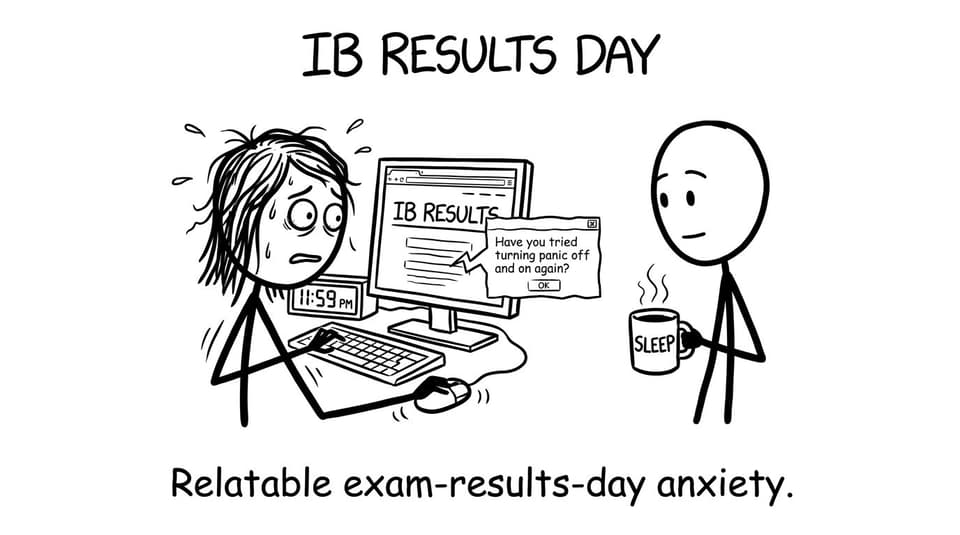
A minute can feel like a whole Paper 2. You tell yourself you will sleep, then you open your phone "just to check the time," and suddenly you're doing mental arithmetic on grade boundaries you can't even see yet. Your group chat is quiet, then loud, then silent again.
On results day, what most IB students want is not motivation. It's clarity: where to log in, what you'll need, what you'll see, and what to do if something looks wrong.
This guide will walk you through how to check your IB results online, step-by-step, with calm, practical advice. Then we'll talk about the part most guides ignore: what to do after you see the numbers.
Quick checklist for checking IB results online
Before you try to view your IB results, get these basics in place:
- A stable internet connection (results portals can be slow)
- Your IB candidate website bookmarked: candidates.ibo.org
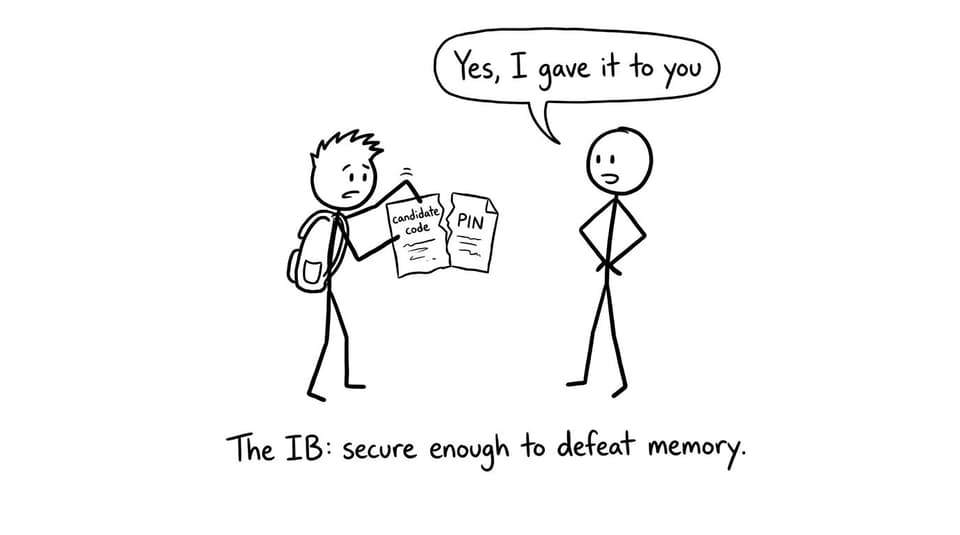
- Your personal code (candidate code)
- Your PIN
- A device that can download or screenshot your statement of results
- A plan for 10 minutes after you check (breathe, then decide what's next)
If you want a second reference that mirrors these steps, RevisionDojo also has a dedicated guide: How to Check Your IB Results Online: Step-by-Step Guide for 2025.
Where to check IB results online (official portal)
To check IB results online, you use the official IB candidate results portal:
- Website: candidates.ibo.org
Your school does not "upload" results to you individually. The portal is the source. The school's role is to give you the login credentials.
A common mistake is searching "IB results login" and clicking whatever looks right. Don't. Use the official candidate site, and type it carefully.
What you need to log in to the IB results portal
To view IB results online, you'll need two pieces of information:
Your personal code (candidate code)
This is your unique IB candidate identifier. It often looks like a mix of letters and numbers.
Your PIN
This is the numeric PIN that pairs with your personal code.
Both are typically provided by your IB coordinator before results day. If you don't have them, contact your coordinator early. On results morning, coordinators often get a flood of messages from students who suddenly realize they can't find the code.
How to check your IB results online (step-by-step)
This is the practical sequence that works for most IB students.
Log in to candidates.ibo.org
- Go to candidates.ibo.org
- Enter your personal code and PIN exactly as given
- Confirm you're on a secure connection and correct site
Open your statement of results
Once you're in, you'll see your IB statement of results. This is where you'll find:
- Grades for each subject
- Core results (TOK/EE)
- Total points
- Diploma status (if applicable)
Save a copy immediately
Don't rely on "I'll come back later." Results portals get busy and your brain is not in peak memory mode right now.
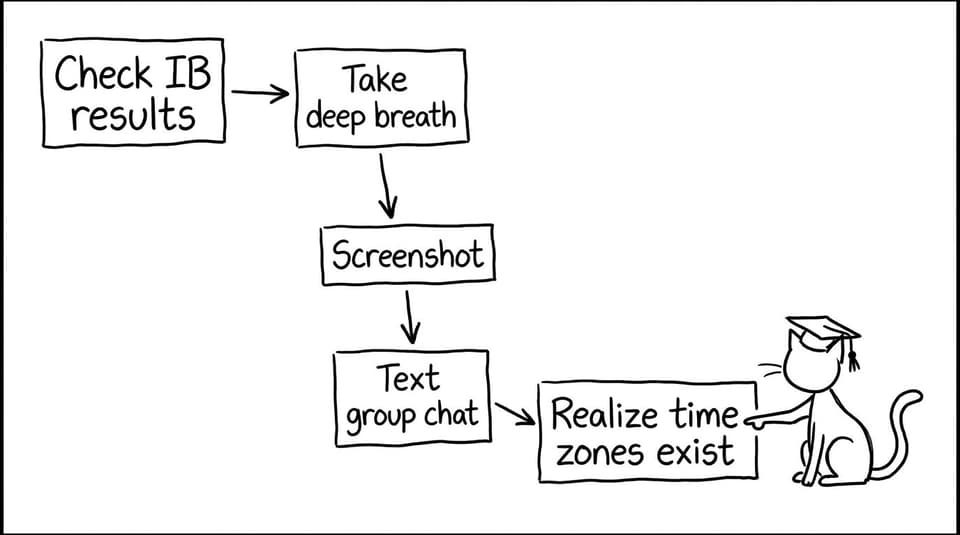
- Screenshot or download the statement
- Store it somewhere you can find later (cloud folder, email to yourself)
Check the basics first
Start with these simple confirmations:
- Is your name spelled correctly?
- Are the subjects and levels correct (SL/HL)?
- Does the total points number match what your subject grades imply?
Then and only then, go into the emotional part.
When are IB results released?
The IB releases results twice each year, aligned with exam sessions:
- May session: results are typically available on July 6
- November session: results are usually released around January 2
Exact timing can vary by timezone and school setup, so your coordinator may give you a specific time window.
If you want the broader context (and a few timing tips), you can also read: How to Check IB Exam Scores Online: Step-by-Step Guide for May and November Sessions.
What your IB results page is actually telling you
Your IB results can feel like a single verdict. But they're really a bundle of smaller signals.
Subject grades are not the whole story
A 6 can hide a shaky Paper 1 and a strong IA. A 5 can be one mark away from a 6. That matters when you're deciding whether to request a remark.
Core results can shift your total
TOK and the EE can add points, but they can also create surprise. Many IB students only realize on results day how heavily the core influences the final total.
Universities often care about specific conditions
Some offers require an overall total. Others require a 6 in HL Maths or a 7 in a science. Your next step depends on the condition, not the emotion.
Common problems when checking IB results online (and what to do)
Results day is basically a stress test for both humans and websites. Here are the issues that happen most.
"My login doesn't work"
First, slow down and check:
- Is your candidate code correct (including letters and case)?
- Are you confusing 0 and O, 1 and I?
- Are you typing extra spaces?
If it still fails, contact your IB coordinator. The portal itself won't help you recover credentials.
"The website is down or loading forever"
That's common. Try:
- Refreshing once, then waiting
- Switching browsers (Chrome/Safari)
- Switching networks (Wi-Fi to data)
- Trying again in 10-20 minutes
"My results look wrong"
Don't assume error, and don't assume disaster. Save the statement, then:
- Compare subject-by-subject with what you expected
- Identify whether the issue is a missing component, wrong level, or unexpected grade
- Speak to your coordinator about next steps (including remark timelines)
The 30-minute plan after you check IB results
Here's a calmer way to handle the moment right after your IB results load.
Step one: separate facts from stories
Facts are: grades, points, diploma status.
Stories are: "I ruined everything" or "I'm set for life."
On results day, stories arrive faster than facts.
Step two: write down what matters
In one note, write:
- Your total points
- Any subject that is one or two marks from the next grade boundary (if shown via component marks or later breakdowns)
- Any university conditions you must meet
Step three: choose your next action
Most IB students fall into one of three lanes:
- Lane A: you met conditions (plan the next month, then rest)
- Lane B: you missed conditions narrowly (talk to coordinator about remarks)
- Lane C: you missed conditions clearly (talk to coordinator and universities about options)
The goal is not to feel better instantly. The goal is to become oriented.
Turning IB results into a better exam plan (yes, even now)
Even if you're finished with the IB, results reveal something useful: how the assessment rewarded you. If you're retaking or preparing for the next session, that information becomes fuel.
This is where RevisionDojo fits naturally into the story of an IB student.
If results tell you "content is fine but exam technique leaks marks," you need practice that behaves like the exam.
- Use the Questionbank to drill weak topics with mark-scheme-aligned feedback.
- Use Study Notes to rebuild understanding without rewriting your whole notebook.
- Use spaced repetition with Flashcards (inside RevisionDojo's learning loop) so memory doesn't reset between study sessions.
- Use AI Chat (Jojo AI) to ask the small questions you would otherwise postpone for a week.
- Use Mock Exams and Predicted Papers to rehearse timing and decision-making under pressure.
- If coursework is the stress source, the IB Coursework Grader and the Coursework Library shorten the feedback loop.
- If you need a human to diagnose what's holding you back, Tutors can do what generic advice can't: personalize.
If you want a simple system that connects all of that, start here: RevisionDojo App: The Smarter Way to Prep for IB Exams.
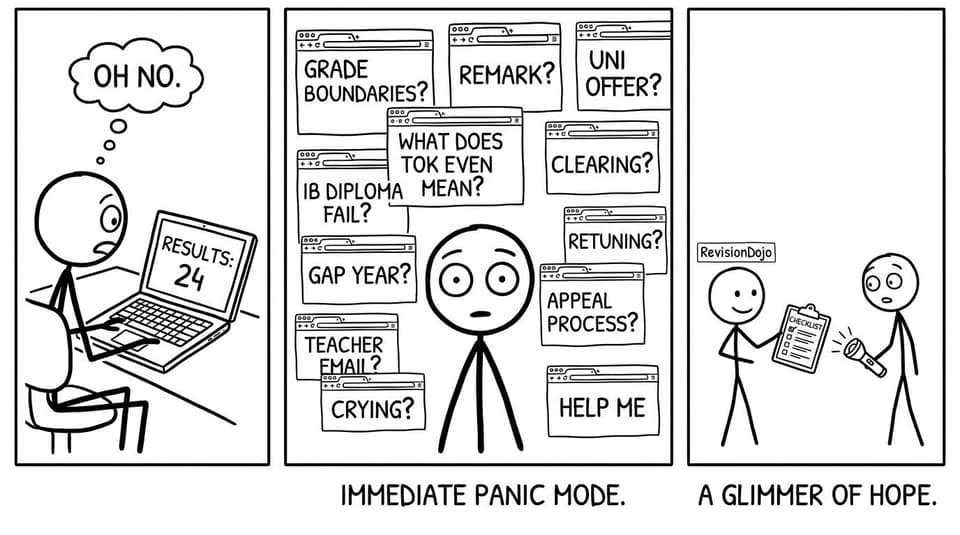
A realistic "results-to-revision" workflow for IB students
If you're an IB student preparing for exams (or a retake), use this short workflow to turn results into action.
Use results to pick one priority per subject
Pick one:
- A topic weakness (content)
- A question type weakness (technique)
- A pacing weakness (timing)
Then build your week around it.
Run the RevisionDojo loop
- Learn: Study Notes for the exact weak area
- Recall: Flashcards daily (small, consistent)
- Apply: Questionbank sets filtered to that topic
- Simulate: one timed session weekly using mock-style practice
- Review: tag mistakes and repeat 48 hours later
If you want support running timed practice properly, these are useful:
- Online IB Mock Exams: Practice Anywhere, Anytime
- How to Use RevisionDojo's Mock Exam Builder to Simulate IB Conditions
- IB Predicted vs Specimen Papers: What They Mean
And if you want a broader mindset piece for staying steady while you do it:
Closing: Check your IB results, then choose the next move
Checking your IB results online is a simple action wrapped in a complicated moment.
You log in. You see the numbers. And then your brain tries to turn them into a full story about who you are.
Resist that.
Treat your IB results as information. Save them. Verify them. Then decide what they mean for your next step: celebrating, remarking, retaking, or rebuilding.
If your next step involves exams again, make it easier on yourself. RevisionDojo exists to turn uncertainty into a system: Study Notes for clarity, Flashcards for daily recall, Questionbank practice for real skill, AI Chat for quick help, Grading tools and the Coursework Library for rubric-aligned confidence, and Predicted Papers plus Mock Exams for rehearsal under pressure. When you're ready, start with RevisionDojo for IB and build a plan you can actually repeat.