
Sometimes the scary part is not the decision. It’s the moment after you’ve clicked submit, when you realize your UCAS choices were made by a slightly different version of you, the one who hadn’t sat the latest mock, hadn’t seen the newest course page, and hadn’t felt the quiet shift from “this seems sensible” to “this actually matters.”
If you’re an IB student preparing for exams, that timing is brutal. You’re balancing predicted grades, deadlines, and revision, and now you’re wondering if you can switch your UCAS choice without sacrificing your options.
You can. But you can’t do it by brute force. UCAS is less like editing a Google Doc and more like taking the next correct turn at the right junction.
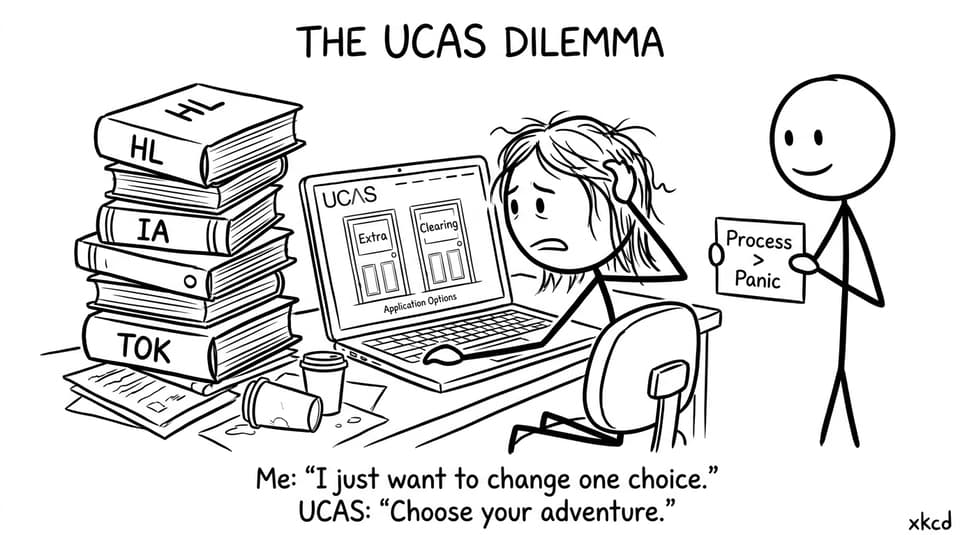
UCAS switch checklist (fast, calm, usable)
Use this quick checklist before you touch anything in UCAS:
-
You usually can’t directly swap a choice after submitting in UCAS.
-
If you have no offers, you may be able to use UCAS Extra (one choice at a time).
-
If you are without a place after results or applying late, UCAS Clearing may be your route.
-
For a small change at the same university, contact admissions and ask for a course swap.
-
Deadline awareness matters more than motivation, so check dates, then decide.
If you need context on how the whole system fits together, start with What UCAS Is and How It Works: Step-by-Step Guide.
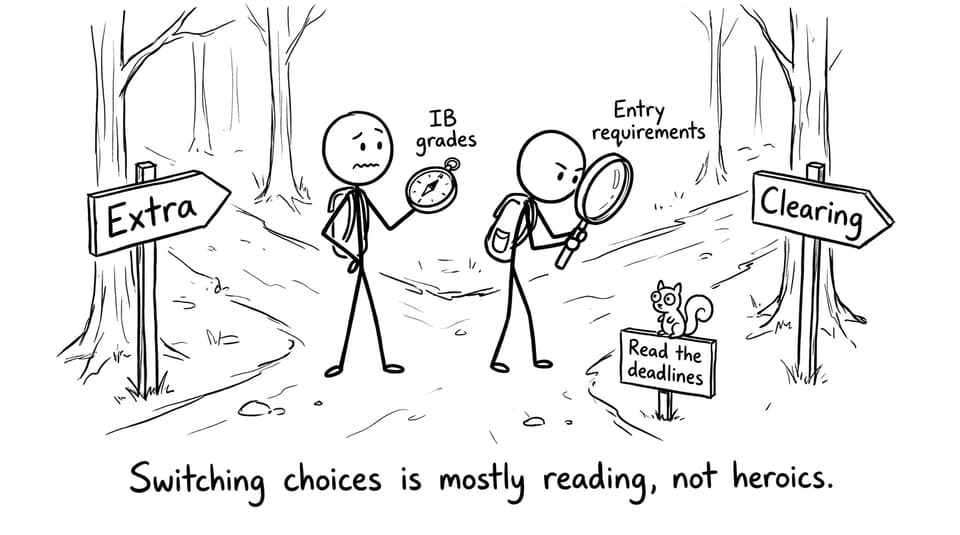
The key idea: you’re not “changing a choice”; you’re choosing a pathway
UCAS gives you structured ways to move forward without resetting everything. The mistake most students make is treating UCAS like a menu where you can simply swap items. After submission, your options depend on your status: offers, deadlines, and where you are in the cycle.
This is where IB students can gain an advantage. If you’re already building a revision system, you can also build a decision system: know your grades, know your constraints, then act.
A useful starting point is course fit. If your rethink is about realism vs ambition, read How to Choose the Right UCAS Courses for You and sanity-check entry requirements against your current trajectory.
UCAS Extra: the “one door at a time” method
UCAS Extra is designed for students who used their choices and ended up with no offers (or they declined them). It typically runs from late February into early July.
Here’s how Extra feels in real life:
-
You apply to one course at a time through UCAS.
-
The university responds. If it’s a no, you try another.
-
You keep moving until you land an offer, without waiting for Clearing.
Extra rewards calm persistence. The best strategy is to pre-build a shortlist and apply in an order that matches your IB evidence: predicted grades, mock performance, and subject strengths.
If predicted grades are part of why you’re switching, you’ll want to think clearly rather than emotionally. IB Predicted Grades Don’t Define You (Here’s What Does) is a good reset before you make a high-stakes UCAS move.
UCAS Clearing: fast decisions, real flexibility
UCAS Clearing is for when you don’t hold a place, often after results day, or if you apply late or change direction.
Clearing moves quickly because universities are filling remaining places. That speed can feel like pressure, but it can also be freedom.
Your practical Clearing approach:
-
Identify courses with availability.
-
Contact universities directly to ask if they’ll consider you.
-
Once you have a verbal “yes,” follow the UCAS steps to secure it.
The best Clearing decisions are made with solid information. If your grades are uncertain, use the IB Grade Calculator to get a clearer view of what outcomes are plausible, then align your UCAS actions with that reality.
Course swaps at the same university (the underrated option)
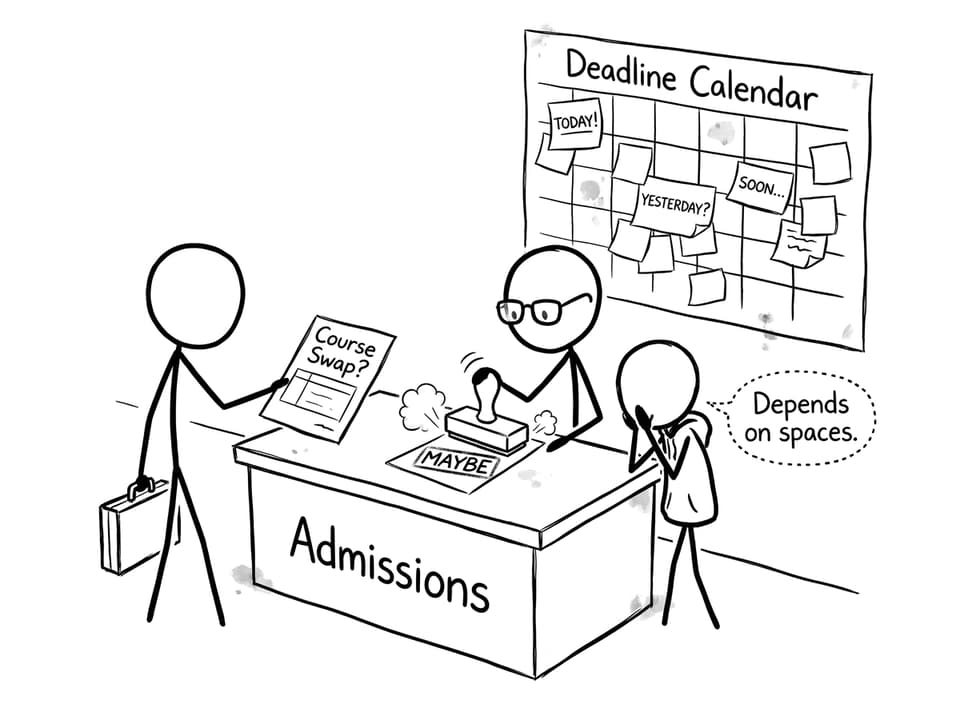
Sometimes you don’t want to leave a university, you just want a nearby course that fits better. For example, switching from “History” to “History and Politics,” or from a broad degree to a more specialized track.
In many cases, this is handled outside the UCAS interface:
-
Email or call the admissions team.
-
Explain the change briefly and clearly.
-
Ask whether they can switch the course on their side.
This depends on space, departmental rules, and timing. But it’s often the cleanest path because you’re not abandoning everything; you’re adjusting the direction.
How to switch UCAS choices without wrecking your IB revision
IB exam prep punishes chaos. So treat your UCAS decision like a small project with a short timeline.
Build a 30-minute “decision file”
In one document, write:
-
Your current UCAS choices and why you chose them.
-
Your latest predicted grades and what changed.
-
3 alternative courses with entry requirements.
-
1 sentence on why each alternative fits better.
Then stop. The goal is clarity, not obsession.
Protect your study loop while you decide
When students spiral, they lose revision time first. Keep your basics automatic:
-
10 minutes daily recall with RevisionDojo Flashcards
-
30 minutes targeted practice in the RevisionDojo Questionbank
If you need a structured routine, the RevisionDojo platform is built to keep the essentials in one place: Study Notes, Flashcards, Questionbank, AI Chat, Grading tools, Predicted Papers, Mock Exams, Coursework Library, and Tutors, so UCAS stress doesn’t erase your momentum.
You can also use RevisionDojo’s university planning tools for calmer comparisons: University Research in One Dashboard and Thousands of Universities. One Powerful Search Tool.
Conclusion: keep options, keep calm, keep studying
A UCAS change doesn’t have to be a dramatic reset. Most of the time, it’s a careful redirect: Extra if you have no offers, Clearing if you’re without a place after results, or a direct conversation with admissions if it’s a nearby course swap.
If you want to make that decision without sacrificing your IB grades, build your evidence loop first. RevisionDojo keeps everything tight and practical: Study Notes for clarity, Flashcards for daily recall, Questionbank for precision, AI Chat and Grading tools for feedback, plus Predicted Papers, Mock Exams, Coursework Library, and Tutors when you need extra support.
Make the UCAS move. Then return to the work that gives you the most choices in the first place.