



Simulations feel like magic the first time you watch them work.
You change one number, press enter, and suddenly a curve bends like it’s alive. In that moment, mathematics stops being a page of symbols and starts behaving like a system you can test.
That’s why simulations are such a powerful tool for IB students. Used well, they can strengthen a Math IA, sharpen modeling instincts for Paper 2-style questions, and teach you something deeper: in the real world, certainty is rare, but structure is possible.
This guide shows how to incorporate simulations in mathematical modeling without turning your exploration into “look what my software can do.” The goal is to make the simulation serve the math, not replace it.
A quick IB checklist before you simulate
Use this short checklist to keep your simulation aligned with IB marks and examiner expectations:
-
Define a mathematical aim (a claim you can test, not a topic you can show).
-
State the model clearly (equation, assumptions, variables, parameters).
-
Choose a simulation type that matches the model (random, iterative, continuous, statistical).
-
Decide what you will change (parameters) and what you will measure (outputs).
-
Plan how you will interpret results (sensitivity, error, reasonableness).
-
Validate using theory or data where possible.
If you want your IA to stay organized while doing all this, it helps to follow a structure like the one in How to Structure the IB Math IA for Maximum Clarity.
Why simulations matter for IB mathematical modeling
A simulation is basically a controlled experiment where your “lab equipment” is an equation.
For IB mathematical modeling, that matters because examiners reward evidence that you can:
-
Translate a real situation into a mathematical structure.
-
Test how that structure behaves under different conditions.
-
Explain results using mathematical language.
-
Reflect on limitations and improvements.
The hidden benefit is exam preparation. When you build simulations, you practice the same thinking demanded by modeling questions: define variables, choose a form, justify assumptions, interpret outputs.
If you’re practicing this skill for exams (not just coursework), pair it with targeted drill sessions from How to Approach Math AI SL Modeling Questions.
Types of simulations that work well in IB
Different modeling goals call for different simulation styles. Here are four that show up naturally in IB-level work.
Random simulations (probability and uncertainty)
Use these when randomness is essential to the system.
Examples:
-
Dice/lottery-style probability
-
Random walks
-
Risk models
Strength: lets you estimate outcomes when exact calculation is hard.
Iterative simulations (step-by-step systems)
Use these when the next value depends on the previous one.
Examples:
-
Logistic population growth
-
Compound interest with changing rates
-
Recurrence relations
Strength: shows long-run behavior and stability.
Continuous simulations (smooth change)
Use these when change is modeled continuously.
Examples:
-
Motion models
-
Differential equation behavior (even if solved numerically)
-
Optimization with constraints
Strength: helps you visualize how parameters reshape a curve.
Statistical simulations (sampling and inference)
Use these when you’re exploring distributions, estimation, or hypothesis testing.
Examples:
-
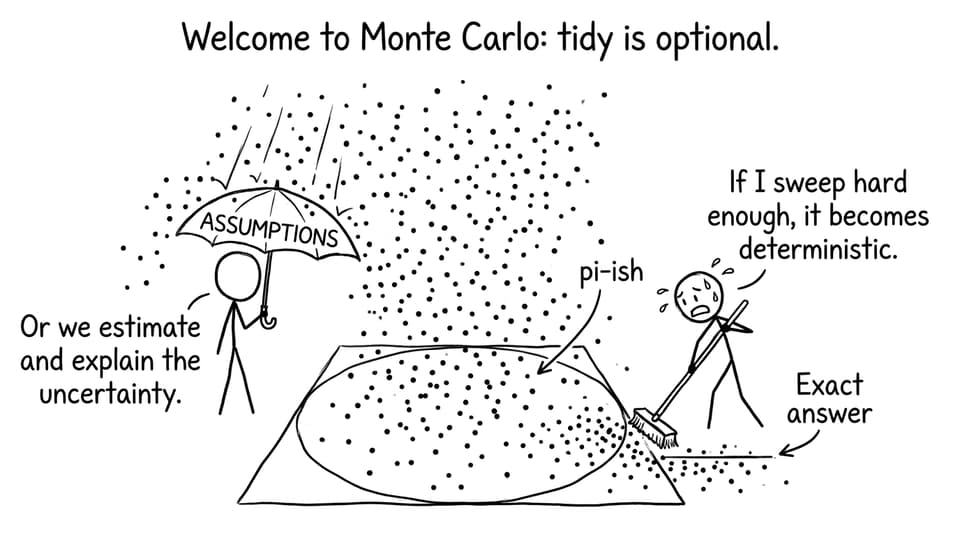
Monte Carlo estimation (area/volume/integration)
-
Bootstrapping a confidence interval
-
Simulated sampling distributions
Strength: connects uncertainty to measurable error.
How to incorporate simulations in mathematical modeling (step-by-step)
This is the workflow that keeps your simulation “IB-relevant”: model first, experiment second, explanation always.
Start with a model you can defend
Write the model in full and define every symbol.
Example:
- Logistic model: (P(t)=\frac{L}{1+Ae^{-kt}})
Now explain what each parameter means in context. In an IB exploration, that sentence often matters as much as the equation.
If you’re still choosing a model type from data, the walkthrough in How to Build Mathematical Models for the IB Math IA helps you match patterns to functions without guessing.
Choose one output metric (so your simulation has a purpose)
Simulations generate lots of “stuff”: tables, curves, animations, scatterplots. Pick one output you’re trying to understand.
Good output metrics include:
-
Maximum value
-
Time to reach a threshold
-
Mean and standard deviation (for random simulations)
-
Error between simulated and real data
That single metric is what turns your simulation into analysis.
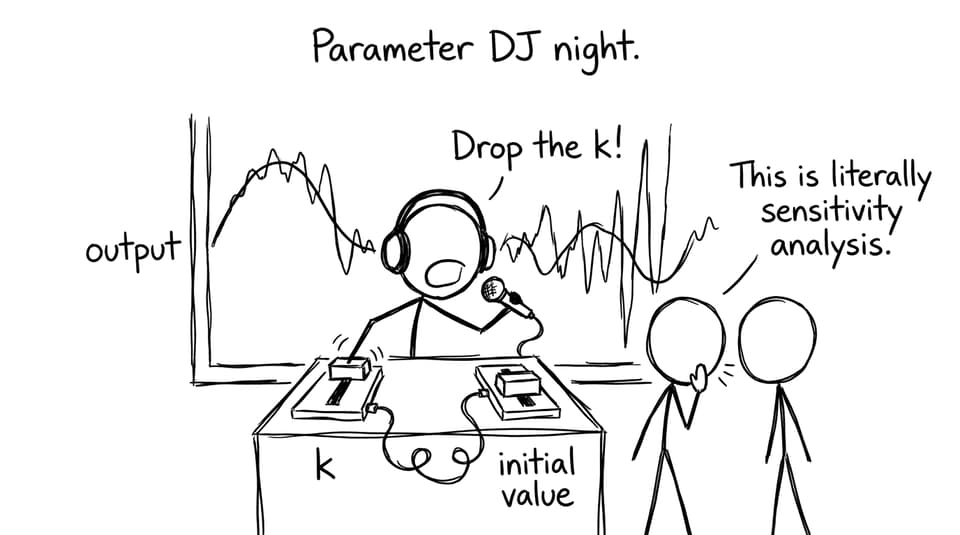
Decide what you will vary (parameters) and why
This is where modeling becomes a real experiment.
For IB marking, parameter choice should be justified:
-
“I vary (k) because it controls growth rate.”
-
“I vary initial velocity because it changes range.”
Then state your expected relationship before you run the simulation. Examiners like predictions because they reveal understanding.
Build the simulation in a tool you can explain
Use whatever tool lets you run repeatable trials and show outputs clearly:
-
Excel/Google Sheets for iteration and randomness
-
GeoGebra/Desmos for sliders and dynamic graphs
-
Python for repeated trials and clean analysis
Tool choice doesn’t earn marks by itself in IB. Clarity does. If your simulation is complicated, include a brief method description: inputs, process, outputs.
Interpret outputs like an IB examiner
After each major result, write commentary that answers:
-
What pattern do I see?
-
Why does the model behave this way mathematically?
-
What happens at extreme values (boundary cases)?
-
What does this imply about the real system?
If you struggle to write reflective evaluation, use prompts like those in How to Reflect on Model Limitations in the IB Math IA.
Validate (even a little)
Validation is the difference between “I made a graph” and “I built a model.”
Ways to validate in IB modeling:
-
Compare with real data (even a small dataset).
-
Compare with a known special case (e.g., when (k=0), nothing should grow).
-
Compare with theoretical expectations (e.g., probability sums to 1).
And if the model fails? Say so clearly. That honesty often strengthens Criterion E-style reflection.
The most common simulation mistakes (and how IB students can avoid them)
Treating the simulation as the mathematics
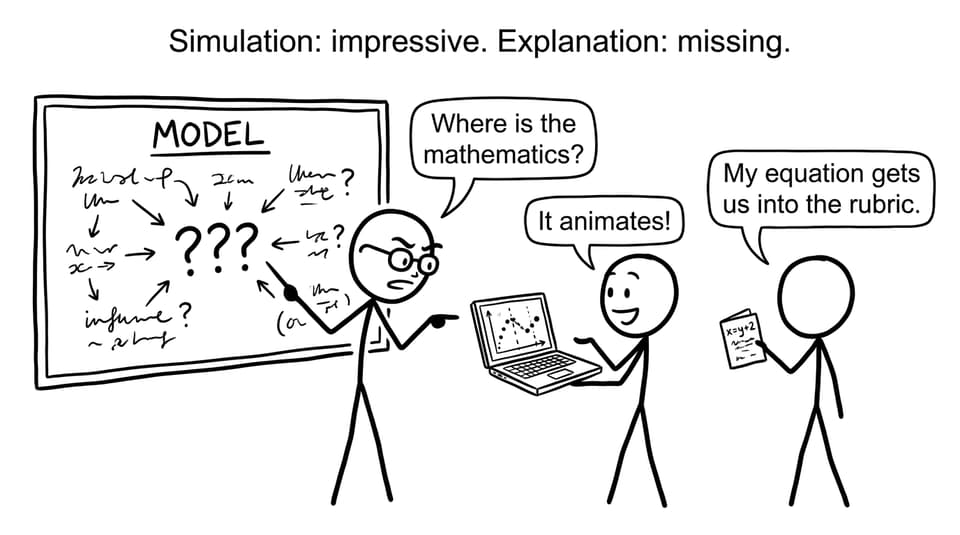
If your write-up is mostly screenshots and barely any reasoning, the simulation becomes decoration.
Fix: anchor every output in a line of math. Even a simple explanation of why a parameter shifts a curve can rescue clarity.
Forgetting assumptions
Every simulation has assumptions: independence, constant rate, no external forces, perfect measurement, etc.
Fix: list assumptions explicitly, then discuss how breaking them would change results.
This is exactly the kind of mistake highlighted in How to Avoid Common Mistakes in IB Math IA Modeling.
Overcomplicating the tool
A long code file does not automatically mean strong modeling.
Fix: keep the simulation just complex enough to test your aim, then spend words on interpretation.
How RevisionDojo supports simulation-based modeling
Simulation work tends to fail in two places: students don’t know what to test, and they don’t know how to write what they found.
RevisionDojo is built to close that gap for IB students:
-
Use Study Notes to quickly refresh the underlying topic (functions, calculus, statistics).
-
Use Flashcards to lock in definitions and model conditions.
-
Use the Questionbank to practice the modeling thinking that simulations depend on (set-up, interpretation, parameter meaning). Start here: How to Use the Questionbank for Targeted Math Revision.
-
Use AI Chat when you’re stuck on “why did this happen?” or “how do I explain this trend in examiner language?”
-
Use Grading tools to get rubric-aware feedback on IA drafts (especially evaluation and communication).
-
Use Mock Exams and Predicted Papers to turn modeling into timed performance, not just coursework comfort. A good entry point is How to Use RevisionDojo's Mock Exam Builder to Simulate IB Conditions and the IB Predicted Papers hub.
-
Use the Coursework Library to see what “good” looks like before you commit to a direction.
-
Use Tutors when you want a human to pressure-test your assumptions and interpretation.
For subject-specific math hubs, you can also jump into:
Closing: make the simulation earn its place
A simulation is not proof. It’s a conversation with your model.
For IB students, that’s the opportunity: you can take a formula, test it under pressure, and explain what it reveals about a system that’s messier than any textbook question.
If you want your simulations to translate into marks, build the loop: define the model, simulate with intention, interpret with discipline, and reflect honestly. Then train that same modeling skill for exams using RevisionDojo’s Study Notes, Flashcards, Questionbank, AI Chat, Grading tools, Predicted Papers, Mock Exams, Coursework Library, and Tutors.
Your simulation can be impressive. But in the IB, your explanation is what scores.