


In IB Design Technology, it’s easy to believe the prototype is the main character. The temptation is understandable: building feels like progress. It looks impressive in photos. It’s the part your friends can actually see.
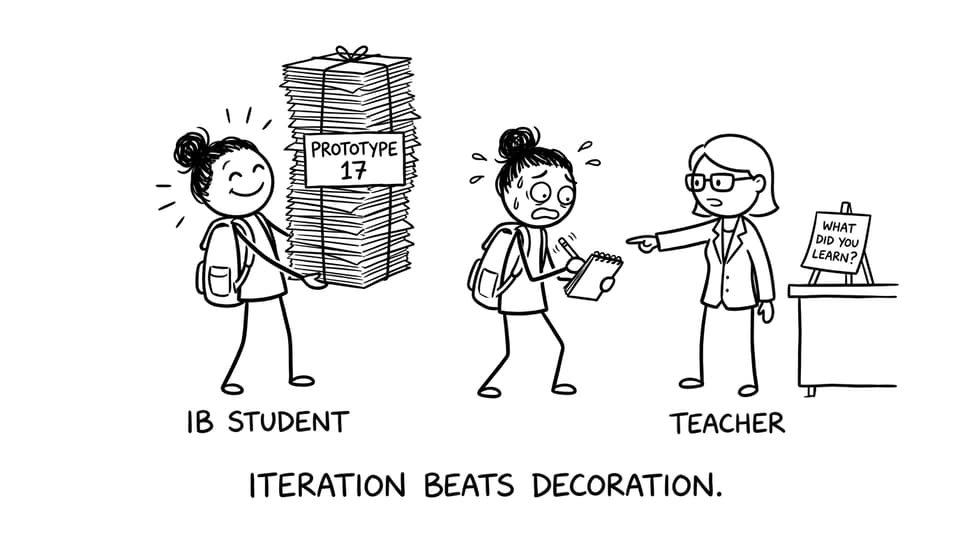
But examiners and teachers aren’t grading you on how cinematic your workshop montage was. In IB Design Technology, prototyping earns marks when it proves you can think, test, adapt, and explain. A single beautiful model with no learning is like a perfect answer with no working.
What counts as a prototype in IB Design Technology?
A prototype in IB Design Technology is any representation of your idea that helps you explore performance, usability, or feasibility. It doesn’t have to be polished. It has to be useful.
Prototypes can include:
-
Quick sketch models (paper, foam, cardboard)
-
Partial builds that test one function (a hinge, a grip, a joint)
-
CAD models used to check dimensions or assembly
-
Rapid manufactured parts (like a single 3D printed component)
-
Digital simulations used for decision-making (not just aesthetics)
If you want a deeper breakdown of how prototyping fits into the wider design process, pair this with Modeling and Prototyping in IB Design Technology.
The real question: how many prototypes show iteration?
There is no official minimum number of prototypes in IB Design Technology. What’s assessed is the evidence trail of iteration.
Most strong projects land in a practical range:
-
2 to 4 purposeful prototypes
-
with each version testing something new
-
and each change justified by results or user feedback
One prototype can work only if it’s genuinely iterative inside itself (separate tests, revisions, refinements). But in practice, one prototype often signals “I built it once and hoped,” which limits marks.
For a broader look at what high-scoring projects tend to include, compare with IB Design Technology IA Examples: What Top Projects Look Like.
A quick checklist for “enough” prototypes
Use this 60-second checklist to decide whether your IB Design Technology prototyping is sufficient:
-
Did I prototype early, before committing to materials and final form?
-
Did each prototype test a different requirement (ergonomics, strength, usability, size, safety)?
-
Do I have photos/screenshots and a short explanation of what changed?
-
Is there data (measurements, time trials, user ratings) rather than opinions?
-
Can I clearly say: “Because of test X, I changed Y”?
If two or more of those are missing, you probably need another iteration, not a prettier finish.
Why early prototypes score better than late ones
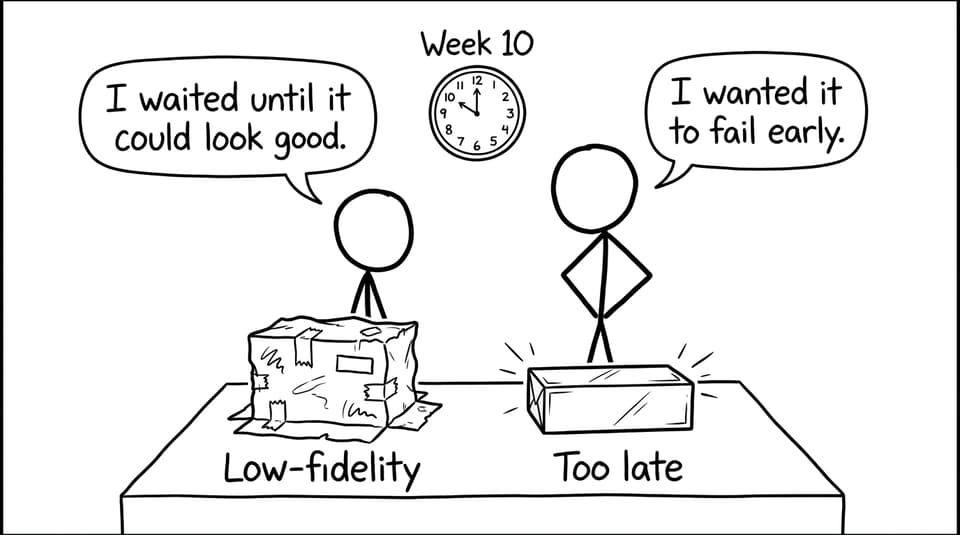
The highest-value prototypes in IB Design Technology often look the worst. That’s the point.
Early low-fidelity builds help you:
-
spot design flaws while they’re still cheap to fix
-
get client/user feedback before you’re emotionally attached
-
make the final build more focused (and more defensible)
If your project timeline keeps pushing prototyping to the end, you’ll likely relate to How to Manage Time on Your IB Design Technology IA Project.
Quality over quantity: prototype different questions
A common trap in IB Design Technology is building “many versions” that test the same thing. That becomes documentation, not development.
A better approach is to make each prototype answer one clear question, for example:
-
Prototype 1: Does the size fit the user’s hand/body/space?
-
Prototype 2: Does the mechanism work under load or repeated use?
-
Prototype 3: Does the user understand how to use it without instruction?
-
Prototype 4: Does the refined design meet the success criteria consistently?
If you need vocabulary and technique ideas, RevisionDojo’s syllabus-aligned notes on Low- and high-fidelity prototyping are a fast way to tighten your language.
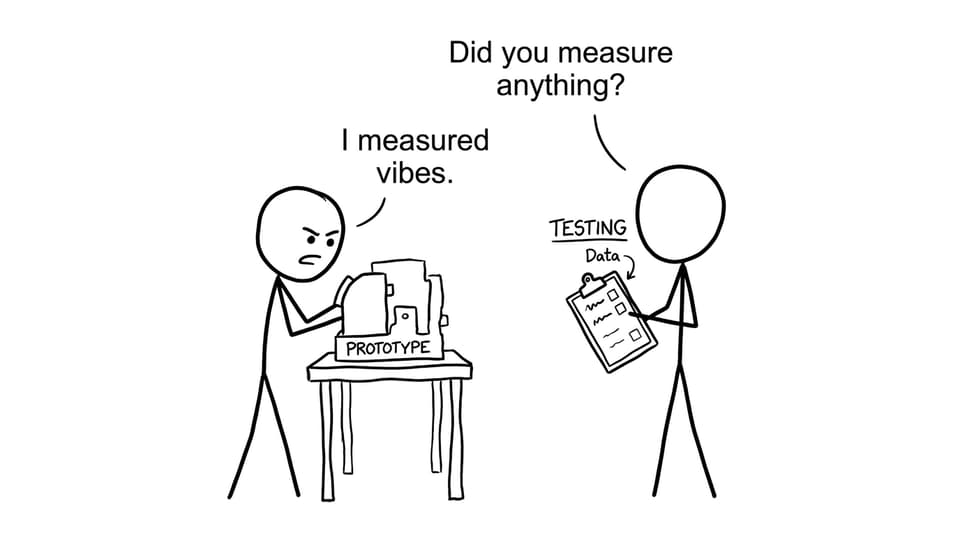
Prototyping without testing is just arts and crafts
In IB Design Technology, the prototype is the tool. Testing is the proof.
Link every prototype to at least one of these:
-
a design requirement / specification
-
measurable performance testing
-
structured user feedback
-
comparison against an existing product
To practise writing about prototyping in exam-style language, use the B2.2 Modelling and Prototyping Questionbank or the targeted A2.2 Prototyping techniques Questionbank.
Common prototype mistakes that quietly cost marks
Students usually don’t lose marks because they “didn’t build enough.” They lose marks because their prototypes don’t say anything.
Watch for these:
-
building one final model and calling it iteration
-
changing the design but not explaining the reason
-
describing what you made instead of evaluating performance
-
relying on opinion instead of evidence
If you want a bigger list of avoidable errors, read Common IB Design Technology IA Mistakes and How to Fix Them.
Final take: aim for 2 to 4 purposeful prototypes
So, how many prototypes should you include in IB Design Technology? Usually two to four, as long as each one earns its place by testing something new and pushing the design forward.
If you want a system that makes prototyping easier to plan, easier to write up, and easier to revise for exams, start with the IB Design Technology Resources hub. RevisionDojo brings your whole workflow together: Study Notes for terminology, Flashcards for recall, Questionbank and Mock Exams for exam practice, AI Chat for markscheme-style feedback, Grading tools to strengthen IA writing, and a Coursework Library plus Tutors when you need model examples and guidance. In IB Design Technology, the prototype isn’t the finish line; it’s the evidence that you learned your way there.