


The screen requirement feels simple, until you export
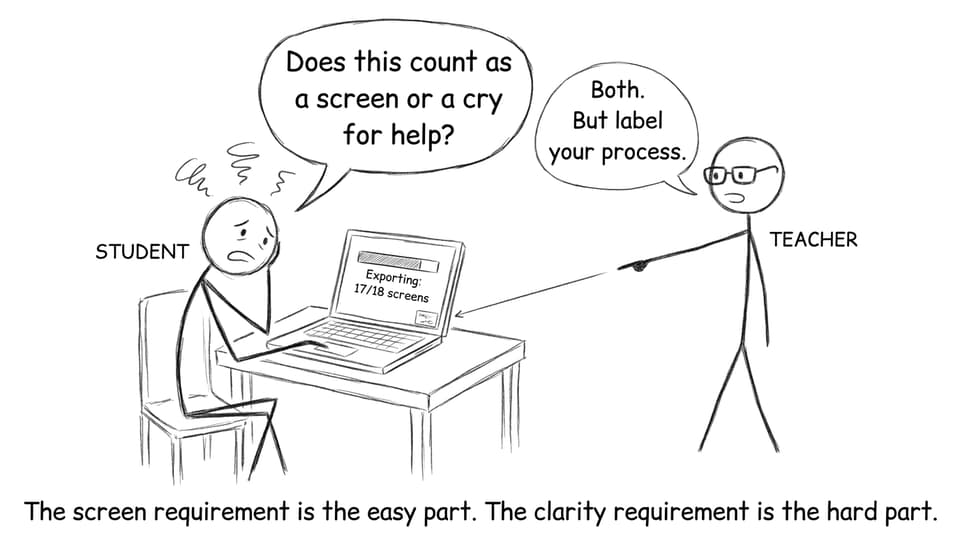
At some point in IB Visual Arts, every student has the same moment: you hit “export,” your laptop whirs like it’s judging you, and you suddenly wonder, Wait… what even counts as a screen?
Because the Process Portfolio is submitted digitally, the “screen requirement” sounds technical. But it’s really about something more human: telling a clear story of how your work changed. Miss the minimum and you risk marks. Cram in everything and you bury your best thinking.
If you want a bigger overview of the course components (Comparative Study, Process Portfolio, Exhibition), keep What is IB Visual Arts? open as your map.
IB Visual Arts screen requirements (SL vs HL)
Here are the official ranges most students need to plan around:
-
SL: 9-18 screens
-
HL: 13-25 screens
A screen is one digital page in your portfolio. Think of it as one curated “slide” that can include images, annotations, photos of experiments, research, and reflection.
To check the bigger picture of expectations across the course, see Requirements for IB Visual Arts.
What counts as a “screen” in IB Visual Arts?
A screen can include:
-
Photos of artworks (resolved pieces or in-progress)
-
Experimentation (material tests, technique trials, failures with notes)
-
Artist research with images and citations
-
Process documentation (sketchbook photos, planning, progress shots)
-
Reflections: what you changed, what you learned, what you’ll test next
-
Cultural context links that genuinely shaped decisions
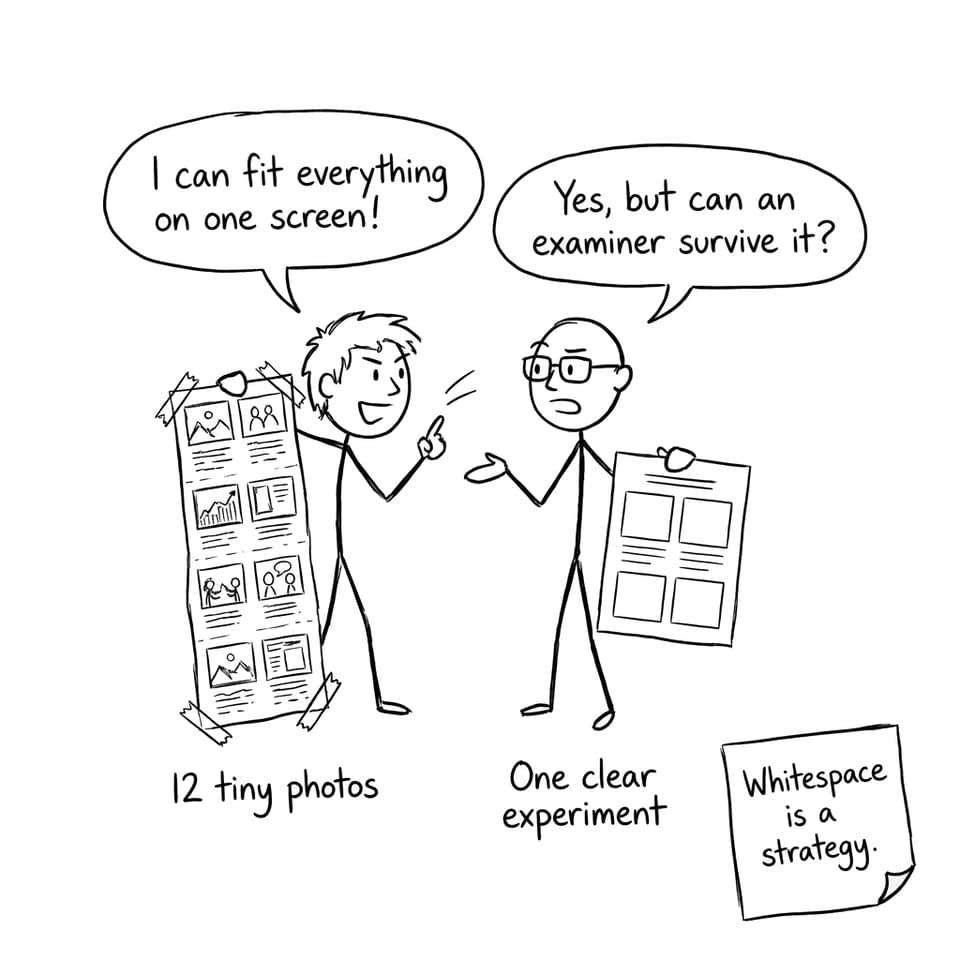
You can place multiple images on one screen if the layout stays readable and the idea stays coherent. A useful rule: one screen should communicate one main learning moment.
If you’re unsure what “experimentation” looks like on the page, use How to Show Experimentation in Your IB Visual Arts Process Portfolio.
A quick checklist to hit the screen requirement without losing quality
Use this before you decide to add “just one more screen”:
-
Does this screen show a decision (not just a picture)?
-
Can an examiner understand it in 10 seconds?
-
Is there at least one sentence explaining why you did it?
-
Does it connect to an artist reference, a theme, or a technical aim?
-
Is the layout clean enough that the work, not the clutter, gets attention?
For a portfolio that feels deliberate (not random screenshots), read IB Visual Arts Portfolio: Build One Examiners Remember.
How SL and HL students should plan their screens
SL: 9-18 screens in IB Visual Arts
In IB Visual Arts SL, your goal is breadth with control. Show range (media, approaches, influences) without turning each screen into a collage of unrelated evidence. Pick experiments that prove you can test, evaluate, and refine.
HL: 13-25 screens in IB Visual Arts
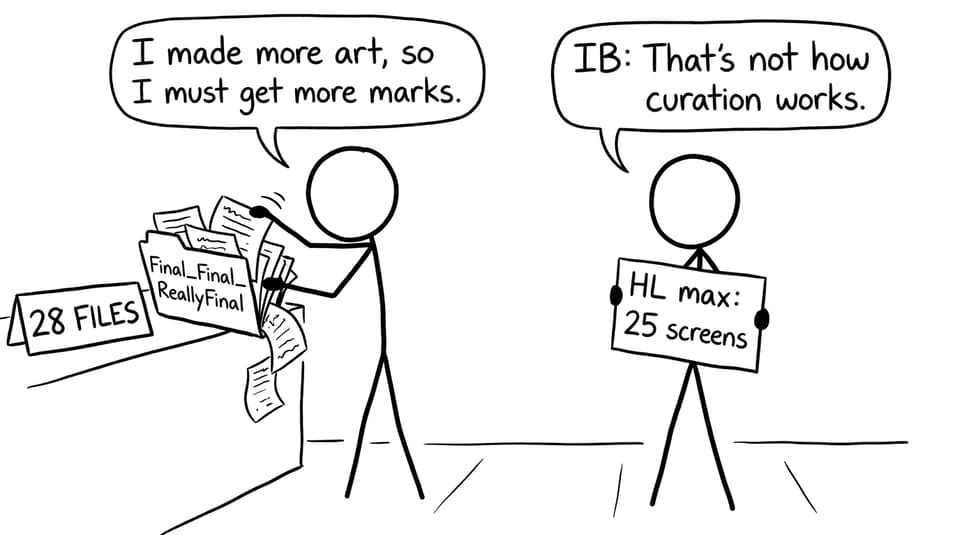
HL students should show more sustained development: deeper reflection, more iterative testing, and clearer links between research and studio choices. The temptation is to go straight to 25 screens. Resist that. Strong curation often beats maximum volume.
If you’re building a theme and want it to actually support experimentation (instead of trapping you), explore Best IB Visual Arts Themes for Process Portfolios.
Common mistakes that quietly cost marks
-
Falling below the minimum screens for SL or HL
-
Uploading lots of images with little or no reflection
-
Overcrowding screens (tiny photos, unreadable text, no hierarchy)
-
Writing long paragraphs that don’t explain decisions
-
Adding “cultural context” as decoration instead of a reason for choices
To make cultural context feel natural (and useful), see How to Integrate Cultural Context into Your IB Visual Arts Comparative Study.
How RevisionDojo helps you build better screens
IB Visual Arts is graded creativity, but it’s also graded evidence. RevisionDojo helps you generate and polish that evidence faster:
-
Use the IB Visual Arts Process Portfolio Grader for rubric-aligned feedback on clarity and criteria coverage
-
Study real high-level models in the IB Visual Arts Exemplars
-
When you’re stuck mid-reflection, use AI Chat to turn messy thoughts into clear evaluation sentences
-
Keep your skills sharp across subjects with Study Notes, Flashcards, and the Questionbank (especially helpful when other exams squeeze your studio time)
-
Build confidence with Predicted Papers and Mock Exams in your other subjects so Visual Arts doesn’t carry all your stress alone
-
If you need a human eye, RevisionDojo Tutors can help diagnose what your screens are missing
If you’re also trying to “study” Visual Arts like a system (not a panic sprint), use How to "Study" IB Visual Arts Effectively.
FAQ
How many screens do I need for IB Visual Arts SL and HL?
For IB Visual Arts SL, you generally submit 9-18 screens. For IB Visual Arts HL, you generally submit 13-25 screens. The range exists because the IB wants enough evidence to assess development, but not so much that your portfolio becomes unreadable. Treat the minimum as non-negotiable and the maximum as a hard ceiling. If you are sitting near the upper limit, make sure every screen earns its place by showing a clear decision and reflection. A smaller set of strong screens can often communicate more than a large set of repetitive ones.
Can unfinished experiments count as screens in IB Visual Arts?
Yes, unfinished work can absolutely count in IB Visual Arts, as long as it demonstrates thinking. The Process Portfolio is not a gallery of perfect outcomes; it’s evidence of experimentation and learning. A failed print test with notes about ink density and pressure can be more valuable than a polished photo with no explanation. What matters is that you explain what you changed, what you learned, and what you would do next. Include a photo that’s clear, add short annotations, and connect it to an intention or an artist influence if relevant. Unfinished work becomes high-scoring when it’s framed as part of development, not as an apology.
Is it better to submit fewer strong screens or more screens?
In IB Visual Arts, clarity beats quantity almost every time. More screens only help if they add new evidence: a new material risk, a new idea shift, a meaningful comparison, or a better reflection. When students add screens just to reach the maximum, they often repeat the same process photos, shrink images to unreadable sizes, and weaken the story of development. Examiners are looking for coherent growth, not a dump of everything you ever made. Aim for the smallest number of screens that still shows variety, experimentation, and reflection across time. If you’re unsure, use a rubric-based tool like RevisionDojo’s grading support to see whether a new screen truly adds marks.
Final takeaway: screens are pages, but they’re also choices
The IB Visual Arts portfolio screen requirement is simple on paper: SL needs 9-18 screens, HL needs 13-25. The real challenge is curating screens that feel intentional, readable, and honest about your process. Build each screen around one learning moment, and your portfolio stops being “digital paperwork” and starts reading like an artist’s thinking.
When you’re ready to tighten your screens, use RevisionDojo’s Grading tools, learn from the Coursework Library, and lean on AI Chat for faster reflection drafting, so your IB Visual Arts submission looks calm, clear, and examiner-ready.


