You don’t fail IB Music because you used the “wrong” software.
You lose marks in IB Music when technology hides your thinking.
A DAW session with 40 tracks can still be musically shallow. A simple GarageBand project can be brilliant if it shows choices: why that tempo, why that texture, why that transformation, why that edit. Examiners reward control and reflection, not brand names.
Below is a practical guide to using tools like GarageBand, Logic Pro, Sibelius, MuseScore, Ableton, and basic recording apps to build stronger evidence for Creating, Performing, and Exploring.
Quick checklist: technology that helps IB Music marks
Use this as your weekly reset for IB Music:
-
Pick one “main tool” (DAW or notation software) and one “support tool” (recorder/analyser).
-
Save process evidence: versions, screenshots, exports, short notes.
-
Show craft: editing, arranging, mixing, formatting, and corrections.
-
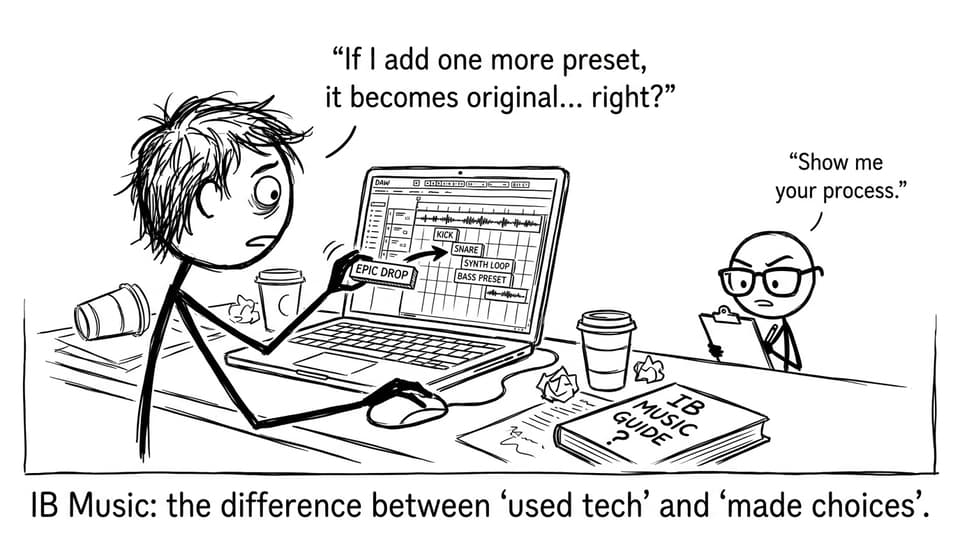
Show originality: transform material, don’t just stack presets.
-
Link tech decisions to musical features (texture, timbre, harmony, form).
If you’re building your overall plan, pair this guide with IB Music Syllabus Breakdown: What Students Need to Know.
Choosing the right tools for IB Music (without trying to learn everything)
In IB Music, your tool should match your goal.
DAWs for composing and producing
-
GarageBand: fast workflow, great for sketching, recording, and clean exports.
-
Logic Pro: deeper MIDI editing, automation, mixing, and sound design.
-
Ableton Live / FL Studio: strong for electronic genres, looping, and performance integration.
Notation software for clear scores
-
Sibelius: powerful engraving and part preparation.
-
MuseScore: free and surprisingly capable for coursework-ready notation.
A good rule: master 20% of one program that you’ll actually use in your portfolio. The “I can kind of use five apps” approach usually creates messy evidence.
For composition structure and examiner expectations, keep How to Compose Music for IB Music Coursework nearby while you work.
IB Music Creating: how to make tech look like musicianship
Creating in IB Music is where technology can either clarify your craft or flatten it.
Use MIDI like a sketchbook, then commit to decisions
MIDI is perfect for testing harmony, voicings, and texture quickly. But your submission should show that you shaped the idea:
-
Develop a motif (augmentation, fragmentation, inversion).
-
Re-orchestrate the same material (piano texture to layered synths, or strings to percussion).
-
Automate dynamics and articulation so phrasing feels intentional.
Avoid the “preset trap” by transforming sounds
Presets are allowed. Generic results are optional.
Try:
-
Layer two sounds and EQ them into one new timbre.
-
Resample audio and edit it into a new rhythmic pattern.
-
Change instrumentation mid-section to highlight form.
If you want a clear mental model of what earns marks, read What Examiners Look for in IB Music Compositions.
IB Music Performing: recording as a feedback loop (not just proof)
Most students treat recording as an administrative step. High scorers in IB Music treat recording as a mirror.
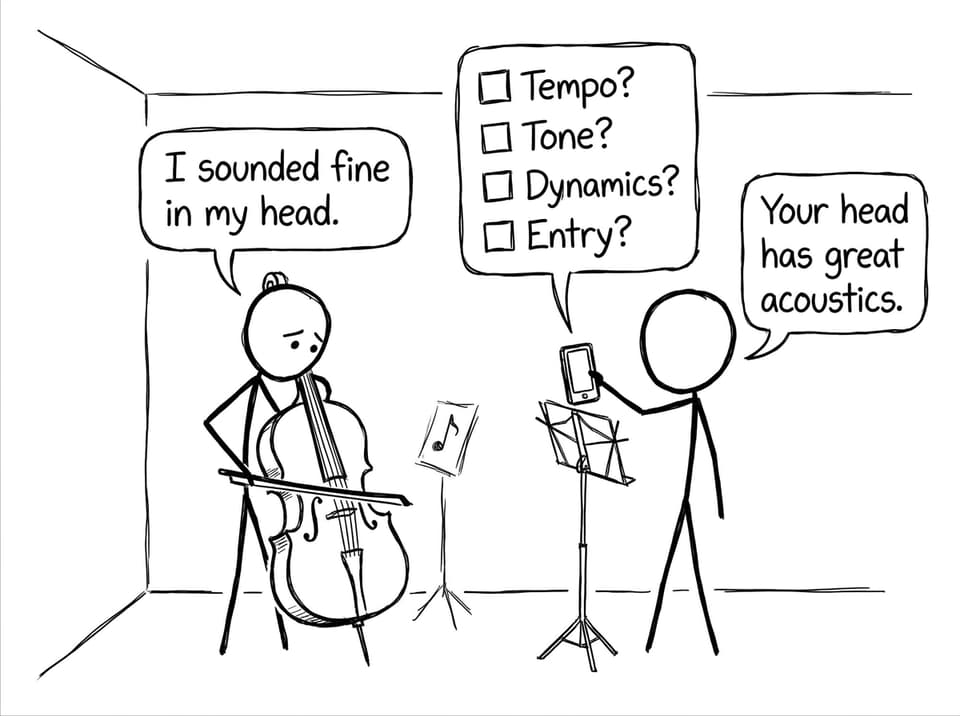
Record short takes early and often. Then listen like an editor:
-
Where does time drift?
-
Which notes speak late?
-
Do dynamics match style?
-
Is articulation consistent?
Build a simple improvement cycle: record, listen, write one fix, and re-record. That cycle becomes reflection evidence.
For practical setup and sound quality, use Tips for Recording Your IB Music Performance.
If you’re unsure what the assessors value in performances, anchor your practice with What Examiners Look for in IB Music Performances.
IB Music Exploring: technology that makes analysis sharper
Exploring in IB Music lives or dies on specificity. Technology helps you notice details you can’t catch in one listen.
Use tools to:
-
Compare recordings side-by-side (interpretation, tempo, instrumentation).
-
Slow down audio without changing pitch to identify rhythmic layers.
-
Annotate scores in Sibelius/MuseScore to mark structure, texture changes, or cadences.
Then translate what you found into clear musical-feature language. If you want a ready structure for this, use Best Strategies for IB Music Comparative Analysis and How to Revise Effectively for IB Music Listening Exams.
Presenting your IB Music work professionally (the quiet mark-saver)
Presentation doesn’t replace substance, but in IB Music it prevents confusion.
-
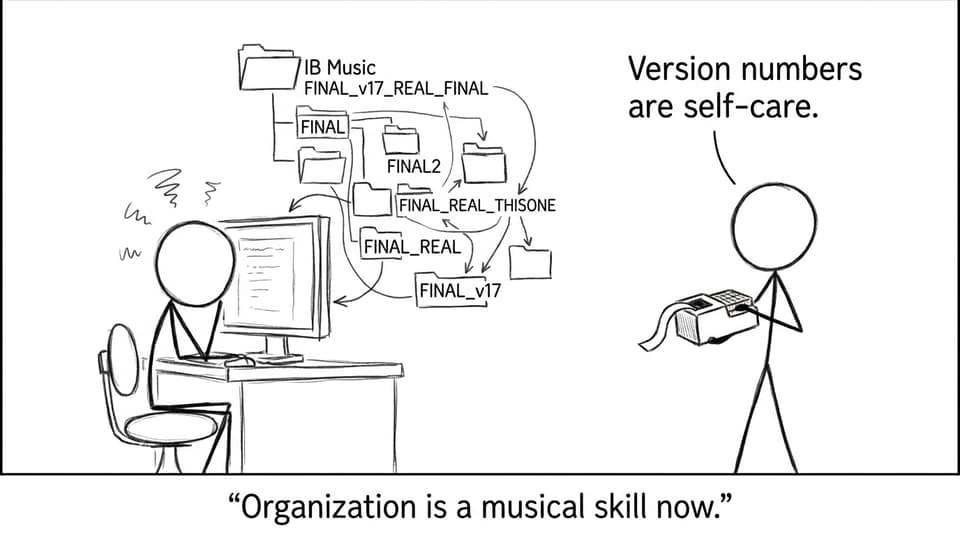
Export audio with consistent naming (piece_component_version_date).
-
Keep scores readable: spacing, dynamics, rehearsal marks.
-
Organize folders so an examiner can follow your journey.
That journey matters. If you want a clear standard to aim for, read What Examiners Look for in IB Music Portfolios.
Documenting technology use in IB Music reflections
A reflection line that scores well in IB Music usually has three parts: tool, action, musical reason.
Examples:
-
“I used Logic automation to shape dynamics so the climax arrives gradually, supporting a clear arch form.”
-
“I used Sibelius playback to test orchestration balance, then reduced low brass in bars 24-32 to keep the melody audible.”
-
“I recorded takes in GarageBand and noticed rushed semiquavers; practicing with a click at 80% tempo stabilised timing.”
If coursework deadlines are getting loud, Best Study Routines for IB Music Coursework Deadlines helps you keep all components moving.
Conclusion: make technology your evidence, not your cover
Used well, technology makes IB Music calmer. It gives you drafts you can revisit, recordings you can learn from, and notation you can present with confidence. Used poorly, it becomes a fog machine: loud, shiny, and hiding the point.
RevisionDojo helps you keep the point visible. Use its Study Notes to understand what each component demands, Flashcards to lock in musical vocabulary, and the AI Chat to troubleshoot harmony, texture, and reflection phrasing fast. Then use the Questionbank for exam-style practice, Mock Exams and Predicted Papers for timed readiness, and the Grading tools plus Coursework Library to tighten presentation and criteria alignment. When you need a human checkpoint, RevisionDojo Tutors can help you turn your tech workflow into marks.
If you want more targeted support, browse All IB Music Posts and build your next IB Music session around one clear output you can finish today.


