


The night before an IB Math exam, most students don’t fear the hard questions first. They fear the moment their calculator turns into a tiny, expensive brick. The TI-84 isn’t magic, but used well, it becomes something better than magic: predictable. And in IB Math, predictability is confidence.
The 60-second TI-84 checklist for IB Math
Before you do any serious IB Math practice, get these habits locked in:
-
Check
MODE(Degree vs Radian, and display settings) -
Use
2ndQUIT(fast exit when you get lost) -
Use
2ndENTER(quickly recall previous inputs) -
Keep your
Y=screen clean (turn off unused graphs) -
Practice with exam restrictions in mind (Press-to-Test)
If you’re building your whole revision plan, pair this with How to Prepare for IB Math Paper 2 (Calculator Allowed) so your calculator skills match exam timing.
Graph like an examiner is watching
In IB Math, graphing isn’t just “draw the curve.” It’s about reading key features fast.
Use Y= and WINDOW intentionally
-
Press
Y=and enter the function. -
Press
WINDOWto set a sensible view (don’t let the TI-84 choose chaos). -
Press
GRAPH.
Then use 2nd TRACE (CALC) to find:
-
Intersections
-
Zeros
-
Minimum/maximum points
For topic-specific practice that actually reflects exam style, use RevisionDojo’s Questionbank for AA calculus and functions: Math AA Calculus Questionbank.
Solve equations without losing method marks
The TI-84 can solve numerically, but IB Math still rewards clear reasoning. Use the calculator to confirm or finish, not replace.
The built-in Solver (when it’s worth it)
-
Press
MATHand findSolver.... -
Enter an equation in the form
expression = 0. -
Use
ALPHAENTERto solve.
A strong routine is:
-
Rearrange algebra by hand.
-
Use Solver to check your final value.
-
Write your conclusion clearly.
If you want a deeper “tech strategy” approach across calculators, see How to Use Graphing Calculators During IB Math Exams.
Stats and regression: where the TI-84 quietly wins
A lot of IB Math marks come from interpreting data, not crunching it.
1-Var Stats and regression
-
Press
STAT->Editto enter lists. -
Then
STAT->Calc->1-Var Statsfor summary values. -
For modelling, choose a regression (like linear) from
STAT->Calc.
When normal distribution appears, knowing calculator functions can save minutes. RevisionDojo’s notes connect the idea to calculator execution, e.g. Z values and inverse normal notes.
Matrices: speed with a small setup cost
Matrices are perfect TI-84 territory in IB Math: setup once, compute accurately.
-
Press
2ndMATRIX->Editto define matrices. -
Use the
Mathmenu for inverse, multiplication, and other operations.
The key is to label your matrices clearly in your working so you don’t confuse what the TI-84 computed.
Exam mode (Press-to-Test): don’t fear it, rehearse it
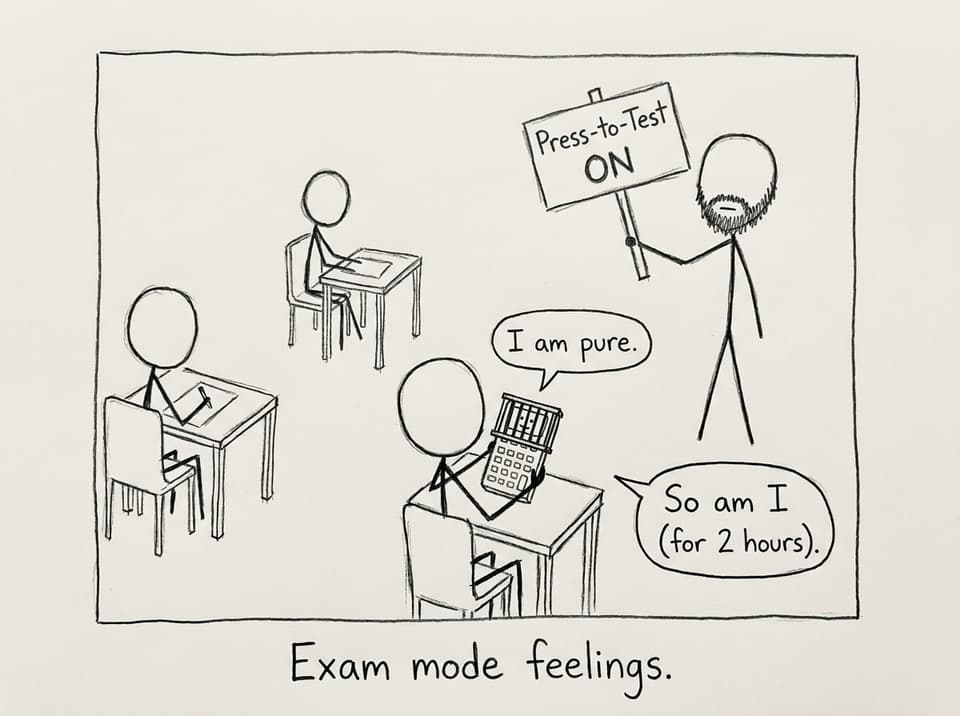
Students often discover Press-to-Test at the worst possible time: five minutes before the exam.
-
Turn the calculator off.
-
Hold
DELwhile turning it back on. -
Select Press-to-Test and apply the restrictions.
Then practice at least once under timed conditions so your fingers don’t hesitate. RevisionDojo’s IB Predicted Papers are a great way to rehearse realistic pacing without guessing what to do next.
Closing: make the TI-84 feel boring
The goal for IB Math is not to be impressed by your TI-84. It’s to make it feel boring, because boring means familiar, and familiar means fast.
If you want a full system around that speed, RevisionDojo is built for it: use the Questionbank for exam-style drills, Study Notes for clean explanations, Flashcards for button paths and formulas, AI Chat for quick clarifications, plus Predicted Papers and Mock Exams to rehearse pressure properly. Your TI-84 becomes a tool again, and your thinking becomes the main event.