



First impressions happen fast. An examiner opens your IA and, before they meet your thinking, they meet your layout. Not your conclusion. Not your evaluation. Your title page, headings, spacing, and figure labels.
That moment is quiet, but it matters. The IB won’t hand you marks for a pretty IA title page. Still, presentation shapes how easily someone can follow your reasoning. A clean structure reduces friction, which keeps attention on what earns marks: clarity, analysis, and justified decisions.
If you want the shortest path to “this student is in control,” build an IA that reads like a well-marked trail.
IA presentation checklist (2 minutes before you submit)
Use this mini-audit to make your IA feel professional without wasting time:
-
Title page includes the required details (subject rules first).
-
Fonts, margins, spacing, and headings stay consistent.
-
Page numbers are present and readable.
-
Tables and figures are numbered, titled, and unit-labeled.
-
Citations and references follow one consistent style.
-
Final export is clean (no broken images, weird spacing, or shifting graphs).
For subject-specific expectations, start in the IB Internal Assessment Guides and compare your structure against exemplars in the Coursework Library.
What to include on a strong IA title page
A strong IA title page is almost boring. That’s the point. It signals order.
Most subjects and schools want some version of:
-
IA title (specific, not poetic)
-
Subject (and level if needed)
-
Research question (if your subject uses one)
-
Candidate number (only if your school requires it for your IA)
-
Examination session/year
-
Word count (only if required)
A simple IA title page template
Keep it to one page. Centered text is common, but left-aligned is fine if your school prefers it.
-
Title: The effect of X on Y in Z conditions
-
Subject: IB Biology HL (example)
-
Research Question: [Your exact RQ]
-
Candidate Number: ####-###
-
Session: May 2027
-
Word Count: ####
If you’re still refining the question itself, use this guide: How to Write a Strong IA Research Question. A sharp RQ makes your title page feel purposeful, not decorative.
IA title page design rules (the ones that save you)
-
Use one readable font (Calibri, Arial, Times are all fine).
-
Use size 11 or 12 for body text; keep headings consistent.
-
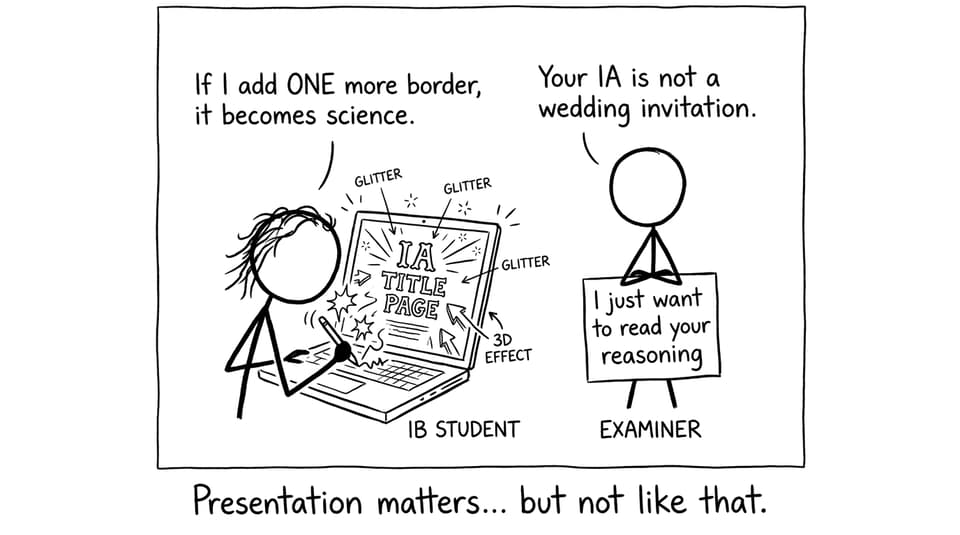
Avoid borders, logos, big quotes, and background images.
-
Don’t turn the title page into a poster. Your IA is not marketing.
For a subject where presentation can get technical (equations, graphs, spacing), this walkthrough helps: How to Format and Present Your IB Math IA Professionally.
How to present your IA so examiners can “scan and trust”
Think of an examiner like a tired traveler. They’re not looking for entertainment. They’re looking for signposts. Your IA should help them locate what matters in seconds.
Use consistent structure from start to finish
Choose one set of formatting decisions and stick to them:
-
Same margins throughout
-
Same heading hierarchy (H2-style section headings, then subheadings)
-
Same spacing between paragraphs
-
Same style for table titles and figure captions
If you’re unsure what “consistent” looks like in real student work, browse high-quality samples (and borrow their calm formatting choices): IB Biology IA Examples.
Make headings do real work
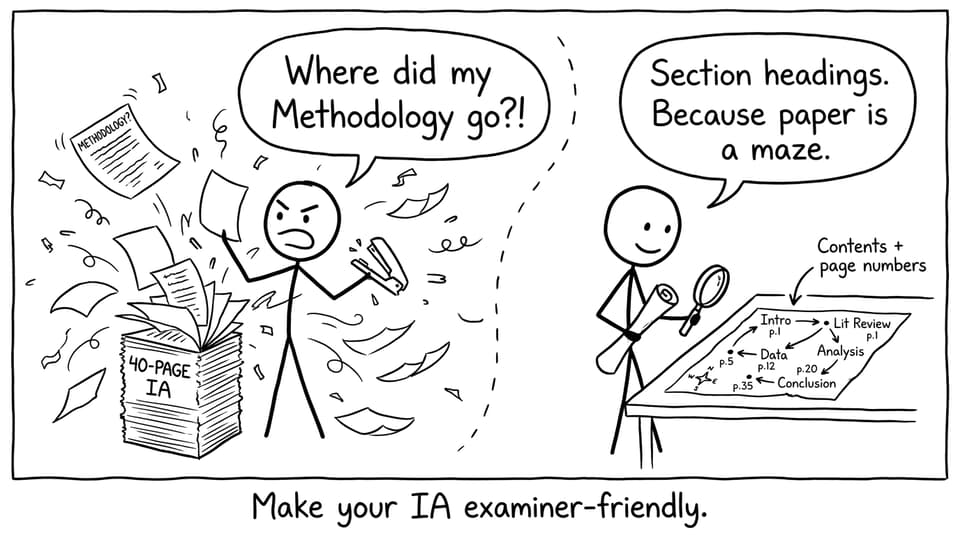
Headings aren’t decoration. In a strong IA, headings are navigation.
Aim for section names that match what the examiner expects to see, such as:
-
Introduction / Rationale
-
Methodology
-
Data Collection
-
Analysis
-
Evaluation
-
Conclusion
-
References
If you’re writing a science IA, you’ll also benefit from a clear model structure like the one in IB Biology IA: 8 Essential Tips to Score a 7.
Label every table and figure like you want to be understood
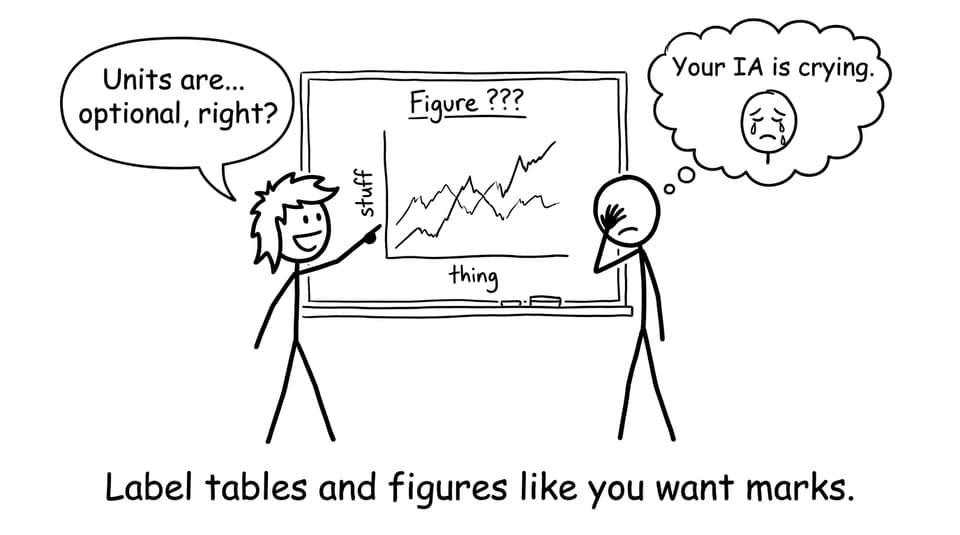
A graph without units is a shrug. A table without a title is a puzzle. Your IA should never make the reader guess.
For each visual:
-
Number it (Table 1, Figure 2, etc.)
-
Give it a descriptive title
-
Label axes and include units
-
Add a short caption that explains what the reader should notice
If your analysis relies on data presentation, this is the companion guide: How to Use Data Effectively in Your IA Analysis.
Citations: the quiet signal of credibility
Pick one citation style (APA/MLA/Chicago, whatever your school uses) and keep it consistent. In an IA, inconsistent referencing creates doubt: if the small details are messy, what about the big claims?
RevisionDojo’s AI Chat is useful here for catching missing in-text citations, and the Coursework Library helps you see what clean referencing looks like in real submissions.
Common IA presentation mistakes (and the quick fixes)
-
Overdesigned title page -> remove graphics, borders, and oversized fonts.
-
Missing required details -> cross-check your subject’s IA requirements in the IA Guides.
-
Formatting shifts after exporting -> export to PDF and re-check every page.
-
Floating graphs and orphan headings -> keep visuals near the paragraph that discusses them.
-
Inconsistent numbering -> decide once: Figure 1/2/3 and Table 1/2/3.
If you want a broader system for staying on track while coursework and exams collide, use Tips for Getting Good Grades in IB to plan your time and avoid last-minute formatting panic.
A calmer way to finish your IA
When you’re deep in exams, it’s tempting to treat presentation as a last-minute scramble. But the best IA submissions usually come from one decision: make it easy to read. Make it easy to verify. Make it feel inevitable.
RevisionDojo helps you do that without burning hours on formatting. Use the IA Guides to confirm requirements, the Coursework Library to compare real examples, AI Chat to catch missing pieces, and Grading tools (like the IB Biology IA Grader) to pressure-test clarity against criteria language. Then keep exam prep moving with the Questionbank, Study Notes, Flashcards, Predicted Papers, Mock Exams, and targeted Tutors when you want human feedback.
Build a clean title page. Build a navigable structure. Then let your IA speak for itself.