



If you have ever built a prototype you secretly loved, only to realise your “user” would never choose it, you have met the quiet lesson at the heart of IB Design Technology: good design is not what you prefer. It is what works for someone else, in their real context, with their real constraints.
That is why user-centred design shows up everywhere in IB Design Technology, in Paper questions, in extended responses, and especially in the design project. Students lose marks not because they forget to mention “the user,” but because they treat the user like a decoration instead of a decision-maker.
What user-centred design means in IB Design Technology
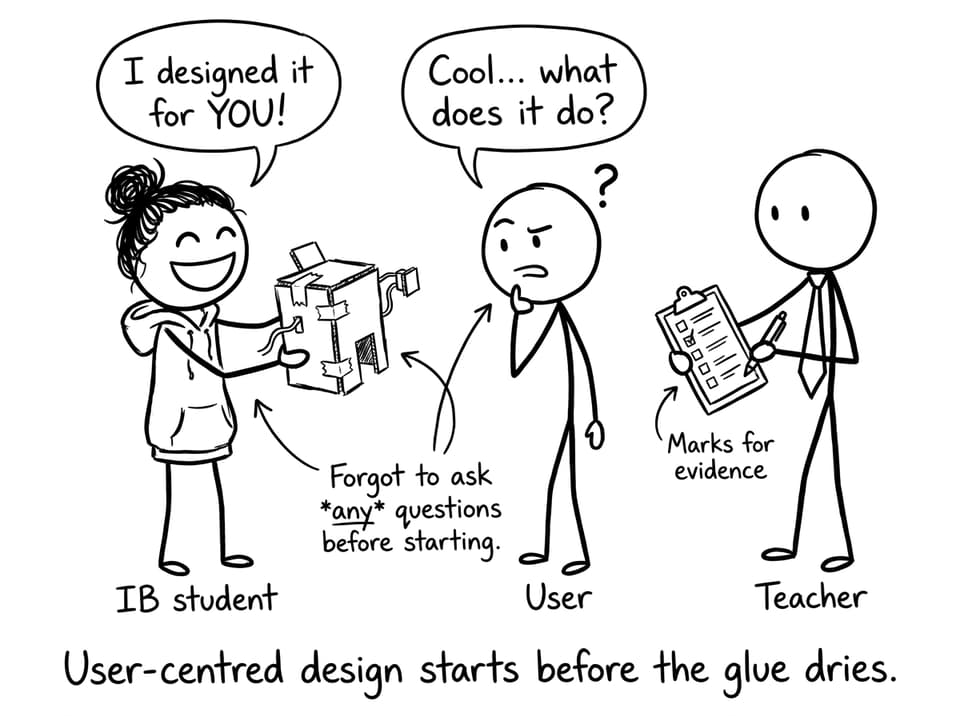
User-centred design (UCD) means your design choices are driven by evidence about a specific user: their needs, limitations, preferences, and environment. In IB Design Technology, that evidence must shape what you design and how you justify it.
In practice, UCD usually looks like this:
-
You define a specific user or client
-
You gather focused user research (not random background facts)
-
You translate insights into measurable design requirements
-
You test with users and iterate
-
You evaluate success using user feedback and your requirements
If you want the syllabus-aligned definition and exam language, anchor your revision to RevisionDojo’s User-centered design topic page and the linked 7.1 User-centred design notes.
Quick checklist: how to show user-centred design (fast)
When you are revising IB Design Technology, keep this mini-checklist beside your notes:
-
Can I name one specific user and context?
-
Can I cite 2-3 pieces of user evidence (quote, observation, measurement)?
-
Did I convert needs into design requirements that can be tested?
-
Did testing produce changes (iteration), not just compliments?
-
Does my evaluation explicitly return to the user?
To practise turning this into marks, run a short timed set from the 7.1 UCD Questionbank.
How examiners reward user-centred design in IB Design Technology
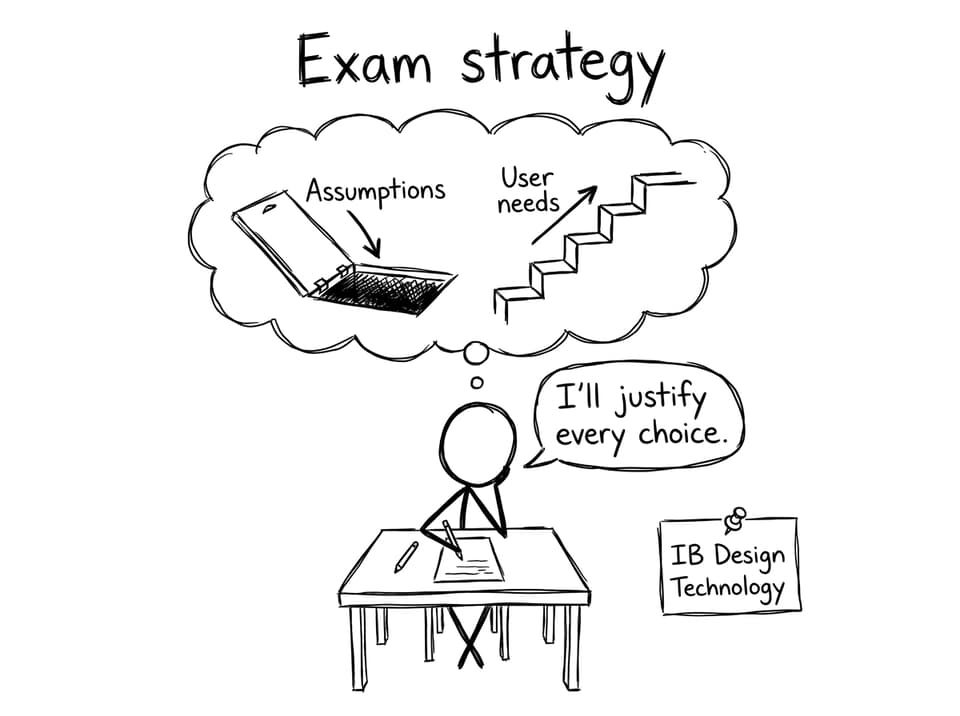
Examiners are essentially asking: “Did this student design with proof?” In IB Design Technology, UCD becomes a marking shortcut because it forces justification.
You will score higher when you:
-
State a user need clearly (not vaguely)
-
Link a design decision to that need (with evidence)
-
Acknowledge trade-offs (comfort vs durability, cost vs sustainability)
-
Evaluate against requirements and feedback, not feelings
RevisionDojo’s How is IB Design Technology assessed? is useful here because it explains why “evidence of thinking” matters across both exams and the design project.
How to apply user-centred design step by step
Choose a specific user (not a crowd)
Broad users make generic designs. Generic designs make weak justification. In IB Design Technology, specificity gives you leverage.
Too broad:
-
“Teenagers”
-
“Students”
-
“People who cook”
Stronger:
-
“A Year 10 student who carries a heavy laptop and has a 20-minute commute”
-
“An elderly user with reduced grip strength who opens medication daily”
-
“A teacher in a crowded lab who needs quick one-handed access to equipment”
Do research that you will actually use
User research in IB Design Technology is only valuable when it later appears as reasoning. A short interview that changes your requirements is worth more than five pages of general statistics.
Good research options:
-
Short interviews with targeted questions
-
Observation in context (what they do, not what they claim)
-
Task analysis (steps, time, pain points)
-
Simple usability testing with a rough prototype
For a clearer sense of what “counts,” RevisionDojo’s guide on effective user research in IB Design Technology is one of the quickest reads with the biggest payoff.
Convert needs into measurable design requirements
Needs are emotional and messy. Requirements are testable. In IB Design Technology, this translation is where many answers become high-scoring.
Example conversions:
-
“It hurts my hand” becomes “Handle diameter 30-40 mm; non-slip texture; max required force X N”
-
“I spill water when walking” becomes “Leak rate 0 ml after 10 shakes; one-handed seal mechanism”
-
“I get overwhelmed by settings” becomes “No more than 3 controls; labels readable at 50 cm; setup under 60 seconds”
If you are on the new syllabus, the B1.1 user-centred design notes hub helps you keep this aligned to the wording IB expects.
Test with users and iterate
Testing is not a photo of someone holding your product. Testing in IB Design Technology is a mini-experiment: you plan what to measure, run the test, gather feedback, and then change the design.
A simple but strong loop:
-
Prototype 1 (rough)
-
2 usability tests (real users, short tasks)
-
A table of results + direct quotes
-
Prototype 2 (with explained changes)
If you are building this into the design project, RevisionDojo’s step-by-step IA guide keeps the structure tight, and the DT HL IA grader or DT SL IA grader helps you check whether your evidence is actually markable.
Common mistakes students make with user-centred design
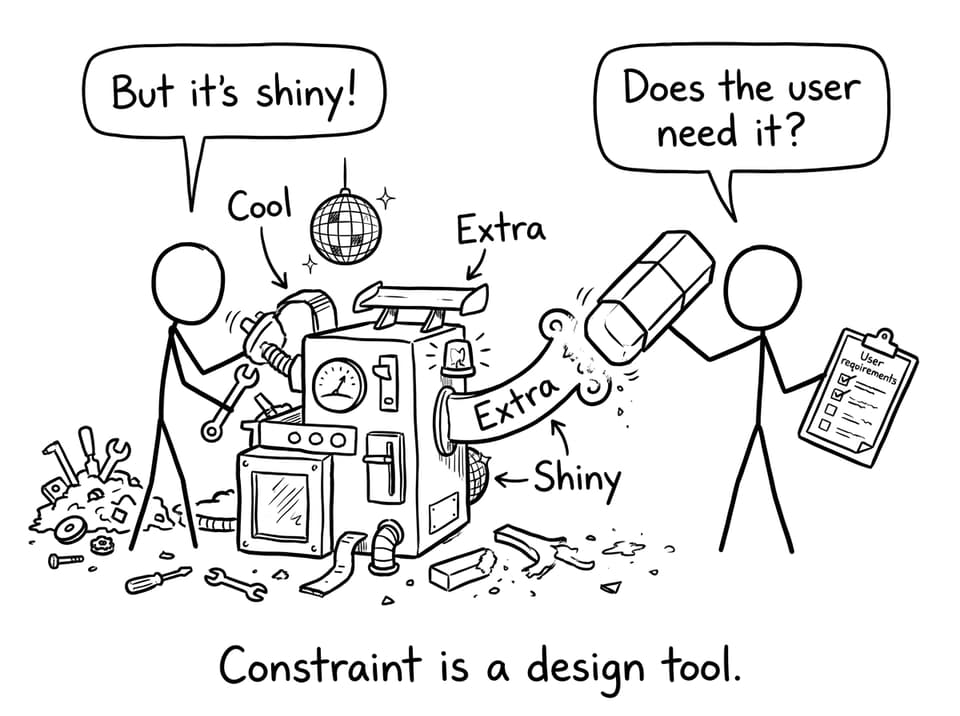
Most UCD mistakes in IB Design Technology come from skipping the “therefore” sentence.
-
Research is collected but never used to justify a choice
-
The user is described, but requirements are not measurable
-
Testing happens, but there is no iteration
-
Evaluation says “it works well” without evidence from the user
-
Decisions are based on personal preference (“I thought it looked nicer”)
If you want to build better habits around revision and exam application, pair this with Top revision techniques for IB Design Technology and the more detailed best study strategies for IB Design Technology.
Bring it home: make the user your marking strategy
When exam pressure rises, many students default to describing the product. In IB Design Technology, your best move is to describe the user-to-decision link instead. That is what makes an answer feel designed rather than imagined.
If you want a system that keeps you practising this consistently, RevisionDojo ties the whole loop together: Study Notes to learn the language, Flashcards to keep definitions sharp, the Questionbank to apply ideas under time pressure, AI Chat to unblock confusion, Grading tools to check whether your writing is markable, Predicted Papers and Mock Exams to rehearse timing, a Coursework Library for exemplars, and Tutors when you need human feedback.
Start small: do one UCD Questionbank set, rewrite one answer with clearer user evidence, then test yourself again. In IB Design Technology, that loop is the difference between “I mentioned the user” and “I designed for the user.”