

The first time you hear “design project,” it’s tempting to imagine a dramatic final build: sleek CAD renders, a prototype that looks store-bought, a triumphant photo for your portfolio.
But IB Design Technology doesn’t reward drama. It rewards proof.
The design project (your Internal Assessment) is where many students quietly gain marks week by week, not in one heroic weekend. It’s also where others lose marks for the same reason: they treat it like an arts-and-crafts showcase instead of a documented design process.
In this guide, you’ll learn what the IB Design Technology design project actually is, what examiners are looking for, and how to avoid the traps that cost easy marks.
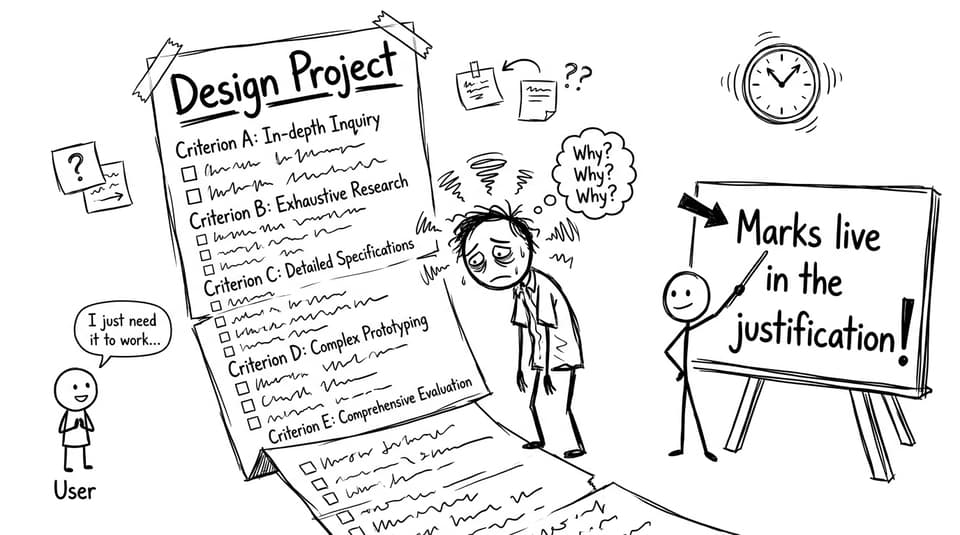
Quick checklist: what the IB Design Technology design project must show
Use this as your north star before you add another screenshot or paragraph:
-
A real, specific user with a genuine need
-
A problem that is evidence-based and manageable
-
Research that is used (not just collected)
-
Design requirements that clearly come from user insights
-
Prototyping + testing that produces iteration (change, explain, repeat)
-
Evaluation tied back to the requirements, using evidence and user feedback
If you want a clear home base for the course and the IA, start with the IB Design Technology Resources hub.
What is the IB Design Technology design project?
The IB Design Technology design project is an individual, user-centred design investigation completed over time. You identify a problem affecting a specific user, develop a solution informed by research, and evaluate how well it meets the user’s needs.
A crucial mindset shift: the project isn’t mainly judged on how “impressive” the product looks. It’s judged on how convincingly you show design thinking.
That design thinking includes:
-
Justifying decisions using evidence
-
Showing development (not a single straight-line idea)
-
Testing with purpose
-
Reflecting with honesty and specificity
If you’re still unsure how the subject’s structure connects to coursework and exams, this overview helps: How Is IB Design Technology Assessed in the New 2027 Syllabus?
The key stages (and what earns marks in each)
Different schools label sections differently, but strong IB Design Technology projects usually move through the same four arcs.
Identifying the problem: make it real, make it testable
The highest-scoring projects begin with a user you can actually reach. Someone who can answer questions, react to prototypes, and give feedback that forces your design to evolve.
A strong problem statement:
-
Names the user and context
-
Explains what isn’t working (without jumping to a solution)
-
Uses evidence (observations, short interviews, basic data)
If you want a clean starting framework, read: What Is the Best Way to Start the IB Design Technology IA?
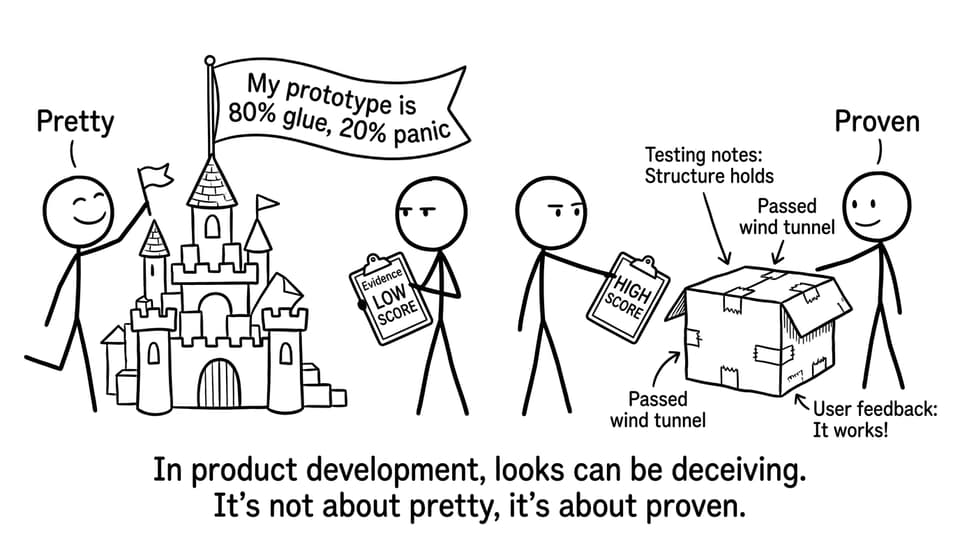
Research and development: research only counts when it changes your design
In IB Design Technology, research is not a museum you build to show effort. It’s a tool you use to make better decisions.
High-value research usually includes:
-
User research (needs, limitations, preferences)
-
Existing product analysis (what works, what fails, why)
-
Material/process considerations (what you can realistically prototype)
Then you turn that into design requirements that you can test later.
For a deeper guide on what “effective” research actually means, use: What Counts as Effective User Research in IB Design Technology?
Prototyping, testing, iteration: the marks are in the change log
This is where projects either become a story of learning or a story of stubbornness.
Examiners want to see:
-
Testing linked to your requirements
-
Feedback from the real user
-
Iteration that is visible (prototype 1, results, change, prototype 2)
A simple prototype that generates clean evidence often beats a complex prototype that can’t be tested properly.
If you’re looking for broader planning habits that keep iteration from getting squeezed out, see: Best Study Strategies for IB Design Technology Students
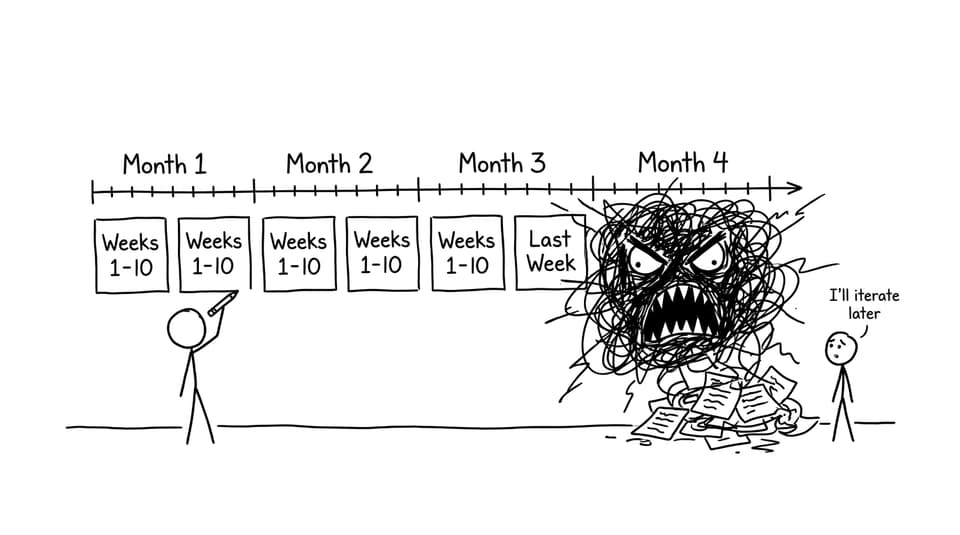
Evaluation: prove the outcome against the requirements
Evaluation is not a victory lap. It’s where you return to your design requirements and ask, one by one: did I meet this, and how do I know?
Strong IB Design Technology evaluation:
-
Uses test data and user feedback as evidence
-
Acknowledges limitations without panic
-
Suggests improvements that logically follow from your results
When you’re approaching submission, this guide is a good final filter: Finalise and Submit Your IB Design Technology IA
How the IB Design Technology design project is assessed (in plain terms)
Your teacher marks the project using IB criteria, and then moderation checks a sample to ensure standards are consistent.
That’s why your documentation matters. Moderators can’t award marks for effort you didn’t show.
If you want to understand how marking really works, read: How Do Teachers Mark IB Design Technology Internal Assessments?
Common mistakes that quietly lose marks
Most lost marks aren’t from “bad ideas.” They come from predictable habits:
-
Picking a vague user (“students”) instead of a real person with specific constraints
-
Writing pages of research that never influences requirements
-
Claiming iteration without showing what changed and why
-
Treating evaluation as a summary instead of evidence-based judgement
-
Letting the project sprawl until it becomes impossible to test well
If you’re stuck choosing a manageable direction, these prompts can help: IB Design Technology Project Ideas for Students
Bring it all together with RevisionDojo
The IB Design Technology design project is a long conversation with your user, your evidence, and your own decision-making. When it goes well, it feels less like coursework and more like learning how designers actually think.
RevisionDojo is built to keep that conversation organised. Use the Study Notes to anchor your terminology, Flashcards to lock in definitions, and the Questionbank plus Mock Exams to make sure your exam skills keep pace. When you need fast clarity, AI Chat can help you translate messy draft thinking into criterion-friendly language, and the Grading tools can give instant feedback on whether your justification is actually visible on the page. If you want realistic timed practice, use Predicted Papers (without relying on luck), and when you want models of strong coursework, the Coursework Library and Tutors help you see what “good” looks like and how to get there.
To keep exploring, browse all IB Design Technology posts and build your plan around the IB Design Technology resources hub: IB Design Technology Resources.