


IB Design Technology looks easy on the surface: build something, explain your thinking, move on. Then you meet your first exam-style question and realize the subject doesn’t reward vibes. It rewards decisions. It asks you to prove why a design choice is reasonable, what evidence supports it, and what trade-offs you accepted.
That’s why students keep asking the same thing: Is IB Design Technology hard?
IB Design Technology can be challenging, but not in the “memorize 200 pages” way. It’s hard in a slower, more realistic way: the kind of hard that comes from managing a process, documenting your thinking, and staying consistent when your prototype fails on a Wednesday night.
If you’re preparing for exams, this breakdown will help you understand what’s actually difficult, what’s secretly easier than it looks, and how to prepare without burning out.
Quick checklist: what makes IB Design Technology feel “hard”
Use this as your honest self-diagnosis for IB Design Technology:
-
You’re learning a newer syllabus (first exams are 2027), so routines aren’t as widely shared.
-
You’re tested on application, not just definitions.
-
The IA workload is real, and it doesn’t forgive procrastination.
-
HL adds extra depth and can feel like “more thinking per mark.”
-
You need to write clearly about design decisions under time pressure.
For a clean starting point, keep the main hub open while you revise: IB Design Technology Resources.
Why IB Design Technology is hard (for real reasons)
It’s a subject where process beats talent
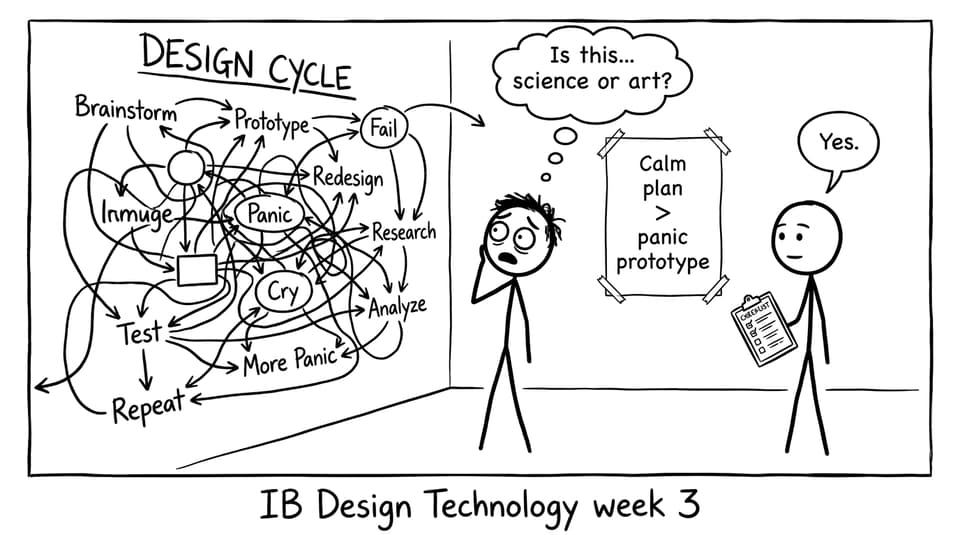
In IB Design Technology, being “creative” helps, but it’s not the main currency. The main currency is reasoning. You’re rewarded for showing the design cycle clearly: identifying needs, researching, developing, prototyping, testing, and refining.
When students struggle, it’s often because they treat DT like an art class or a science class. It’s neither. It’s closer to decision-making under constraints. That can feel uncomfortable at first.
If you want an overview that frames the course the right way, read: The Complete Guide to IB Design Technology.
The IA isn’t “one task”; it’s a long relationship
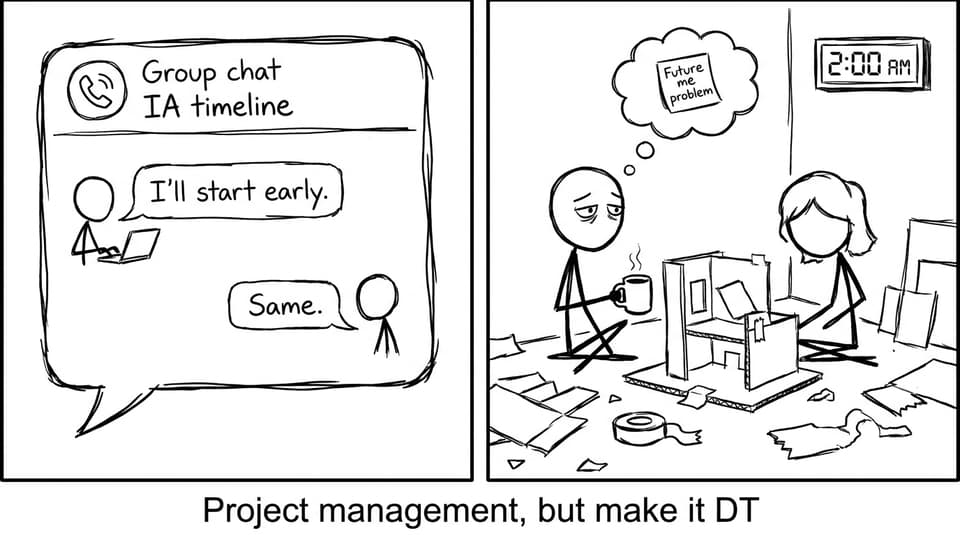
The IB Design Technology IA tends to be the heaviest single workload item because it has momentum. If you ignore it for two weeks, it doesn’t just wait politely. It multiplies.
The hard part isn’t the final product. It’s documenting iterations, recording evidence, and reflecting like an examiner is reading over your shoulder.
RevisionDojo’s IB Design Technology (First Exam 2027) Exemplars are useful here because they show what “enough detail” looks like in real student work.
Exams test whether you can think with the content
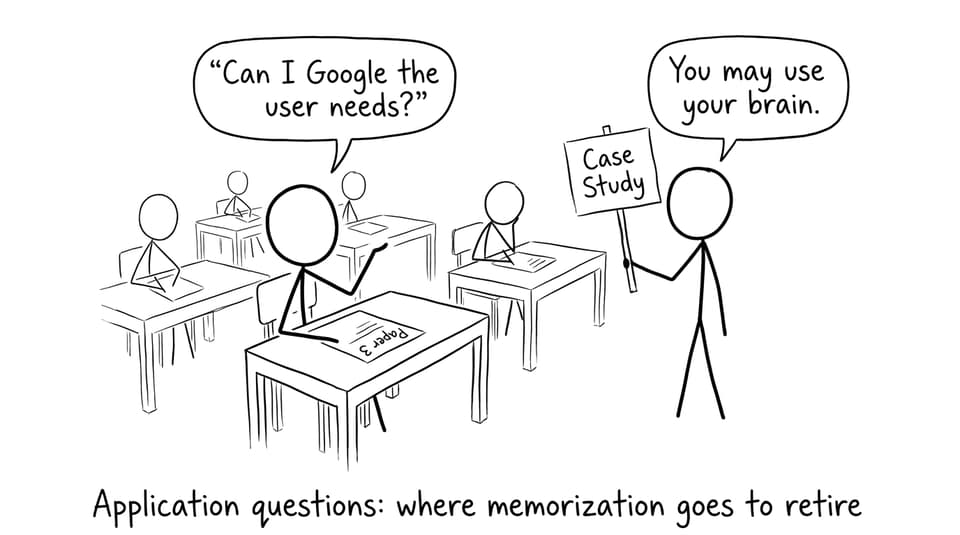
In IB Design Technology, definitions matter. But exams tend to reward what you do after the definition: applying it to a scenario, justifying a material choice, evaluating a design against user needs.
If you’re studying only by rereading notes, DT can feel mysteriously hard because your brain recognizes terms but can’t deploy them.
A practical fix is to revise in loops: read a short section, then answer questions immediately. Use Questionbank | RevisionDojo to practise by topic until your explanations become automatic.
Why IB Design Technology can be easier than you expect
Less brute memorization, more common sense (with structure)
Compared to content-heavy subjects, IB Design Technology often feels lighter on pure memorization. Many concepts are intuitive if you connect them to real products: why user-centred design matters, why materials have trade-offs, why manufacturing changes decisions.
The students who thrive usually do one thing consistently: they turn every topic into a small set of reusable explanations.
If you want a smart weekly routine, use: Best Study Strategies for IB Design Technology Students.
Your strength in other subjects transfers
Physics helps with forces and systems thinking. Business helps with constraints and stakeholders. Computer science helps with structured problem-solving. In IB Design Technology, these aren’t “extra.” They’re leverage.
That’s why some students find IB Design Technology easier once they stop trying to be artistic and start trying to be clear.
SL vs HL workload: what changes
In IB Design Technology, SL can be very manageable if you keep the IA alive with weekly progress. HL adds depth and typically demands more confident application, especially when questions shift toward analysis and evaluation.
A good way to describe the difference:
-
SL: learn the toolkit and use it consistently.
-
HL: learn the toolkit and explain the trade-offs like an engineer.
For syllabus-aligned study, explore the newer course structure here: IB Design Technology (New) Resources.
How to make IB Design Technology feel easier (without shortcuts)
Build “definition to example” pairs
Every time you learn a term in IB Design Technology, attach one product example beside it. This prevents the classic exam problem: you know the word but can’t apply it.
RevisionDojo helps you do this fast using Study Notes, Flashcards, and AI Chat when your explanation feels fuzzy.
For guidance on building strong notes, see: How to Create Effective IB Design Technology Revision Notes.
Practise with one topic until it becomes automatic
Pick a subtopic and overlearn it with practice questions, not rereading.
For example, if you’re shaky on research methods and justification, use: B2.1.2 Research in the design process Notes, then immediately do targeted Questionbank sets.
Train for “exam conditions thinking”
The exam isn’t just knowledge. It’s knowledge under a clock.
RevisionDojo supports this with Mock Exams and Predicted Papers, plus Grading tools so you learn what earns marks (not what sounds smart). If you need a structure for timed practice weeks, use: How to Study for IB Mocks (Without Burning Out).
Final verdict: is IB Design Technology hard?
IB Design Technology is hard if you treat it like a subject you can cram. It becomes manageable when you treat it like a process you can practise. Build small weekly habits, keep the IA moving, and train application with exam-style questions.
If you want one place to run your whole system: Questionbank, Study Notes, Flashcards, AI Chat, Grading tools, Predicted Papers, Mock Exams, Coursework Library, and Tutors; start here: IB Design Technology Resources.