



IB Design Technology has a funny way of rewarding the invisible.
You can spend hours building a prototype that looks impressive, then lose marks because your reflection is vague. Or you can feel “behind” all year, then suddenly jump a grade simply because your process becomes clearer, tighter, and easier to repeat.
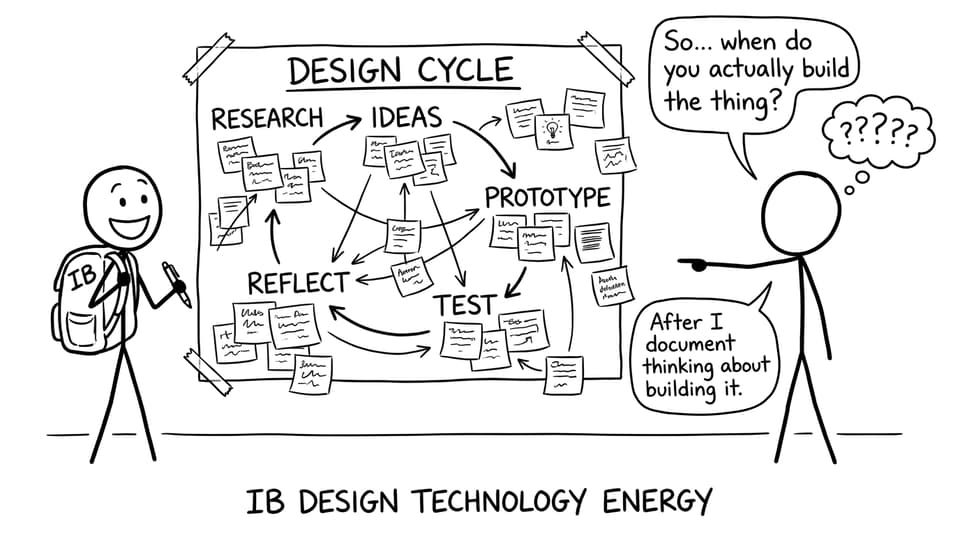
That’s the real challenge of IB Design Technology: it’s not just what you make. It’s how well you can show your thinking, under pressure, in a format the IB recognizes.
RevisionDojo helps you do that without turning your whole life into one long spreadsheet. Instead of guessing what to revise, how to practise, or when to work on coursework, you run a simple system: learn, recall, practise, improve.
A quick checklist for using RevisionDojo in IB Design Technology
Use this as your weekly baseline for IB Design Technology:
-
Start at the IB Design Technology hub and pick one topic to focus on.
-
Read Study Notes for understanding (fast, not perfect).
-
Drill Flashcards for definitions and key processes.
-
Practise with the Questionbank until your mistakes repeat less often.
-
Use AI Chat when a term or command word keeps tripping you.
-
Once per week, do a short timed session (Mock Exams / Exam Mode) to build stamina.
-
Keep coursework moving with small, scheduled documentation updates.
Start with the RevisionDojo hub (and stop revising randomly)
Most students don’t struggle in IB Design Technology because they’re “bad at design.” They struggle because revision becomes reactive: you revise what feels urgent, not what earns marks.
Begin with the IB Design Technology hub on RevisionDojo. It’s your map. From there, you can jump straight into Study Notes, practise sets, and flashcard decks without wasting time hunting for what matters.
If you’re on the 2027 syllabus route, the Design Technology (First Exam 2027) hub keeps resources aligned to that structure too.
Use Study Notes to build “exam-ready” understanding
In IB Design Technology, clarity beats volume. You don’t need a beautiful set of 80-page notes. You need sharp definitions, clean examples, and the ability to explain trade-offs.
RevisionDojo’s Study Notes feature helps you build that quickly. Then you can go topic-specific and revise with context:
-
If you’re revising design history and form/function thinking, use Classic Design.
-
If materials is your weak spot, work from something concrete like Properties of Materials Notes.
A good rule: read notes to understand, then close them and explain the idea back to yourself. That “explain it without looking” moment is where IB Design Technology marks are built.
Turn definitions into points with Flashcards (daily, short)
DT exams love precise language. “Ergonomics,” “anthropometrics,” “iterative design,” “life cycle analysis”, the words matter because they signal understanding.
That’s why the IB Flashcards system is so useful for IB Design Technology. It makes recall automatic through spaced repetition, so definitions show up again right before you forget them.
If you want to get more strategic (instead of just flipping cards), pair your routine with IB Flashcard System: Active Recall for Better Memory. The goal isn’t to “do flashcards.” The goal is to build a memory engine that keeps your DT vocabulary exam-ready.

Build marks faster with the Questionbank (and a mistake loop)
In IB Design Technology, you can understand a topic and still lose marks because your answer isn’t shaped like the markscheme.
RevisionDojo’s Questionbank fixes that by letting you practise exam-style questions with feedback, then repeat the exact skill until it sticks.
Try this loop:
-
Choose one topic.
-
Do a short Questionbank set.
-
Review feedback.
-
Write a 2-line “why I lost marks” note.
-
Turn that note into 1 flashcard.
For targeted DT practice, go directly into a subtopic Questionbank page like Classic Design, Function and Form Questionbank. You’ll feel improvement faster because your practice matches the exam.
Make coursework feel lighter by grading the process, not just the product
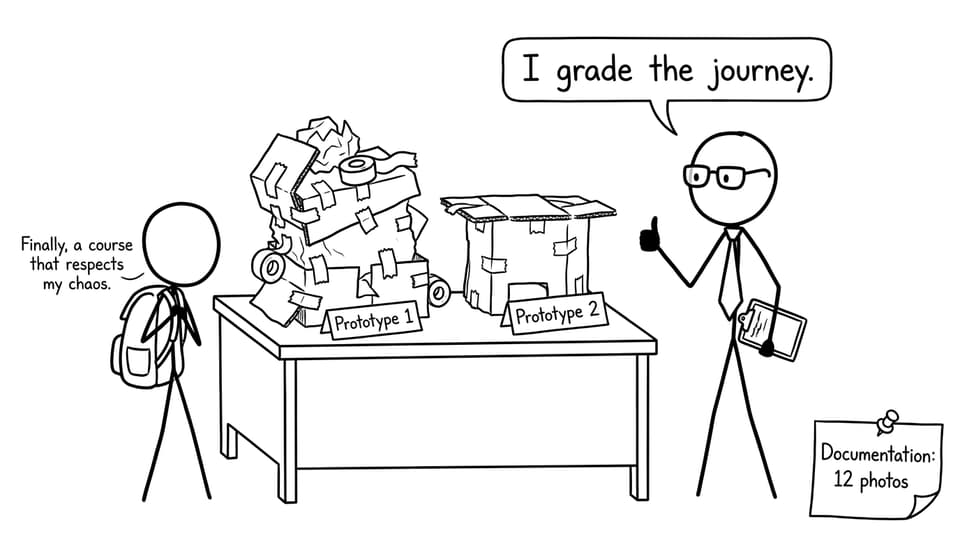
The Internal Assessment in IB Design Technology rewards structure: a documented cycle of decisions, testing, and refinement.
RevisionDojo supports that mindset with tools that make “the journey” visible:
-
Grading tools to get feedback on drafts and reflections.
-
A Coursework Library so you can see what strong work looks like.
-
Tutors when you need human, targeted guidance.
And if you’re stuck at the idea stage, this is a surprisingly calming read: IB Design Technology: Can You Reuse Products or Ideas?. It reframes “inspiration” as a valid starting line, as long as you document improvement and user need.
A simple weekly routine for IB Design Technology exams
Here’s a routine many students can actually sustain:
-
2 sessions/week (understanding): Study Notes + AI Chat for confusing terms.
-
3 sessions/week (marks): Questionbank sets on the same topics.
-
Daily (7 minutes): Flashcards.
-
1 session/week (pressure): a timed block using Mock Exams / Exam Mode.
If you want a companion guide focused purely on DT study habits, pair this article with Best Study Strategies for IB Design Technology Students.
Conclusion: make IB Design Technology predictable
The best part of IB Design Technology is that improvement is measurable. When you run the same loop each week: notes for clarity, flashcards for recall, Questionbank for marks, timed practice for calm, your progress stops depending on motivation.
Start with the IB Design Technology hub, build your routine inside RevisionDojo, and let the platform carry the structure: Questionbank, Study Notes, Flashcards, AI Chat, Grading tools, Predicted Papers, Mock Exams, Coursework Library, and Tutors.
If you want your next study session to feel lighter, not heavier, open RevisionDojo and run the loop once. Then repeat it tomorrow. That’s how IB Design Technology success is built.