




In IB Design Technology, you don’t usually fall behind in one dramatic moment.
It’s quieter than that.
A sketch disappears into a camera roll. A prototype photo lives in a random chat thread. A “final” CAD file becomes final-final-FINAL. Then, a few weeks later, you’re trying to explain a key design decision in exam-style language, and the evidence is gone.
Staying organized in IB Design Technology isn’t about being neat. It’s about protecting your thinking. And because your grade depends on how clearly you can show process, testing, and reflection, organization becomes a competitive advantage.

Quick checklist for staying organized in IB Design Technology
Use this as your baseline. If you do nothing else, do these.
-
Keep a living design journal (updated weekly)
-
Break your project into Design Cycle milestones
-
Time-block two short DT sessions per week (even during exam season)
-
Use a consistent file naming convention for every photo and CAD export
-
Store evidence by Design Cycle stage (not by “random date”)
-
Do one weekly “admin reset”: upload, label, reflect, plan
If you want one home base for the subject, start with the IB Design Technology hub and build your system outward from there.
Let the Design Cycle run your calendar (not just your project)
The Design Cycle isn’t only a framework for making a product. In IB Design Technology, it’s also the cleanest way to organize your time.
Create five repeating buckets in your planner and folders:
-
Identify and research
-
Ideation and development
-
Prototyping and manufacture
-
Testing and evaluation
-
Reflection and improvement
Now match your weekly tasks to the bucket you’re in. When you do this, your work stops feeling like “a pile of DT stuff” and starts feeling like a sequence.
To keep this aligned with what the course expects, it helps to revisit a structured overview like The Complete Guide to IB Design Technology. The point isn’t to memorize the guide. It’s to keep your structure consistent when motivation isn’t.
Build a design journal that’s impossible to backfill
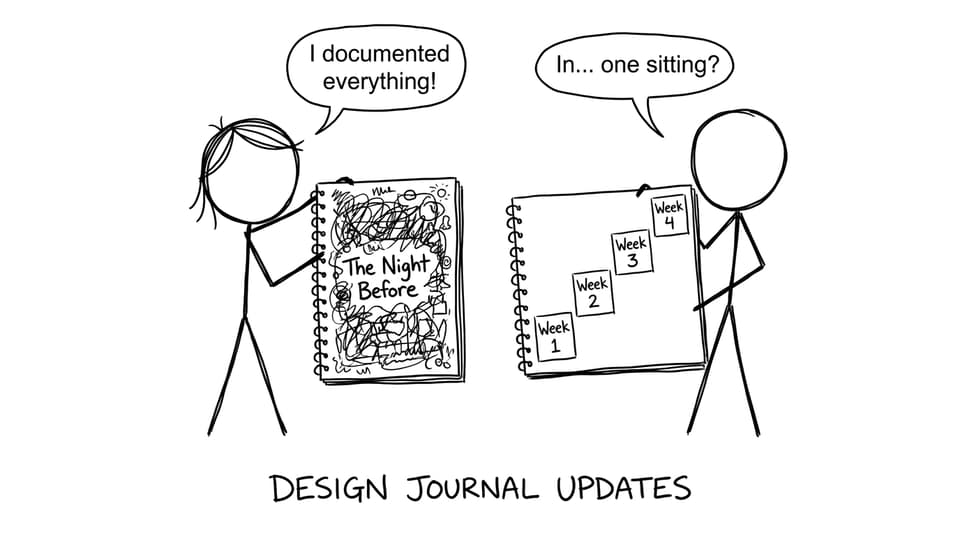
Most students treat the design journal like a diary. The best students treat it like a lab notebook: short entries, dated evidence, clear decisions.
A simple rule for IB Design Technology journal updates:
-
10 minutes of evidence capture
-
10 minutes of annotation
-
5 minutes of reflection
Each entry should include:
-
A date and session goal
-
What you changed (one sentence)
-
Why you changed it (one sentence)
-
What you’ll test next (one sentence)
-
One piece of evidence (photo, sketch, screenshot, user feedback)
This is also where RevisionDojo quietly helps. When you’re writing reflections and need precise terminology, use the subject notes and definitions to keep your phrasing exam-ready. You can dip into Study Notes for quick wording that matches syllabus language.
Use tools that reduce thinking, not add apps
Organization fails when your system takes more effort than your work.
Pick one tool for each job:
-
Calendar for deadlines and time blocks
-
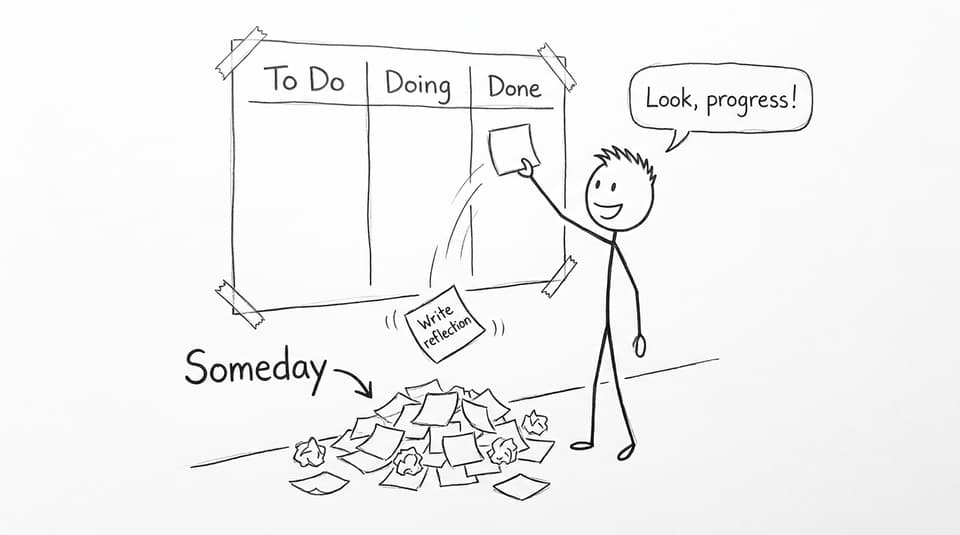
Kanban board for tasks (To Do, Doing, Done)
-
Cloud storage for evidence and backups
If you want a DT-specific rhythm, borrow a weekly routine from Best Study Strategies for IB Design Technology Students and then simplify it until it fits your real life.
A good Kanban rule: never have more than 3 cards in “Doing.” In IB Design Technology, half-finished tasks multiply stress because they also multiply missing documentation.
File naming is your future exam technique
When you’re preparing for exams, you’ll reuse examples from your own work to answer questions faster. But only if you can find them.
Use a naming convention that sorts itself:
-
DC2_Ideation_Sketch_2026-09-14.jpg -
DC3_Prototype1_TestA_Results.xlsx -
DC4_UserFeedback_Round2_Transcript.pdf
Store folders by Design Cycle stage, then subfolders by week or iteration.
If you need a model for clean visuals and supporting evidence, explore exemplars in the IB Design Technology Exemplars. You’re not copying a structure to look impressive. You’re learning what “easy to follow” actually looks like.
Keep your exam revision organized too (not only the project)
Exam season can make DT feel like the “extra subject” that steals time. The fix is to make DT revision lighter, not rarer.
Two strong options:
-
Use short, frequent review with Flashcards and definitions
-
Do one timed set of questions weekly to stay fluent
RevisionDojo’s Questionbank, Flashcards, AI Chat, and Mock Exams work best when you treat them as a small maintenance routine, not a rescue mission. If you’re revising a content area you’ve been using in your project (like manufacturing systems), it’s efficient to pair the revision with a syllabus-aligned chapter such as 4.5 Production systems.
And when you want to tighten your notes so they’re actually searchable, follow a structure like the one in How to Create Effective IB Design Technology Revision Notes.
Closing: make organization your quiet advantage
In IB Design Technology, the students who look “naturally talented” are often just the ones who can find their evidence, explain their choices, and reflect with clarity.
Organization gives you that.
Build a system you can maintain on tired days. Update your journal in small steps. Name your files like you’ll need them in three months. Then use RevisionDojo to keep everything connected: Study Notes for accurate language, Flashcards for retention, Questionbank and Mock Exams for exam skill, Predicted Papers for focused practice, AI Chat for quick clarification, and Grading tools plus the Coursework Library (and Tutors when you want human guidance) to tighten your work when it matters most.
If you want a clean starting point, return to the IB Design Technology hub and set up your folders and weekly routine today.