





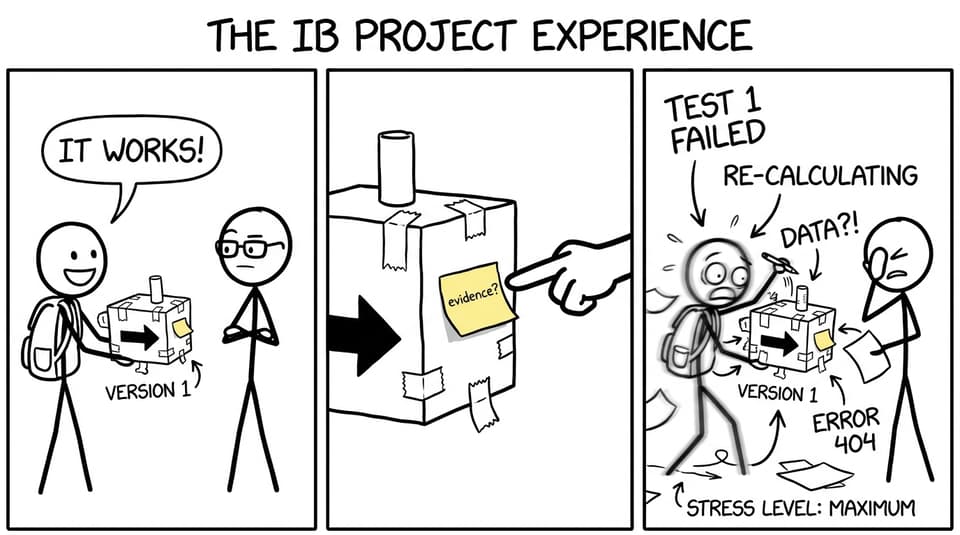
When you are deep in IB Design Technology, iteration can feel like a strange performance: you know you should “show development,” but you worry that every change makes your project look messier.
Here is the quiet truth that strong students eventually learn: examiners are not impressed by a flawless story. They are reassured by an honest one. Iteration in IB Design Technology is simply proof that you tested something, learned something, and improved something, on purpose.
What iteration means in IB Design Technology (in one sentence)
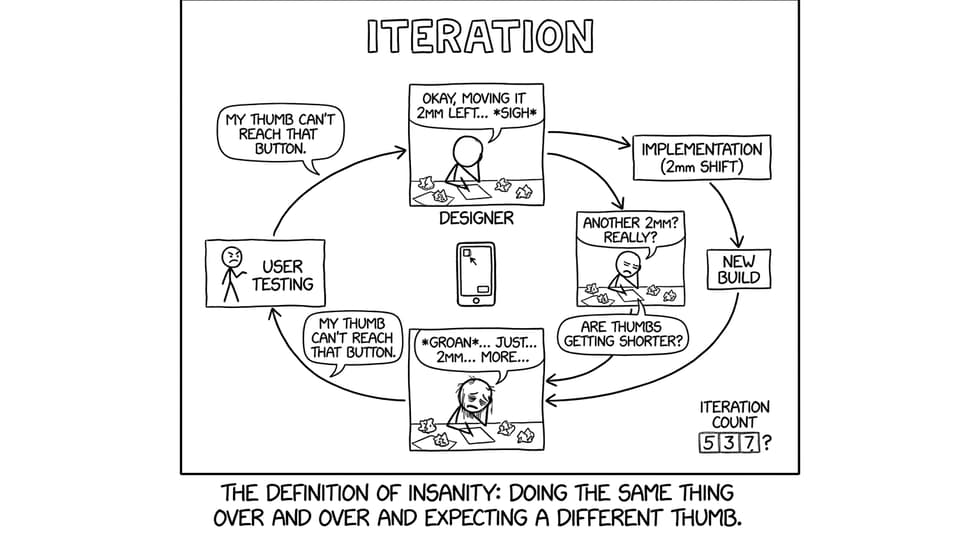
Iteration in IB Design Technology is a repeatable loop: model, then test, learn, and refine, with clear evidence at every step.
If your design looks identical from early concept to final outcome, the message you accidentally send is: “nothing was discovered along the way.” Even if your final product works, that is rarely the highest-scoring narrative.
For syllabus language that matches what you are doing, see Iterative modelling, testing and refinement Notes.
A quick checklist: what you must show to “prove” iteration
Use this mini-checklist every time you claim iteration in your IB Design Technology IA:
-
What did you test? (prototype feature, component, mechanism, interface)
-
What happened? (data, observation, user quote, failure point)
-
What did it mean? (analysis linked to your design requirements)
-
What changed? (specific adjustment, not a vague promise)
-
Why is it better now? (evidence-based justification)
If you consistently write in that order, iteration becomes easy to mark.
The most common iteration mistake (and the fix)
The mistake is not “iterating too little.” It is describing change without evidence.
Statements like “I improved the ergonomics” or “I refined the design after testing” sound professional, but they are unmarkable unless you also show:
-
the test that revealed the problem
-
the exact change you made
-
the result after the change
If you want to see how criteria thinking connects to marks, read How Is the IB Design Technology IA Graded? and then re-check your iteration sections with the checklist above.
What counts as valid iteration in IB Design Technology
Iteration in IB Design Technology does not need to be dramatic. In fact, small improvements often score higher because they are easier to justify.
Valid iteration can include:
-
adjusting dimensions (2 mm can matter in usability)
-
changing materials (strength, sustainability, cost, finish)
-
repositioning components (balance, reach, accessibility)
-
simplifying a mechanism (reliability > complexity)
-
refining ergonomics (comfort, grip, force required)
-
improving layout (visibility, safety, intuitive use)
A helpful way to sanity-check your changes is to ask: “Would a real designer do this after seeing my test results?” If yes, it is probably valid iteration in IB Design Technology.
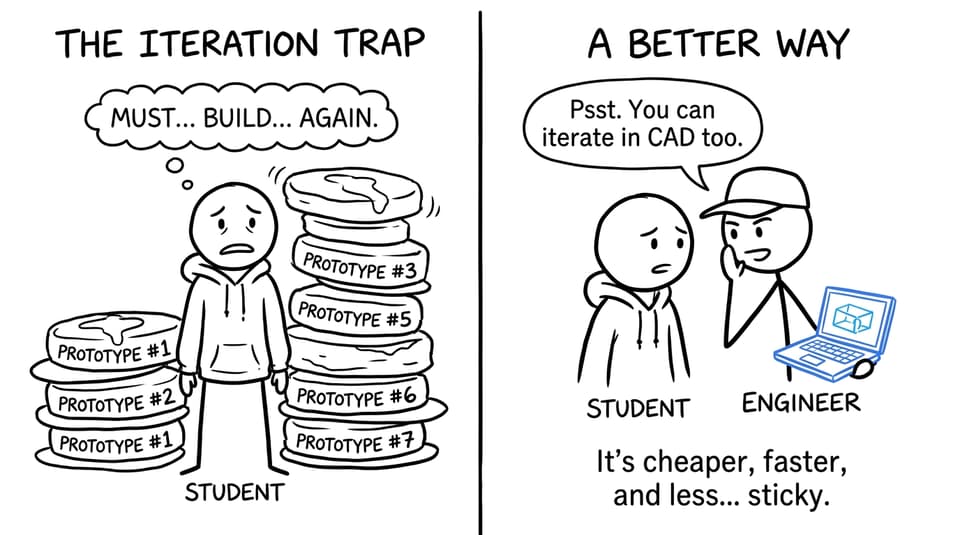
You do not need endless physical prototypes
A lot of students quietly panic and think: “If I only built one prototype, can I still show iteration?” Yes.
Iteration can happen through:
-
modifications to one physical prototype (with photos and notes)
-
CAD screenshots showing version changes
-
component tests (hinge test, joint test, finish test)
-
user trials that change a feature or dimension
The point is decision-making, not the number of builds.
If you are still building the foundation of your project, it helps to start strong so iteration feels natural later. See What Is the Best Way to Start the IB Design Technology IA? and Step-by-Step Guide to Writing a Winning IB Design Technology IA.
A simple “Iteration Log” structure examiners can follow
Create an Iteration Log table and repeat the same headings each time:
-
Version: V1, V2, V3
-
Test method: what you did and who tested
-
Evidence: numbers, photos, quotes, observations
-
Issue found: the precise weakness
-
Change made: the precise change
-
Impact: what improved and how you know
This structure also makes your evaluation section far easier, because you can trace progress instead of writing general reflections.
Where iteration should appear (so it does not look rushed)
Strong IB Design Technology work shows iteration across multiple stages:
-
ideation: you refine concepts based on research and constraints
-
development: you test mechanisms, dimensions, materials
-
final solution: you refine usability, safety, reliability
-
evaluation: you reflect on improvements and remaining limitations
If iteration only appears in the final pages, it can read like an afterthought.
To avoid common traps, review Common IB Design Technology IA Mistakes and How to Fix Them and How to Manage Time on Your IB Design Technology IA Project.
Closing: iteration is not extra work, it is visible thinking
Iteration is not about doing your project seven times. It is about making your learning visible.
When you show clear tests, specific weaknesses, thoughtful changes, and honest evaluation, you are doing IB Design Technology the way it was meant to be done: as evidence-based problem solving.
If you want a single place to tighten your iteration, revise the key theory, and practise exam-style application, start with RevisionDojo’s IB Design Technology Resources and build outward using the Questionbank, Study Notes, Flashcards, AI Chat, Grading tools, Predicted Papers, Mock Exams, Coursework Library, and Tutors. Your IA becomes clearer, and your exams become calmer because the same design thinking powers both.