If your IB Design Technology IA feels like it started as “a simple idea” and somehow became a full-time job, you are not alone. Most students don’t lose marks because they lack creativity. They lose marks because their project becomes hard to explain, hard to justify, and impossible to evaluate on time.
The good news: IB Design Technology rewards clear thinking more than flashy outcomes. A modest prototype with sharp evidence can beat an ambitious build with messy logic.
You can also anchor your work early with RevisionDojo’s IB Design Technology hub, built for the first exams in 2027.
A quick checklist before you edit anything
Use this 60-second check to catch the big leaks:
-
Is your problem narrow enough to finish and test?
-
Can you name a real user and their measurable need?
-
Do your specs come directly from research evidence?
-
Did you document the full design cycle, including changes?
-
Can your evaluation point back to testing data, not vibes?
If any answer is “kind of,” that’s where the marks usually go.
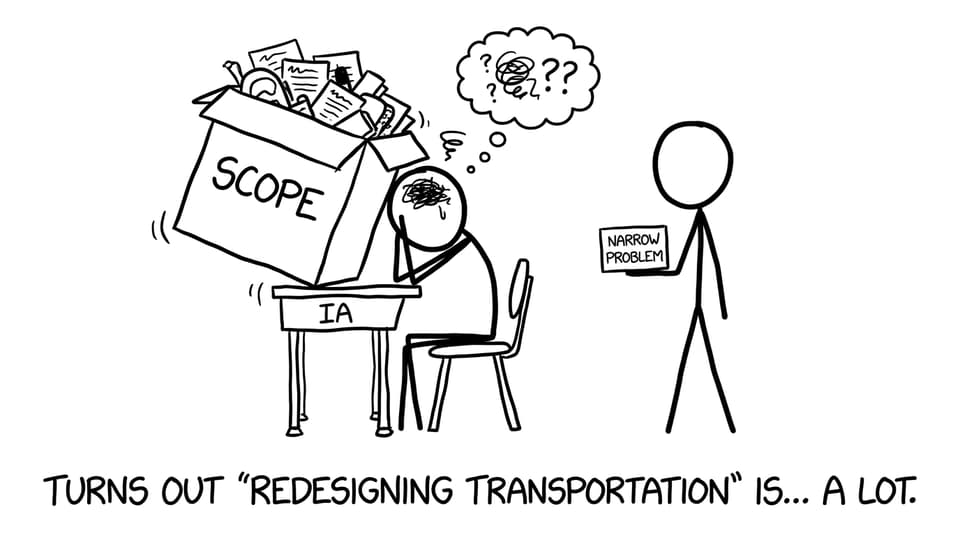
Mistake: A topic that is too big to prove
A classic IB Design Technology trap is choosing a world-sized problem (transport, climate, “student productivity”) and then building one small artifact that can’t possibly solve it.
How to fix it
Shrink the claim, not your effort. Aim for a problem you can test in a week.
-
Too broad: “Improve posture for teenagers.”
-
Better: “Design a backpack strap adjuster for a specific student body type, tested against comfort and pressure points.”
If you’re still picking, use the framing ideas in How to Choose a Strong IB Design Technology IA Topic.
Mistake: Starting with a solution instead of a user
Students often begin with “I want to make a phone stand” and then reverse-engineer a problem. Examiners can feel that. The narrative becomes product-led, not problem-led.
How to fix it
Start with one real person and build outward.
-
Write a one-sentence user story.
-
Collect quick evidence (interview, observation notes, a short survey).
-
Convert that evidence into 4-6 testable design requirements.
For a clean starting method, see What Is the Best Way to Start the IB Design Technology IA?.
Mistake: Research that looks long but proves little
In IB Design Technology, research is not a museum tour of cool products. It’s evidence that forces your design to make sense. A pile of screenshots without analysis usually doesn’t translate into specifications.
How to fix it
Use research to create decisions:
-
Product analysis: what works, what fails, and why (materials, ergonomics, manufacturing).
-
User research: what the user actually struggles with.
-
Sustainability: lifecycle choices you can justify.
If you want a syllabus-aligned way to structure this, use B2.1.2 Research in the design process Notes.
Mistake: Treating the design cycle like a formality
Skipping from idea to build is tempting. But IB Design Technology marks the thinking, not just the artifact. If iteration is missing (or only claimed), your best work becomes hard to award.
How to fix it
Document the loop:
-
Identify: problem + user + context.
-
Research: evidence that creates specs.
-
Develop: multiple concepts with trade-offs.
-
Create: prototype decisions and constraints.
-
Evaluate: tests linked to specs, then improvements.
To connect the stages properly, read How the IB Design Cycle Shapes the Subject.
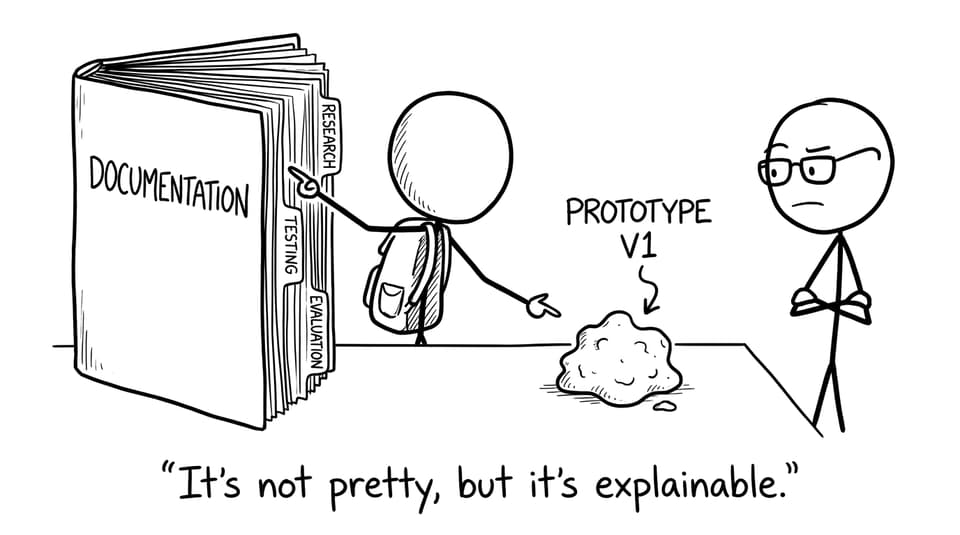
Mistake: Weak documentation (especially visuals)
Examiners cannot give marks for thinking they cannot see. Unlabeled sketches, missing units, and unexplained changes are silent mark losses in IB Design Technology.
How to fix it
Make it impossible to misunderstand you:
-
Label every diagram (materials, dimensions, tolerances if relevant).
-
Show versions (v1, v2, v3) with a one-line reason for each change.
-
Keep a tiny “evidence log” that links research -> spec -> test.
Need a model of clear prototyping write-ups? Modeling and Prototyping in IB Design Technology helps.
Mistake: Time management that collapses in the final month
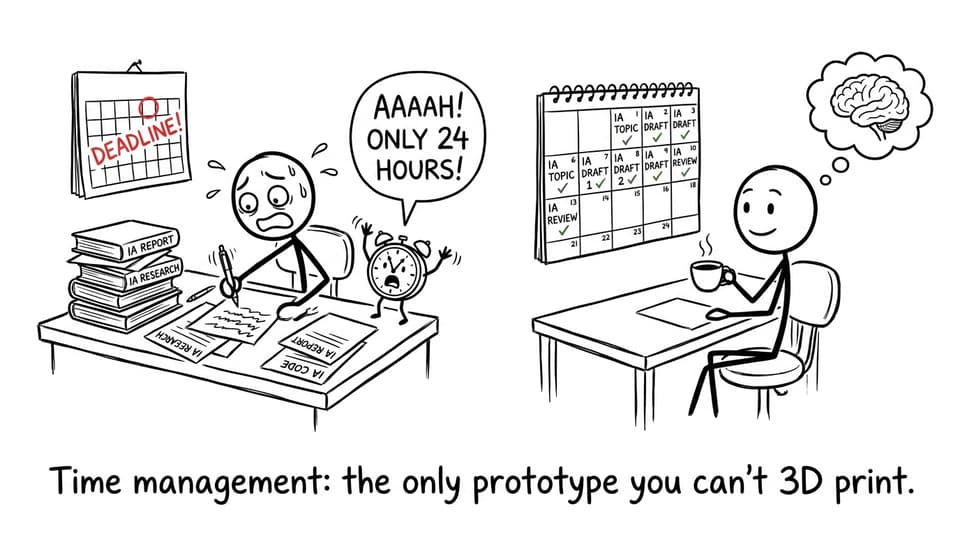
The IA punishes last-minute work because it removes iteration. And without iteration, IB Design Technology becomes a story with the middle missing.
How to fix it
Plan backwards:
-
Week 1-2: research + specs
-
Week 3-4: concepts + selection
-
Week 5-7: prototyping + testing
-
Week 8: evaluation + final edits
Then keep exam prep steady with RevisionDojo’s Study Notes, Flashcards, and Questionbank (so coursework doesn’t swallow your revision). Start with the Design Technology (DT) Questionbank to stay exam-ready while you build.
How RevisionDojo helps you fix these faster
When your IA feels foggy, structure is relief. RevisionDojo supports IB Design Technology students with:
-
Coursework Library exemplars: IB Design Technology (First Exam 2027) Exemplars
-
Rubric-aligned Grading tools: IB Design Technology HL IA Grader and IB Design Technology (First Exam 2027) IA Grader
-
AI Chat to pressure-test your logic (“Does this spec come from evidence?”)
-
Mock Exams and Predicted Papers to keep your exam technique sharp
-
Topic support through IB Design Technology Notes and Top Revision Techniques for IB Design Technology Students
Conclusion: Make your IA easy to award
The fastest way to improve an IA is to make it easier for an examiner to give you marks. Narrow the problem, commit to a real user, gather research that creates specs, and document the full cycle with visible iteration. That is what IB Design Technology is really assessing.
When you’re ready to tighten everything up in one place, use RevisionDojo’s IB Design Technology hub with the Questionbank, Study Notes, Flashcards, AI Chat, Coursework Library, Grading tools, Mock Exams, and Predicted Papers to keep both coursework and exams moving forward.