


If you chose IB Design Technology, you probably didn’t do it because you love highlighting textbooks.
You chose it because you like making things make sense: turning messy needs into clean solutions, and turning constraints into creativity. The challenge is that IB Design Technology is still new in the Diploma Programme (with first exams in 2027), so the usual comfort blanket of years of exam routines doesn’t really exist.
That can feel unsettling. Or it can feel like an advantage: you get to build a smarter system from day one.
A good system for IB Design Technology does three jobs at once: it builds crisp technical knowledge, it trains you to apply concepts like a designer, and it keeps your IA work moving without last-minute panic.
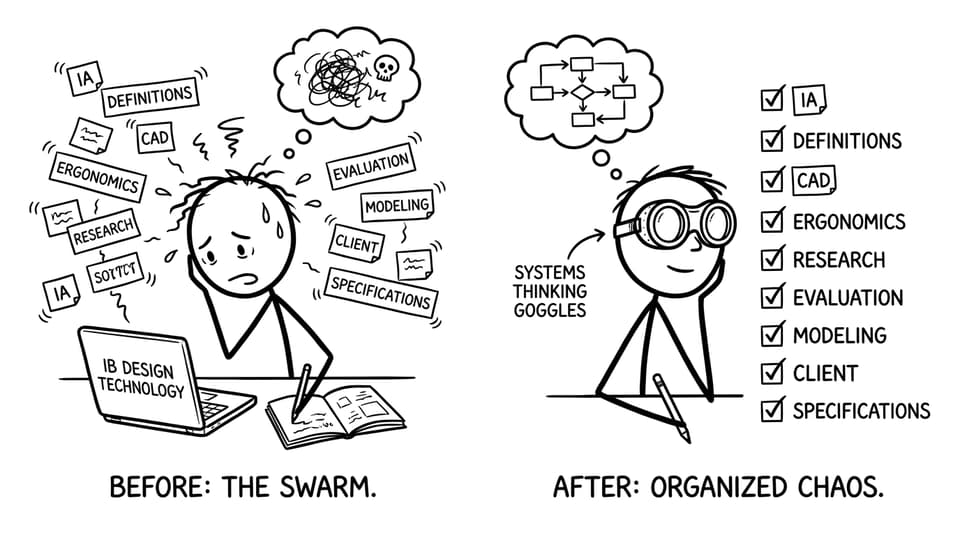
Quick checklist: a weekly routine that actually works
Use this as your baseline for IB Design Technology prep:
-
Learn key definitions first (then test them with active recall).
-
Attach every concept to a real product example.
-
Time-block IA progress so it stays “alive” all year.
-
Use visuals: sketches, flowcharts, CAD screenshots, and labeled diagrams.
-
Practise exam-style questions early, not “someday.”
If you want everything in one place, start from the IB Design Technology hub on RevisionDojo and work outward.
Build your definition engine (before you try to be creative)
There’s a quiet truth about IB Design Technology: creativity scores better when it’s expressed with precise language.
So begin with a living glossary. Not a pretty one. A useful one.
-
Keep definitions short enough to recall under time pressure.
-
Add one “design-world” example beside each term.
-
Revisit the same terms in spaced repetition.
RevisionDojo makes this loop fast: learn the wording in syllabus-aligned DT resources, then drill it using the DT Questionbank view. If you’re stuck between two similar terms, use AI Chat to untangle the difference in markscheme-style language.
Study through application: turn facts into design decisions
In IB Design Technology, memorizing a concept isn’t the finish line. It’s the starting line.
When you revise, force your brain to answer: “So what would I do with this?”
Examples:
-
Ergonomics isn’t just a definition; it’s why a chair edge radius matters.
-
Sustainability isn’t a vibe; it’s material choice, manufacturing energy, and end-of-life planning.
-
Modelling isn’t decoration; it’s how you communicate constraints and evidence.
A good trick is to keep a “product diary”: one real object per week (bottle, remote, backpack, desk lamp) and annotate it with IB Design Technology vocabulary. Then reinforce it with topic practice, like A2.1 User-centred research methods or a manufacturing slice such as 10.3 Computer-integrated manufacturing (CIM).
Treat the IA like a slow build, not a sudden sprint
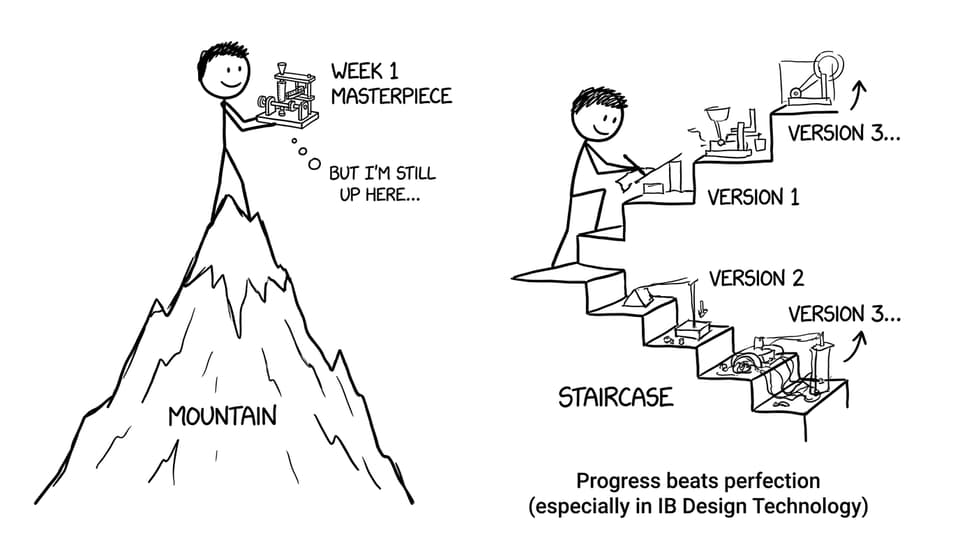
Most students don’t “fail” the IA in IB Design Technology because they lack ideas. They struggle because they try to do a semester of thinking in a week.
Instead, set a recurring IA rhythm:
-
One small research improvement every week.
-
One sketch, one prototype update, or one test plan tweak every week.
-
One reflection paragraph every week (what changed and why).
If you want structure, follow the guidance in How to Use RevisionDojo for IB Design Technology Success, and study what strong work looks like inside the DT Coursework Exemplars library. Then run your draft through RevisionDojo’s Grading tools for rubric-aligned feedback before your teacher ever sees it.
Make visual notes the default (because DT is visual thinking)
A page of text can explain a mechanism. A labeled sketch can make it unforgettable.
For IB Design Technology, build notes that look like design communication:
-
Diagrams with arrows and constraints (force, motion, user interaction).
-
Mini decision tables (material properties vs requirements).
-
CAD screenshots with annotations.
Then convert them into active recall. RevisionDojo’s Flashcards feature is built for spaced repetition, so your visual learning doesn’t stay passive.
Train exam technique early (even while the syllabus is new)
Because IB Design Technology first exams are in 2027, the smartest students won’t wait for “perfect” practice material. They’ll practise the skills that always get examined: command terms, clarity, timing, and application.
Use exam-style resources like Design Technology Predicted Papers to rehearse what it feels like to choose the right depth, not just write more.

A helpful mindset: the exam isn’t asking what you know. It’s asking what you can prove quickly.
For broader planning (and avoiding burnout while you do it), borrow the system in How to Study for IB Exams Without Burning Out.
Closing: build the calm advantage
The best students in IB Design Technology don’t rely on inspiration. They rely on routines: definitions that stick, applications that feel real, IA progress that never goes stale, and exam practice that turns pressure into familiarity.
If you want a single home base for that entire workflow, RevisionDojo is built for it: Study Notes, Flashcards, Questionbank, AI Chat, Grading tools, Predicted Papers, Mock Exams, Coursework Library, and Tutors. Start with the IB Design Technology hub, pick one topic, and run the loop this week. Your future self will notice the difference.