


The moment before you click “Upload”
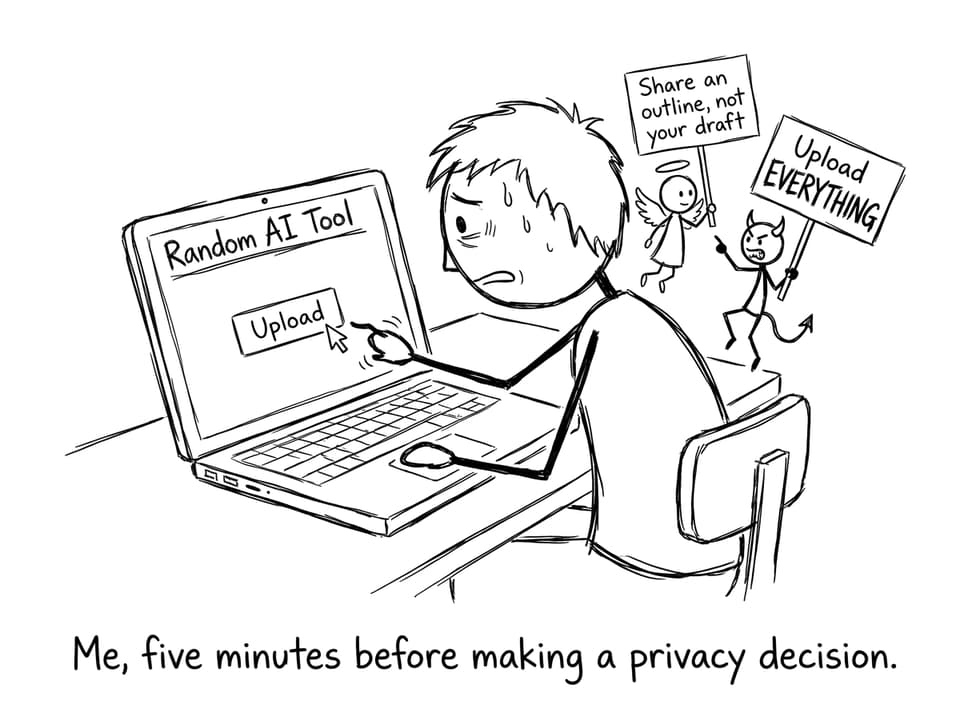
There’s a particular kind of IB stress that shows up at night: you’re polishing a draft, the cursor blinks like a metronome, and an online AI tool promises instant clarity. One copy-paste and you’ll get feedback, better phrasing, maybe even a stronger argument.
But that click carries two quiet risks: academic integrity and privacy. In the IB, your thinking process matters as much as your final words. And once your assignment leaves your device, you may not control where it goes, how long it’s stored, or who learns from it.
IB safety checklist before using any online AI tool
Use this quick filter before sharing anything from an IB assignment:
-
Purpose: Are you asking for feedback, or asking for writing?
-
Privacy: Does the tool clearly explain storage, retention, and training data use?
-
Identification: Did you remove your name, school, candidate number, and teacher comments?
-
Originality: Could you rewrite the final result from memory in your own voice?
-
Process evidence: Do you still have outlines, notes, and earlier drafts?
If you want a deeper integrity framework, read How AI Tools Can Be Used Ethically in IB Coursework (Based on IB Guidelines).
What you’re really sharing when you share an IB assignment
Many students think they’re only sharing text. In practice, you’re often sharing context: your topic, your structure, your evidence choices, and your personal angle. That matters in the IB because the “voice” of your work is part of what makes it yours.
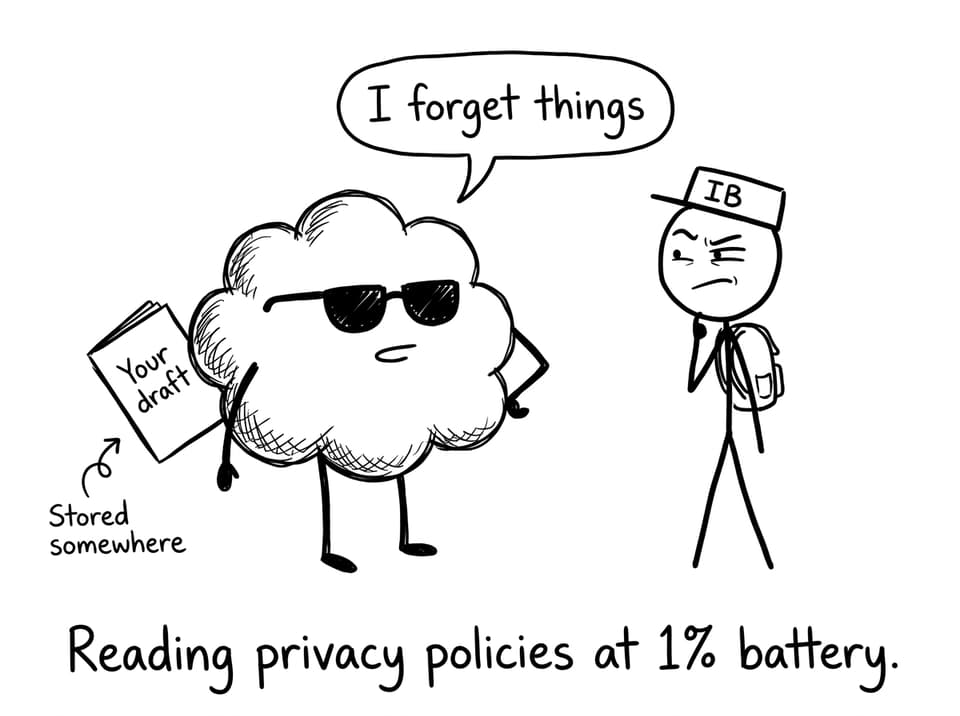
From a privacy angle, some third-party AI tools may store prompts, log conversations, or use inputs to improve future outputs. Even if a tool claims anonymity, your draft might contain identifying details without you noticing: a school name in a header, a teacher’s comment in the margins, a unique research angle.
If you’re trying to understand how AI use can raise flags, Can IB Detect ChatGPT? AI, Integrity, and Smart Study is worth reading slowly.
The safer rule: share snippets, not full IB drafts
A good rule for IB students is simple: don’t upload full assessed work (like an IA, EE, or TOK essay draft) into random online AI tools. If you want help, share smaller pieces that don’t recreate your whole submission:
-
A bullet-point outline of your argument
-
A single paragraph you’re willing to rewrite completely
-
A summary of your research question and method
-
A list of claims/counterclaims for feedback
For TOK-specific prompting that stays on the right side of integrity, use Practical Guide to Using AI Tools for IB TOK Essays and pair it with How to Write a Good TOK Essay (10-Step Guide).
Use AI like a coach, not a ghostwriter (the IB-friendly approach)
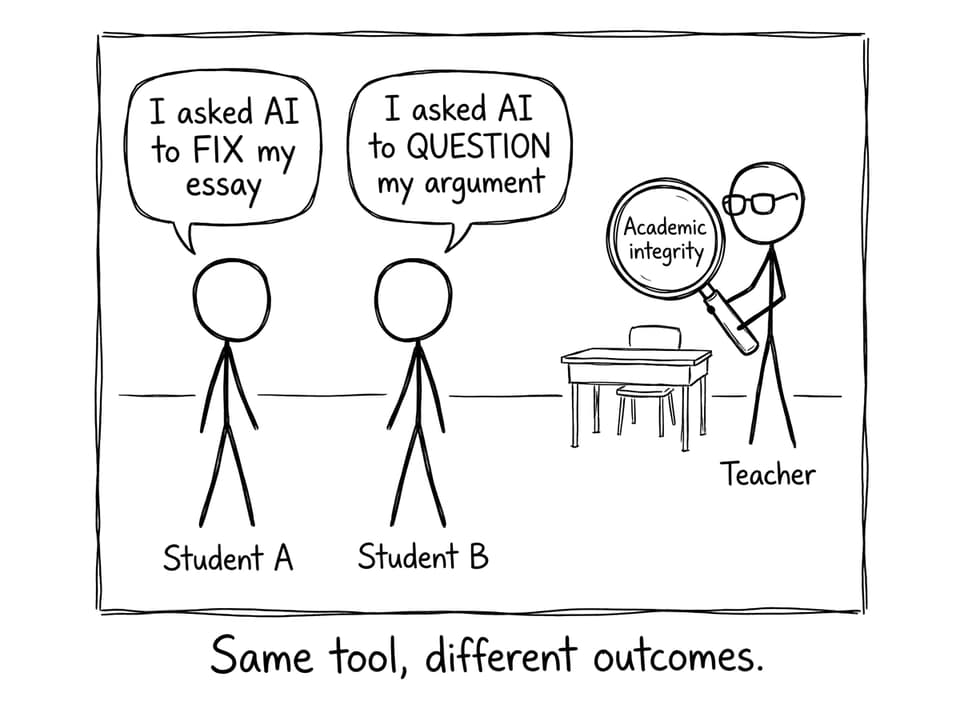
The safest way to use AI in the IB is to treat it like a training partner. Not a replacement.
Here are prompts that usually keep you in “coach mode”:
-
“What are two weaknesses in this outline’s logic?”
-
“Ask me five hard questions an examiner might ask.”
-
“Suggest counterclaims I should address, without writing my paragraphs.”
-
“Turn these notes into a study quiz so I can test myself.”
RevisionDojo is designed around that principle. Instead of pushing you toward copyable prose, it supports learning workflows: Questionbank practice, Study Notes, Flashcards, AI Chat (Jojo AI) for explanations and feedback, Grading tools, Predicted Papers, Mock Exams, a Coursework Library, and access to Tutors when you need human guidance.
If you want to understand Jojo’s purpose-built approach, see Jojo AI and Meet Jojo AI: Your Personal IB Study Assistant.
Conclusion: keep your IB work yours
Sharing IB assignments with online AI tools isn’t automatically wrong, but it can be unnecessarily risky. The safest habit is boring and powerful: protect your drafts, share only what you can rewrite, and use AI for feedback, questioning, and learning rather than final wording.
If you want AI support built for IB integrity and exam results, start with RevisionDojo and use Jojo AI, the Questionbank, Flashcards, and Mock Exams to build confidence without giving away your work.