

When you are deep into IB coursework, the hardest part is not writing the first draft. It is the moment after, when you know something is off but you cannot name it. Your teacher writes “develop this” or “unclear,” and you stare at the paragraph like it is a locked door.
A good IB coursework annotation tool does something small and powerful: it points to the exact sentence where the door sticks. Then it tells you why, in the language of the rubric. Line-by-line feedback is not about being corrected. It is about finally knowing what to do next.
IB line-by-line feedback, in a quick checklist
If you want detailed feedback that actually improves your grade, use this short loop:
-
Upload one clean draft (not multiple versions stitched together).
-
Choose the right coursework type (IA, EE, or TOK) so IB criteria match.
-
Read comments twice: first for patterns, second for edits.
-
Fix high-impact issues first: argument, evidence, structure, then style.
-
Resubmit a revised draft to confirm the improvement.
This is the difference between rewriting everything and revising the right things.
What is an IB coursework annotation tool?
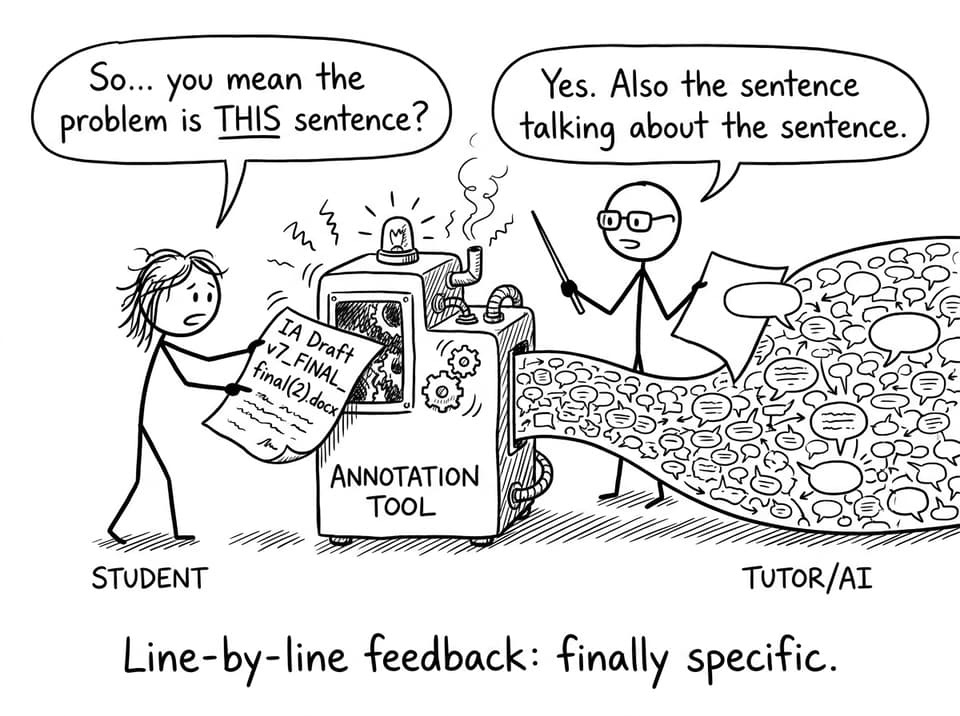
An IB coursework annotation tool is designed to add targeted comments directly onto your draft, line by line. Instead of general advice, you get specific notes attached to specific phrases, transitions, and claims.
On RevisionDojo, this kind of feedback fits naturally with the broader ecosystem students already use to prepare: the Coursework Library for exemplars, AI Chat for follow-up questions, and Grading tools that keep your edits aligned with criteria. If you have been using practice resources like the Questionbank, the shift feels familiar: clear signal, fast iteration, less guessing.
To explore the coursework side directly, start here: Coursework Feature Hub and the IB Coursework Grader.
Why IB students improve faster with line-by-line annotations
Most IB students are not short on effort. They are short on precision.
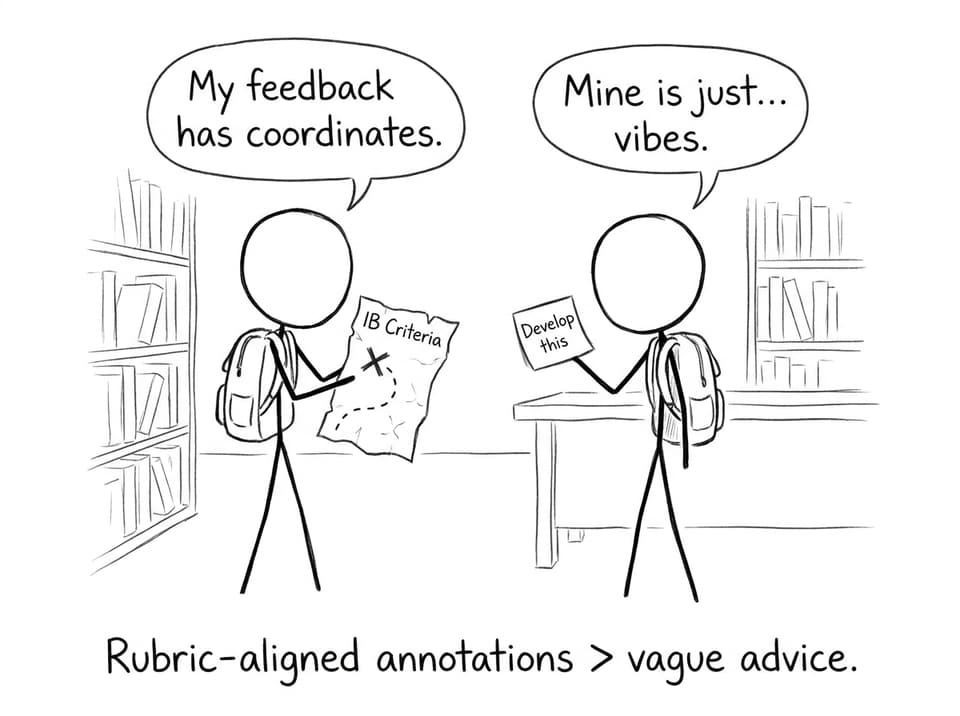
Vague feedback forces you to interpret what the marker meant. Line-by-line annotations remove interpretation. They show:
-
Which sentence is too broad for the task
-
Where analysis becomes summary
-
Where your evidence is floating without explanation
-
Where your structure stops carrying your argument
And because the comments are tied to assessment language, your revisions stop being random “improvements” and start being criterion-driven upgrades.
IB feedback that actually maps to criteria
In the IB, two students can write equally “good” paragraphs and receive different outcomes because one paragraph is easier to award marks to. Annotation helps you write in a way that is easier to reward.
If you are unsure what “structure that earns marks” looks like, compare your draft against rubric-focused guides, like Structuring for Success in IB TOK Essays and the TOK Essay Structure: A Comprehensive Guide.
Coursework types where IB annotation feedback helps most
A strong IB coursework annotation tool is not limited to one task. It is most useful across your big written components:
Internal Assessments (IA)
Line-by-line comments are especially helpful when your method, analysis, or evaluation is present but not explicit enough to earn credit. If you are building your IA process, pair annotation with the IB IA Guides and this deeper breakdown: IB IA Grading Service: Professional Assessment in Minutes.
Extended Essay (EE)
EE drafts often suffer from “wide lens” writing: too many sources, not enough argument. Annotations flag the sentences where you drift into description and show you how to steer back to analysis.
Useful hubs for planning include the IB Extended Essay Guide and the practical sprint-reality check IB Extended Essay in a Week? What You Need to Know.
TOK essay
TOK is where line-by-line feedback feels like a relief. It can highlight where you made a claim without a counterclaim, used an example without extracting a knowledge implication, or wrote a conclusion that summarizes instead of answering “to what extent.” For title-specific support, see the RevisionDojo Ultimate TOK May 2026 Essay Guide.
A simple example of IB line-by-line feedback (TOK)
Imagine your draft includes this sentence:
“Emotion shapes our understanding of the arts in ways reason cannot.”
A line-by-line annotation might say:
-
Strong claim, but it reads absolute. Add a counterclaim and evaluate limits to strengthen your analysis.
-
Link the example back to the prescribed title explicitly, not implied.
-
Tighten wording so the examiner can see the perspective shift in one read.
Notice what happens: you do not just “improve writing.” You improve the mark-awardability of the paragraph in IB terms.
How to use IB line-by-line feedback without getting overwhelmed
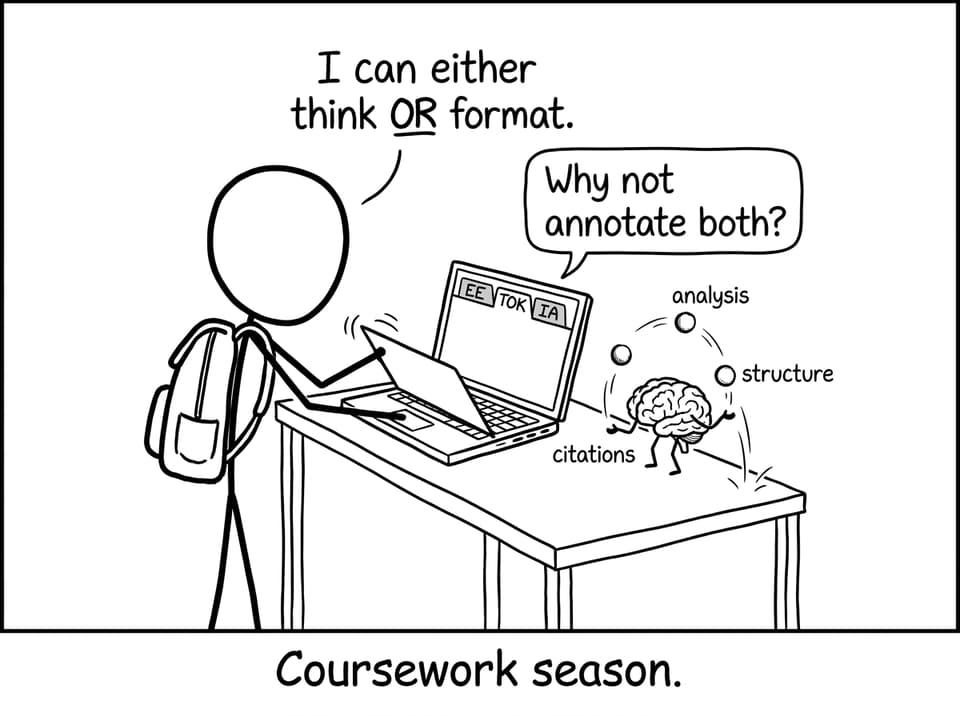
Line-by-line feedback can look intense because it is dense. The trick is to treat it like triage.
-
First pass: tag comments as argument, evidence, structure, or style.
-
Second pass: fix argument and evidence before polishing sentences.
-
Final pass: read only your topic sentences and conclusions. If they flow, your draft will usually flow.
Then, shift back into exam preparation mode. Coursework edits build skills that show up again in timed writing. RevisionDojo makes that transition smoother by connecting your drafting work to Study Notes, Flashcards, and targeted practice via the Questionbank. If you want a retention system while juggling coursework, this guide helps: Use RevisionDojo Notes to Boost IB Retention.
FAQ
Is an IB coursework annotation tool just a grammar checker?
No, and that difference matters for IB students. Grammar tools tend to focus on surface correctness: punctuation, wording, and readability. An annotation tool for IB coursework focuses on whether your sentences earn marks under the rubric, which often has nothing to do with commas. For example, a grammatically perfect paragraph can still be mostly summary, which limits your achievement in analysis-based criteria. Line-by-line annotations can flag where you need evaluation, contrasting perspectives, or clearer methodological justification. You still want clean language, but the bigger wins usually come from tighter reasoning and clearer links to the task.
Will detailed IB annotations change how I revise for exams?
Yes, in a helpful way. Exams reward the same habits coursework does: explicit argument, purposeful evidence, and clear structure under pressure. When you get line-by-line IB feedback, you start noticing patterns in your own writing, like repeating vague verbs (“shows,” “affects”) or skipping explanation after evidence. Once you see those patterns in coursework, you can correct them faster in timed responses. That is why RevisionDojo pairs coursework support with exam tools like Mock Exams, Predicted Papers, and the Questionbank: you build skills in one place and apply them everywhere. Over time, the feedback becomes internal, and your first drafts become sharper.
What should I upload to get the best IB line-by-line feedback?
Upload one clean, readable document that reflects your current best effort. For IB coursework, that means your full draft with all sections you want evaluated, including figures or tables if they matter to the argument. Avoid uploading fragments unless you are intentionally working on one section, because rubric alignment often depends on how parts connect. Make sure your citations are visible, even if imperfect, since missing attribution can affect academic tone and credibility. If you are unsure whether your structure fits the task, start with RevisionDojo guides like the Coursework Guides Hub and then use the IB Coursework Grader for targeted annotations. If you want a human layer too, RevisionDojo Tutors can help you interpret feedback and plan the next draft without rewriting your work for you.
Closing: turn IB feedback into a repeatable advantage
The quiet advantage in IB is not working harder. It is seeing more clearly.
Line-by-line annotations give you that clarity: which sentence weakens your argument, which paragraph needs evaluation, which transition is costing you coherence. When you combine that precision with RevisionDojo’s ecosystem: Study Notes, Flashcards, AI Chat, Grading tools, the Coursework Library, Mock Exams, Predicted Papers, and Tutors, you stop guessing and start iterating.
If you are preparing for exams while finishing coursework, make your revisions surgical. Use an IB coursework annotation tool, fix what matters, and let every draft train you for the final assessments.