
If you’ve ever found yourself opening a portal, staring at a single unchanged line of text, and somehow feeling your heart rate rise anyway, you already understand the emotional logic of UCAS.
For IB students, that tension is intensified: you’re revising for high-stakes exams while also trying to decode what your university future is doing behind the scenes. UCAS Track (now commonly referred to simply as tracking your application status in your UCAS account) is supposed to create clarity. But in practice, the labels can feel like riddles.
This guide breaks down how UCAS Track works, what the main application statuses actually mean, and how to respond without letting the waiting steal time from the one thing that genuinely moves the needle: your IB preparation.
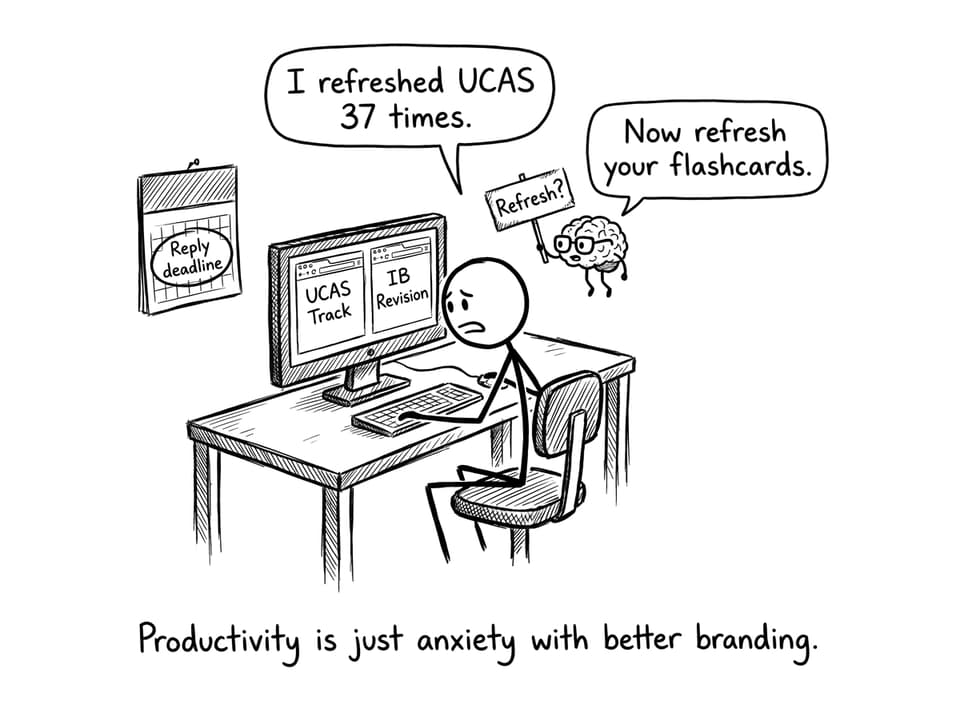
Quick checklist before you check UCAS again
Use this as your five-minute reset. Before logging into UCAS, make sure you can tick most of these off:
-
You know your UCAS login details (and they’re saved securely)
-
You understand the difference between conditional and unconditional offers
-
You’ve written down your reply deadline (calendar + notes)
-
You’ve checked your contact details are correct
-
You have a plan for what you’ll do if you get an offer today (and if you don’t)
-
You’ve scheduled your next revision block so UCAS doesn’t hijack your day
If you want a broader picture of the application itself, start with UCAS Application Structure Explained: Choices, Personal Statements, References.
How UCAS Track works (in plain language)
After you submit your application, UCAS sends it to your chosen universities. Track is basically a live noticeboard showing what has been received, what decisions have been made, and what you need to do next.
A few practical truths help:
-
UCAS is available 24/7, but updates often appear during working hours.
-
Universities move at different speeds, and silence is not a signal.
-
Some courses add extra steps (tests, interviews, portfolio reviews). That slows the timeline, not your chances.
The most important mindset is this: UCAS Track is a reporting tool, not a prediction tool. It doesn’t tell you your probability. It tells you what has already happened.
UCAS application statuses and what they really mean
When students feel anxious about UCAS, it’s usually because a status looks definitive when it isn’t. Here are the most common outcomes you’ll see and how to interpret them.
Application received (or sent)
This is the quiet beginning. UCAS has sent your application to your universities, and you’re officially in the system.
What to do:
-
Do nothing impulsive.
-
Keep revising.
-
Make sure your email is correct so you don’t miss communications.
Interview or assessment invite
Some courses (think Medicine, certain law programs, Oxbridge, and interview-heavy universities) may ask for an interview or admissions assessment.
What to do:
-
Treat it like an exam skill: prepare calmly, practice deliberately.
-
If you’re juggling interview prep with IB workload, use structured study loops so nothing gets dropped.
RevisionDojo’s system is built for that kind of constraint: use Study Notes for quick clarity, Flashcards for daily retention, then a Questionbank set to prove you can apply the knowledge under pressure.
Conditional offer
This is the most common result for IB students. A university is saying “yes” in principle, but you need to meet specific requirements (often final IB points, plus HL requirements).
What to do:
-
Translate the offer into a simple target.
-
Build your revision around what changes marks: timed practice, feedback, and fixing repeat mistakes.
If you need a structured method, RevisionDojo App: The Smarter Way to Prep for IB Exams lays out a loop students can repeat without burning out.
Unconditional offer
An unconditional offer means you’ve secured the place regardless of pending results. This is more common if you already hold qualifications or the university has decided to remove conditions.
What to do:
-
Don’t let your revision collapse.
-
Use the psychological relief to study smarter, not less.
Unsuccessful
This is a rejection from that choice.
What to do:
-
Take a breath before you interpret it as a verdict on you.
-
Review your strategy for remaining offers.
-
If you want to understand the decision logic, read How Universities Assess UCAS Applications.
Withdrawn
This means you (or the university) removed the choice.
What to do:
-
Confirm it’s intentional.
-
If it wasn’t, contact UCAS support quickly.
How offers show up (and how to think about them as an IB student)
The stressful part of UCAS isn’t seeing an offer. It’s seeing multiple offers and realizing you have to choose.
In general, offers appear as:
-
Conditional offer
-
Unconditional offer
-
Unsuccessful
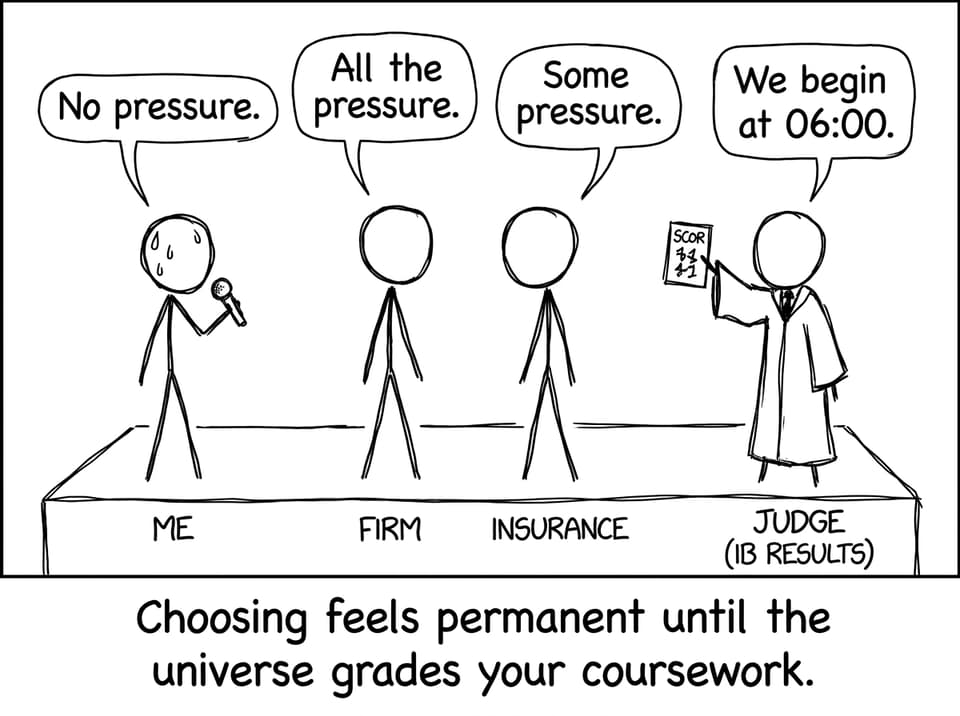
Once you’re eligible to respond, UCAS asks you to choose:
-
Firm choice (your first choice)
-
Insurance choice (your backup)
The trick is that this decision is emotional, but the consequences are logistical. Your firm choice should be what you want most. Your insurance choice should be something you’d genuinely attend, with requirements that are realistically lower.
To avoid choosing based on vibes, read Understanding the Role of the Insurance Choice: UCAS and then How to Accept or Decline Offers in UCAS.
Responding in UCAS Track without making a rushed decision
Most mistakes happen when students respond too early, or forget the reply deadline because exams take over.
A calmer approach:
-
Wait until all decisions are in (unless UCAS says you can reply early)
-
Write your reply deadline in two places
-
Compare offers against your predicted grades and your current performance
Here’s the uncomfortable but helpful truth: your revision plan is part of your UCAS strategy. The firm/insurance choice only matters if you can meet the conditions.
On RevisionDojo, students build that proof using:
-
Mock Exams to train timing and stamina
-
Predicted Papers to rehearse full-paper decision-making
-
Grading tools for markscheme-aligned feedback
-
AI Chat to diagnose why an answer loses marks (not just explain content)
-
Tutors when you need a human to help set priorities
If you’re currently trying to stabilize after a bad mock, Failed Mock Exams? You Can Still Pass IB is the reset most students actually need.
Updating details in UCAS Track (small task, big consequences)
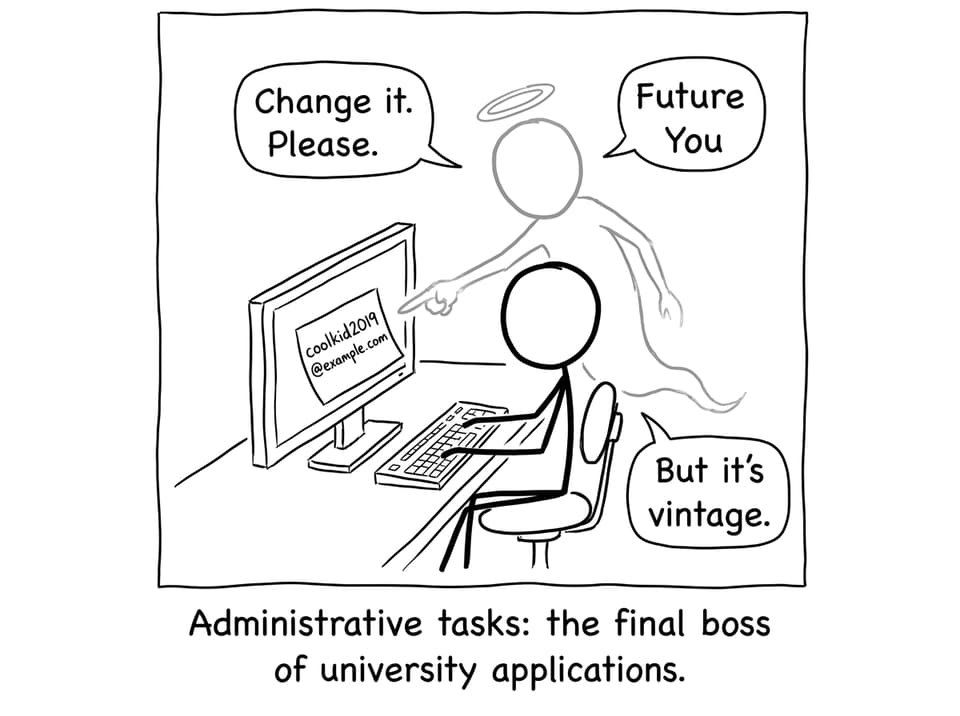
UCAS Track lets you update key personal details like email, address, and phone number. It’s boring, which is exactly why it’s risky: students ignore it until it matters.
Set a two-minute admin reminder to:
-
Confirm your email is one you actually check
-
Make sure your phone number is current
-
Check your address formatting (especially international students)
Common UCAS Track misunderstandings (and the calm answers)
“My UCAS status hasn’t changed for weeks. Am I rejected?”
Not necessarily, and in many cases, not even likely. Universities process applications in batches, and different departments move at different speeds. Some courses wait to compare a larger pool before issuing offers, especially when entry is competitive. Also, UCAS statuses only update when a decision is formally processed, not when someone internally “leans yes.” The healthiest assumption is neutrality: no news is simply no news. If the waiting is distracting you from revision, set a fixed schedule (for example, check UCAS twice a week) and keep the rest of your attention on exam performance.
“Can I hold more than two offers at once in UCAS?”
You can receive multiple offers, but when it’s time to respond, UCAS only lets you choose one firm and one insurance. That structure is intentional: universities need a clear signal of intent, and you need a plan that matches the reality of results day. The mistake is treating the insurance choice as a “throwaway” option. Your insurance needs to be somewhere you would truly attend, because conditional offers only become real when results land. If you want a practical decision framework, RevisionDojo’s UCAS guides (linked above) help you compare offers without spiraling.
“Does UCAS Track show my chances, or tell me what will happen on results day?”
No, UCAS Track doesn’t forecast outcomes. It reports current decisions, your replies, and eventually your confirmed place once conditions are met. For conditional offers, confirmation depends on exam results, and Track updates when those results are processed. That means your best way to improve what happens in UCAS isn’t refreshing the page, it’s raising your marks before the exams finish. RevisionDojo’s Questionbank and Flashcards turn that anxiety into a daily routine, while Mock Exams, Predicted Papers, and Grading tools turn routine into measurable improvement. If you need fast clarification mid-study, AI Chat helps you fix the exact mistake pattern instead of rereading chapters.
A simple “UCAS + IB” weekly rhythm that keeps you sane
-
Monday/Thursday: check UCAS once (5 minutes max)
-
Twice a week: one timed session using Mock Exams or predicted sets
-
Most days: 10 minutes of Flashcards + one targeted Questionbank block
-
Weekend: review mistakes with AI Chat or Grading tools, then plan the next week
If you’re in the final stretch, IB: The Last 2 Weeks Before Exams (What Matters) is built for exactly this season of pressure.
Conclusion: Use UCAS Track as a tool, not a trigger
UCAS Track is useful when you treat it like a dashboard: check it, note what changed, respond on time, then get back to the work that actually determines your options.
Your application status matters. But your exam performance matters more.
RevisionDojo exists for that exact overlap: when university decisions are pending and IB exams are approaching. Use the Study Notes to regain clarity, Flashcards to keep memory sharp, the Questionbank to build marks, AI Chat to unblock confusion, Mock Exams and Predicted Papers to simulate pressure, and Grading tools, Coursework Library, and Tutors when you need feedback that changes outcomes.
When UCAS updates, you’ll be ready. And if it doesn’t, you’ll still be moving forward.