


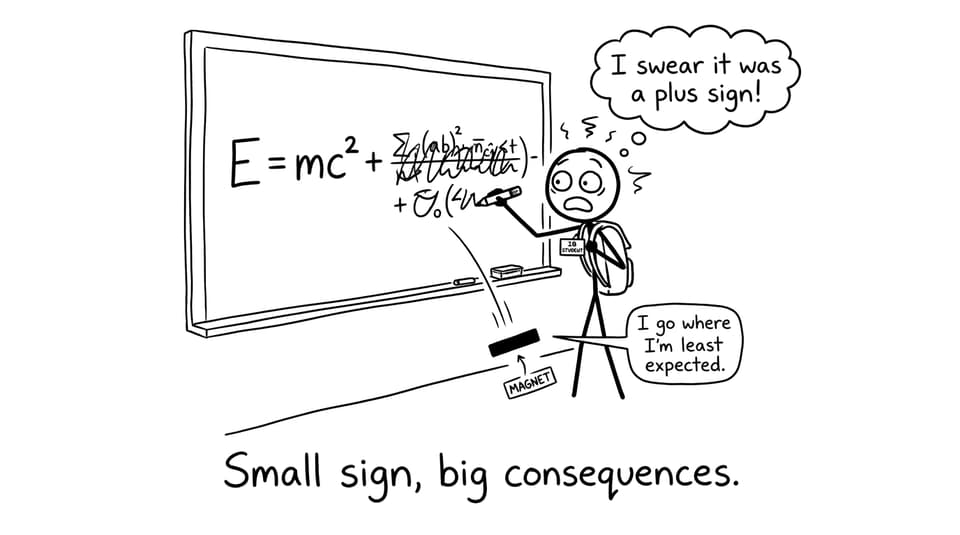
Mathematical mistakes rarely announce themselves.
They don’t show up as dramatic failures. They show up as a missing negative sign on page 6, a graph with an unlabeled axis on page 9, and a rounding choice that quietly changes your conclusion on page 12.
In an IB Math IA, those tiny slips don’t just cost a mark here or there. They change how an examiner trusts you. Because the IA isn’t only about doing mathematics. It’s about communicating mathematics with care.
This guide is a practical map for avoiding common mathematical errors in the IA, built for IB students who want their work to feel calm, consistent, and examiner-proof. We’ll walk through the most frequent error patterns, the simple checks that catch them, and how RevisionDojo helps you tighten every step before submission.
Quick checklist to avoid common mathematical errors in the IA
If you do nothing else, do this final sweep. It’s the fastest way to avoid common mathematical errors in the IA that IB examiners see every session.
-
Recalculate every key value using a second method (calculator + spreadsheet, or two different tools).
-
Check notation: every symbol defined once, then used consistently.
-
Confirm units on tables, parameters, and final answers.
-
Rebuild each graph from scratch and compare it to what’s in your IA.
-
Read your math like an examiner: no jumps, no “magic steps,” no unexplained formulas.
If you’re still structuring the write-up, it helps to align your checks to a clean IA flow first: How to Structure Your IB Math IA Logically.
Why avoiding errors matters in IB marking
In the IB Math IA, accuracy is never isolated. A numerical error becomes a communication problem, and a communication problem becomes a reflection problem.
Even when your idea is excellent, unforced errors can weaken:
-
Use of mathematics: if steps are incorrect, unjustified, or inconsistent.
-
Mathematical communication: if notation, graphs, and explanations don’t match.
-
Reflection: if your evaluation is built on a flawed calculation or misread model.
If you want a deeper rubric-aligned view of what “accuracy” really means to examiners, pair this article with: How to Evaluate Mathematical Accuracy in the IB Math IA.
The most common mathematical errors in the IA (and how to catch them)
Algebra slips that cascade
The classic IB IA error is simple: sign mistakes, missing brackets, incorrect factorization, or dividing by a quantity that could be zero without stating restrictions.
What makes algebraic mistakes painful is that they usually look “reasonable.” You can carry an error for two pages and still produce a polished final line.
How to prevent it
-
Do a slow “line-by-line derivation pass” on only the high-leverage steps (the ones that influence your model parameters or conclusion).
-
Keep transformations explicit. If you simplify, state the identity or rule.
-
Use RevisionDojo’s AI Chat as a second set of eyes, but treat it like a tutor: ask it to verify one step at a time, not solve your IA.
To build algebra reliability outside the IA, use targeted practice on the exact skill you keep slipping on (functions, algebraic manipulation, calculus). RevisionDojo’s Questionbank makes that loop fast.
Notation inconsistency (the trust-breaker)
Examiners don’t mind complex math. They mind confusing math.
A common IB IA pattern: you define (x) as time, then later use (x) as distance because your spreadsheet did. Or you switch between (f(x)), (y), and (P) without explaining what changed.
How to prevent it
-
Build a mini “symbol table” early (even 4-8 symbols is enough).
-
Don’t recycle letters for new meanings.
-
If you import variables from technology, rename them to match your narrative.
If you’re unsure what examiner-ready communication looks like, browsing strong samples helps. See RevisionDojo’s Coursework Library exemplars like IB Maths AA IA Examples and IB Maths AI IA Examples.
Using a correct formula in the wrong context
This is where strong students get caught. The formula is correct. The substitution is correct. The context is wrong.
Examples:
-
Applying a continuous model to clearly discrete data without justification.
-
Using a regression output but interpreting parameters as if the model were causal.
-
Treating a calculator’s regression equation as proof, rather than a candidate model.
How to prevent it
-
Before every major formula, write one sentence: “This applies because…”
-
State assumptions: independence, constant rate, linearity, normality, etc. (only the ones that matter).
-
In RevisionDojo, lean on Study Notes to re-check the conditions behind your methods, then verify with a few Questionbank questions that test the same assumption.
If your IA uses modelling heavily, this companion guide is worth keeping open while you edit: How to Avoid Common Mistakes in IB Math IA Modeling.
Units and scale errors (the silent sabotage)
Units are a credibility test. In an IB Math IA, missing units make results feel detached from reality, especially in applied investigations.
Common unit issues:
-
Converting once (m to km) and forgetting the rest of the table.
-
Mixing seconds and minutes inside a rate.
-
Writing parameters with no unit meaning (your slope is not “just 0.42”).
How to prevent it
-
Put units in headings, not only in sentences.
-
Write units beside substituted values at least once per section.
-
Check scale: does your graph range match your data range?
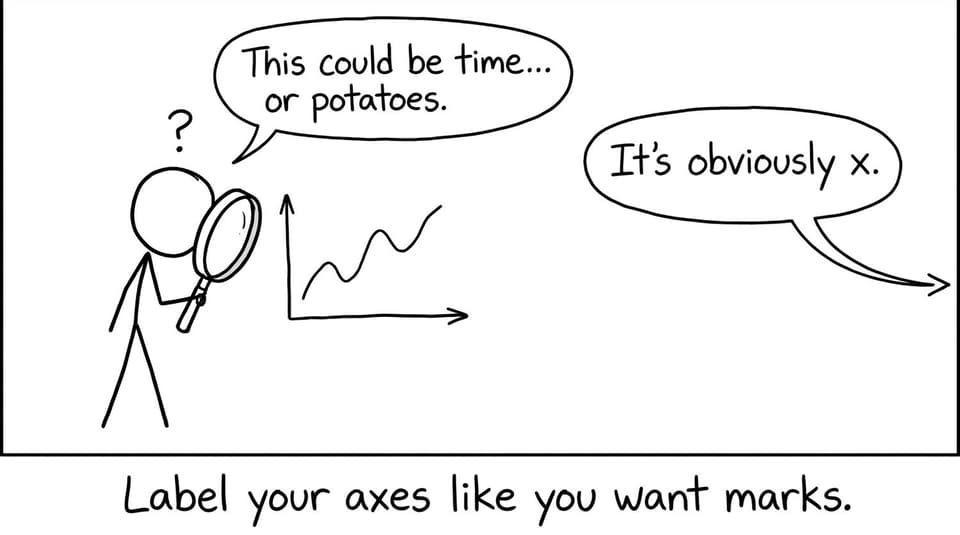
Graph errors that lose easy marks
Graphs are where IB students unintentionally donate marks.
Frequent graph mistakes:
-
Missing axis labels or units.
-
Inconsistent scaling or unclear tick marks.
-
Plot doesn’t match the equation you claim you used.
-
Trendline equation copied without stating what the variables represent.
How to prevent it
-
Do a “graph audit”: for every graph, answer four questions: What is x? What is y? What are the units? What does the shape mean?
-
Recreate each graph from scratch in a second tool (even once) to confirm it’s not a settings issue.
Rounding and significant figures that change conclusions
Rounding feels harmless until it isn’t.
In an IB IA, early rounding can:
-
distort regression parameters,
-
shift intersection points,
-
change residual patterns,
-
and make your evaluation look careless.
How to prevent it
-
Keep higher precision through working (3-4 significant figures is often reasonable), then round final values thoughtfully.
-
If exact values matter (like (1/3)), keep them exact until the end.
-
State your rounding rule once, then follow it consistently.
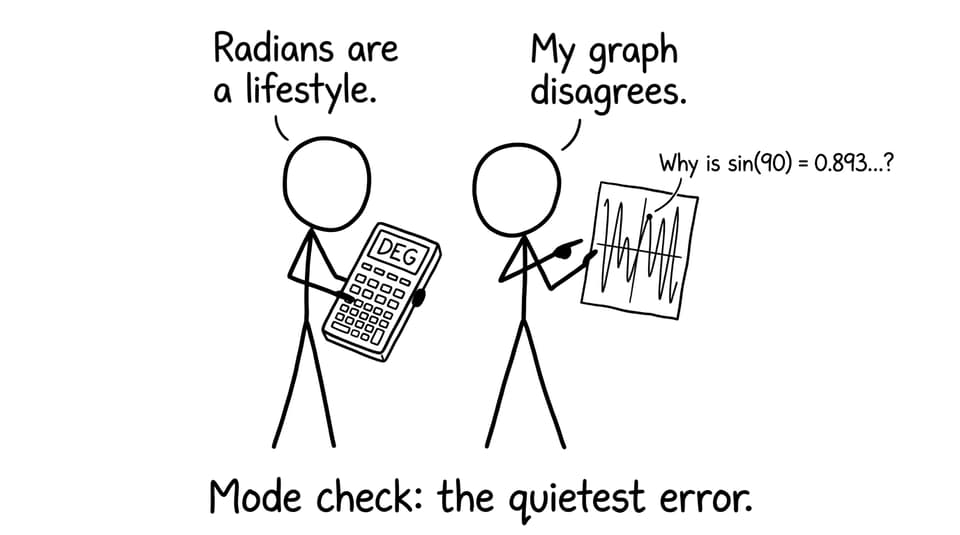
Technology mistakes: the calculator mode trap
Technology doesn’t create errors. It hides them.
Common IB pitfalls:
-
Degree/radian mismatch.
-
Window settings that make a model look “perfect.”
-
Copying a regression equation without verifying the data input.
How to prevent it
-
Write down your settings once (especially for trig or calculus work).
-
Cross-check one key result manually or with another program.
-
Include one sentence of interpretation after any major technology output.
A simple “Error Checker” workflow you can run in one afternoon
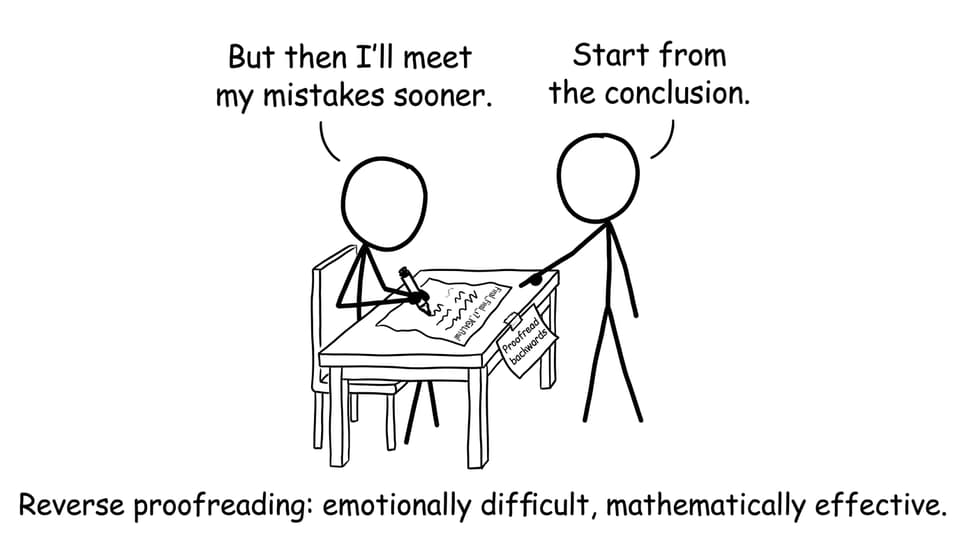
Think of proofreading like quality control, not self-criticism. Your goal is to catch predictable failure points the same way engineers test a bridge.
Do a structure pass first
If your sections are out of order, errors multiply. Confirm that each section has a single job: define, model, calculate, interpret, evaluate.
RevisionDojo’s IA Guides help you align to examiner expectations quickly: IB IA Guides: Internal Assessment Structure, Rubrics & Tools.
Audit formulas like an examiner
For every major formula, check:
-
Are all variables defined?
-
Are the assumptions stated?
-
Does the formula match the data type and method?
-
Do substituted values carry units and consistent rounding?
Verify calculations strategically
You don’t need to re-check every tiny arithmetic step. Re-check the steps that control your conclusion:
-
estimated parameters,
-
intersections/optima,
-
derived constants,
-
final model comparison statistics.
If your weaknesses are topic-specific, drill them with targeted RevisionDojo question sets. For example, if your IA uses calculus, use the IB Math AA Calculus Questionbank.
Rebuild your graphs (yes, really)
Recreating graphs feels annoying, which is exactly why it works. It exposes:
-
input mistakes,
-
scale/window distortions,
-
swapped variables,
-
mislabeled axes.
Do a logic-flow read aloud
Read your IA aloud as if you’re teaching it to a tired friend. If you feel yourself skipping a justification, the examiner will feel it too.
When you’re done, run a quick self-grade using RevisionDojo’s Grading tools like the IB Maths AI IA Grader. Even if you’re AA, it trains the right habit: tie improvements to criteria language.
The “hidden” errors that appear in strong IAs
High-performing IB students often lose marks to mistakes that don’t look like mistakes:
-
Data copied incorrectly from a spreadsheet (one cell shifted, one column sorted).
-
A parameter interpreted correctly once, then described differently later.
-
An approximation used without stating it’s an approximation.
-
A conclusion that overclaims what the model can support.
If your IA uses real-world data, it’s also worth learning how to treat anomalies properly rather than deleting them. This guide is a strong add-on: How to Handle Outliers and Anomalies in the IB Math IA.
Closing: build an IB IA that feels trustworthy
Most IB students don’t lose marks because they can’t do the math. They lose marks because they don’t give their math a final, disciplined check.
If you want your IA to feel like it was written by someone in control, focus on the predictable error zones: algebra, notation, units, graphs, rounding, technology settings, and explanation flow. That’s how you avoid common mathematical errors in the IA without rewriting the entire project.
When you’re ready to tighten everything, RevisionDojo is built for the full loop: Study Notes to confirm concepts, Flashcards to keep methods sharp, a Questionbank to drill weak spots, AI Chat to clarify steps, Grading tools to align with criteria, plus Predicted Papers and Mock Exams to keep your exam prep moving alongside coursework. Add in the Coursework Library and Tutors when you want real examples and deeper feedback, and your IA stops feeling like a gamble.
Avoid common mathematical errors in the IA once, and you’ll feel the difference everywhere: in your confidence, your clarity, and your final result.