
The quiet panic behind every IB IA draft
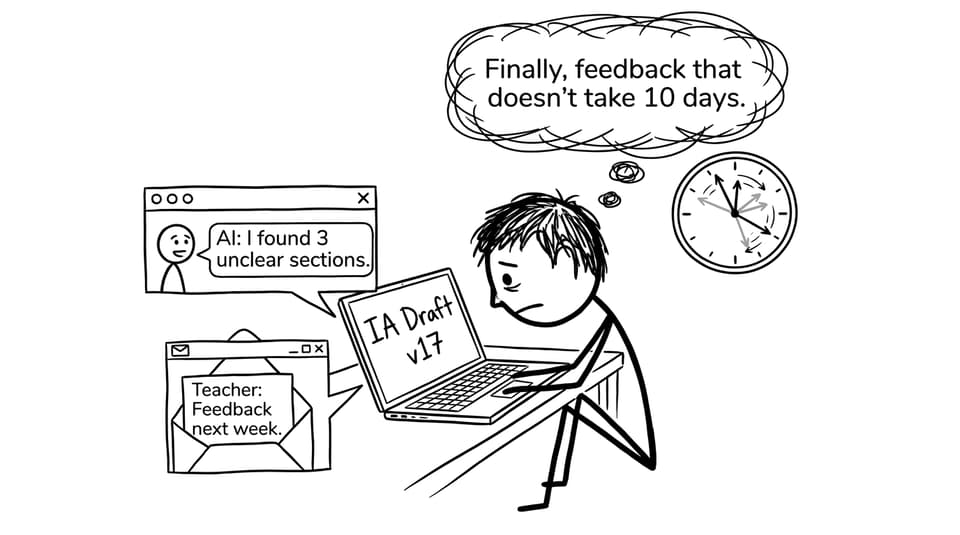
There’s a specific kind of IB stress that doesn’t look dramatic from the outside. It’s you, staring at an IA draft that is technically “done,” yet somehow still feels fragile. The graphs look fine until you try to explain them. The introduction sounds confident until you reread it and notice it never actually commits to the research question. And the worst part is waiting: teacher feedback is gold, but it can take days you don’t have.
That’s where AI becomes useful for IB students, not as an author, but as a fast mirror. Used well, AI helps you spot weaknesses early, ask better questions, and arrive at teacher feedback with a cleaner, more defensible draft.
A simple IB-friendly checklist for AI feedback
Before you start, keep this checklist in front of you:
-
Share small sections (not the whole IA) and remove identifying details.
-
Ask for diagnosis and questions, not rewritten paragraphs.
-
Check every suggestion against IB criteria for your subject.
-
Convert feedback into action steps (what to change, where, and why).
-
Combine AI feedback with your teacher’s priorities.
If you want a criteria-aligned workflow, RevisionDojo’s IB IA Guides help you sanity-check what each section is supposed to do in an IB submission.
Use AI to tighten structure (without losing your voice)
Most IB IAs don’t fail because students are “bad at writing.” They slip marks because the logic drifts: the research question doesn’t drive the method, the method doesn’t justify the data, the data doesn’t support the conclusion.
A practical approach is to paste only your outline, or a single section, into an IB-focused AI tool and ask:
-
“Where does my argument jump too quickly?”
-
“Which paragraph is doing multiple jobs and should be split?”
-
“What would an examiner still be confused about after reading this section?”
For IB students using RevisionDojo, you can pair this with Jojo AI to turn vague discomfort into specific fixes, then compare your structure habits to TOK-style clarity strategies in How to Write a Good TOK Essay: A 10-Step Guide.
Use AI to improve content quality (not just grammar)
Spelling and grammar are the obvious wins. The real win is depth.
Ask AI to behave like an IB examiner and flag:
-
Claims that are unproven or only described
-
Analysis that doesn’t explicitly link back to the research question
-
Places where you need evaluation (limitations, reliability, alternative explanations)
Then, immediately test your understanding. If you can’t explain a sentence you wrote, it’s risky in an IB viva-style conversation and often reads as inauthentic. For more ethical, practical prompting, see Practical Guide to Using AI Tools for IB TOK Essays; the same “use AI as a thinking partner” principle applies to IAs.
Use AI to generate reflective questions that improve your evaluation
Strong IB IAs feel like a student is thinking on the page. Reflection isn’t filler but it’s the part that shows judgment.
Prompts that work:
-
“What limitations would matter most to an examiner here?”
-
“What alternative explanation could challenge my conclusion?”
-
“If I repeated this, what would I change and why?”
If you’re working with data-heavy sections, pair your AI questions with targeted guidance like How to Use Data Effectively in Your IA Analysis so your evaluation doesn’t become generic.
Stay privacy-safe and academically honest
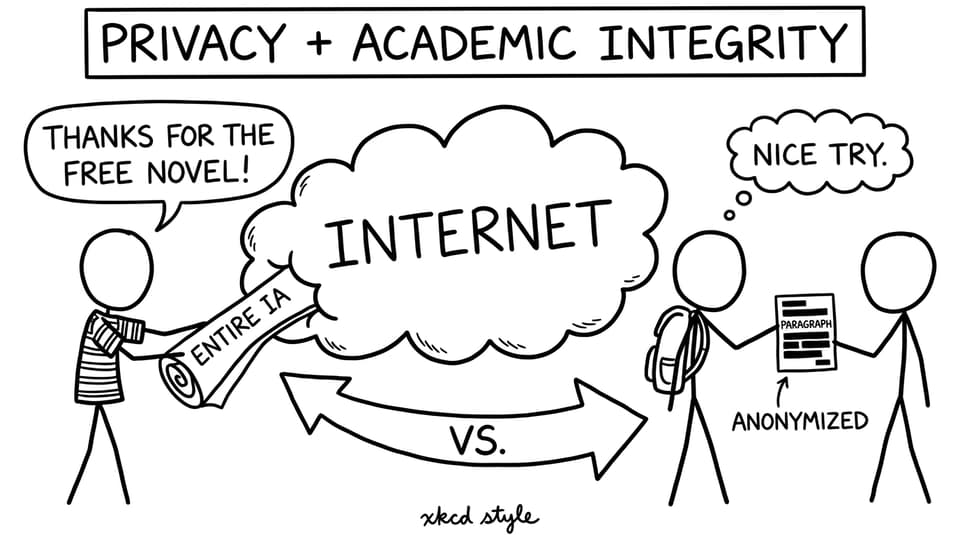
A good rule for IB students: don’t give AI anything you wouldn’t feel comfortable projecting in class.
That means:
-
Remove your name, school, teacher comments, participant details, and unique identifiers
-
Share excerpts rather than full drafts
-
Never ask AI to “write my analysis” or “rewrite this in a better academic style” and then paste it in unchanged
If you want the clearest explanation of the risk, read Can IB Detect ChatGPT? and the broader policy-focused overview in Can You Use AI Tools for IB Work Without Getting Penalized?.
Combine AI feedback with teacher feedback (the high-score move)
AI is fast. Teachers are precise. IB success usually comes from sequencing them well.
Try this rhythm:
-
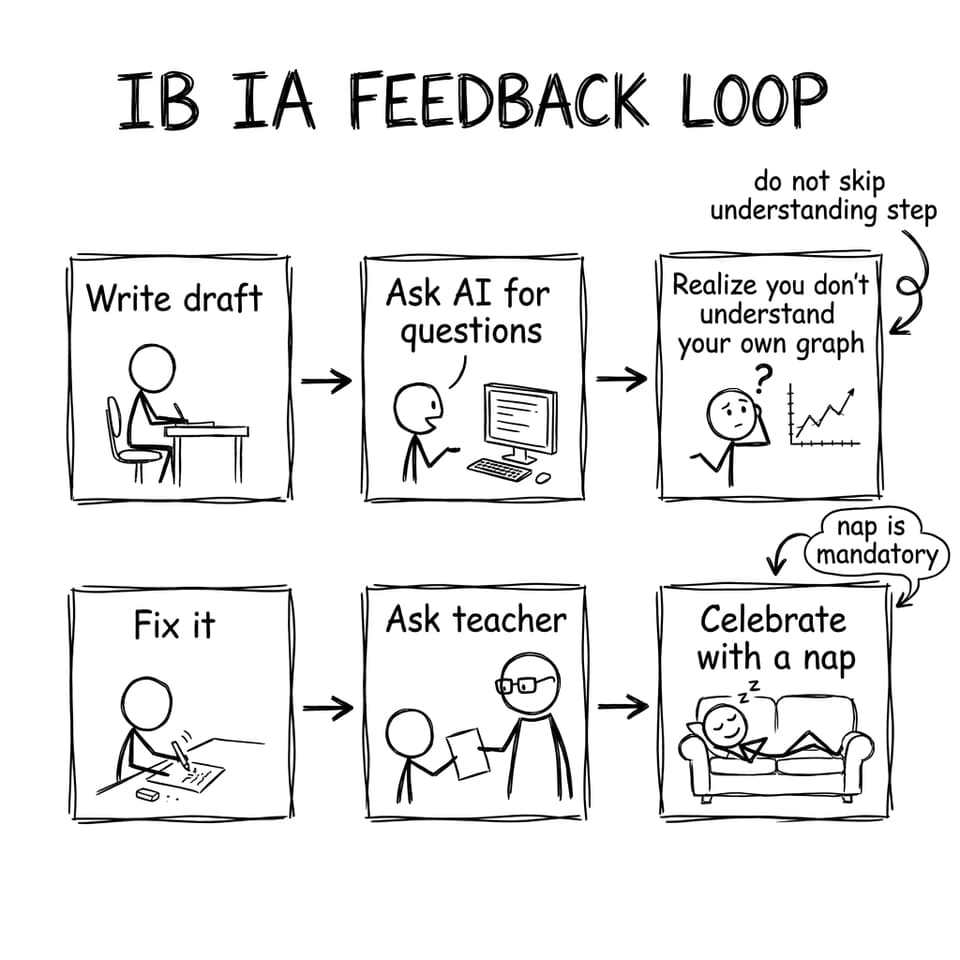
Run AI feedback early to fix the “obvious leaks.”
-
Bring a cleaner draft to your teacher with 3 focused questions.
-
After teacher feedback, use AI again to check consistency and clarity.
RevisionDojo is built for this loop: IB Coursework Grader for rubric-shaped feedback, Questionbank and Study Notes for exam readiness, and Tutors when you need human diagnosis beyond comments.
Final thought: make AI your rehearsal, not your replacement
The best IB students don’t wait for perfect feedback. They build a system that finds problems early. AI can be that early warning system for your IA drafts, helping you refine structure, deepen evaluation, and arrive at teacher feedback with a draft that’s already moving in the right direction.
If you want the full loop in one place, start with RevisionDojo: use Jojo AI, the Grading tools, and the Coursework Library for drafting confidence, then keep exam performance rising with Study Notes, Flashcards, Questionbank, Mock Exams, and Predicted Papers.