

If you have ever stared at a home Wi-Fi box and wondered which part is actually doing the “internet” work, you are already thinking like an IB Computer Science student. Exams love that exact confusion. Routers, switches, and modems often sit next to each other, look interchangeable, and get described with sloppy everyday language. But marks come from precision: what the device does, and where it belongs in the network.
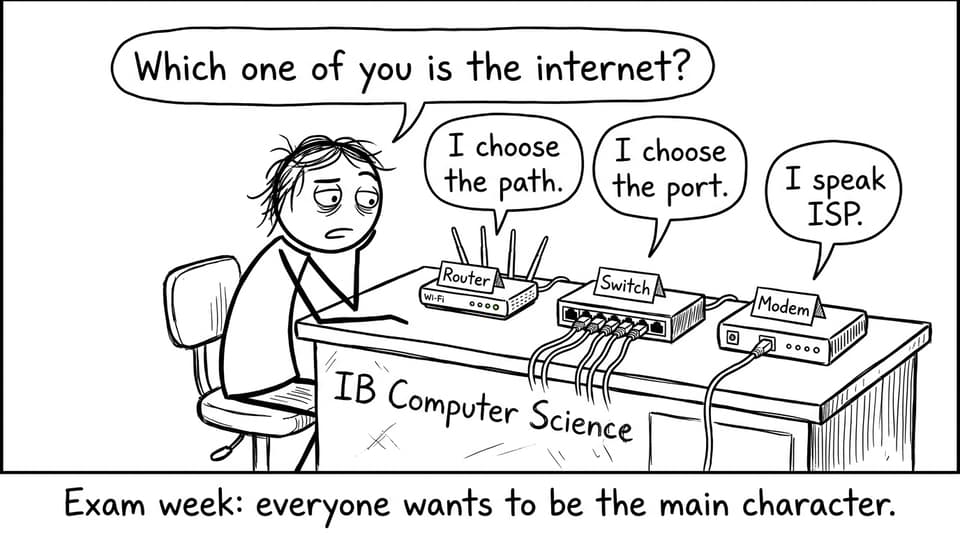
Quick exam checklist (learn this, then add detail)
For IB Computer Science, you can separate these devices by two ideas: function and placement.
-
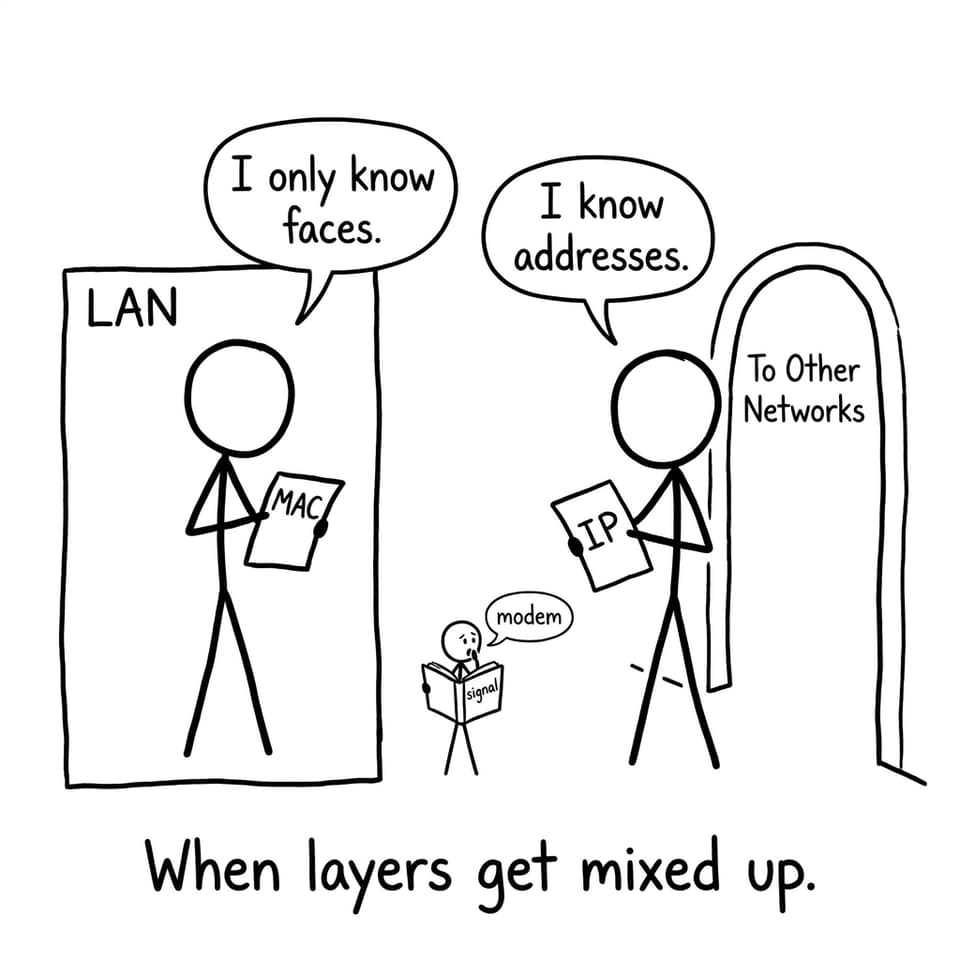
Switch: connects devices inside a LAN and forwards frames using MAC addresses.
-
Router: connects different networks and forwards packets using IP addresses.
-
Modem: connects your network to an ISP by converting signals (modulator/demodulator).
If you want the syllabus-aligned version to drill, pair this article with Notes for A2.1.3 Function of Network Devices and then test yourself in the IB Computer Science 3.1 Networks Questionbank.
Switches in IB Computer Science: the quiet traffic controller
A switch lives inside the local area network (LAN). Think classrooms, computer labs, or your home devices talking to each other. In IB Computer Science, the key phrase is that a switch forwards data to the correct device using a MAC address.
What actually happens is simple but exam-friendly:
-
The switch receives a frame.
-
It checks the destination MAC address.
-
It forwards the frame only to the correct port (rather than broadcasting everywhere).
That last point matters because it reduces unnecessary traffic compared with old hub-style networks. For extra LAN context, see What Is a Computer Network? LAN, WAN, and PAN Explained.
Routers in IB Computer Science: choosing a path between networks
A router connects networks to other networks. That could mean connecting your home LAN to the wider internet, or connecting one organization network to another. In IB Computer Science, routers are associated with routing decisions and IP addresses.
A strong exam explanation usually includes:
-
Routers forward packets between networks.
-
They read destination IP addresses.
-
They select a route (often via routing tables or policies).
This is also where exam questions may hint at security or control. If you want more “network thinking” depth (without memorizing blindly), RevisionDojo’s IB Computer Science 3.1 Networks Notes are built around the wording examiners reward.
Modems in IB Computer Science: the ISP handshake
A modem is the device that lets your network communicate with your Internet Service Provider (ISP). The name is literally the definition: modulator-demodulator.
In IB Computer Science, you can describe it as:
-
Converting your device’s digital data into a signal suitable for the ISP’s transmission medium.
-
Converting incoming signals back into digital form.
Modern “all-in-one” home units often combine modem + router + switch features, which is why students mix the terms. To tighten definitions fast, bookmark the IB Computer Science Key Definitions.
Common exam mistakes (and how to fix them)
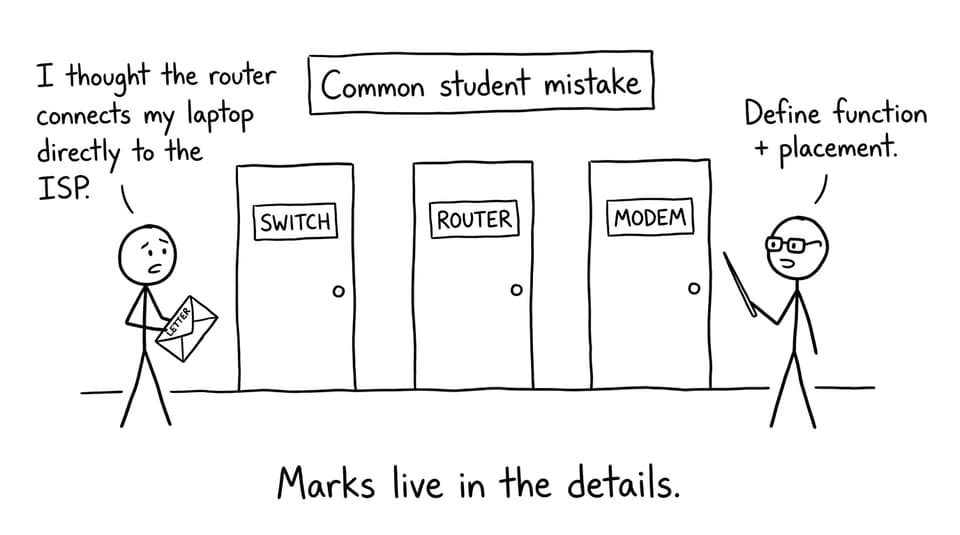
In IB Computer Science, vague statements like “the router connects devices” leak marks.
Fixes that score:
-
Always say switch = within a LAN and mention MAC address.
-
Always say router = between networks and mention IP address.
-
Always say modem = connects to ISP and mention modulation/demodulation.
Then practise writing those contrasts under time pressure using RevisionDojo’s IB Computer Science Resources hub, plus Flashcards like A2.1 Network Fundamentals Flashcards.
Closing: turn confusion into marks
Routers, switches, and modems feel similar in real life because they sit close together. In IB Computer Science, they are different because they solve different problems: local delivery (switch), inter-network routing (router), and ISP signal conversion (modem). If you can explain each device by function + placement, you stop guessing and start collecting marks.
Build that confidence with RevisionDojo’s Study Notes, Questionbank, Flashcards, AI Chat, Grading tools, Predicted Papers, Mock Exams, Coursework Library, and Tutors, all connected through the IB Computer Science Resources hub.