


Digital art can feel oddly invisible until you try to exhibit it. On your laptop, it glows. In your studio, it’s “almost done.” Then exhibition day arrives, and suddenly you’re making decisions about paper, screens, cables, glare, and whether your work will look like art or like a tech demo. In IB Visual Arts, presentation is not decoration; it’s part of the meaning, and part of how examiners read your intention.
This guide shows you how to showcase digital art in an IB Visual Arts exhibition with professional clarity, without losing the experimental energy that made you choose digital in the first place.
Quick setup checklist for IB Visual Arts digital work
-
Decide: print, screen, projection, or hybrid
-
Export correctly: high-res for print, stable codec for video loops
-
Test the display in the actual lighting
-
Make your labels consistent and readable
-
Hide cables, chargers, and adapters (bring spares)
-
Place digital pieces to support your exhibition theme
If you want the marking logic behind these choices, keep the criteria nearby: IB Visual Arts Assessment Criteria Explained Simply.
Print, screen, or projection? Choosing the right format in IB Visual Arts
High-quality printing for “still” digital art
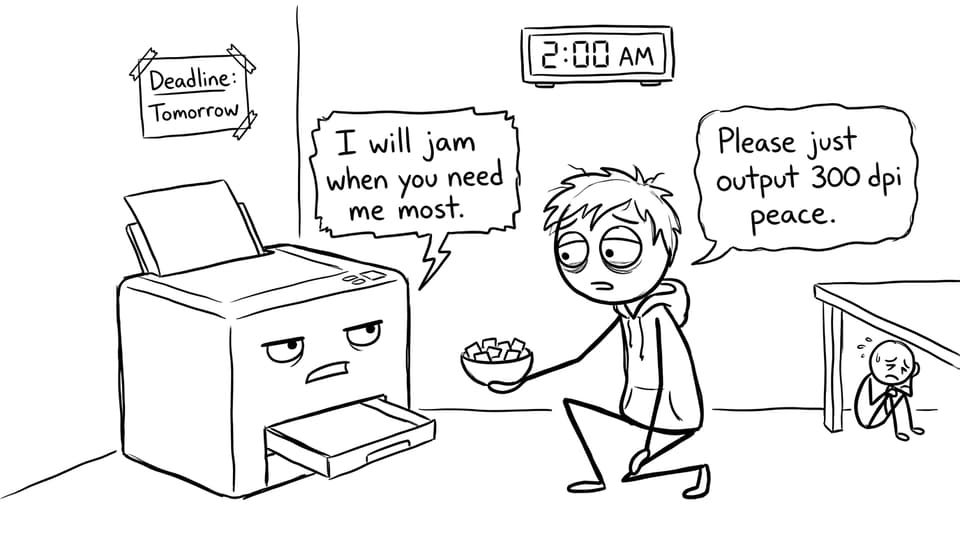
If your digital artwork is a still image (digital painting, photography, collage), printing often reads as the most “resolved” choice in IB Visual Arts. Aim for clean detail, intentional paper choice, and consistent mounting. A common standard is 300 dpi for crisp prints, but what matters most is that the final object looks deliberate, not accidental.
A strong print also makes curation easier: you can control spacing and sequence like any other wall work. For broader exhibition planning, see IB Visual Arts Exhibition Setup Tips for High Marks.
Screens and tablets for motion, interaction, and sound
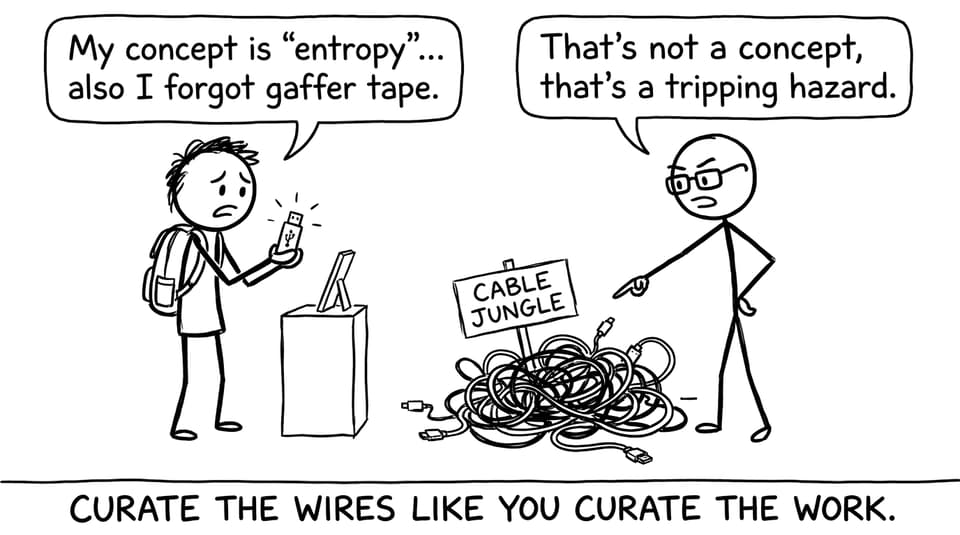
If the work depends on time (animation, video art) or interaction (clicking, scrolling), use a screen. The key is stability: secure the device, set brightness intentionally, and make playback loop seamlessly. In IB Visual Arts, messy wires and unreliable playback silently weaken the viewer’s trust in the work.
Your layout matters here too. For a step-by-step way to think about the space, use How to Prepare Your IB Visual Arts Exhibition Space.
Projection for atmosphere (and risk)
Projection can be powerful, but it’s fragile: ambient light, shadows, and focus can distort your intended effect. If you project, test at the same time of day as the final setup, and design the work to survive imperfect conditions.
Lighting, glare, and the “invisible examiner”
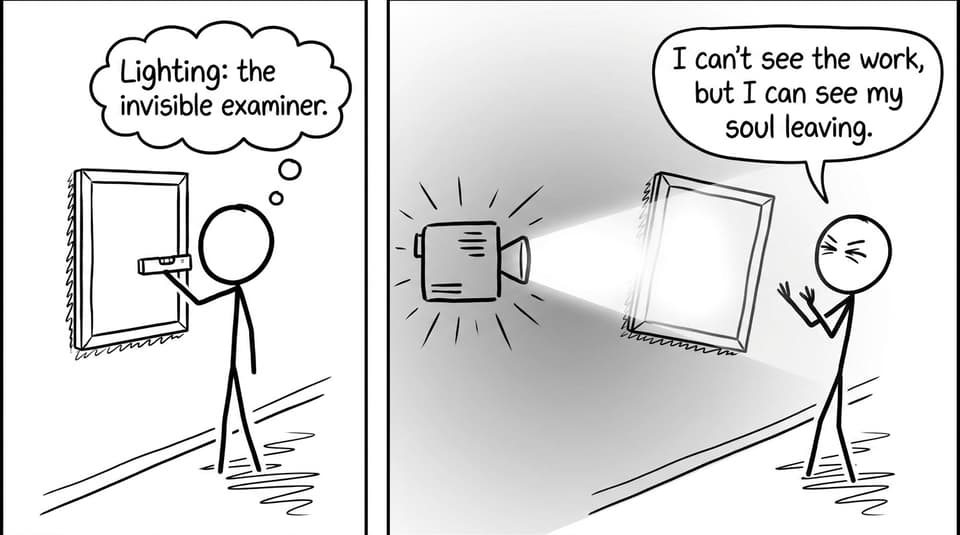
Lighting is where digital work often wins or loses. Prints can suffer glare under strong spots; screens can wash out under daylight; projections can disappear if the room is too bright. In IB Visual Arts, consistency signals control.
A practical rule: if viewers have to move their bodies to “solve” reflections, they stop thinking about your concept and start thinking about your setup.
Labels that make digital work feel intentional
Your label is a quiet handshake with the examiner. Name the medium clearly (e.g., “Digital print,” “Video installation”), include dimensions (print size or screen size), and keep formatting consistent.
For wording and layout tips, use How to Write Exhibition Texts and Labels for IB Visual Arts.
Common mistakes to avoid with IB Visual Arts digital pieces
-
Low-resolution printing (pixelation reads as unfinished)
-
Inconsistent framing and mounting across the show
-
Screens at awkward heights or with visible cable clutter
-
Ignoring glare and ambient light
-
Digital works that don’t connect to the exhibition theme
If you want a quick sanity check before installation, skim Common Exhibition Mistakes That Cost IB Visual Arts Students Marks.
Bringing it all together with RevisionDojo
Digital art belongs in an IB Visual Arts exhibition when it’s curated with the same seriousness as any painting or sculpture. Decide the format, control the light, write clear labels, and make the work feel physically “real” in the room.
When you want to tighten your overall strategy, RevisionDojo helps you connect the dots: use the IB Visual Arts Examples to benchmark quality, lean on the IB Visual Arts Process Portfolio Grader to refine reflection and presentation decisions, and explore the full IB Visual Arts tag hub to plan your exhibition like a cohesive body of work. In IB Visual Arts, the final display is part of the argument you’re making, so make it clean, intentional, and unmistakably yours.