



The first week of IB Design Technology often looks deceptively calm.
You sit in a room full of tools, sketches, and half-finished ideas and think: This is going to be the fun subject. Then someone says the words “documentation” and “iteration” in the same sentence, and you realise the course isn’t just about making things. It’s about proving, step by step, that you made the right things for the right reasons.
That’s what students usually mean when they describe IB Design Technology as both refreshing and demanding. It’s less about memorising a mountain of content and more about managing a long story you’re writing with your decisions, your data, and your reflections.
Quick checklist: what IB Design Technology feels like in real life
If you want the honest preview, here it is:
-
You’ll spend months on one central project, not a series of short assignments.
-
Your grades depend on evidence of thinking, not just a polished outcome.
-
You’ll use tools (CAD, prototyping, testing) even if you’ve never touched them before.
-
You’ll learn to plan like an engineer and reflect like a writer.
-
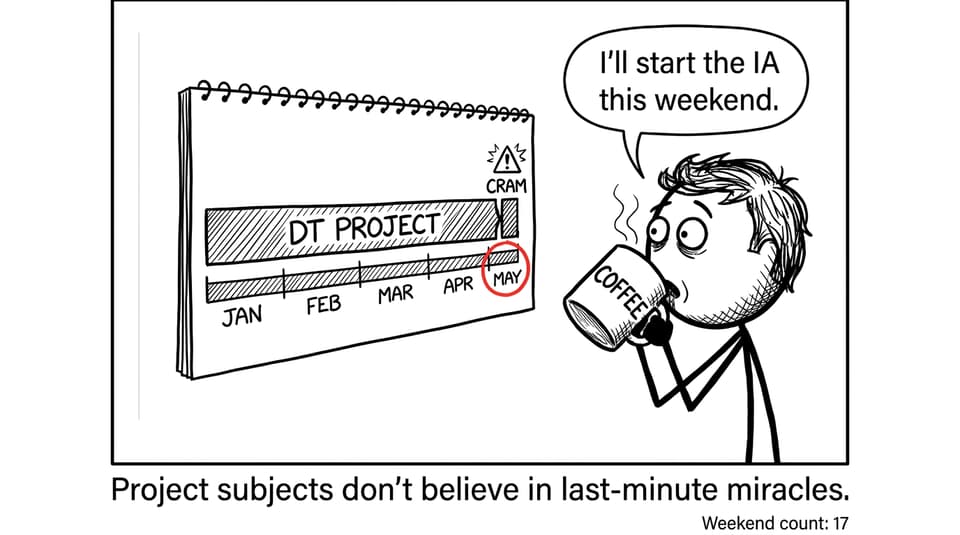
You can’t “cram” the IA process, but you can build momentum.
For a clean starting point, keep the IB Design Technology Resources hub open as your home base.
The workload: steady effort beats heroic weekends
Students who thrive in IB Design Technology usually share one habit: they keep the project “alive” every week.
The course punishes the dramatic pattern most IB students know too well: ignore it for a while, panic near a deadline, sprint, repeat. DT is different because your work is sequential. If your research is weak, ideation gets weaker. If your testing is thin, evaluation becomes guesswork. The stress often isn’t the difficulty but it’s the backlog.
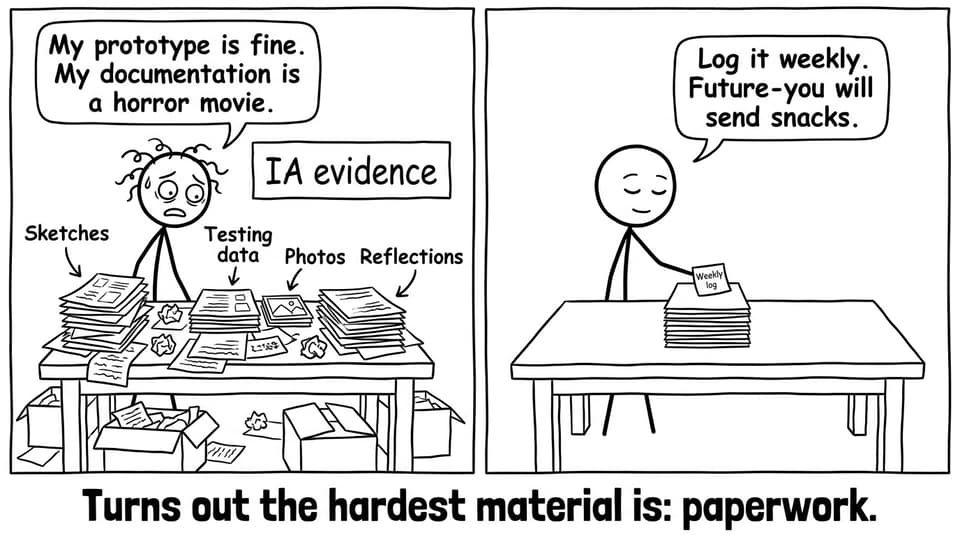
A simple way to stay ahead is to split your week into two modes:
-
Progress mode (30-60 min): one concrete action (test a dimension, collect user feedback, tweak a design requirement).
-
Proof mode (15-30 min): document what happened and what it means.
When you need exam practice alongside project work, the IB Design Technology Questionbank helps you keep Paper-style thinking sharp without derailing the IA timeline.
Creativity with guardrails: why DT feels different from other subjects
Students often describe IB Design Technology as “creative, but not vague.” You’re allowed (even encouraged) to invent. But you also have to live with constraints: materials, sustainability, ergonomics, manufacturing, cost, context.
That constraint is where many students unexpectedly grow.
In other subjects, you can sometimes hide behind doing more reading. In DT, reading is only the beginning. You have to translate knowledge into choices: Why this material? Why this geometry? Why this manufacturing method? What does the data say?
If you’re still figuring out what “design thinking” looks like in IB terms, this guide clarifies it: How Does Design Thinking Work in IB Design Technology?
Tools and tech: you don’t need experience, you need reps
A common worry is: “I’ve never used CAD” or “I’m not a workshop person.” Students who start that way usually say the same thing later: the learning curve is real, but it’s not the point.
The point is decision-making.
CAD, prototyping, and modelling are just languages you use to express a solution. The students who score well aren’t always the most naturally “technical.” They’re the ones who can show a clear chain from user need to testing to iteration.
If you’re revising manufacturing and systems, using focused topic pages can save time. For example: Computer-integrated manufacturing (CIM) notes and practice.
The hardest parts (according to students)
When students talk honestly about IB Design Technology, three challenges come up again and again.
Time management is the real syllabus
The course runs in parallel with everything else in the Diploma. If your DT time only appears when you “have time,” it won’t appear at all. Students recommend time-blocking like it’s a non-negotiable class.
Documentation feels repetitive until it saves you
Most people don’t enjoy writing reflections. But in DT, reflections are not diaries but they’re evidence. They explain why you changed something. That “why” is where marks live.
Perfectionism delays the thing that earns marks: iteration
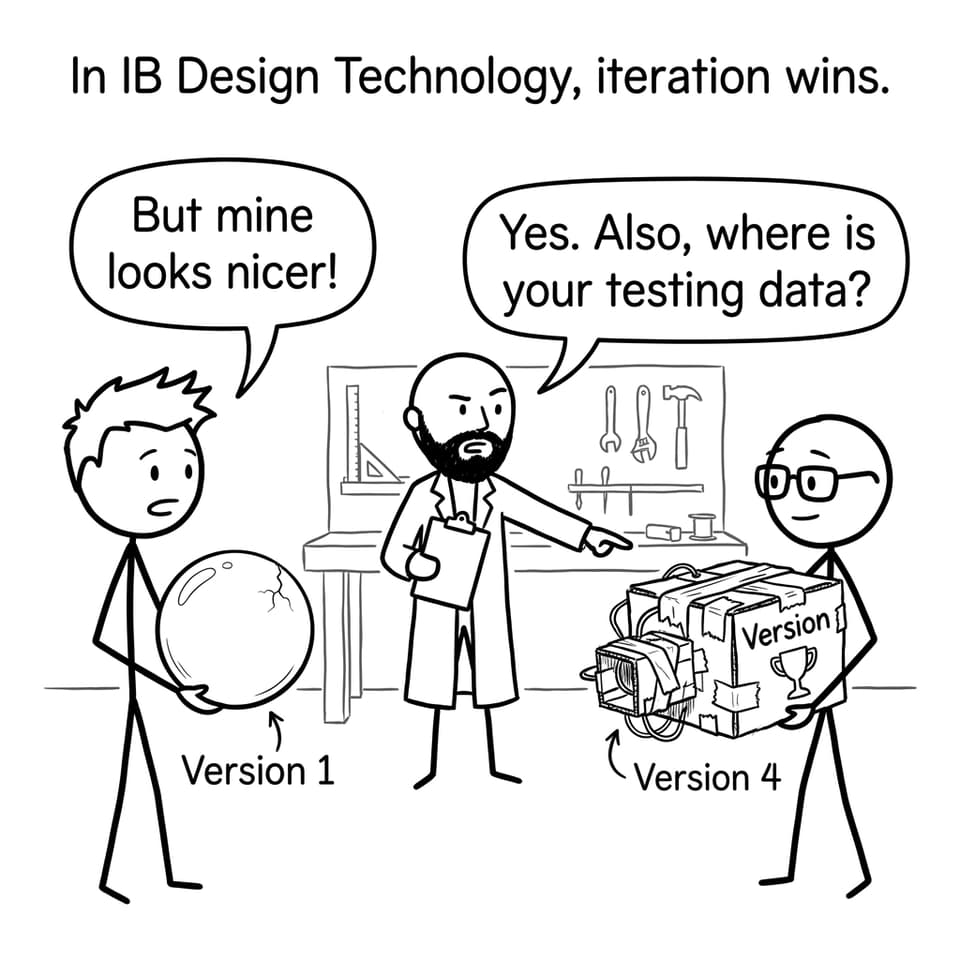
Some students obsess over making a beautiful final prototype, and forget that examiners reward improvement informed by testing. Your process is the product.
The rewards: why students remember IB Design Technology
Despite the workload, students often say IB Design Technology becomes the most “real” subject they take.
They remember the moment a user reacts to their prototype and says something honest. They remember the frustration of a test failing and the relief of figuring out why. And they remember finishing with a portfolio they can actually show a university or a future employer.
It’s also one of the few IB subjects where organisation can beat raw talent. If you build a small, repeatable system, you can outperform someone who is “naturally good at design” but inconsistent.
For a practical routine, the post Best Study Strategies for IB Design Technology Students lays out a weekly plan that’s easy to stick to.
A student-style study loop for IB Design Technology exams
Here’s a simple loop that keeps both coursework and exams moving:
-
Study Notes (understand): review one small concept chunk.
-
Flashcards (remember): drill definitions, processes, and command-term language using Flashcards.
-
Questionbank (apply): practise topic questions with feedback using the IB Design Technology Questionbank.
-
AI Chat + Grading tools (fix): ask for markscheme-style explanations, then refine your responses.
-
Predicted Papers + Mock Exams (simulate): use timed practice to build stamina with Predicted Papers.
If you want the bigger “all tools, one system” picture, bookmark How to Use RevisionDojo for IB Design Technology Success.
Closing: if you want to enjoy IB Design Technology, make it sustainable
IB Design Technology is what happens when creativity meets a deadline and is forced to grow up.
Students who end up loving it aren’t the ones who never struggle. They’re the ones who keep showing up weekly, keep testing, and keep writing down what the data actually told them. That’s how the subject becomes less like chaos and more like a quiet, compounding advantage.
If you want one place to run that entire loop: Study Notes, Flashcards, Questionbank, AI Chat, Grading tools, Predicted Papers, Mock Exams, Coursework Library, and Tutors, start with the IB Design Technology Resources hub and build from there.