

Databases are one of those IB Computer Science topics that feel obvious until you try to define them under exam pressure. You sit there, pen hovering, and your brain offers: “It’s where data is stored.” True, but it’s also the kind of sentence that earns polite disappointment instead of marks.
In the IB, your definition needs to show you understand structure, management, and why it matters when systems scale. A database isn’t just storage. It’s a promise that data can be found, updated, and trusted even when thousands (or millions) of records are changing.
What is a database in IB Computer Science?
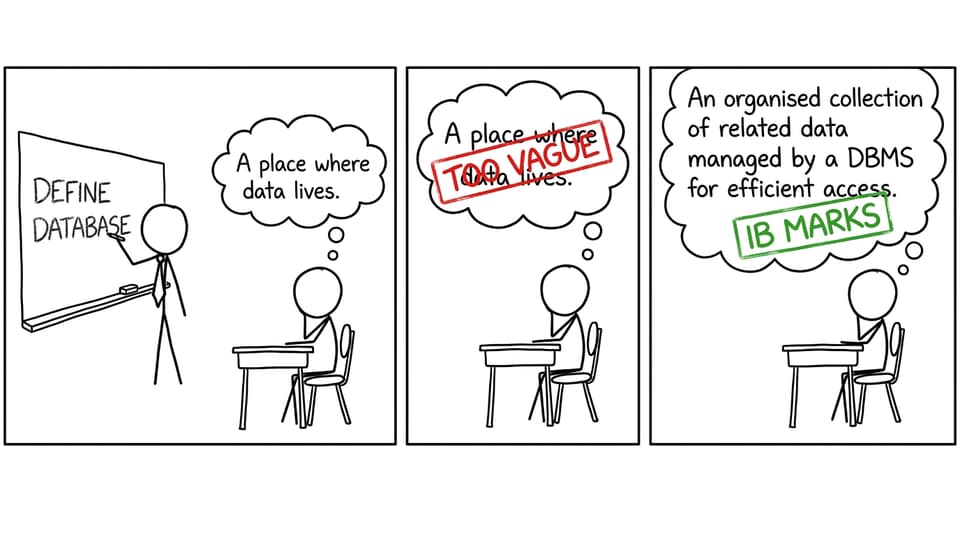
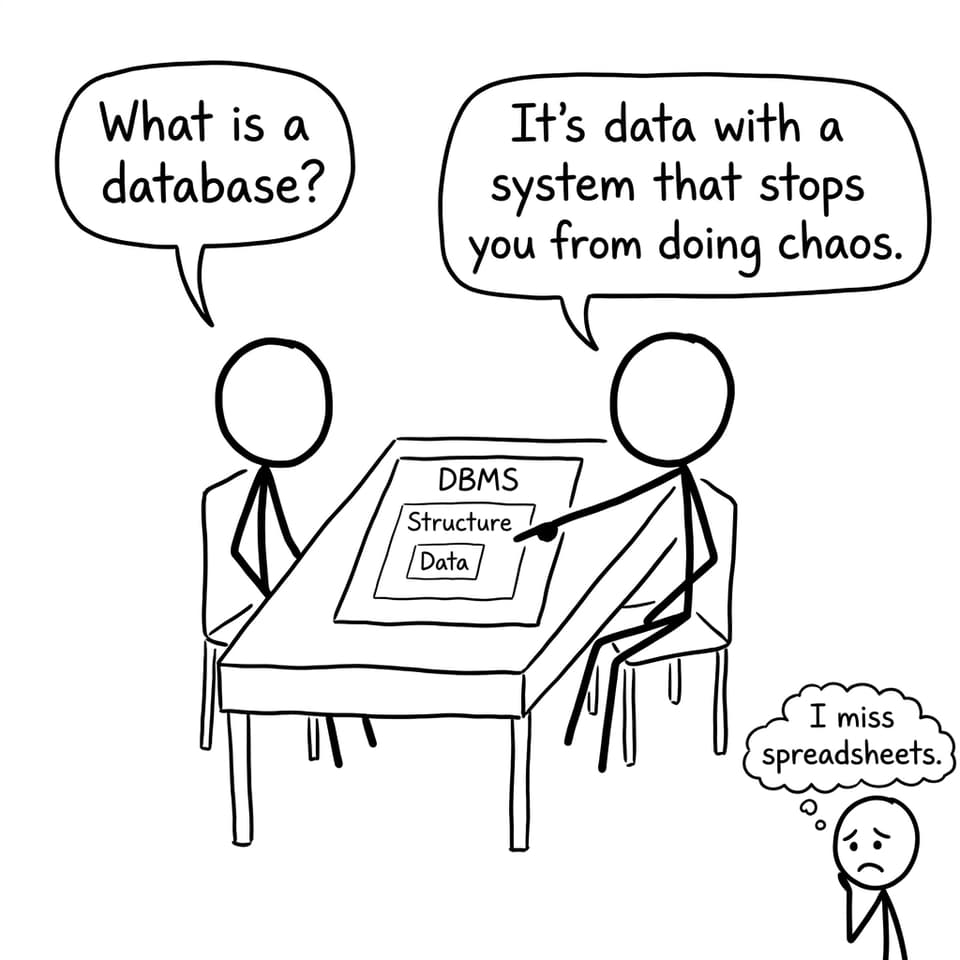
A database is an organised collection of related data stored electronically and structured so it can be accessed, updated, and queried efficiently, usually through a Database Management System (DBMS).
That last part matters in IB Computer Science. Examiners want more than “data storage.” They want the idea that a database is designed for:
-
Efficient retrieval (searching, sorting, filtering)
-
Efficient updating (add, delete, modify without breaking everything)
-
Consistency and integrity (rules that protect correctness)
-
Multi-user access (many people/systems using it at once)
If you want syllabus-aligned support while you practise definitions, start with the IB Computer Science A. Databases topic hub.
Quick exam checklist for a full-mark definition
When you define “database” in IB Computer Science, include at least three of these:
-
“organised/structured collection of related data”
-
“stored electronically”
-
“managed by a DBMS”
-
“supports efficient access and updates”
-
“supports queries”
Then lock it in with exam practice from the Databases Questionbank.
Why databases exist (and why flat files break first)
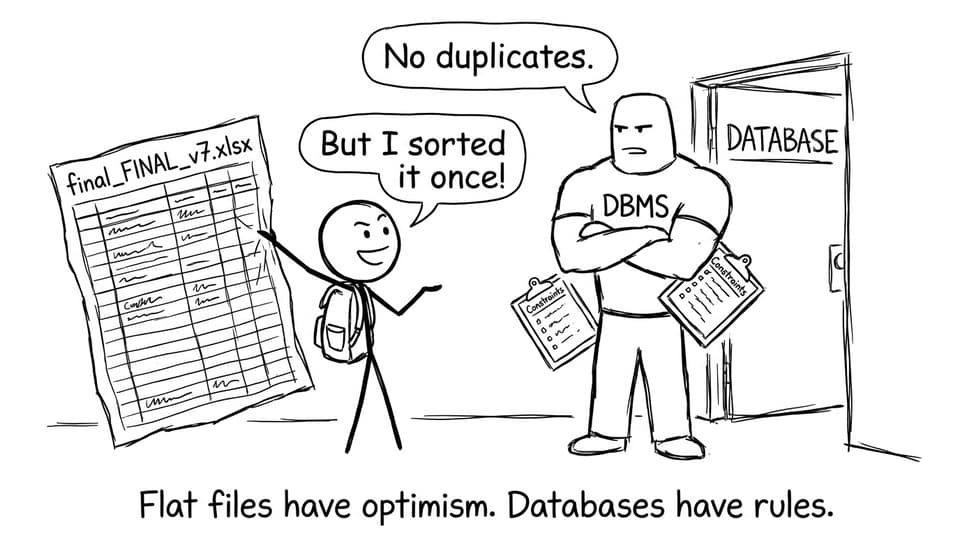
A flat file (like a spreadsheet or a text file) works fine until reality arrives. One day you need to store more data. Then you need to search it quickly. Then two people edit it at the same time. Then you discover duplicates and contradictions.
Databases exist because they are built to handle growth. In IB Computer Science, you can explain the advantages like this:
-
Reduced redundancy (less duplicated data)
-
Faster searching and sorting (indexing and structured queries)
-
Better consistency (rules and constraints)
-
Concurrent access (multiple users safely)
-
Security and permissions (controlled access)
This connects directly to exam command terms like compare, justify, and discuss.
Database vs flat file: the IB Computer Science comparison
A common IB-style prompt is: “Compare a database with a flat file.” Your marks come from specific contrasts.
Flat files are usually:
-
Simple to create
-
Easy to understand at small scale
-
Error-prone as they grow (duplication, inconsistent updates)
Databases are usually:
-
Structured (tables, keys, relationships)
-
Managed by a DBMS (integrity, security, concurrency)
-
Better at complex queries (filtering across multiple tables)
To go deeper on reliability language, pair this with Data Integrity vs Consistency Explained.
How data is organised in a relational database
In IB Computer Science, you’ll usually meet the relational model, where data is organised into:
-
Tables (relations)
-
Records/rows (each item)
-
Fields/columns (attributes)
A “Students” table might have rows for each student and columns like StudentID, Name, and Grade.
The power comes from relationships between tables. That’s where keys enter.
To solidify terminology, see A.2 The Relational Database Model and the clearer explanation of Primary Keys and Foreign Keys.
What does a DBMS do?
A DBMS is the software layer that makes the database usable and safe. Instead of users touching raw data files, they interact through the DBMS, which:
-
Manages access control (permissions)
-
Maintains integrity constraints (rules like unique IDs)
-
Processes queries and updates
-
Helps manage concurrency (many users at once)
Once you grasp this, SQL feels more logical: you’re not “searching files,” you’re asking the DBMS questions. For the next step, use Introduction to SQL for IB Computer Science.
Common mistakes IB students make
Most weak answers in IB Computer Science come from one of these habits:
-
Giving a definition with no mention of structure or DBMS
-
Confusing a database with the application that uses it
-
Comparing databases and flat files without mentioning redundancy or multi-user access
-
Forgetting examiners love precise nouns: tables, fields, records, keys
A good fix is active recall. Use A3 Databases Flashcards for quick definition drilling.
Closing: turn the definition into easy marks
A database, in IB Computer Science, is best described as structured, related data managed by a DBMS so it can be accessed and updated efficiently. That one idea powers half the topic: tables, keys, SQL, normalisation, integrity, and multi-user systems.
If you want this to feel automatic by exam day, use RevisionDojo as your home base: start with the databases notes, drill weak spots with the Questionbank, lock definitions with Flashcards, and use AI Chat and Grading tools when your explanations feel fuzzy. The goal isn’t just to know what a database is -- it’s to write it in a way that an examiner can’t ignore.