


Time is the only resource in the IB that never improves with motivation.
You can get better at sketching. Better at evaluation. Better at writing under pressure.
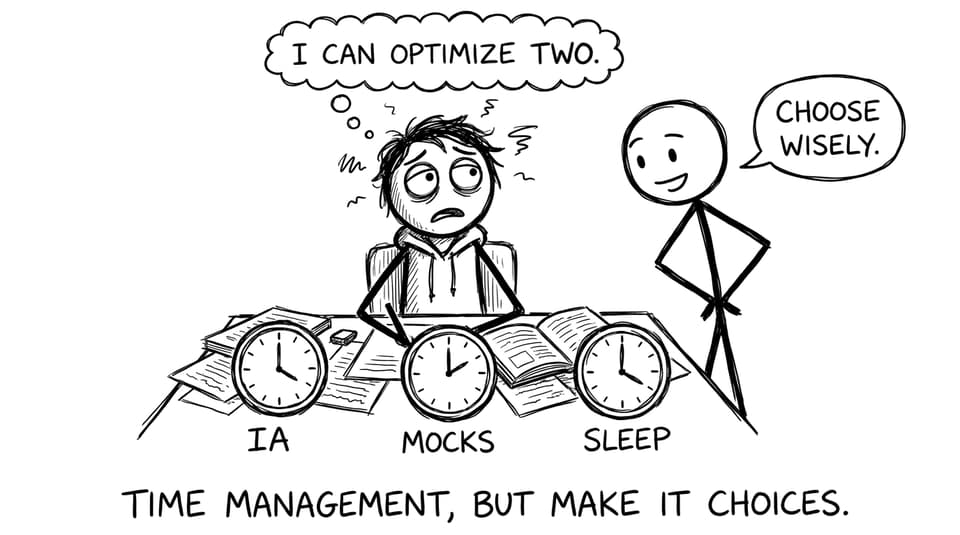
But time? Time stays stubborn. And in IB Design Technology, that stubbornness shows up fast: an IA that quietly expands, prototypes that take longer than your plan, and exam revision that gets pushed “until the weekend” (which becomes “until next week”). If you’re preparing for exams while keeping your design process alive, IB Design Technology time management isn’t a nice idea. It’s the whole game.
A quick checklist for IB Design Technology time management
Use this as your reset list before you add new apps, new planners, or new guilt:
-
Keep IB Design Technology moving with 2-4 weekly blocks (even if they’re short).
-
Split the IA into stages, then add micro-deadlines you can actually hit.
-
Treat documentation as a weekly habit, not an end-of-project event.
-
Protect exam prep by switching from “reading” to active recall.
-
Use one dashboard for everything: tasks, evidence, and deadlines.
-
Review your plan weekly and adjust like a designer, not a perfectionist.
Why IB Design Technology feels harder to schedule than other subjects
Most IB subjects reward linear effort: study content, practise questions, sit the exam.
IB Design Technology is different. Your workload is “lumpy.” One week is light research and notes. The next is CAD trouble, material sourcing, and a prototype that suddenly fails in a way that’s inconvenient but educational. That’s why you need a system that expects variability.
A helpful home base is the IB Design Technology resources hub (and if your course is aligned to the new specification, use the IB Design Technology (First Exam 2027) hub). When your content, practice, and tools live in one place, planning stops being guesswork.
Break the IA into stages (and schedule the boring parts first)
The best time management trick in IB Design Technology is accepting that big projects don’t get finished by “big days.” They get finished by ordinary Tuesdays.
Build your IA timeline around stages you can see:
-
Problem and user research (anchor this with a clear brief)
-
Idea generation and concept selection
-
Development, modelling, prototyping
-
Testing and iteration
-
Evaluation and final refinements
If you’re unsure how to write a tight start, keep IB Design Technology problem statement guidance open while you draft. And if your IA plan is already set, use the final submission checklist early, not the night before.
Use “micro-deadlines” instead of monthly intentions
Monthly intentions are emotionally comforting and academically dangerous.
Replace “finish development this month” with:
-
By Friday: one prototype photo + one test table
-
By Sunday: 200 words explaining what changed and why
-
Next Wednesday: revise requirements so they are measurable
This is also where RevisionDojo’s workflow helps: draft, then check against criteria using the Grading tools (especially the IA rubric pages like the DT HL IA Grader or the DT SL IA Grader). You’re not just working. You’re working toward marks.
Document weekly (so your future self doesn’t panic)
Most students don’t “fall behind” in IB Design Technology because they stop designing.
They fall behind because they stop recording.
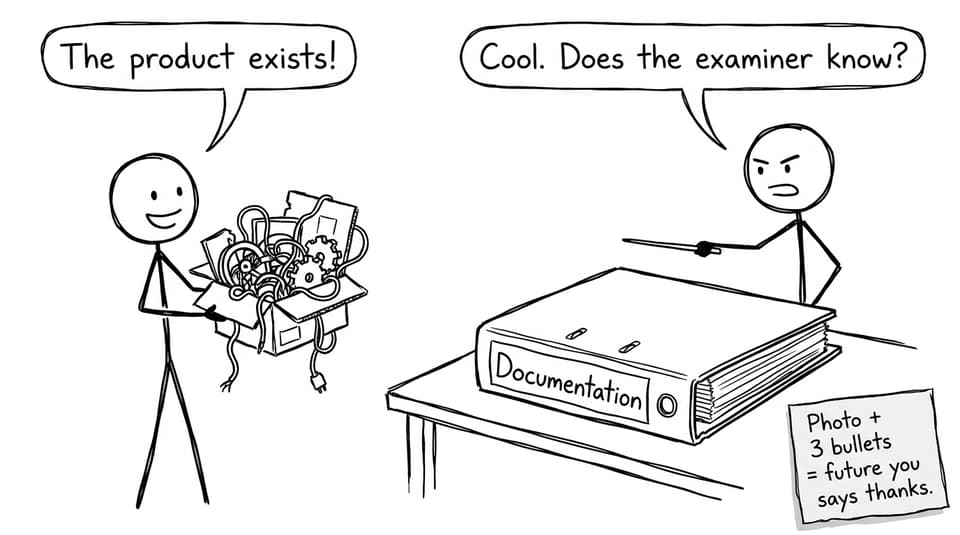
Your examiner can’t award marks for the prototype that lived in your camera roll.
The 15-minute documentation rule
Once a week, do 15 minutes of documentation only:
-
Add 2 photos (sketches, CAD screenshots, prototype stages)
-
Add 3 bullet points (what you did, what you learned, what you’ll change)
-
Add 1 next action (small enough to start immediately)
If you need help making iteration visible, read how to show iteration in the IB Design Technology IA. That article pairs well with using RevisionDojo’s Coursework Library for exemplars and structure, especially the DT exemplars collection.
Protect exam prep by using “design-style” revision loops
When exams get closer, students often try to “save time” by reading notes.
It feels efficient. It’s usually not.
For IB Design Technology, keep your revision loop tight:
-
Learn with Study Notes and Key Definitions
-
Test with Flashcards (spaced repetition)
-
Practise with the Questionbank and get feedback
-
Build timed sets with Mock Exams and Predicted Papers
-
Use AI Chat to fix misunderstandings fast (command terms, marking logic, terminology)
If you want a bigger-picture schedule, borrow ideas from Best Time Management Hacks for IB Students and adapt them to DT.
A simple weekly template for IB Design Technology + exams
Try this during exam season:
-
2 x 45 minutes: IB Design Technology theory revision (notes + flashcards)
-
1 x 45 minutes: Questionbank timed set + review mistakes
-
1 x 30 minutes: IA documentation maintenance (the 15-minute rule, plus buffer)
-
1 x longer block (optional): prototyping or testing when you truly need hands-on time
The point is momentum. Your IA stays alive, and your exam performance rises steadily.
Prioritise intelligently during busy weeks (without abandoning DT)
There will be weeks when your schedule collapses. That’s normal.
Your goal isn’t to avoid chaos. It’s to survive it without losing the thread.
When deadlines stack:
-
Give exam-heavy subjects the first block if you have a timed assessment.
-
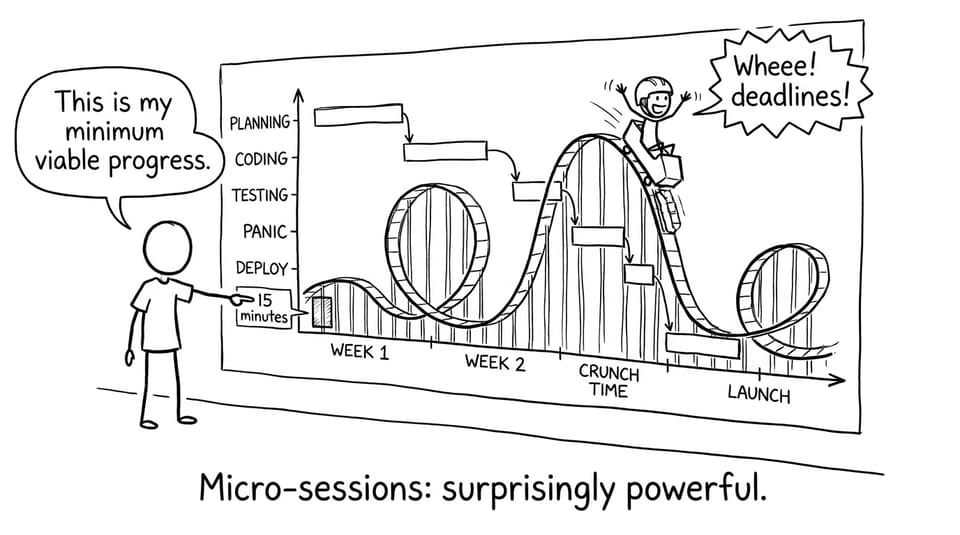
Keep IB Design Technology at “minimum viable progress” (15-30 minutes counts).
-
After the crunch, return to DT with a clear next action, not a vague ambition.
If you want a motivating, realistic framework for DT success overall, keep How to score a 7 in IB Design Technology bookmarked. It’s basically a compass for where your time pays the highest return.
Closing: make time your design advantage
In IB Design Technology, the students who look calm near exams aren’t magically more disciplined. They just designed a schedule that can handle reality.
Break the IA into stages. Write micro-deadlines. Document weekly. Train for exams with active recall and timed practice. Then review your plan like a designer: test, evaluate, iterate.
If you want one place to run that whole system, use RevisionDojo as your toolkit: Questionbank, Study Notes, Flashcards, AI Chat, Grading tools, Predicted Papers, Mock Exams, the Coursework Library, and support from Tutors when you need a human second set of eyes.
Keep IB Design Technology moving this week, even in 15 minutes. Future you will feel the difference.