


IB Design Technology is the kind of subject that feels practical in a way school rarely does.
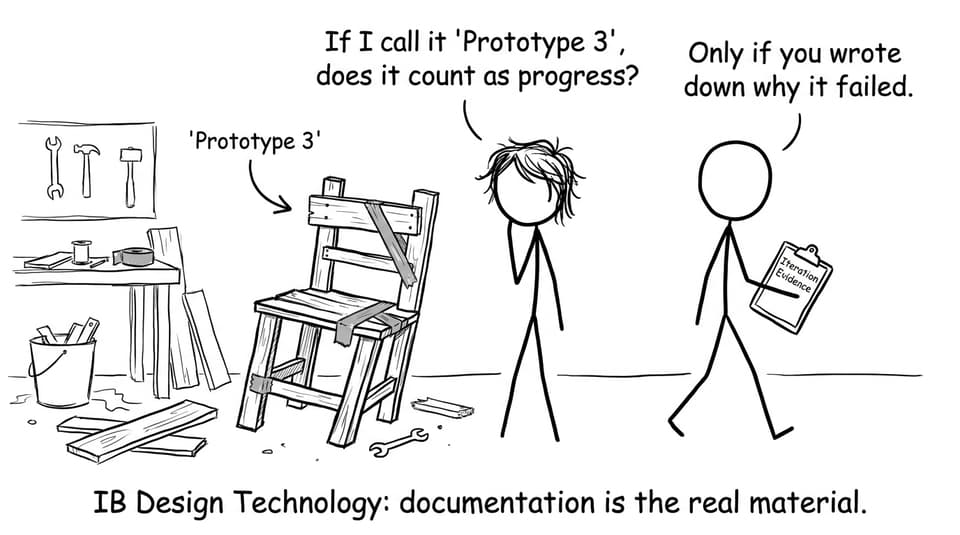
One week you are sketching ideas that look like napkin doodles. The next week you are defending a material choice like you are pitching to a boardroom. And somewhere in the middle, you realise the uncomfortable truth: IB Design Technology doesn’t mainly reward the most impressive prototype. It rewards the most visible thinking.
That’s good news. Because thinking is something you can train.
This guide to IB Design Technology is written for IB students preparing for exams (and for the Internal Assessment), with a calm, repeatable approach that works even when motivation is low. We’ll break down the design cycle, the skills examiners actually reward, how to manage the IA without last-minute panic, and how RevisionDojo helps you practise like it’s real.
IB Design Technology in one page (save this checklist)
Use this as your quick map for IB Design Technology:
-
Learn the Design Cycle language (problem statement, requirements, iteration, evaluation).
-
Build a “definition engine”: short, markscheme-friendly definitions you can apply.
-
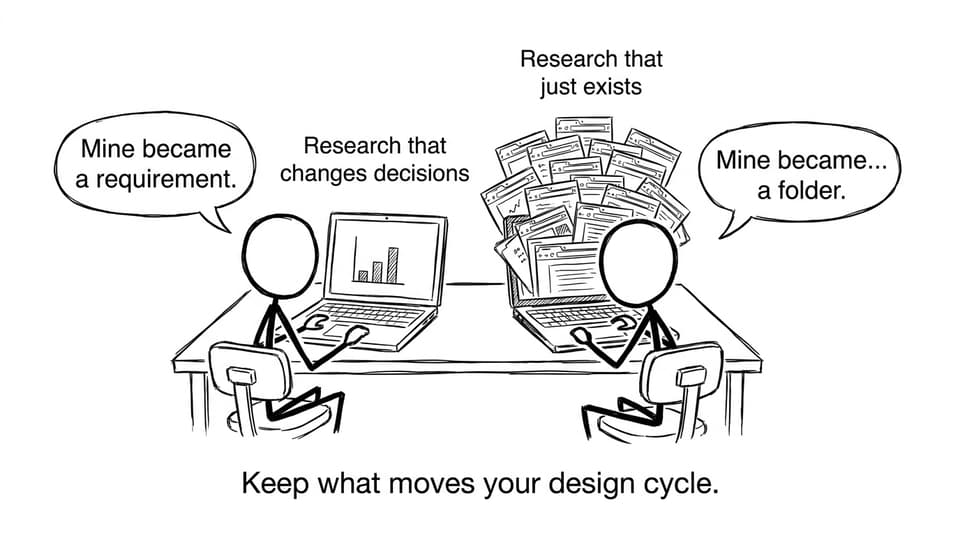
Treat research as a tool that changes decisions, not a storage project.
-
For the IA, make iteration impossible to miss: before/after + reason + evidence.
-
For exams, practise command terms and structured responses under time pressure.
-
Use one weekly loop: learn to recall to apply to review to retest.
If you want a clean starting point, keep the IB Design Technology Resources hub open while you revise.
What is IB Design Technology (really)?
At a distance, IB Design Technology can look like “creative building.” Up close, it is closer to evidence-based decision making.
The course is built around the Design Cycle: you identify a real need, research it, generate and develop ideas, prototype, test, and improve. The final product matters, but the course is designed to assess something deeper: whether your solution is justified, tested, and refined.
That is why students who are “good with tools” don’t automatically score highly. And students who write clearly about trade-offs often do.
A helpful habit: whenever you make a design choice, add a sentence that starts with:
“I chose this because…”
That sentence is the bridge between creativity and marks in IB Design Technology.
Why students choose IB Design Technology
Students stick with IB Design Technology for reasons that go beyond liking design.
-
It balances exam-heavy subjects with long-term, practical work.
-
It builds skills that transfer to engineering, architecture, product design, and entrepreneurship.
-
It teaches project management in a way deadlines make real.
-
It turns “ideas” into a portfolio you can show universities.
And, quietly, it trains a life skill many people never develop: the ability to learn from failure without collapsing into it.
If you’re wondering whether the subject is “hard,” this honest breakdown helps: Is IB Design Technology a Hard Subject?.
The core skills you build in IB Design Technology
A strong IB Design Technology student isn’t defined by artistic talent. They’re defined by repeatable habits.
Research that becomes decisions
Research is only valuable when it creates a requirement, constraint, or iteration.
For IA-specific guidance, this article is worth keeping bookmarked: How Much Research Do You Need in the IB Design Technology IA?.
Communication that earns marks
DT is full of moments where your work is good, but your explanation is vague. Exams and coursework both reward clarity:
-
Name the user.
-
Name the need.
-
Name the constraint.
-
Name the trade-off.
-
Show the evidence.
Iteration without drama
Iteration is not “I changed it because I felt like it.” In IB Design Technology, iteration is:
-
feedback or test result
-
change made
-
impact of the change
If that chain is visible, marks become easier to earn.
IB Design Technology IA: how to score without overwhelm
Most stress in IB Design Technology is not caused by workload. It’s caused by delayed documentation.
The IA becomes heavy when weeks of thinking are trapped in your head, not on the page.
Start with a problem statement that is specific
A good problem statement makes an examiner think: “I can see the user, the context, and why this matters.”
Use this practical guide when you draft: IB Design Technology Problem Statement: Write It Strong.
Choose an IA topic that you can actually finish
Ambition is not the same as feasibility. Your best IA is usually the one that:
-
has a real user you can access
-
can be prototyped with your tools and time
-
can be tested with measurable criteria
This helps you filter ideas quickly: How to Choose a Strong IB Design Technology IA Topic.
Use the design cycle as a structure, not a slogan
When you feel stuck, ask: “Which stage am I in?” Then do the next small thing that belongs to that stage.
If you want a step-by-step walkthrough, use: Step-by-Step Guide to Writing a Winning IB Design Technology IA.
Finalise with the rubric in mind
Finalising is not adding more pages. It is making evidence easier to see.
Two finishing resources that save marks:
Time management for IB Design Technology (the calm version)
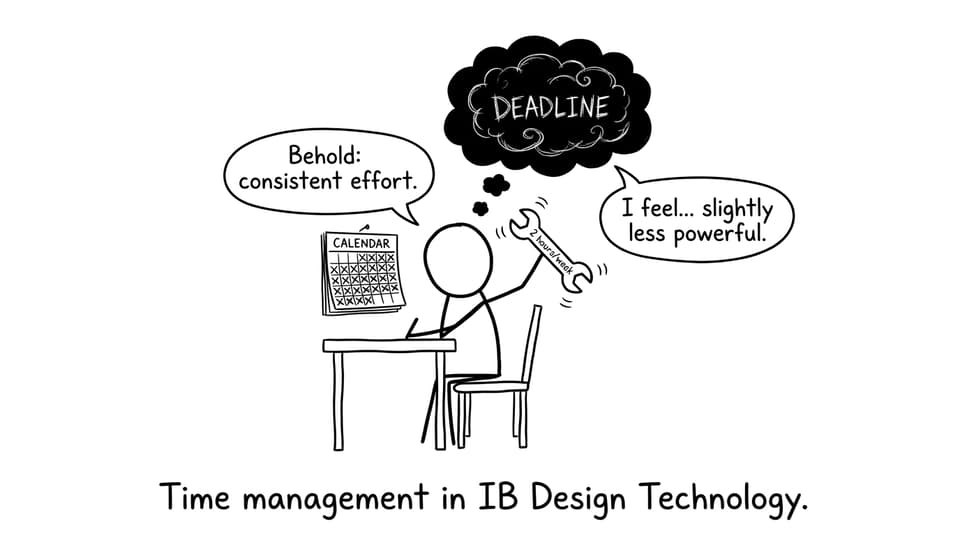
The best time management advice for IB Design Technology is boring: do a small amount weekly.
That’s it. That’s the secret.
Because DT punishes “all-at-once” work. Not morally. Mechanically. You can’t recreate feedback, photos, and iteration logic from three months ago.
A realistic weekly rhythm:
-
1 session (45 min): revise one DT concept + make flashcards.
-
1 session (45 min): exam-style questions.
-
1 session (30-60 min): IA documentation update (even if nothing changed, reflect).
Exam preparation for IB Design Technology (how to practise properly)
In IB Design Technology, students often revise content but neglect performance. Exams reward both.
A high-return loop looks like this:
Learn the syllabus language
Use structured notes to reduce confusion, then turn key phrases into recall cues. Start from the hub: IB Design Technology Resources.
If you prefer drilling topic-by-topic, explore a specific area like IB Design Technology: Classic Design and build outward.
Practise with feedback, not just volume
RevisionDojo’s Questionbank is built for targeted exam practice: filter by topic, practise exam-style questions, then use feedback to correct your phrasing and reasoning.
For strategy on how to use question practice well, read: Making the Most of IB Question Banks and Practice Papers.
Simulate pressure on purpose
Once a week, do a timed paper-style session. The point is not to “see your grade.” It’s to learn pacing, command terms, and decision-making.
RevisionDojo supports this with Mock Exams and Predicted Papers (full-paper rehearsal that mirrors real structure). You can explore predicted sets here: IB Predicted Papers.
How RevisionDojo supports IB Design Technology end-to-end
A lot of IB stress comes from fragmentation: notes in one place, questions in another, feedback somewhere else, and deadlines floating above everything.
RevisionDojo pulls IB Design Technology into one system:
-
Study Notes to learn content quickly
-
Flashcards to keep definitions and processes active
-
Questionbank for exam-style practice and rapid improvement
-
AI Chat to untangle confusing terms and strengthen explanations
-
Grading tools to practise rubric-aligned writing and get feedback
-
Predicted Papers and Mock Exams to build stamina and timing
-
Coursework Library to reduce uncertainty during IA season
-
Tutors when you need human guidance and accountability
If you want a DT-specific workflow, this is a useful companion: How to Use RevisionDojo for IB Design Technology Success.
Conclusion: make IB Design Technology feel simpler than it looks
IB Design Technology is a course about building, but it’s also a course about becoming the kind of student who can explain their thinking under pressure.
When you treat the design cycle as a real workflow, keep your documentation steady, and practise exam questions with feedback, the subject stops feeling like chaos and starts feeling like progress.
If you want an all-in-one setup to do that consistently, use RevisionDojo as your base: start with the IB Design Technology hub, drill weaknesses with the Questionbank, lock in key language with Flashcards, get unstuck fast with AI Chat, and rehearse real timing using Predicted Papers and Mock Exams.
Your best work in IB Design Technology will not be the moment your prototype finally works.
It will be the moment you can prove, calmly, how you got there.