



In IB Design Technology, most stress isn’t caused by the hard parts.
It’s caused by the invisible parts: the missing screenshot you swear you took, the prototype you didn’t test with a real user, the definition you “kind of know” until the exam question asks for it in examiner language.
That’s why the best students don’t just collect ideas. They build a system.
This guide breaks down the best tools and resources for IB Design Technology students preparing for exams: what to use, when to use it, and how to avoid the classic trap of spending more time organising than designing.
Quick-start checklist: your IB Design Technology toolkit
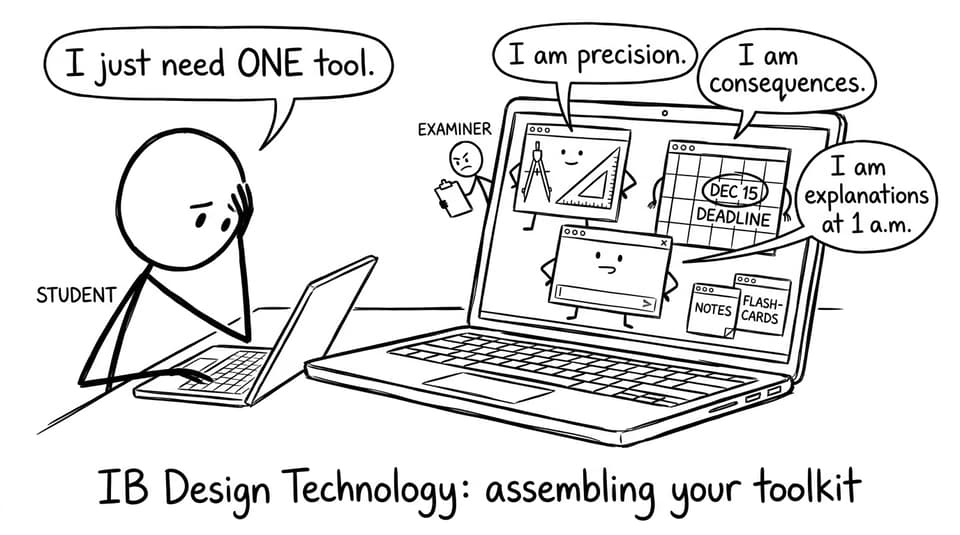
If you want the simplest possible set-up for IB Design Technology, start here:
-
One CAD tool you can use confidently (not perfectly)
-
A prototyping method you can repeat quickly (cardboard counts)
-
One place for planning (calendar + a task board)
-
A design journal workflow you can maintain weekly
-
Exam practice you can grade and learn from
-
A feedback loop (teacher, peers, and at least a few real users)
For a subject-specific home base, keep the IB Design Technology hub open as your “map” of the course.
CAD tools: choose clarity over complexity
CAD is the language you use to make your thinking legible. In IB Design Technology, you’re not rewarded for using the fanciest buttons but you’re rewarded for showing decisions, constraints, and iteration.
Three reliable CAD directions (depending on your project and school support):
-
Fusion 360: a strong all-rounder for product design and engineering-style builds.
-
SolidWorks: excellent if your department is already set up for it and you’re doing mechanical detail.
-
SketchUp: fast for forms, spaces, and concept exploration.
Practical tip: treat CAD like a camera. Every meaningful change is a screenshot opportunity for your design journal. Those images later become evidence, not decoration.
When you need syllabus-aligned terminology (materials, manufacturing, design process language), pair your CAD work with RevisionDojo’s Study Notes and topic pages inside the IB Design Technology resources hub.
Prototyping tools: speed beats perfection
There’s a quiet truth in IB Design Technology: your first prototype is supposed to be wrong.
So your best prototyping “tool” is whatever lets you test the idea fastest:
-
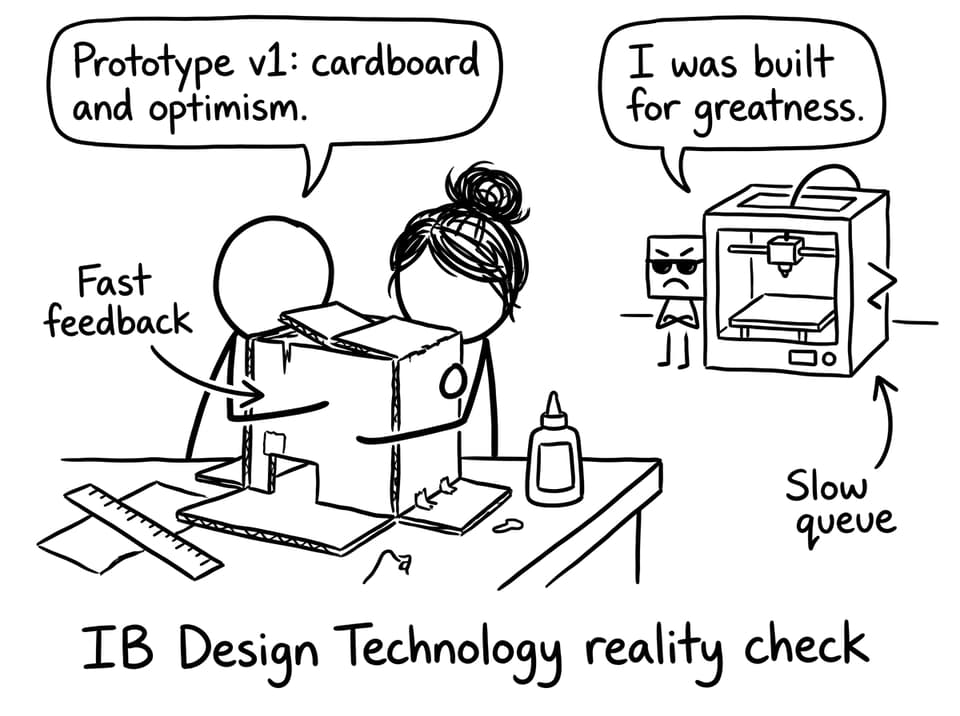
Cardboard, foam board, paper, tape: rapid form and ergonomics checks.
-
Basic workshop tools: wood, metal, textiles, whatever your school safely supports.
-
3D printers and laser cutters: great for precision, but slower if there’s a queue.
Build in versions on purpose: v1 to learn, v2 to improve, v3 to prove.
If your project touches commercial production or manufacturing systems, you can sharpen your theory quickly with a focused topic like Computer-integrated manufacturing (CIM) so your prototype decisions connect back to exam language.
Planning and organisation: treat time like a design constraint
The easiest way to fall behind in IB Design Technology is to treat your IA and exam prep as separate worlds.
Use simple planning tools:
-
A calendar for fixed deadlines and weekly DT blocks
-
A task board (Trello/Notion or a basic checklist) for “next actions”
-
A lightweight Gantt chart if your teacher expects one
A useful habit: every Sunday, write three “design moves” you’ll complete next week (example: “test grip comfort with 3 users” or “compare two manufacturing methods”). Your plan should read like design, not like homework.
If you want a DT-specific routine that blends content and practice, use Best Study Strategies for IB Design Technology as a weekly template.
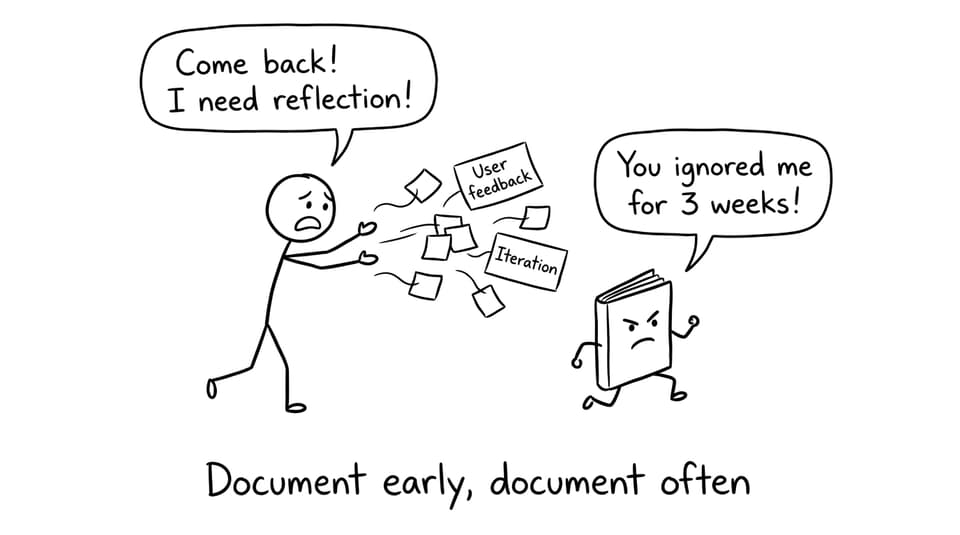
Design journals: the resource that saves marks later
Your journal isn’t a diary. It’s evidence.
In IB Design Technology, documentation is how you prove that your final solution came from thinking, testing, and adapting (not guessing).
What to capture consistently:
-
Short sketches that show options (not just the final idea)
-
Photos of prototypes with labels (what changed and why)
-
User feedback quotes (even simple ones)
-
Test data tables (small is fine, clear is better)
-
Reflections that name trade-offs (cost vs durability, aesthetics vs usability)
A strong journal is also a strong exam revision tool because it forces you to practise the Design Cycle language all year.
Need help with the hardest sentence in the whole process? Use How to write a strong IB Design Technology problem statement to make your opening precise and user-centred.
Exam prep resources: practise like an examiner thinks
Exams punish vague understanding. They reward specific phrasing, correct definitions, and structured responses.
That’s why the most valuable exam resource for IB Design Technology is targeted practice with feedback.
Use RevisionDojo’s Questionbank to drill exam-style prompts and learn how marks are actually awarded: Questionbank feature page. Then lock in recall using Flashcards, and clarify confusing ideas with AI Chat when you’re stuck but don’t want to lose an hour.
A solid DT revision stack on RevisionDojo looks like:
-
Study Notes for fast understanding and clean diagrams
-
Flashcards for definitions, processes, and quick comparisons
-
Questionbank for exam-style practice and pacing
-
Grading tools to learn what earns marks in written responses
-
Predicted Papers and Mock Exams to rehearse timing and stamina
When you’re ready for full exam rehearsal, add IB Predicted Papers to your schedule, then repair weaknesses immediately with targeted Questionbank sets.
For more DT-specific revision structure, combine Top revision techniques for IB Design Technology students with IB Design Technology revision notes that actually work.
Conclusion: build a toolkit that makes your thinking visible
The best tools for IB Design Technology don’t make you more creative. They make your creativity provable.
Pick one CAD platform you can use consistently. Prototype quickly enough to learn from failure. Treat planning like a design constraint. And document your process before you “feel ready.”
If you want one place that connects content, practice, feedback, and exam rehearsal, start with the IB Design Technology hub. Use RevisionDojo’s Study Notes, Flashcards, AI Chat, Questionbank, Grading tools, Predicted Papers, Mock Exams, Coursework Library, and Tutors to turn effort into marks, and to make exam season feel less like a scramble and more like a system.