

When your phone loads a webpage, streams a video, and joins a voice call in the same minute, it feels effortless. But under the surface, the network is making a quiet choice about priorities: do we want every piece of data to arrive perfectly, or do we want it to arrive fast enough to feel real-time?
In IB Computer Science, that trade-off lives at the transport layer as TCP vs UDP. And in exams, you don’t score by chanting “TCP reliable, UDP fast.” You score by explaining why an app would accept delay, loss, or extra overhead.
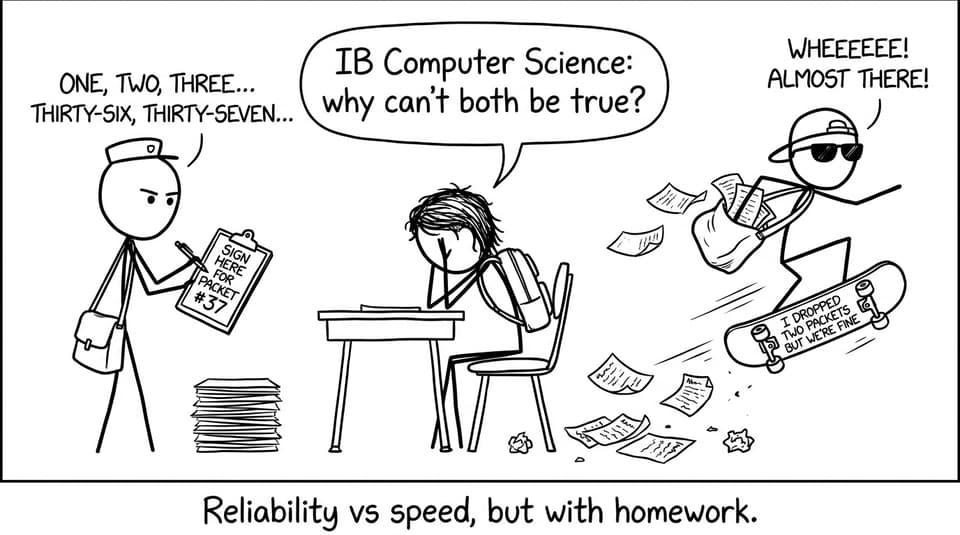
Quick checklist: what examiners want for TCP vs UDP (IB Computer Science)
-
State that both are transport layer protocols in the TCP/IP model.
-
Compare connection-oriented vs connectionless.
-
Link features to outcomes: ordering, acknowledgements, retransmission, overhead.
-
Give a real example and justify the choice.
-
Use the word trade-off at least once.
For a clean layer overview, pair this with TCP/IP Model Explained for IB Computer Science.
Where TCP and UDP fit in the network stack
TCP and UDP sit at the Transport layer, above IP and below application-layer protocols like HTTP.
If you want the syllabus language in one place, RevisionDojo’s notes on Communication Layers in Networks help you describe each layer by function, not just by name.
TCP: reliability first (and you pay for it)
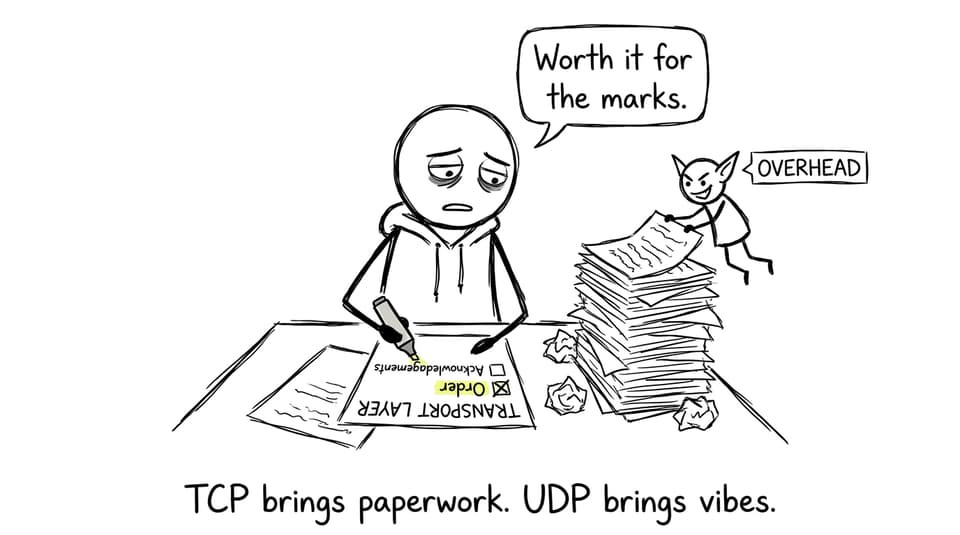
TCP (Transmission Control Protocol) is connection-oriented. It establishes a connection before sending data, then uses acknowledgements, sequencing, and retransmission to make sure the receiver gets the full message in order.
That reliability creates overhead: extra control information and time spent checking delivery.
Real TCP examples you can use in IB Computer Science
-
Web browsing (HTTP/HTTPS): missing segments can break a page or corrupt a download.
-
Email: partial delivery is not acceptable.
-
File transfers: you want correctness over immediacy.
RevisionDojo’s Internet Protocols notes are a good place to tighten your definitions for “acknowledgement” and “ordered delivery.”
UDP: speed first (and you accept loss)
UDP (User Datagram Protocol) is connectionless. There’s no handshake, no guarantee of delivery, and no built-in retransmission. That minimal control makes UDP lightweight and quick.
Real UDP examples you can use in IB Computer Science
-
Live video/audio calls (VoIP): late packets are often worse than missing packets.
-
Online gaming: speed matters more than perfect accuracy for position updates.
-
Streaming: small losses are usually masked, but buffering is painfully visible.
For exam-aligned comparisons, see A2.1.4 Network Protocols Used for Transport and Application Notes.
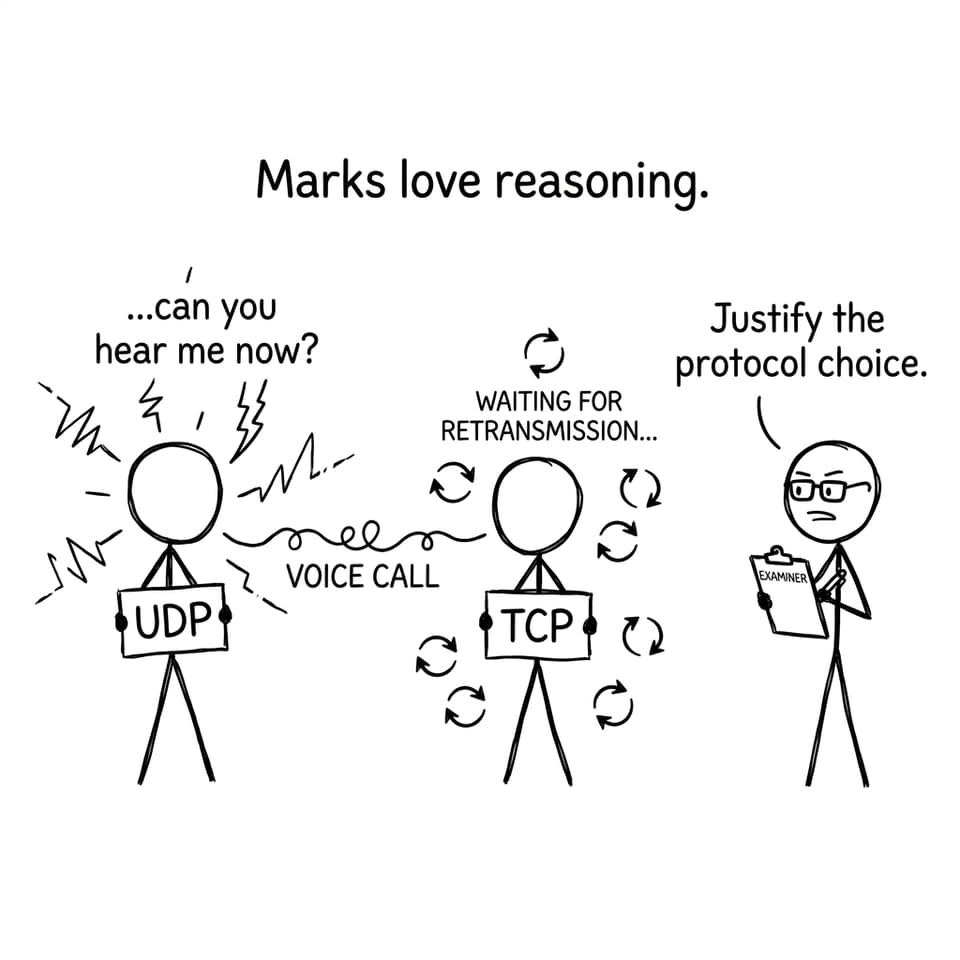
A simple “justify the protocol” sentence frame
In IB Computer Science, try this structure:
“I would choose TCP/UDP because the application prioritises reliability/speed. TCP/UDP provides this through (feature), but the trade-off is (cost).”
Then practise it with timed questions using RevisionDojo’s A2.3 Data transmissions Questionbank.
Common mistakes that lose marks
-
Treating UDP as “bad” instead of purpose-built.
-
Forgetting that TCP’s reliability creates overhead and can add delay.
-
Mixing up layers (e.g., calling HTTP a transport protocol).
-
Giving examples without justification.
To keep your wording sharp, bookmark the IB Computer Science Key Definitions.
Closing: the exam-ready takeaway
TCP vs UDP is really one idea: different apps value different outcomes. In IB Computer Science, your job is to explain that trade-off clearly, tie it to transport-layer features, and justify your example like an engineer, not a memoriser.
If you want to turn this into marks, make RevisionDojo your hub: Computer Science (CS) resources connects Study Notes, Questionbank, Flashcards, AI Chat, Grading tools, Predicted Papers, Mock Exams, and tutors in one place--so your revision stays focused and exam-real.