

Introduction
A funny thing happens in the weeks before IB exams: the same screen can feel like a staircase and a trapdoor.
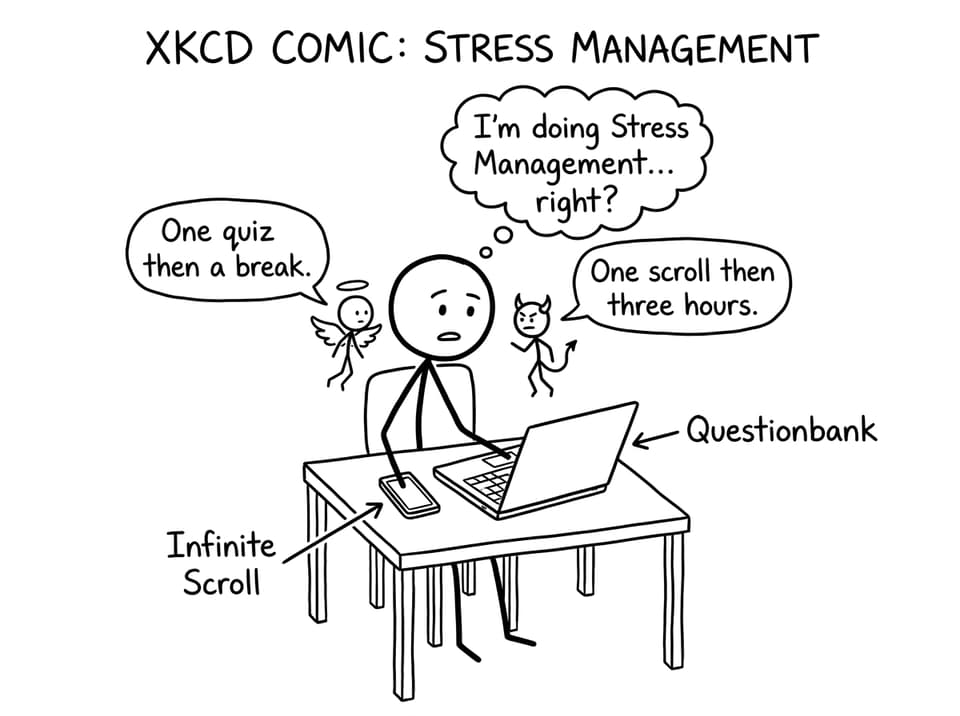
One minute you are using a laptop to finish a clean set of questions and finally understand a topic. The next minute you are on your phone, thumb moving on autopilot, and the anxiety rises because you cannot quite explain where the last 25 minutes went.
So, should you limit screen time during IB studies? For most families, the most helpful answer is not “more restriction” or “no rules” but Stress Management through structure. Screens are not the enemy. Unstructured screens are.
A quick checklist (use this before you argue about screens)
If you want Stress Management that actually sticks, agree on a simple definition of “good screen time” first.
-
Does this screen time directly increase marks (practice questions, feedback, timed work)?
-
Does it protect sleep (or steal it)?
-
Does it reduce uncertainty (clear plan, clear next step), or add noise?
-
Is the phone a study tool right now, or a break tool?
-
Is there a stop time?
If you can answer these calmly, screen time becomes a plan, not a fight.
Why screen time feels different during IB
In IB, the pressure comes from volume and ambiguity. There is always “more you could do,” and that makes the brain hunt for relief. Screens offer relief quickly, but they also keep your nervous system switched on.
For Stress Management, the goal is to keep the benefits of technology while removing the parts that hijack attention.
The upsides (screens that help)
Used well, screens can make IB revision sharper and less exhausting:
-
Targeted practice using a Questionbank instead of vague rereading
-
Quick clarification with tools like AI support, then immediate practice
-
Efficient recall with Flashcards and spaced repetition
-
Timed practice with Mock Exams and Predicted Papers to make pressure familiar
A good example is building a short loop: Study Notes for five minutes, then questions for twenty, then a short review. RevisionDojo is designed around that loop across Questionbank, Study Notes, Flashcards, AI Chat, Grading tools, Predicted Papers, Mock Exams, Coursework Library, and Tutors.
The downsides (screens that spike stress)
The risk is not “screens” in general. It is:
-
Context switching (messages, tabs, notifications) that fragments memory
-
Doom-scrolling that makes you feel behind without making you better
-
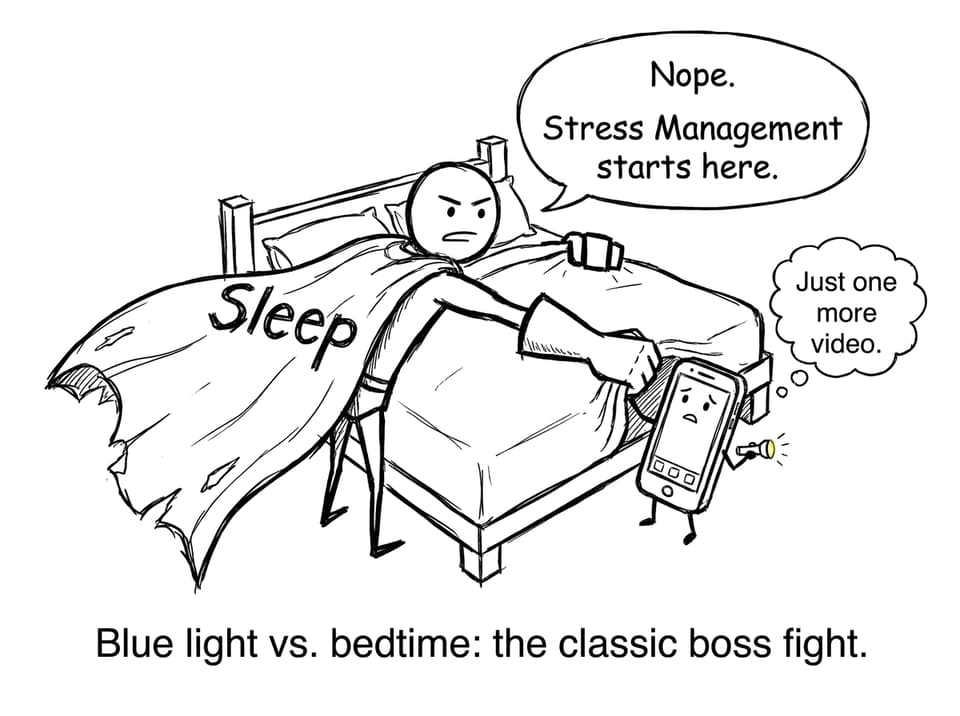
Late-night light and stimulation that pushes sleep later
When sleep drops, studying gets harder, which increases avoidance, which increases scrolling. It is a simple loop that looks like laziness but is often just poor Stress Management.
Signs your screen time is hurting exam prep
If you are an IB student reading this, you can self-check without shame. Look for patterns:
-
A 45-minute task regularly becomes 2 hours
-
You “revise” with multiple non-school tabs open
-
You take breaks that do not actually refresh you
-
Your mood worsens after long screen sessions
-
You feel busy but cannot list what improved
If two or more are true, the fix is not guilt. The fix is boundaries that reduce decision fatigue, which is a quiet form of Stress Management.
Should you limit screen time during IB studies?
Yes, but not in the way people mean it.
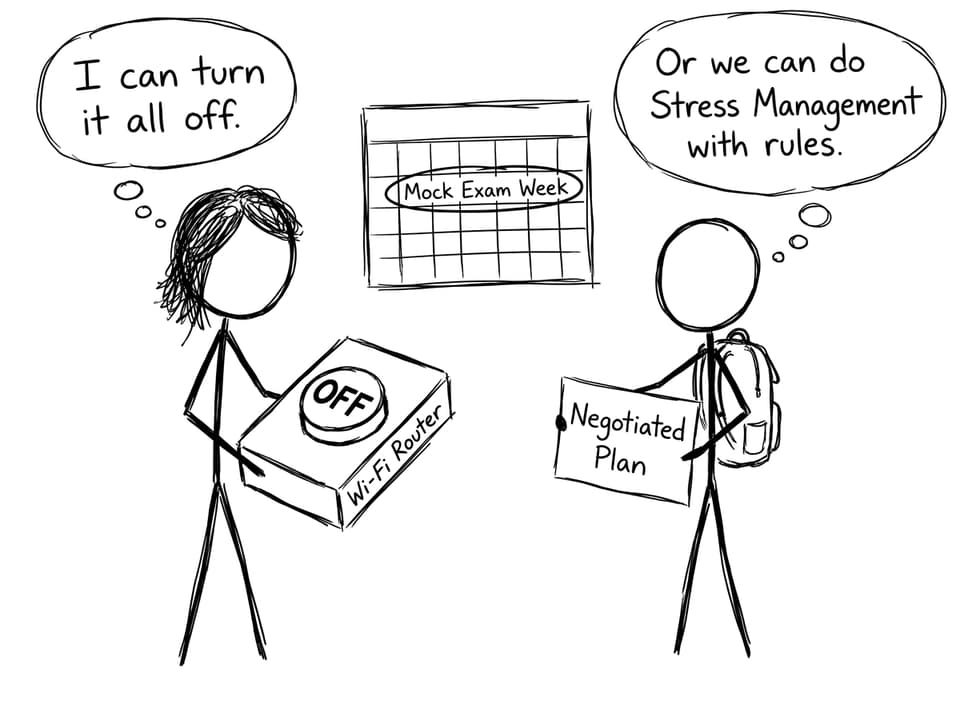
A strict time cap can backfire because it treats all screen time as equal. But a smart limit separates:
-
Study screens (planned, single-purpose, measurable)
-
Distraction screens (open-ended, endless, reactive)
Real Stress Management is when you can say, “I did 30 questions, reviewed my mistakes, and now I am done,” rather than “I was on my laptop all night.”
A better rule than “two hours per day”
Try this instead:
-
Phones are out of reach during focus blocks.
-
Social apps happen in two scheduled windows (example: after dinner, and a short midday check).
-
Studying must be measurable (questions completed, flashcards reviewed, a timed section attempted).
This reduces arguments because the rule is about outcomes, not moral judgment.
A practical screen time plan for IB students (that supports Stress Management)
Build your study session around one tab
The fastest way to lose an evening is “research mode.” Decide the workflow first, then open only what you need.
A clean RevisionDojo session might look like this:
-
Review a small section of Study Notes
-
Complete a focused Questionbank set
-
Use AI Chat to resolve one confusion (then test again)
-
Turn repeated mistakes into Flashcards
-
Use Grading tools when you need rubric-aligned feedback
If you want a deeper focus reset, read: IB Digital Detox: How to Reset Your Focus Before Exams.
Use time boxes so breaks do not become escapes
Timers are underrated Stress Management.
Try 25-5 or 45-10. During the break, do something that changes state (water, stretch, short walk). Scrolling usually does not.
For a stronger weekly structure, borrow ideas from Time Management in IB: Tools and Techniques That Actually Work and Time Management Strategies for IB Students.
Protect sleep like it is part of studying
If you want a single high-leverage screen time boundary, pick this one:
- Phone out of the bedroom (or across the room) 30-60 minutes before sleep.
Sleep is where memory consolidates. Better sleep is Stress Management that also improves marks.
Use this guide: Best Sleep Routine for IB Students (That Actually Works).
Where RevisionDojo turns screen time into calm
A lot of screen stress comes from not knowing what to do next. RevisionDojo reduces that uncertainty by giving your screen a job.
-
Questionbank keeps practice targeted, not random.
-
Mock Exams and Predicted Papers make timing and pressure familiar.
-
Flashcards keep daily recall short and consistent.
-
AI Chat helps you unblock confusion without spiraling.
-
Grading tools and the Coursework Library reduce “Am I doing this right?” anxiety.
-
Tutors help when you need a human plan, not another tab.
To build exam calm fast, also read: Exam Stress Management Tips for IB Candidates and How to Stay Sane During IB Exam Season.
Conclusion
Limiting screen time during IB is not about winning a battle against technology. It is about Stress Management--building boundaries that protect focus, sleep, and a sense of control.
Make your rules specific: one tab for studying, phones out of reach during focus blocks, and a hard stop that safeguards sleep. Then use your screens for what they are best at: targeted practice, feedback, and calm repetition.
If you want your screen time to feel productive instead of stressful, build your revision around RevisionDojo’s Questionbank, Study Notes, Flashcards, AI Chat, Grading tools, Predicted Papers, Mock Exams, Coursework Library, and Tutors, and let your devices become part of the plan, not the problem.
Start here: IB Tech Boundaries: Use Technology Without Losing Control