Run-length encoding looks harmless until you meet it in an IB exam.
You are calm, reading the question, and then the prompt quietly asks you to encode or decode a sequence and “show working.” In IB Computer Science, that’s where marks live: not in vibes, but in method. Run-Length Encoding (RLE) is one of the few compression techniques where students are expected to do the process, not just describe it.
If you want a solid foundation first, it helps to keep the big picture of compression in view. RevisionDojo’s notes on the concept of compression set the context fast.
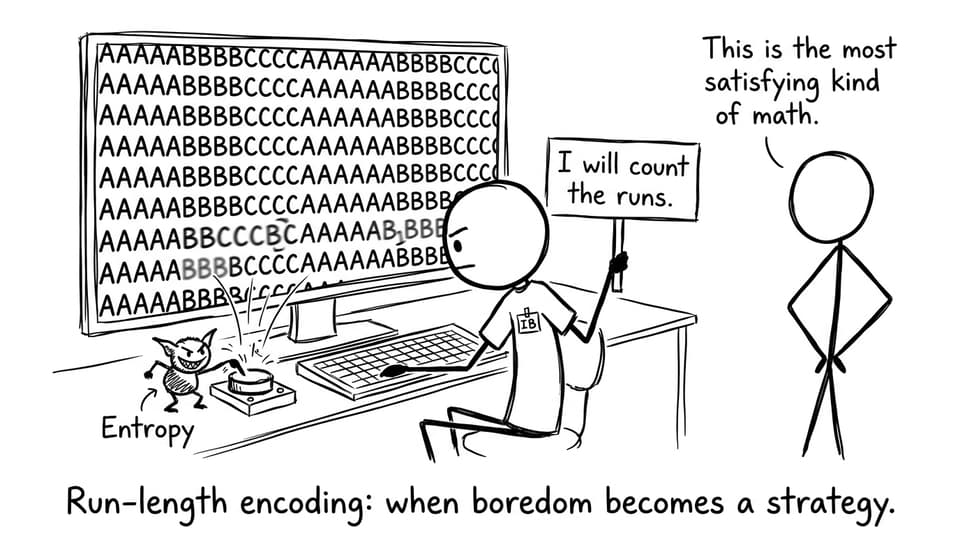
Student vs Entropy: counting runs
What run-length encoding means in IB Computer Science
Run-length encoding is a lossless compression method. “Lossless” matters in IB Computer Science because it means the original data can be reconstructed perfectly. RLE compresses by spotting runs (long stretches of the same value) and storing each run as:
the count
the value
That’s it. No clever guessing. No quality reduction.
To tighten your definitions, keep the IB Computer Science glossary bookmarked for quick, exam-friendly phrasing.
Run-length encoding explained step by step (worked example)
Take the sequence:
AAAAABBCCCCDD
Step 1: Identify the runs
Move left to right and mark each run:
AAAAA = 5 A
BB = 2 B
CCCC = 4 C
DD = 2 D
Step 2: Write count then value
A common format is:
5A2B4C2D
Step 3: Verify by decoding
Expand each pair back out:
5A → AAAAA
2B → BB
4C → CCCC
2D → DD
You should recover the exact original. That “decode check” is a quiet way to protect marks in IB Computer Science.
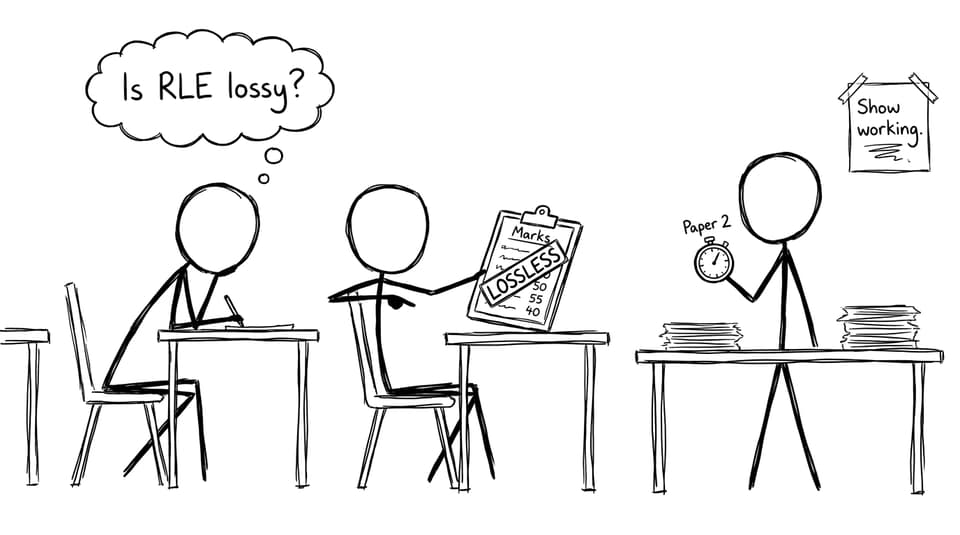
Exam hall debate: lossless
Why RLE is lossless (and why that wins marks)
RLE doesn’t delete information; it re-expresses it. Instead of storing every repeated symbol, it stores a rule that recreates them.
In IB Computer Science, examiners often reward the phrasing “the original can be reconstructed exactly.” If you need to connect that to the wider syllabus, RevisionDojo’s breakdown of lossy vs lossless compression is a useful comparison frame.
Where run-length encoding works best (especially images)
RLE shines when the data has long, boring stretches.
That’s why RLE often appears with bitmap images, stored row by row. Imagine a row like:
white white white white black
RLE becomes:
4 white, 1 black
Simple graphics, icons, diagrams, and scanned documents often have big blocks of the same colour. Photographs don’t. With lots of variation, RLE may barely compress, or can even expand.
To revise compression in transmission contexts, pair this article with RevisionDojo’s notes on data compression in transmission.
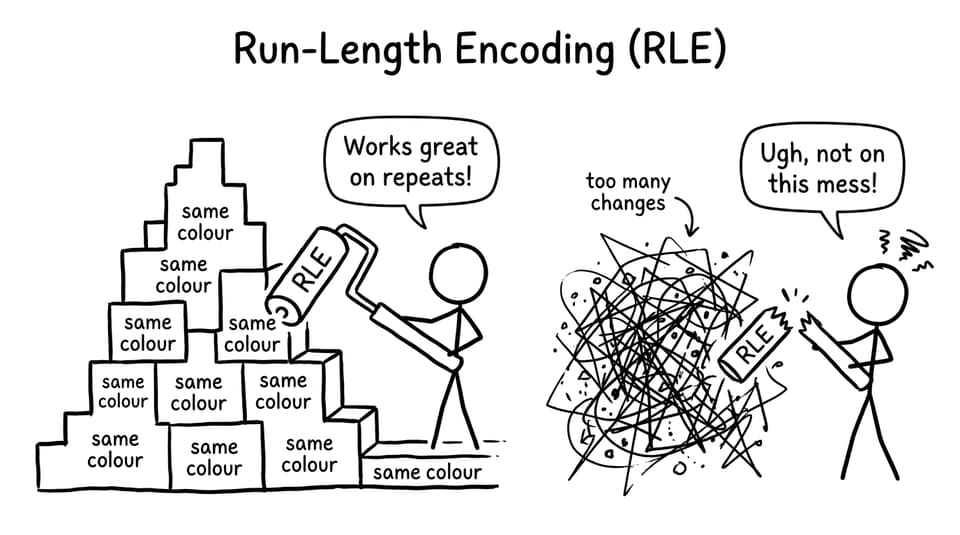
RLE works on blocky art, breaks on chaos
Common IB Computer Science mistakes with RLE
Most errors are small, not dramatic:
Encoding individual characters instead of runs
Combining non-consecutive symbols (A…A is not one run)
Forgetting RLE is lossless
Not showing steps, so the marker can’t award method marks
If you want targeted drills, the IB Computer Science Questionbank is ideal for short, repeatable RLE practice under time pressure.
Closing: make RLE a guaranteed mark in IB Computer Science
Run-length encoding is simple, but it’s also unforgiving: it rewards students who move carefully, line by line. In IB Computer Science, that’s a gift. Learn the routine, show the steps, and treat decoding as your built-in error check.
When you’re ready to lock it in, use RevisionDojo’s Study Notes for the theory, Flashcards for definitions, and the Questionbank for exam-style repetition. RLE is the kind of topic that turns from “confusing” to “automatic” in one focused session -- and automatic is what you want on exam day.
IB Computer Science · 6 min read
IB Computer Science: Joins Explained Simply
IB Computer Science joins explained: learn why JOINs matter, how INNER vs LEFT works, and how keys connect tables--with exam-focused tips.