


In IB Computer Science, risk assessment is one of those topics that sounds like paperwork until you realize it’s the story behind almost every real security failure. A school installs new software, a bank migrates data, a hospital digitizes records. Nothing breaks because someone forgot a definition. It breaks because someone made a decision without thinking through what could go wrong.
That’s why IB Computer Science examiners reward the process (how you identify, judge, and reduce risk), not just the phrase “risk assessment.” If you can explain the reasoning calmly and step-by-step, you turn a short scenario into a high-mark answer.
Risk assessment in IB Computer Science (the fast checklist)
Use this mini-framework whenever a question mentions security, planning, or “reduce harm”:
-
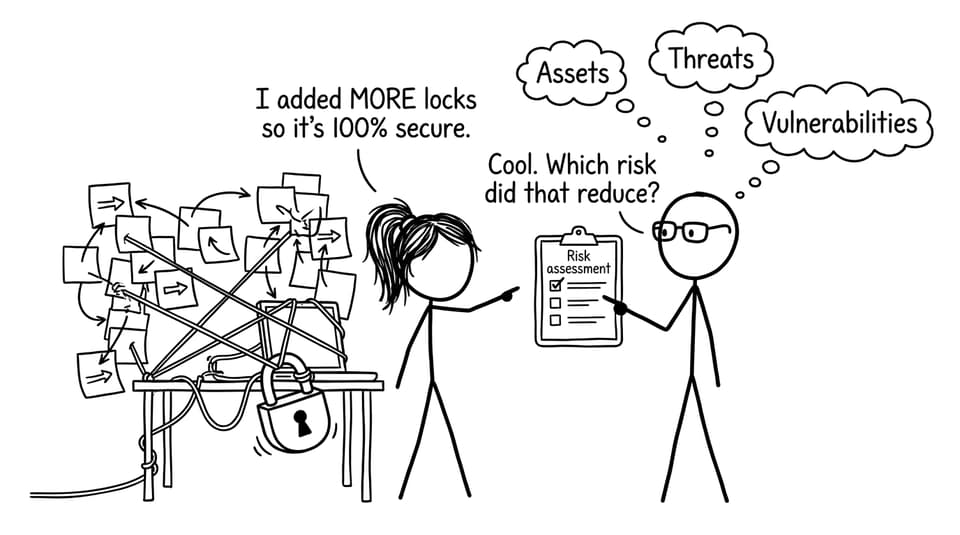
Identify assets, threats, and vulnerabilities
-
Judge likelihood and impact
-
Prioritise risks (not all are equal)
-
Choose a response: mitigate, accept, avoid, or transfer
-
Link every control back to the specific risk you found
To practise this with exam-style prompts, build targeted sets in the IB Computer Science Resources hub and then convert your understanding into marks using the Questionbank.
What “risk assessment” actually means
A risk assessment is a structured way to:
-
spot potential problems before they happen,
-
estimate how bad they would be,
-
and decide what to do about them.
In IB Computer Science, a risk exists when a threat can exploit a vulnerability and cause harm to an asset. That relationship matters, because it forces you to explain why the system is at risk, not just what the risk is.
If you want a nearby topic that often appears in the same exam scenarios, see Social Engineering Attacks Explained and notice how “people” can be the vulnerability.
Step one: Identify assets, threats, vulnerabilities
In scenario questions, start by naming the asset. Then the threat. Then the weakness.
-
Assets: personal data, grades, financial records, system uptime/availability
-
Threats: hackers, insider misuse, malware, phishing, hardware failure
-
Vulnerabilities: weak passwords, unpatched systems, poor training, misconfigured permissions
A strong IB Computer Science answer sounds like: “The asset is X, the threat is Y, and the vulnerability is Z, so the risk is…”
For broader exam structure (not just security), it helps to read Mastering IB Computer Science Assessments so you see how examiners reward clear chains of reasoning.
Step two: Analyse likelihood and impact
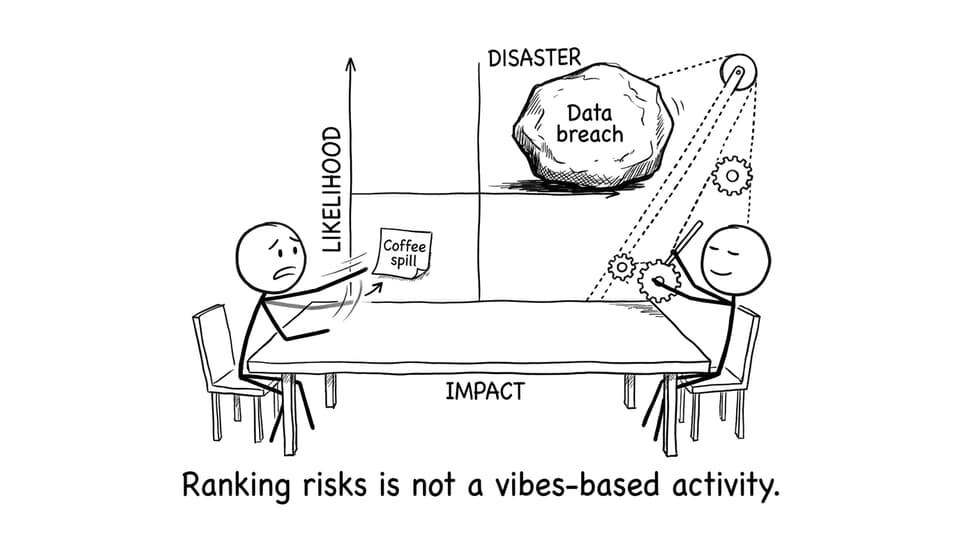
This is where many IB Computer Science students lose marks: they list risks but never rank them.
-
Likelihood means: how probable is it?
-
Impact means: how severe are the consequences?
High-likelihood, high-impact risks get tackled first. A low-likelihood but catastrophic risk might still deserve attention, while a high-likelihood but tiny-impact risk might be monitored rather than fully “solved.”
To strengthen your wording, practise short “evaluate the risk” paragraphs and get feedback using RevisionDojo’s AI Chat and Grading tools inside the IB Computer Science Resources hub.
Step three: Decide what to do (mitigate, accept, avoid, transfer)
After ranking, organisations choose a response:
-
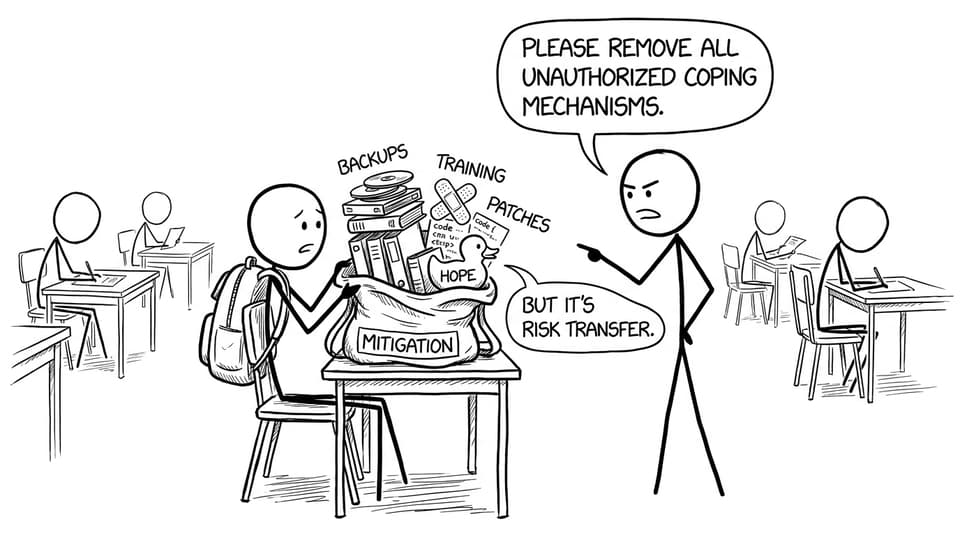
Mitigate: reduce likelihood and/or impact (patching, access control, training, backups)
-
Accept: live with the risk if it’s low or mitigation costs too much
-
Avoid: change the system so the risky feature/process isn’t used
-
Transfer: move responsibility elsewhere (insurance, outsourcing)
In exam answers, always link the control to the earlier vulnerability. For example: if the vulnerability is “staff click suspicious links,” mitigation is training and filtering, not “add encryption” (which may not address the cause).
You can connect mitigation ideas to core network security concepts in RevisionDojo’s syllabus-aligned notes, such as A2.4.1 Effectiveness of Firewalls at Protecting a Network (Notes).
Common IB Computer Science mistakes (and the fix)
-
Mistake: Treating all risks as equal.
Fix: Rank them with likelihood and impact. -
Mistake: Naming a control without connecting it to a vulnerability.
Fix: Say what weakness it reduces. -
Mistake: Forgetting that people are part of the system.
Fix: Include training, procedures, and access levels.
Conclusion: why risk assessment matters for IB Computer Science
Risk assessment in IB Computer Science is really a disciplined habit: notice what matters, imagine what could break it, and choose the most sensible response. Do that clearly, and you’re not just learning security vocabulary; you’re writing the kind of explanation that earns marks.
If you want to turn this topic into consistent exam performance, use RevisionDojo as your home base: refresh the concept in Study Notes, drill it in the Questionbank, lock in language with Flashcards, and sharpen explanations with AI Chat, Grading tools, Predicted Papers, Mock Exams, and Tutors through the IB Computer Science Resources hub.


