

Your school Wi‑Fi collapses for five minutes, and suddenly the whole class becomes a network engineer. Someone blames “the router,” someone says “bandwidth,” and one brave student mutters the words that matter in IB Computer Science: topology.
Topology questions look simple until the exam asks you to justify a choice. Then it’s not about drawing shapes. It’s about arguing trade-offs: reliability vs cost, performance vs complexity, and what fails when one link dies.
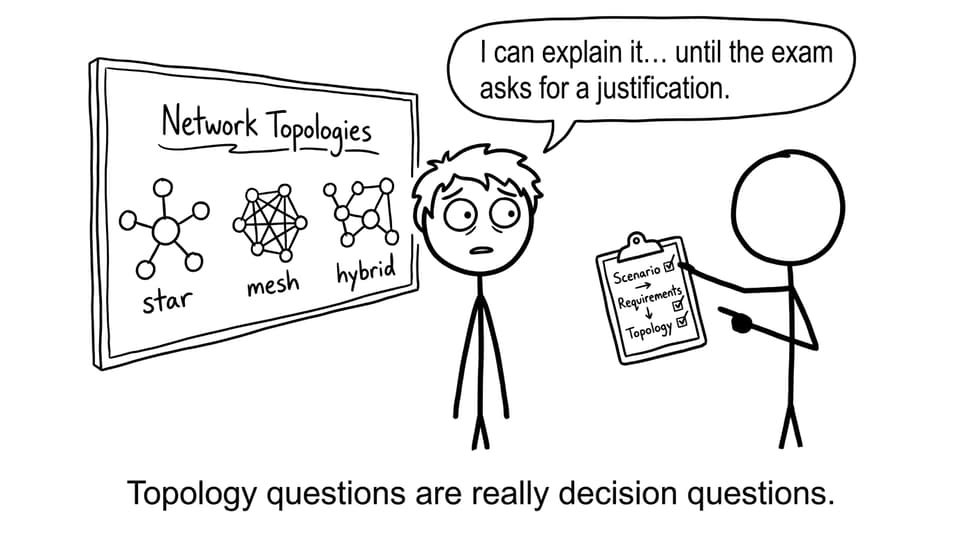
Network topology (what the examiner actually wants)
A network topology is the physical or logical arrangement of devices (nodes) and the connections (links) between them. In IB Computer Science, it’s tested as applied thinking: how data flows, how faults spread, and why one design fits a scenario better than another.
If you want clean definitions you can reuse in exam wording, keep the IB Computer Science Key Definitions open while you revise.
Quick exam checklist for topology questions
-
Identify the requirements: cost, reliability, scalability, performance.
-
State how data travels (single route vs multiple routes).
-
Describe failure impact (single point of failure? rerouting?).
-
Finish with a scenario-linked justification (not just pros/cons).
For syllabus-aligned coverage, pair this with A2 Networks Notes and then drill questions in the A2 Networks Questionbank.
Star topology in IB Computer Science
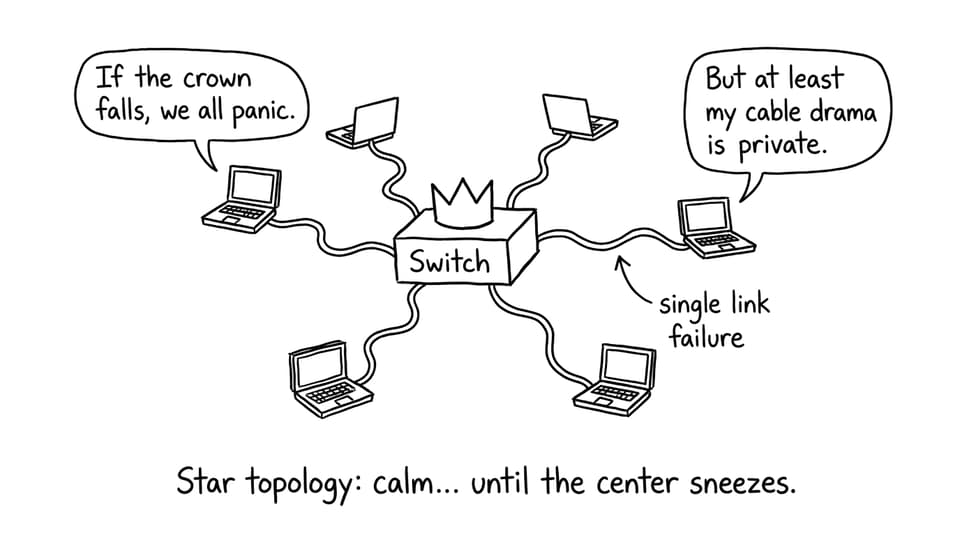
A star topology connects every device to a central device, usually a switch. Each node has its own link to the switch, and most communication passes through that central point.
Why it’s popular: it’s easy to install, manage, and troubleshoot. If one cable fails, only that one device drops.
The catch: the switch is a single point of failure. If it fails, the whole network effectively stops.
Use star when the scenario is a school lab or office LAN where simplicity matters and budget is limited. For extra network context, see 3.1 Networks Notes.
Mesh topology in IB Computer Science
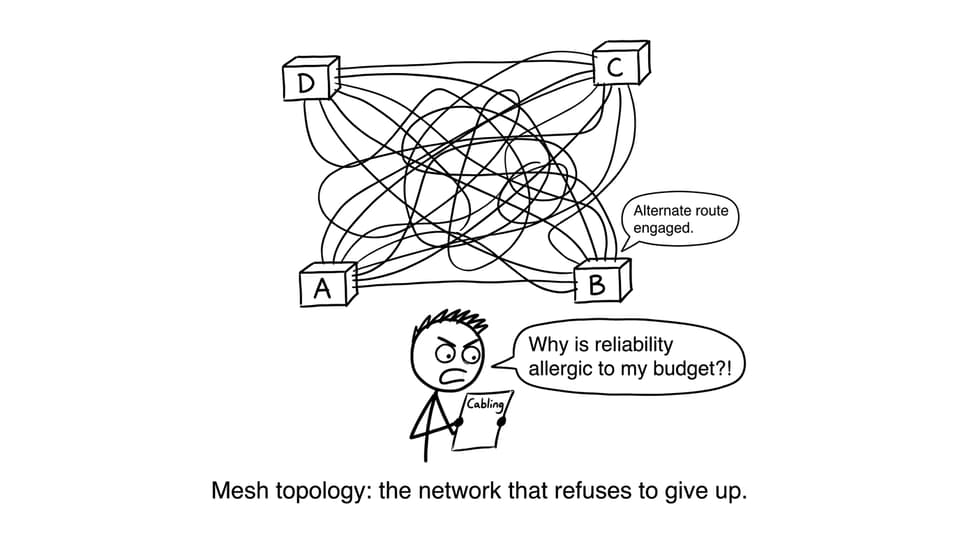
A mesh topology connects devices to multiple other devices. In a full mesh, every node connects to every other node, which creates multiple possible paths for data.
Why it’s powerful: reliability. If one link fails, data can be rerouted through another path. There’s no single central device that can take everyone down at once.
Why it’s rare in simple scenarios: cost and complexity. More links mean more cabling, more configuration, and harder maintenance.
Mesh fits critical systems where uptime matters more than cost, which is exactly the kind of justification the IB Computer Science markscheme rewards.
Hybrid topology in IB Computer Science
A hybrid topology combines two or more topologies. A common real-world pattern is “star networks connected together,” or a mostly-star design with mesh-like redundancy between key switches.
Why it’s realistic: large organizations grow in layers. Different buildings or departments can use different designs, then connect them.
Trade-off: flexibility and scalability increase, but so does design complexity and cost. Your justification should name what you’re “buying” with that complexity (for example, better resilience between buildings).
To deepen architecture ideas beyond topology, revise A2.2 Network Architecture and reinforce recall with A2.2 Flashcards.
Common IB Computer Science mistakes (and how to fix them)
-
Vague hybrid explanations: name the parts (e.g., “star within each classroom, mesh between building switches”).
-
Forgetting the star’s central device: always mention the switch and the single point of failure.
-
Confusing mesh with “peer-to-peer”: peer-to-peer is a relationship model; mesh is a physical/logical connection pattern.
-
No scenario link: finish with a sentence that ties back to cost, reliability, or scalability.
If you’re training exam technique alongside content, bookmark How to Get a 7 in IB Computer Science and practice decision-style prompts in timed sets.
Final takeaway
In IB Computer Science, network topologies are less about diagrams and more about choices. Star optimizes simplicity, mesh optimizes resilience, and hybrid is how real networks compromise under real constraints.
When you’re ready to convert this into marks, use RevisionDojo as your loop: learn with Study Notes, test with the Questionbank, lock in terms with Flashcards, and use AI Chat and grading tools to sharpen explanations until your justifications sound inevitable.