

Malware questions in IB Computer Science have a sneaky pattern: they look like simple definitions until the last line asks how it spreads. That’s where marks quietly disappear. In the real world, confusing a virus with a worm is a headache. In an exam, it’s the difference between “some understanding” and clean, high-scoring accuracy.
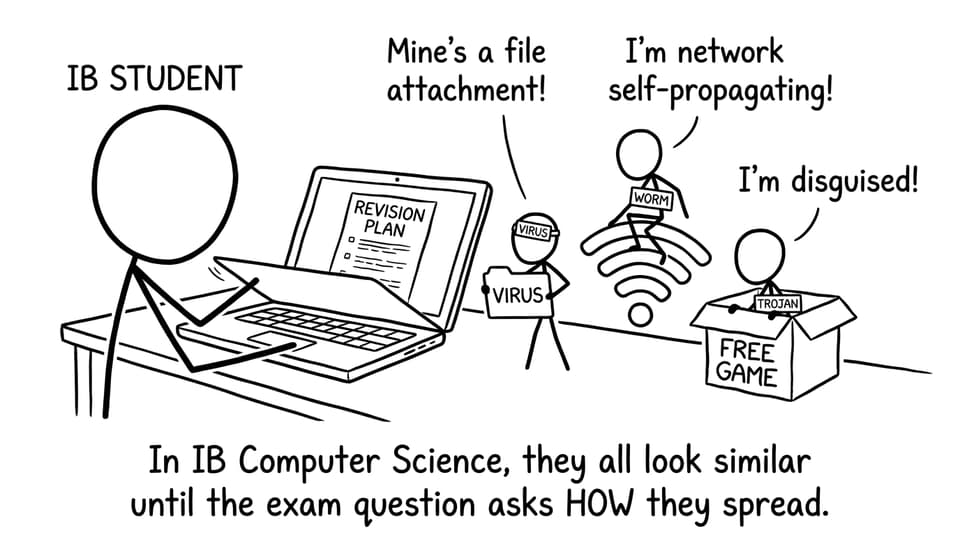
Quick exam checklist for IB Computer Science malware
Before you write anything, run this fast checklist (it keeps your answer structured in IB Computer Science terms):
-
Does it need a host file/program? (virus)
-
Does it self-spread across a network? (worm)
-
Does it disguise itself to trick a user? (Trojan)
-
Is user action required for spread? (virus/Trojan, usually)
-
What’s the main defence? (antivirus, firewalls/patching, user education)
If you want targeted practice on the exact style of scenario questions, start with the IB Computer Science resources hub and then drill networks/security in the 3.1 Networks Questionbank.
What is malware in IB Computer Science?
In IB Computer Science, malware means malicious software designed to harm a system, disrupt normal operation, steal data, or gain unauthorised access. The key detail is intent: it runs without the user’s informed consent.
Examiners usually reward answers that connect malware to consequences like loss of confidentiality (data theft), integrity (data changed), or availability (systems taken offline). For broader context, see Network Security Threats IB Computer Science Students Must Know.
Virus: the malware that needs a host
A virus is malware that attaches to a legitimate file or program (the “host”). It typically requires user action to activate and spread, such as opening an infected attachment, running a downloaded file, or using infected removable media.
In exam language, the highest-value phrase is: a virus cannot spread independently; it needs a host and execution.
Common impacts include corrupted files, unstable software behaviour, and degraded performance.
Worm: the malware that spreads by itself
A worm is malware that self-replicates without a host file and typically spreads automatically across networks. Worms often exploit vulnerabilities (unpatched systems, misconfigurations) to move from one machine to another.
A worm answer in IB Computer Science should link the spread mechanism to networks: fast replication, bandwidth consumption, and rapid infection of multiple devices.
If you’re revising network defences alongside this, the 3.1.11 Network Security Methods page is a good syllabus-aligned anchor.
Trojan: the malware that persuades you
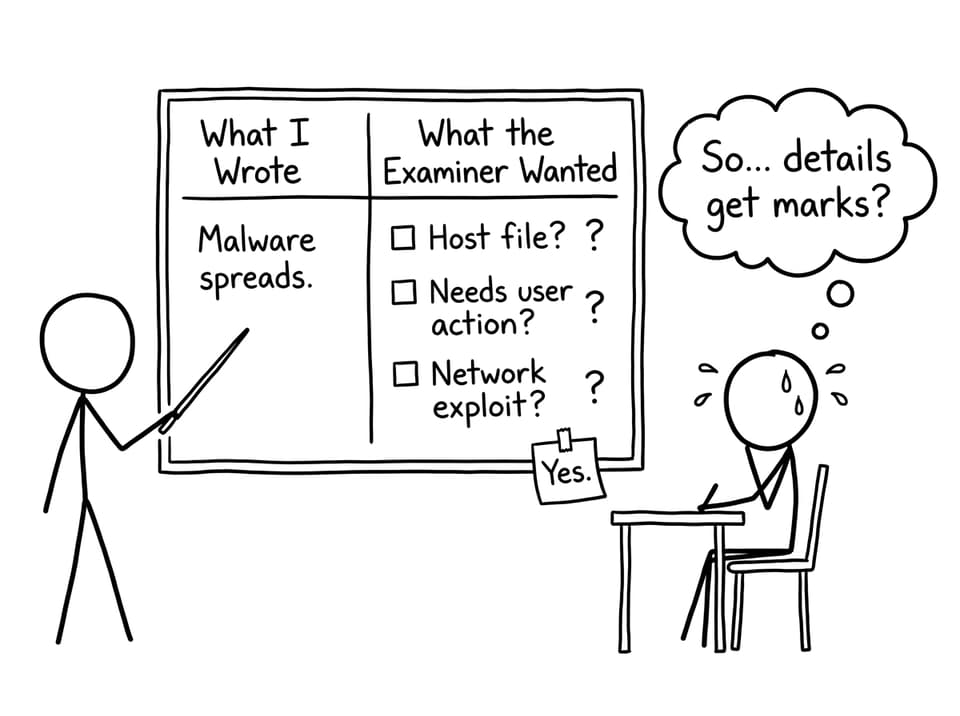
A Trojan horse (Trojan) is malware that pretends to be legitimate software. Unlike viruses and worms, a Trojan does not self-replicate. Its core strategy is deception: it relies on the user installing or running it.
In IB Computer Science, link Trojans to social engineering and outcomes like backdoors, keystroke logging, and silent installation of additional malicious tools.
A strong supporting comparison topic is threats vs weaknesses: see Cybersecurity Threats vs Vulnerabilities Explained.
Compare viruses, worms, and Trojans (the marks table in words)
When you compare malware types in IB Computer Science, keep it contrast-based:
-
Virus: needs a host file; spread usually requires user action.
-
Worm: self-spreading; spreads through networks by exploiting vulnerabilities.
-
Trojan: disguised as legitimate; installed through user deception; does not self-replicate.
This kind of compact comparison often scores better than a long paragraph.
Prevention links you can mention (without overexplaining)
Examiners like defences that match the threat:
-
Viruses: antivirus scanning + safe download habits.
-
Worms: patching + firewalls + network monitoring.
-
Trojans: user training + careful installation practices + permission controls.
For an additional real-world malware case you can connect to encryption and extortion, read Ransomware Explained and Why It’s Dangerous.

Closing: turn definitions into marks
Viruses, worms, and Trojans aren’t just three words to memorise in IB Computer Science. They’re three different stories about how damage gets into a system: a virus rides inside a file, a worm runs on its own across networks, and a Trojan convinces a human to let it in.
If you want this topic to feel automatic in exam conditions, use RevisionDojo to revise with Study Notes, lock it in with Flashcards, and then test yourself in the Questionbank and Mock Exams. When you’re ready, add pressure with Predicted Papers, check your work with Grading tools, and use the Coursework Library and Tutors when you need targeted support. That’s how IB Computer Science security stops being confusing and starts becoming reliable marks.


