

SQL feels like it should be “coding.” You expect loops, variables, maybe a heroic algorithm that saves the day.
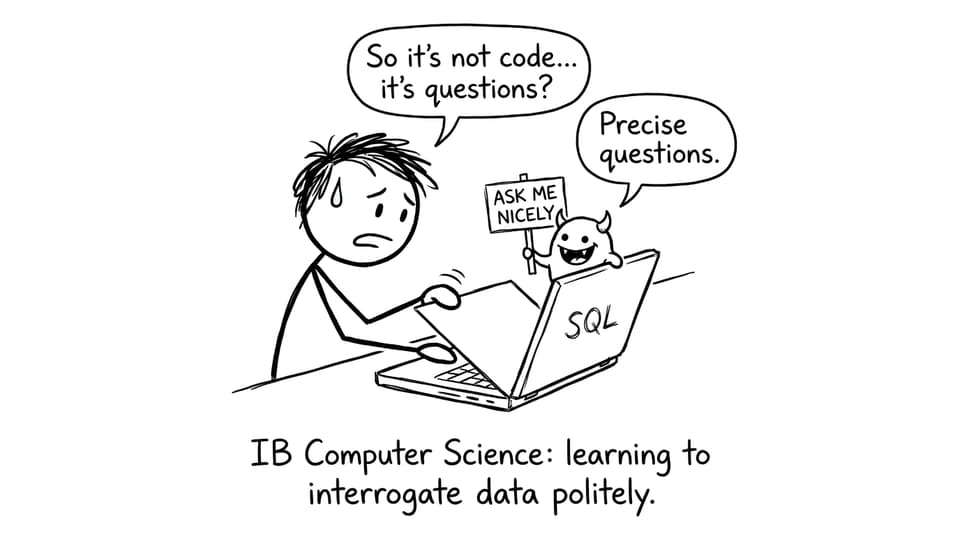
Then you meet SQL in IB Computer Science and realise it’s quieter than that. It’s the language of requests. Not “do this,” but “show me that.” Not logic puzzles, but careful questions asked of a database that is happy to misunderstand you if you’re vague.
That’s why SQL shows up so often in IB Computer Science exam questions: it rewards precision. And precision is learnable.
SQL in IB Computer Science: a quick checklist
If you’re revising SQL for IB Computer Science, make sure you can do these confidently:
-
Define SQL and explain its purpose in a relational database
-
Use the terms table, record (row), and field (column) correctly
-
Describe how a query is processed by a DBMS
-
Recognise the four core operations: SELECT, INSERT, UPDATE, DELETE (CRUD)
-
Explain why good database design makes queries easier and more reliable
If you want a broader map of what’s assessed, keep this guide open while you revise: What Databases Should I Learn for IB Computer Science?
What SQL is (and what it isn’t) in IB Computer Science
SQL stands for Structured Query Language. In IB Computer Science, you treat it as a data query language used with relational databases.
That phrasing matters. SQL isn’t aimed at building software behaviour the way Java or Python might. Instead, it’s designed to:
-
Retrieve specific data from one or more tables
-
Add new records
-
Change existing records
-
Remove records
In exam answers, the highest marks usually go to students who communicate intent clearly: what the query is trying to achieve, and which data it targets.
For terminology refreshers (a common mark source), use: Notes for A.2.6 Database Terms - IB
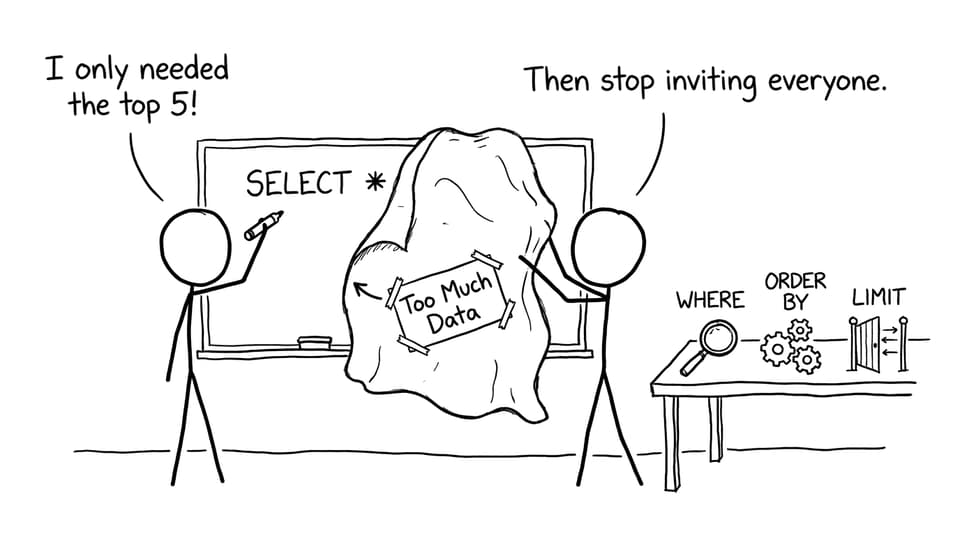
Why SQL exists: “find the needle, not the haystack”
A database can hold thousands--or millions--of records. Without SQL, you would be stuck browsing everything manually, like flipping every page in a library to find one quote.
SQL helps you:
-
Filter results (only the rows that match)
-
Sort results (so patterns become visible)
-
Combine data from multiple tables (so information becomes meaningful)
That efficiency is the story behind many IB Computer Science questions: the point is not fancy syntax. The point is controlled access to data.
How SQL queries interact with a DBMS
A simple way to explain the process (and a great exam paragraph) is:
-
You write an SQL query.
-
The DBMS interprets it.
-
The DBMS searches the relevant tables.
-
The DBMS returns a result set (matching records/fields).
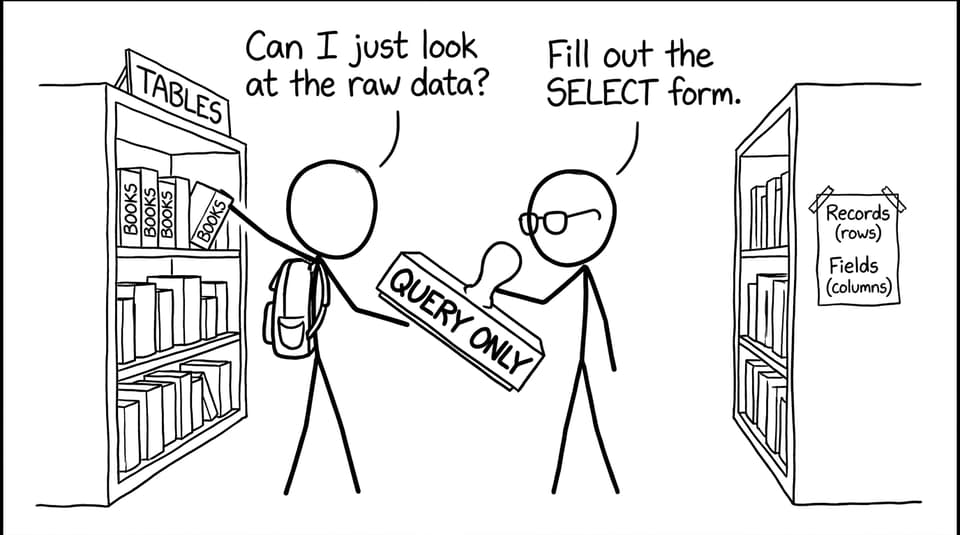
You usually do not interact with “raw data” directly. The DBMS acts as the gatekeeper, which is why security, integrity rules, and constraints can be enforced.
For structured practice, start from the IB Computer Science hub: IB Computer Science Resources
The four SQL operations you must know (CRUD)
Most IB Computer Science SQL content revolves around CRUD:
-
SELECT (Read): retrieve data without changing it
-
INSERT (Create): add new records
-
UPDATE (Update): modify existing records
-
DELETE (Delete): remove records
A high-value exam warning: UPDATE and DELETE should almost always include a WHERE clause, otherwise you may affect every record.
To revise these operations with syllabus-aligned examples, use:
Tables, fields, records: the vocabulary that wins marks
SQL is written in terms of database structure:
-
Table: a collection of related data
-
Field (column): an attribute, like
EmailorAge -
Record (row): one entry, like one student
Many students lose easy marks by mixing these words up, especially under timed pressure. Build automatic accuracy by drilling definitions using RevisionDojo Flashcards, then applying them in the Questionbank.
To strengthen key relationships (often tested alongside SQL), read: Primary Keys and Foreign Keys Explained Clearly
SQL across multiple tables (concept first)
When a database is well designed (often normalised), data is split across tables. SQL becomes powerful when it recombines the right pieces at the right moment.
That’s where joins come in. In IB Computer Science, you’re typically assessed on understanding what a join does and why it’s needed, not on memorising every edge-case.
Use: Joins Explained: Combining Data from Multiple Tables
Closing: make SQL your “easy marks” topic
SQL is one of the rare IB Computer Science topics where clarity beats cleverness. If you can describe tables and keys accurately, explain what a query is trying to do, and connect SQL to efficient data access, you’ll collect marks steadily.
When you’re ready to turn understanding into exam performance, use RevisionDojo to go end-to-end: Study Notes for concepts, Flashcards for definitions, Questionbank for exam-style practice with feedback, AI Chat to sharpen explanations, and Mock Exams to make timing feel normal. Start here: IB Computer Science Notes